








这是什么东西?
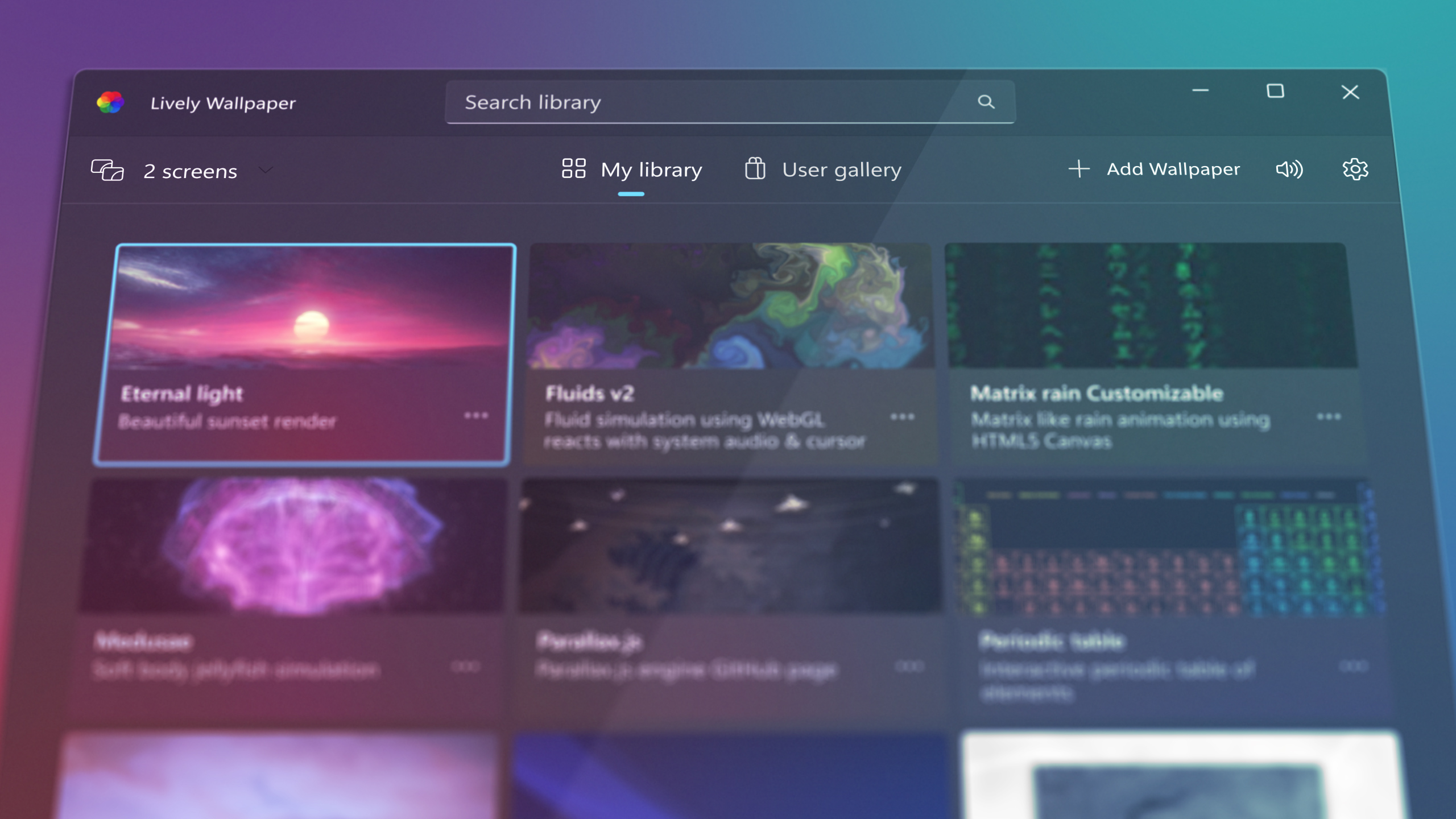
 Lively Wallpaper 是一款免费开源的 Windows 应用,能把动态壁纸和屏幕保护放到你的桌面上——支持视频、网页、着色器,甚至游戏——基于 WinUI 3 构建。
Lively Wallpaper 是一款免费开源的 Windows 应用,能把动态壁纸和屏幕保护放到你的桌面上——支持视频、网页、着色器,甚至游戏——基于 WinUI 3 构建。这是需要安装的 Windows 应用,还是一个库?它是 Windows 原生桌面应用,不是库——基于 WinUI 3 + WindowsAppSDK 框架构建,播放时由硬件加速。
它是 Windows 原生桌面应用,不是库——基于 WinUI 3 + WindowsAppSDK 框架构建,播放时由硬件加速。去哪里下载?怎么设置第一个壁纸?可以从 Microsoft Store 安装,或者从仓库下载安装包,然后只要把视频或网页拖到 Lively 上,就能设为壁纸了。
可以从 Microsoft Store 安装,或者从仓库下载安装包,然后只要把视频或网页拖到 Lively 上,就能设为壁纸了。需要哪个 Windows 版本?Windows 10 或 11——Microsoft Store 版需要 1809 及以上,安装包版需要 1903 及以上。没有 macOS 或 Linux 版本。
Windows 10 或 11——Microsoft Store 版需要 1809 及以上,安装包版需要 1903 及以上。没有 macOS 或 Linux 版本。安装包运行时会有安全警告吗?独立安装包没有商店签名,运行时 Windows SmartScreen 可能会弹出警告;作者在仓库讨论中对此作过说明。商店版则不会有这个问题。
独立安装包没有商店签名,运行时 Windows SmartScreen 可能会弹出警告;作者在仓库讨论中对此作过说明。商店版则不会有这个问题。真的完全免费吗?有没有功能要付费解锁?完全免费,采用 GPL-v3 开源协议——作者明确表示没有任何功能藏在付费墙后面。
完全免费,采用 GPL-v3 开源协议——作者明确表示没有任何功能藏在付费墙后面。我工作或玩游戏时,它会占用 CPU 和 GPU 吗?不会——当全屏应用或游戏运行时,播放会自动暂停(几乎不占 CPU 和 GPU),你还可以按前台应用设置规则、在使用电池时暂停,或者在远程桌面会话中自动暂停。
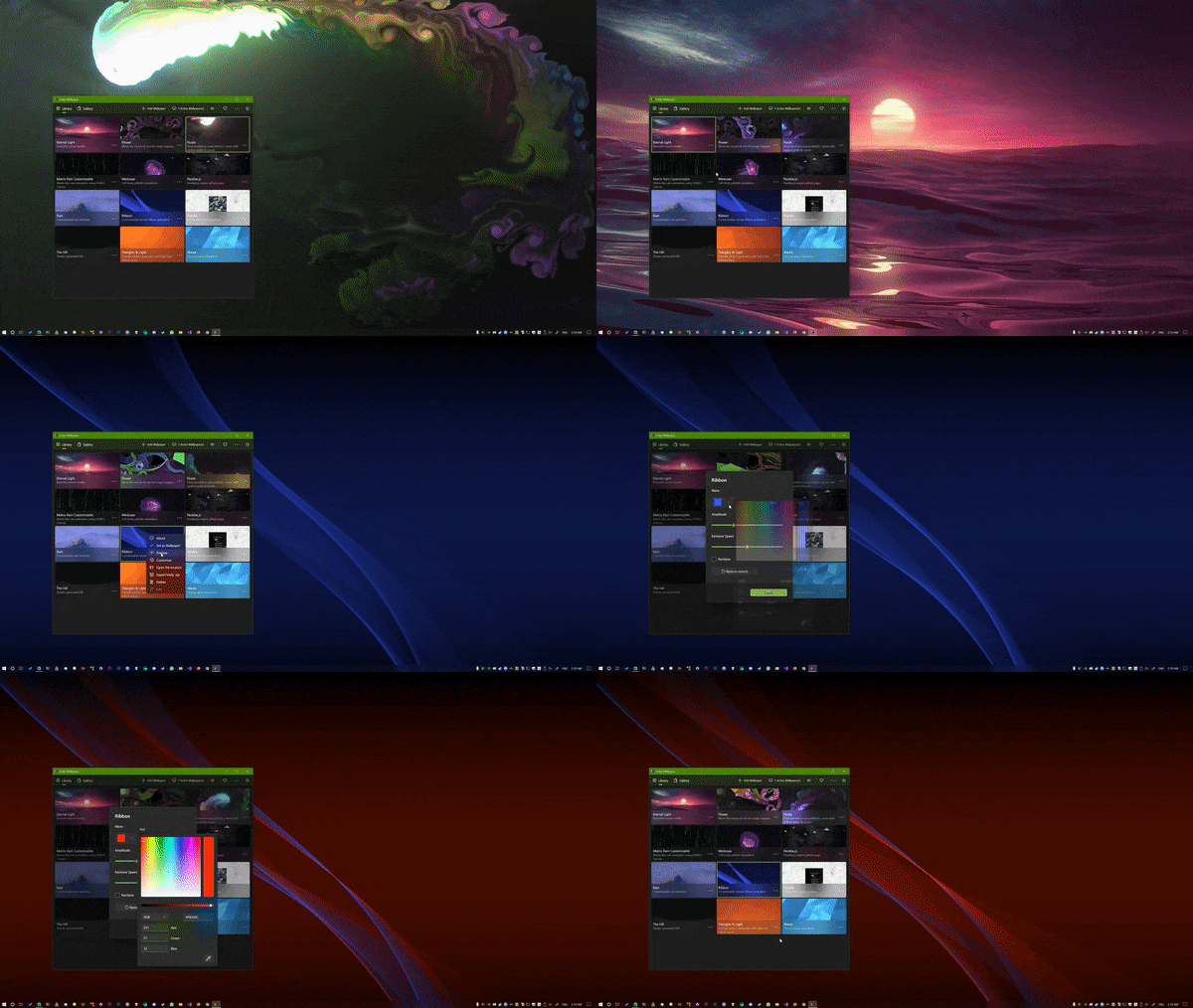
不会——当全屏应用或游戏运行时,播放会自动暂停(几乎不占 CPU 和 GPU),你还可以按前台应用设置规则、在使用电池时暂停,或者在远程桌面会话中自动暂停。哪些内容可以设成壁纸?几乎什么都行:通过拖放添加你自己的视频和网页、Shadertoy.com 的着色器链接、Unity 或 Godot 游戏,还有由机器学习驱动的动态壁纸。视频播放通过 mpv/vlc 进行硬件加速,视频滤镜也可以自定义。
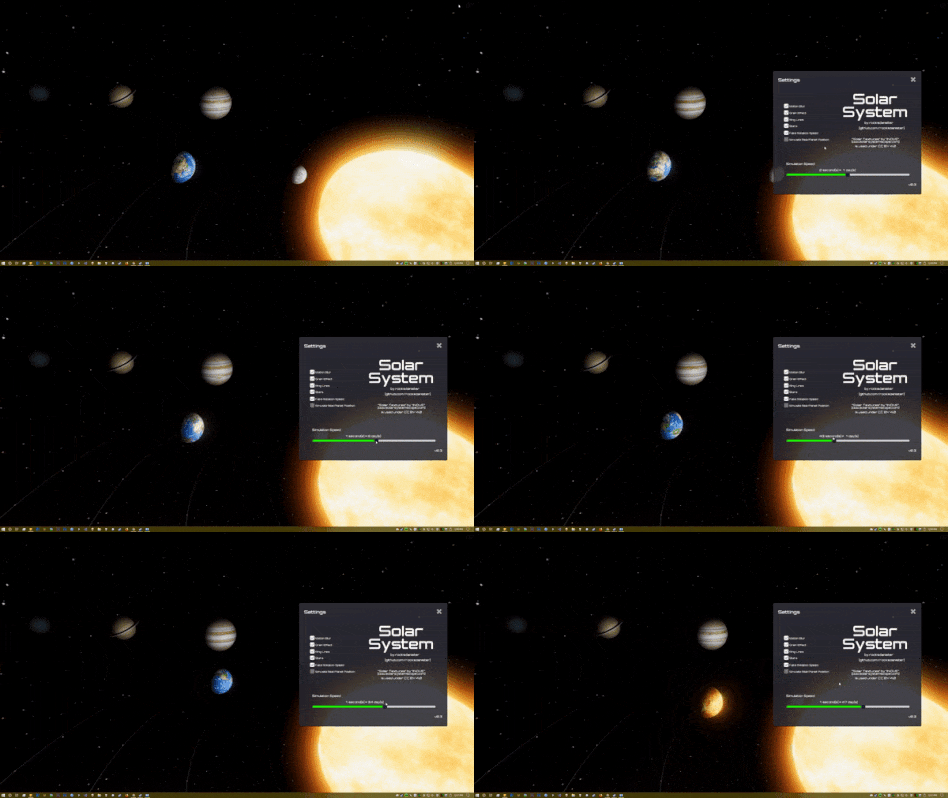
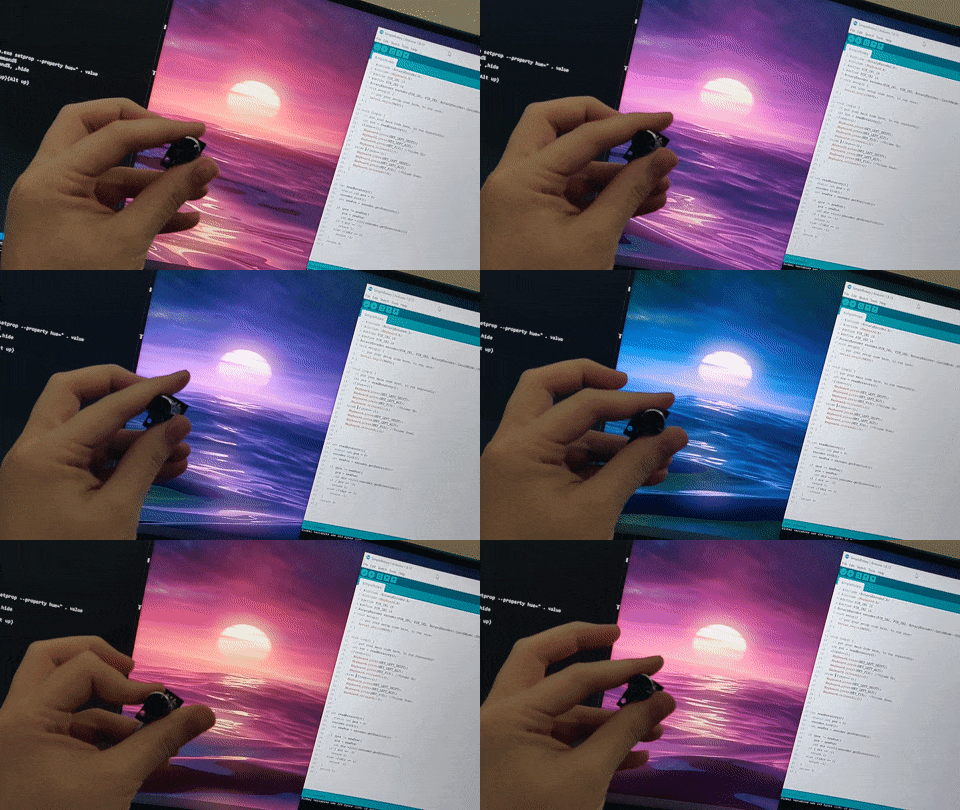
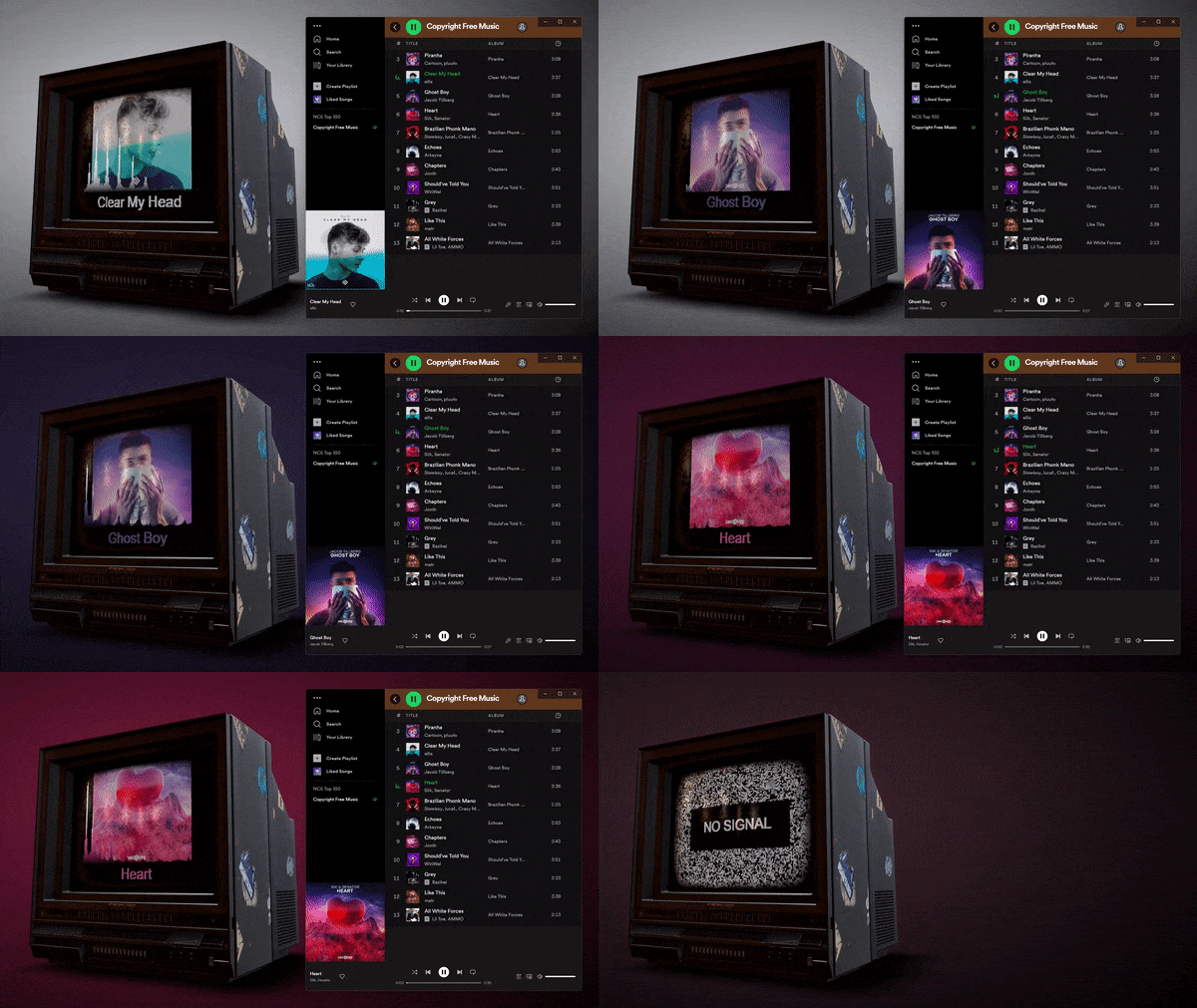
几乎什么都行:通过拖放添加你自己的视频和网页、Shadertoy.com 的着色器链接、Unity 或 Godot 游戏,还有由机器学习驱动的动态壁纸。视频播放通过 mpv/vlc 进行硬件加速,视频滤镜也可以自定义。开发者能自己做交互式壁纸吗?可以——通过 Lively API,壁纸可以读取硬件信息、音频频谱和正在播放的音乐信息。整个应用还能通过命令行控制,比如用 Python 或 AutoHotKey 脚本。
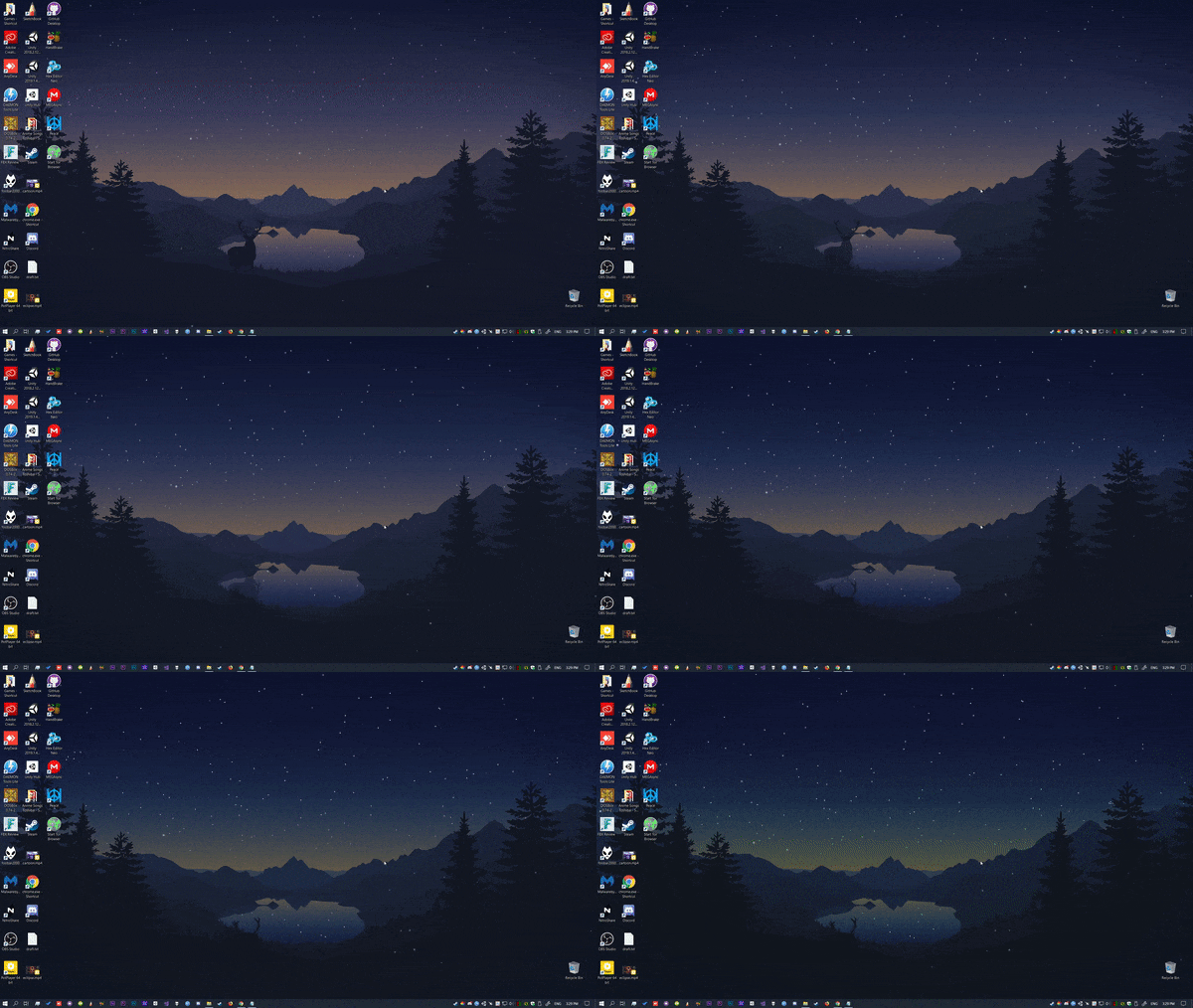
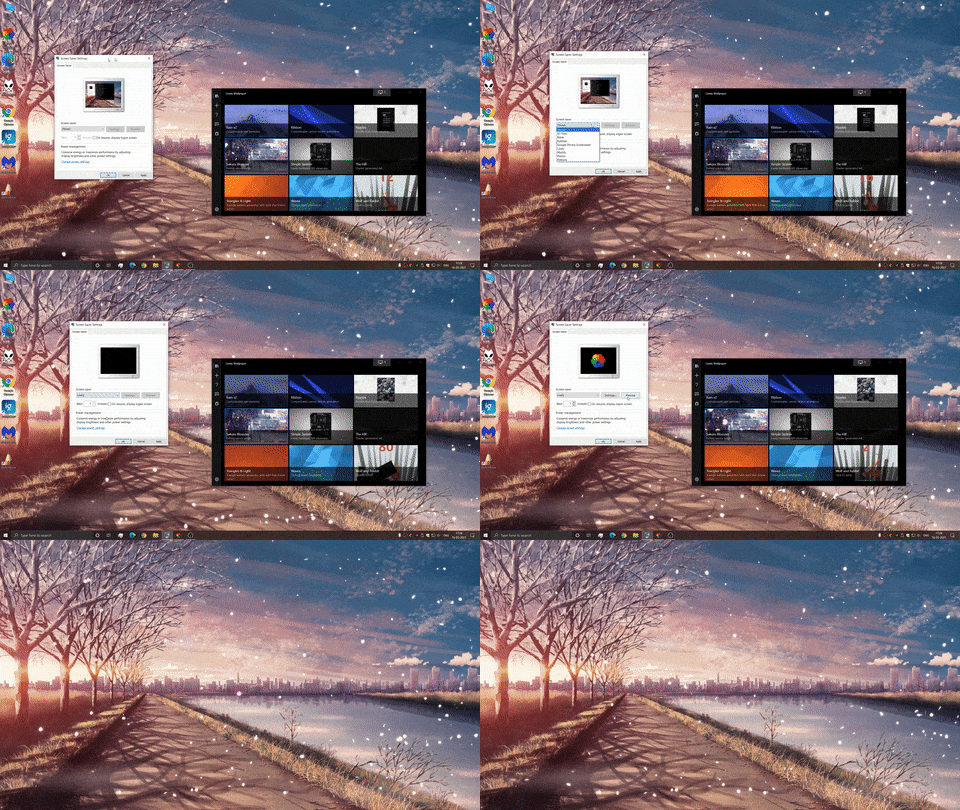
可以——通过 Lively API,壁纸可以读取硬件信息、音频频谱和正在播放的音乐信息。整个应用还能通过命令行控制,比如用 Python 或 AutoHotKey 脚本。它能当屏幕保护程序用吗?可以——Lively 支持 Windows 屏幕保护程序,任何壁纸都能设为屏保,并且支持多显示器。
可以——Lively 支持 Windows 屏幕保护程序,任何壁纸都能设为屏保,并且支持多显示器。网页壁纸会在我自己的浏览器里打开吗?不会——Lively 内置了一个基于 Chromium 的精简网页渲染器,网页和 Shadertoy 壁纸无需打开浏览器窗口就能运行。
不会——Lively 内置了一个基于 Chromium 的精简网页渲染器,网页和 Shadertoy 壁纸无需打开浏览器窗口就能运行。What are similar projects?DeskBox, WallpaperMachine, tubatools, DevToys, Files, Winhance, TranslucentTB, FluentTweaker
DeskBox, WallpaperMachine, tubatools, DevToys, Files, Winhance, TranslucentTB, FluentTweakerWhich topics is it in?fluent-design, winui, winui3, wallpaper, widgets, windows-10, windows-11, c#, csharp, windows-app, animation, customization
fluent-design, winui, winui3, wallpaper, widgets, windows-10, windows-11, c#, csharp, windows-app, animation, customization