



What is this?
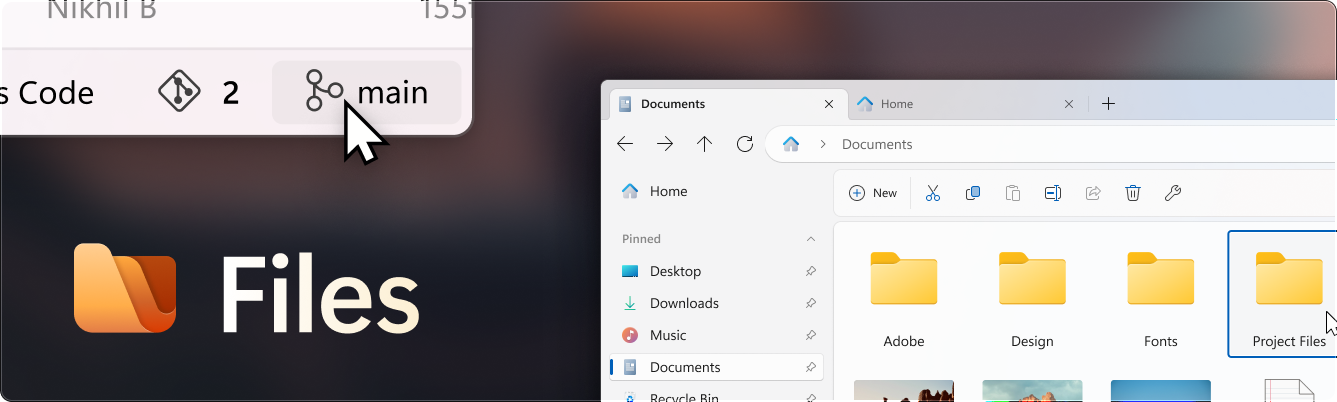
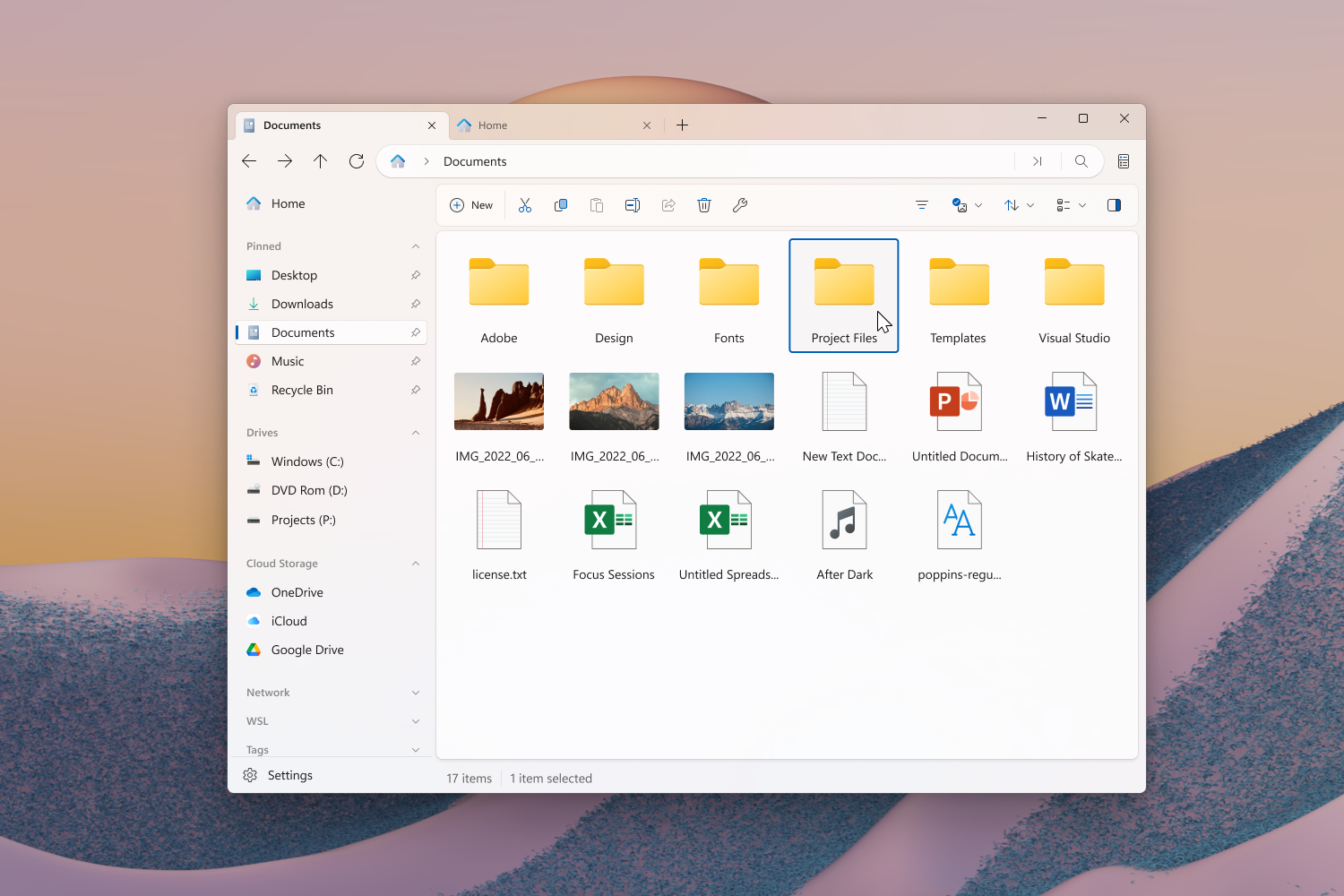
 Files is a modern, open-source file manager for Windows that helps users organize their files and folders, featuring multitasking, file tags, and deep system integrations.
Files is a modern, open-source file manager for Windows that helps users organize their files and folders, featuring multitasking, file tags, and deep system integrations.Is this a core Windows replacement or a standalone app?It's a standalone desktop application built with WinUI/XAML that runs alongside (not replacing) Windows File Explorer.
It's a standalone desktop application built with WinUI/XAML that runs alongside (not replacing) Windows File Explorer.How do I install Files?The recommended way is to get it through the Microsoft Store, or you can use the classic installer; a preview version is also available alongside the stable release for early access to new features.
The recommended way is to get it through the Microsoft Store, or you can use the classic installer; a preview version is also available alongside the stable release for early access to new features.Is Files free, or do I have to pay?Files is community-driven and asks users to consider purchasing it through the Microsoft Store or supporting the project on GitHub, though the classic installer is also available.
Files is community-driven and asks users to consider purchasing it through the Microsoft Store or supporting the project on GitHub, though the classic installer is also available.Does Files run on Windows only?Yes, it's a Windows-focused file manager built on WinAppSDK/WinUI.
Yes, it's a Windows-focused file manager built on WinAppSDK/WinUI.What makes Files different from the default Windows File Explorer?Files emphasizes an open, community-driven development model with robust multitasking, file tags, and deep system integrations, all with a modern Fluent Design interface.
Files emphasizes an open, community-driven development model with robust multitasking, file tags, and deep system integrations, all with a modern Fluent Design interface.How can I get involved in developing Files?You can open an issue to signal intent before submitting a pull request, follow the contributing guidelines, and pick tasks from the project's task board sorted by size and priority.
You can open an issue to signal intent before submitting a pull request, follow the contributing guidelines, and pick tasks from the project's task board sorted by size and priority.Can I try new features before they're officially released?Yes, you can install the preview version alongside the stable release to get early access to new features and improvements.
Yes, you can install the preview version alongside the stable release to get early access to new features and improvements.What are similar projects?DevToys, lively, DeskBox, optimizerDuck, Winhance, tubatools, calculator, Playnite
DevToys, lively, DeskBox, optimizerDuck, Winhance, tubatools, calculator, PlayniteWhich topics is it in?alternatives, files, fluent-design, winui, xaml, fluent, good-first-issue, utilities, file-manager, windows-10, windows-11, dotnet
alternatives, files, fluent-design, winui, xaml, fluent, good-first-issue, utilities, file-manager, windows-10, windows-11, dotnet