



What is this?
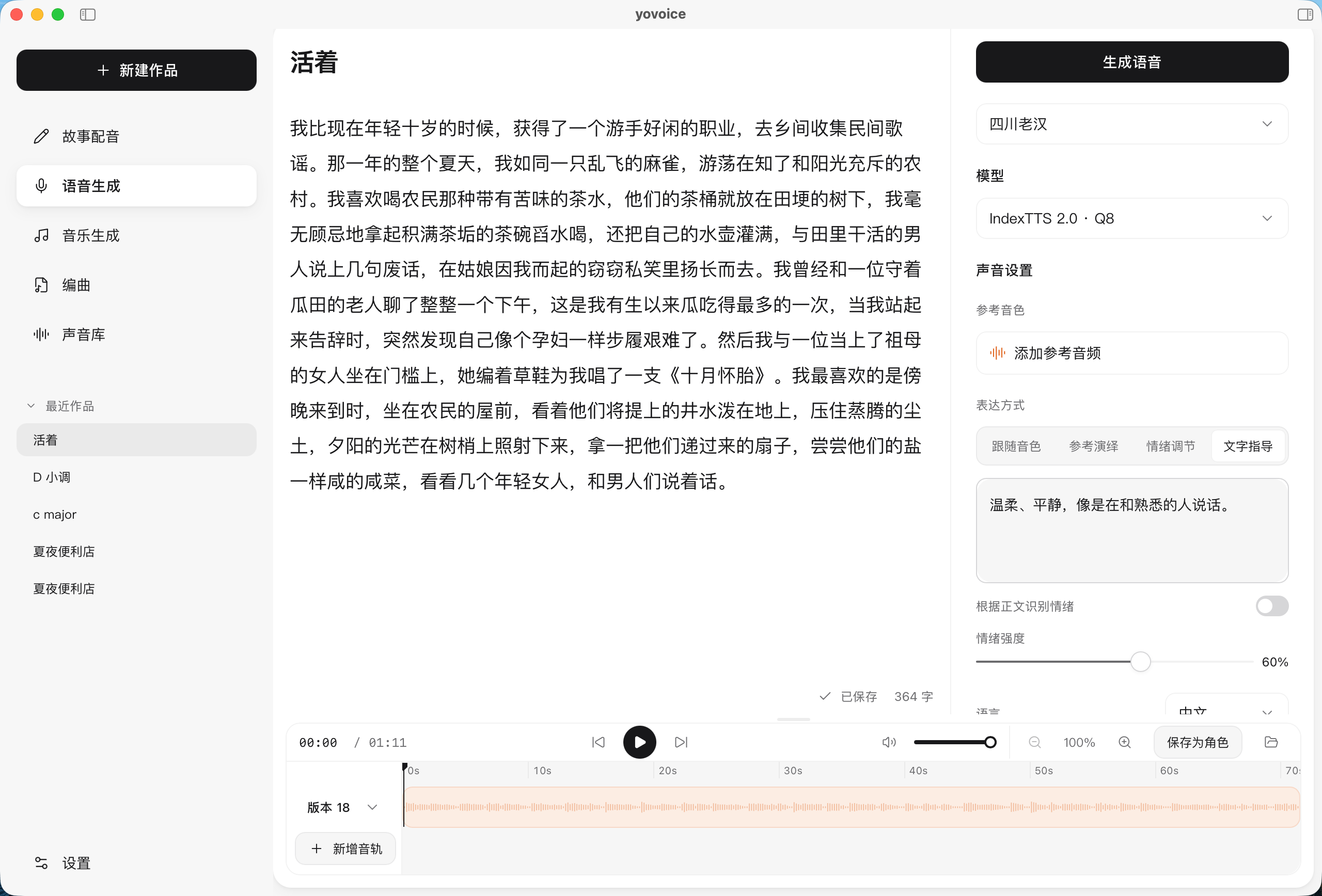
 yovoice is an open-source desktop app for macOS and Windows that turns text into natural, expressive speech locally, with voice cloning and emotion control, and no cloud API calls or per-character fees.
yovoice is an open-source desktop app for macOS and Windows that turns text into natural, expressive speech locally, with voice cloning and emotion control, and no cloud API calls or per-character fees.Is this a desktop app or a cloud service?It's a native desktop app you install from a .dmg (macOS) or .exe (Windows) package, plus a standalone CLI and an optional local 'yovoice serve' mode that exposes an HTTP/MCP API for other machines.
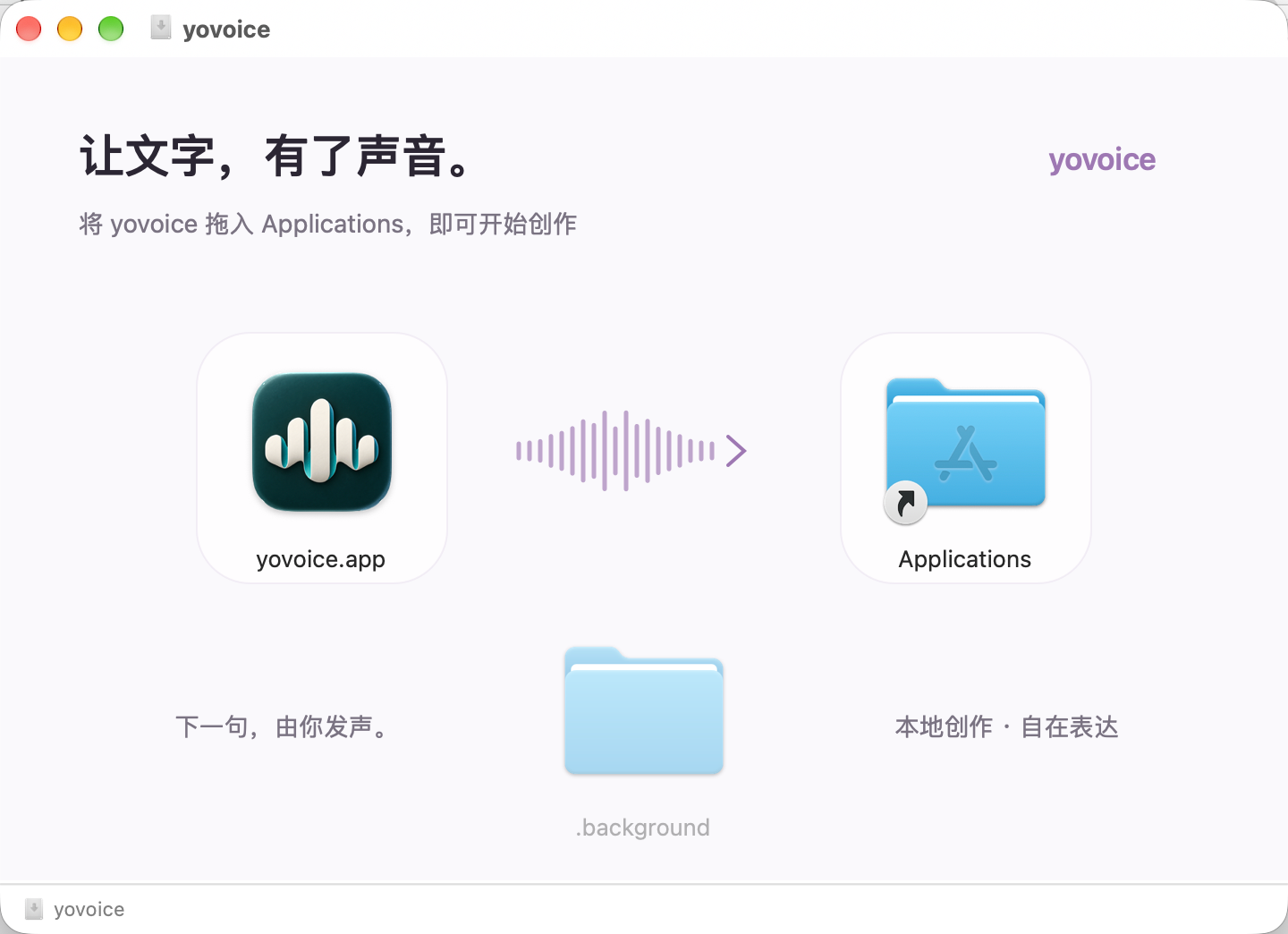
It's a native desktop app you install from a .dmg (macOS) or .exe (Windows) package, plus a standalone CLI and an optional local 'yovoice serve' mode that exposes an HTTP/MCP API for other machines.How do I get it running?Grab the installer for your platform from the GitHub Releases tab (.dmg for macOS, -setup.exe for Windows), install it, then download a model in Settings, create a Story dubbing or Speech generation project, add text or subtitles, and generate audio.
Grab the installer for your platform from the GitHub Releases tab (.dmg for macOS, -setup.exe for Windows), install it, then download a model in Settings, create a Story dubbing or Speech generation project, add text or subtitles, and generate audio.Does it run on Intel Macs or need a specific CUDA build?The macOS build targets macOS 14+ on Apple Silicon only; on Windows you need separate installers depending on your NVIDIA GPU/driver age (CUDA 12.4 for older cards, CUDA 13.3 for newer drivers with a smaller download).
The macOS build targets macOS 14+ on Apple Silicon only; on Windows you need separate installers depending on your NVIDIA GPU/driver age (CUDA 12.4 for older cards, CUDA 13.3 for newer drivers with a smaller download).Where do my data and any AI keys go?Speech generation runs entirely on your machine; if you connect an optional AI service for arrangements or lyrics, your API keys stay on that computer.
Speech generation runs entirely on your machine; if you connect an optional AI service for arrangements or lyrics, your API keys stay on that computer.Is the whole thing really free to use, including the models?yovoice itself is Apache-2.0, but the OmniVoice model weights are CC-BY-NC and restricted to non-commercial use, and IndexTTS models carry their own separate license.
yovoice itself is Apache-2.0, but the OmniVoice model weights are CC-BY-NC and restricted to non-commercial use, and IndexTTS models carry their own separate license.What does the Agent Skill let a coding agent do?It lets an AI agent install the Skill, set up the local CLI, inference engine, and model, and then generate voiceovers from text and a reference audio file without opening the desktop app.
It lets an AI agent install the Skill, set up the local CLI, inference engine, and model, and then generate voiceovers from text and a reference audio file without opening the desktop app.Can yovoice make full songs, not just speech?Yes — you describe a style and write lyrics with section markers, and ACE-Step 1.5 generates full songs or instrumentals, keeping every take as a comparable version.
Yes — you describe a style and write lyrics with section markers, and ACE-Step 1.5 generates full songs or instrumentals, keeping every take as a comparable version.What is the Score feature for?It's a bar-and-beat music notation editor (or MIDI import, or agent-written scores) that renders through a General MIDI sound font into exactly repeatable audio, exportable to MIDI and stems.
It's a bar-and-beat music notation editor (or MIDI import, or agent-written scores) that renders through a General MIDI sound font into exactly repeatable audio, exportable to MIDI and stems.What happens to my data if I uninstall the app?Uninstalling preserves user data in the ~/.yovoice folder, so your projects and settings survive a reinstall.
Uninstalling preserves user data in the ~/.yovoice folder, so your projects and settings survive a reinstall.What are similar projects?ace-step-ui, pyvideotrans, unsloth, WanGP, Pixelle-Video, bark, stemkit, dia
ace-step-ui, pyvideotrans, unsloth, WanGP, Pixelle-Video, bark, stemkit, diaWhich topics is it in?midi, music-generation, speech-synthesis, voice-cloning, gguf, voice, local-ai, metal, music, tts, text-to-speech, qwen
midi, music-generation, speech-synthesis, voice-cloning, gguf, voice, local-ai, metal, music, tts, text-to-speech, qwen