What is this?
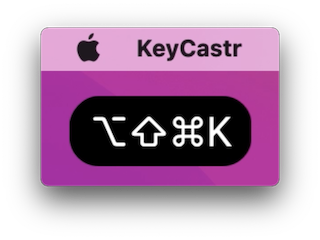
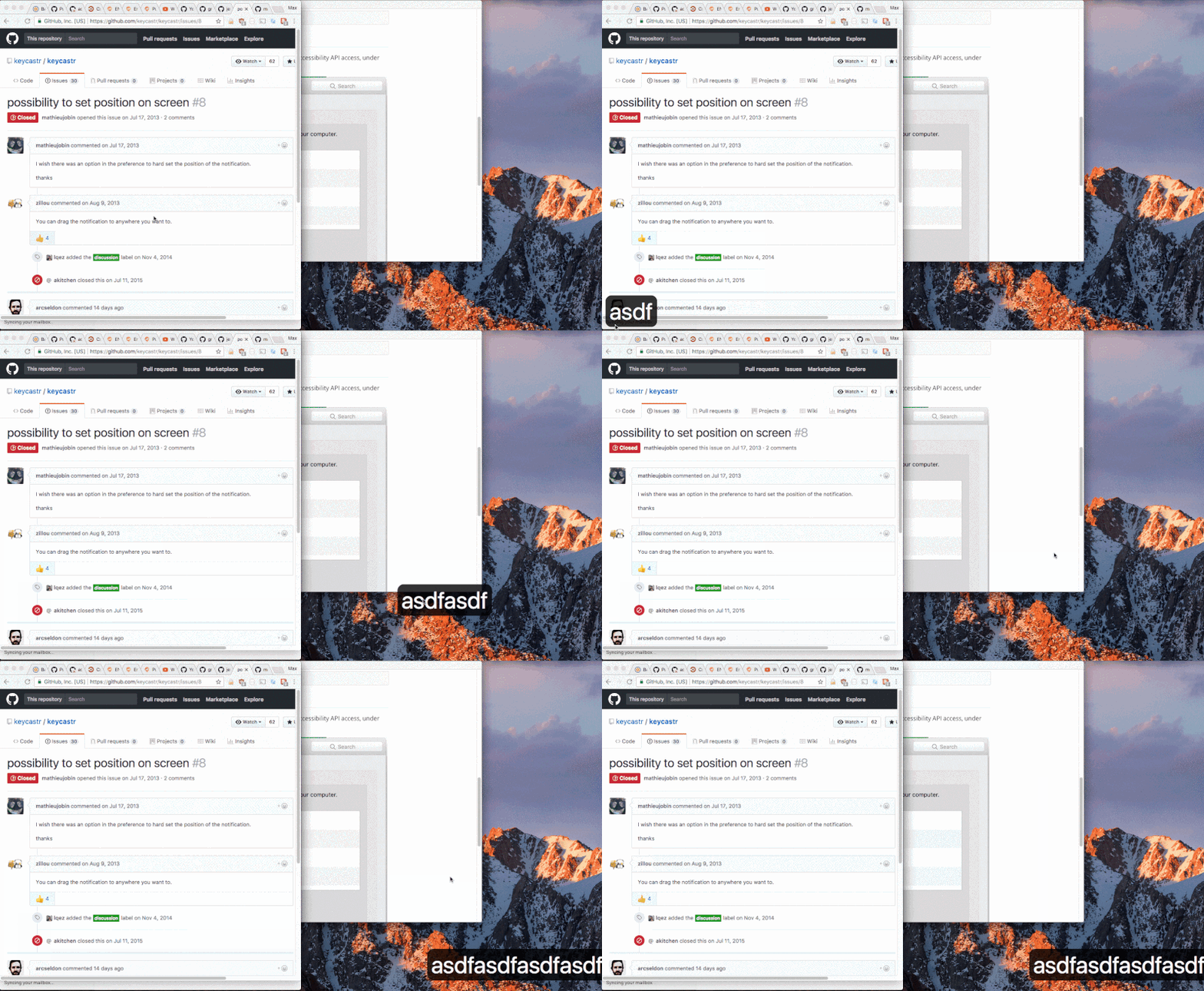
 KeyCastr is an open-source keystroke visualizer for macOS that displays your keystrokes and mouse clicks on screen, useful for screencasts, presentations, or pair programming.
KeyCastr is an open-source keystroke visualizer for macOS that displays your keystrokes and mouse clicks on screen, useful for screencasts, presentations, or pair programming.Is this a standalone app or a library I add to a project?It's a standalone macOS desktop app that sits as an overlay, not a library or plugin for another program.
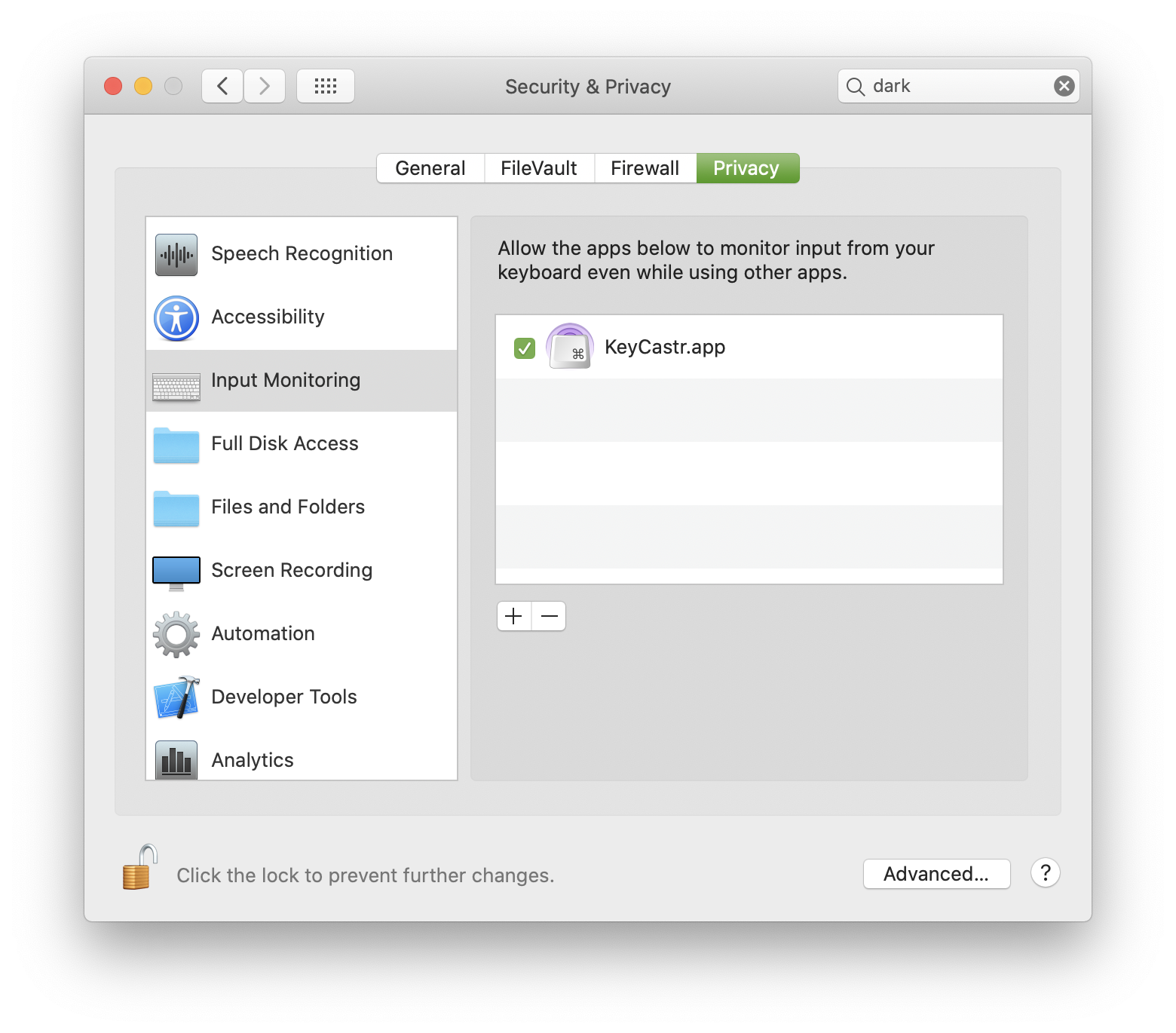
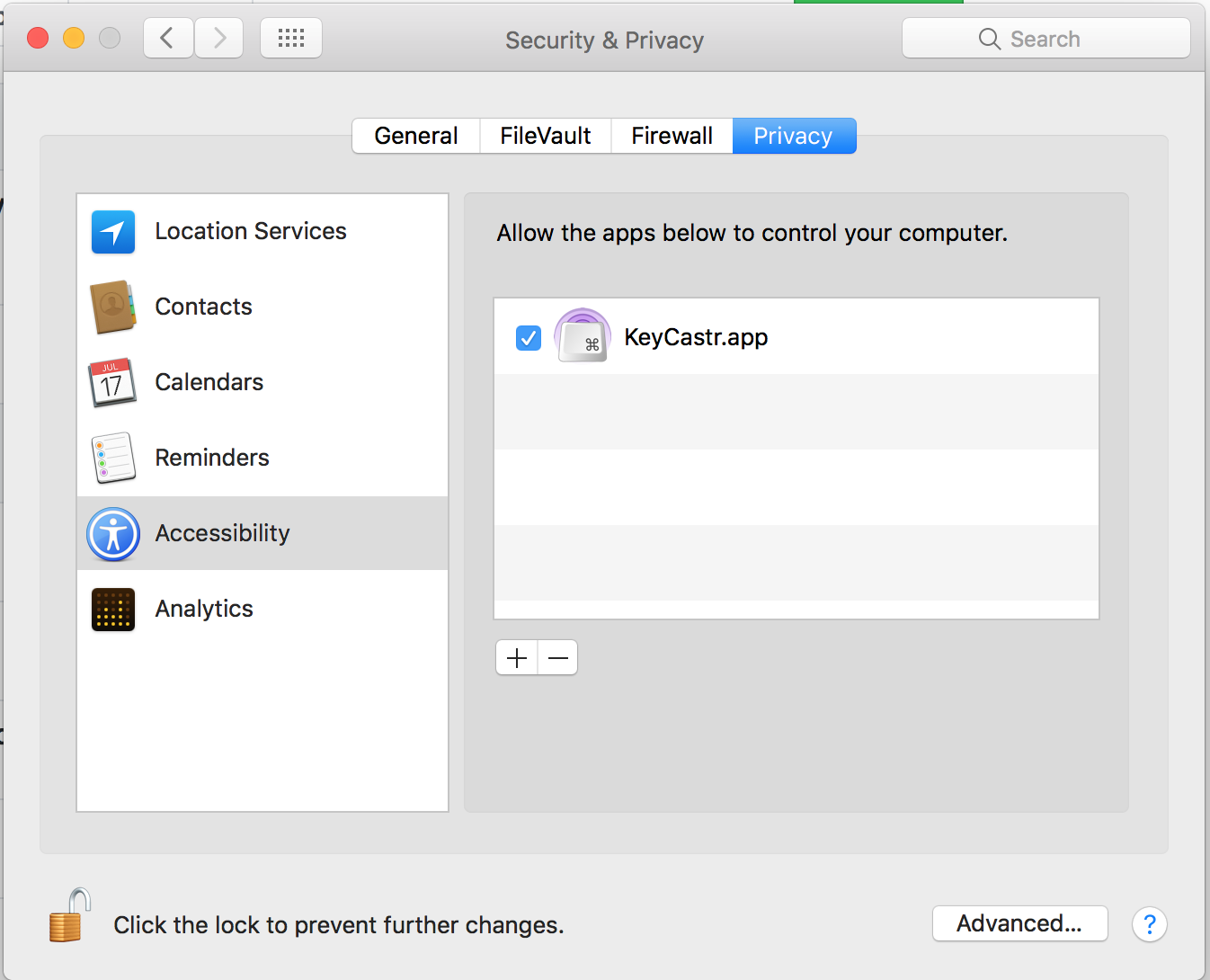
It's a standalone macOS desktop app that sits as an overlay, not a library or plugin for another program.Do I need to grant any special macOS permissions?Yes, you must enable KeyCastr under Input Monitoring (or Accessibility on older macOS) in Security & Privacy preferences so it can receive your keystroke events.
Yes, you must enable KeyCastr under Input Monitoring (or Accessibility on older macOS) in Security & Privacy preferences so it can receive your keystroke events.What should I do if it seems broken after install?Two common issues are macOS blocking event access due to permission settings, or the display window being offscreen; the README suggests quitting the app, removing and re-adding it under Input Monitoring, and restarting it.
Two common issues are macOS blocking event access due to permission settings, or the display window being offscreen; the README suggests quitting the app, removing and re-adding it under Input Monitoring, and restarting it.Does it work on older macOS versions too, or only the newest?It supports both: on macOS 10.15+ you use the Input Monitoring panel, and on older versions you add it manually to the Accessibility list instead.
It supports both: on macOS 10.15+ you use the Input Monitoring panel, and on older versions you add it manually to the Accessibility list instead.Is it safe to give KeyCastr input-monitoring access to my Mac?The README argues it's safe since KeyCastr is fully open source, doesn't use networking except for Sparkle's update checks, and will never display secure password fields.
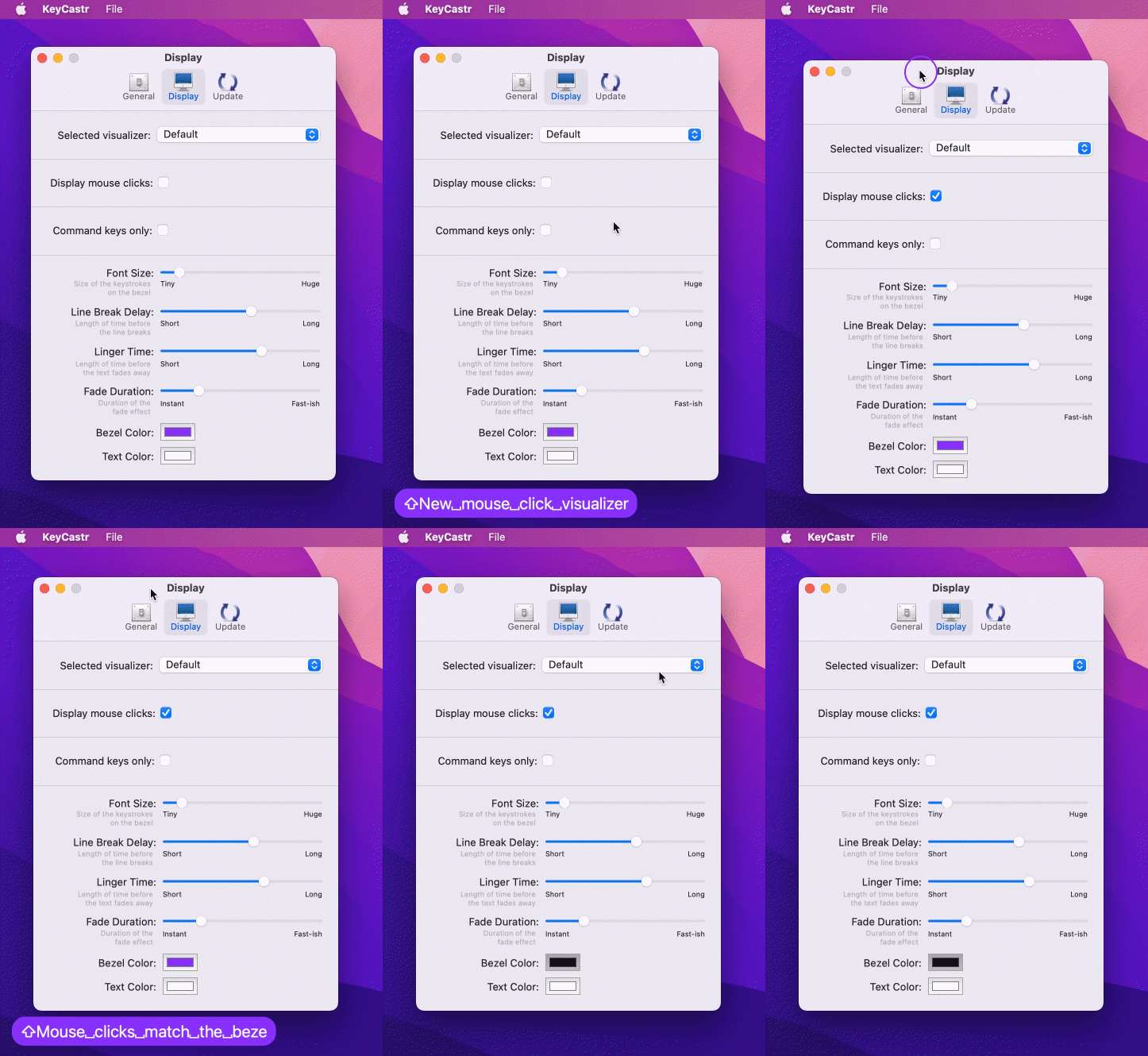
The README argues it's safe since KeyCastr is fully open source, doesn't use networking except for Sparkle's update checks, and will never display secure password fields.Can I customize what gets shown, like just modifier keys versus all keystrokes?Yes, you can choose to display only command keys, all modified keys, or every keystroke, and optionally include mouse clicks too.
Yes, you can choose to display only command keys, all modified keys, or every keystroke, and optionally include mouse clicks too.Can I move the keystroke display around on screen?Yes, by default it appears at the bottom left of the display, but you can click and drag the text to reposition it anywhere.
Yes, by default it appears at the bottom left of the display, but you can click and drag the text to reposition it anywhere.Can I build my own custom visualizer style for KeyCastr?Yes, the README explicitly invites developers to create their own visualizer on top of KeyCastr and welcomes pull requests for it.
Yes, the README explicitly invites developers to create their own visualizer on top of KeyCastr and welcomes pull requests for it.How long has this project been around?KeyCastr has been freely available for Mac since 2009, originally written by sdeken and later maintained by several contributors.
KeyCastr has been freely available for Mac since 2009, originally written by sdeken and later maintained by several contributors.Which topics is it in?screen-recording, presentation, menu-bar, objective-c, macos-app, bsd, utility, productivity, gui, privacy, desktop-app, macos
screen-recording, presentation, menu-bar, objective-c, macos-app, bsd, utility, productivity, gui, privacy, desktop-app, macos