



Что это?
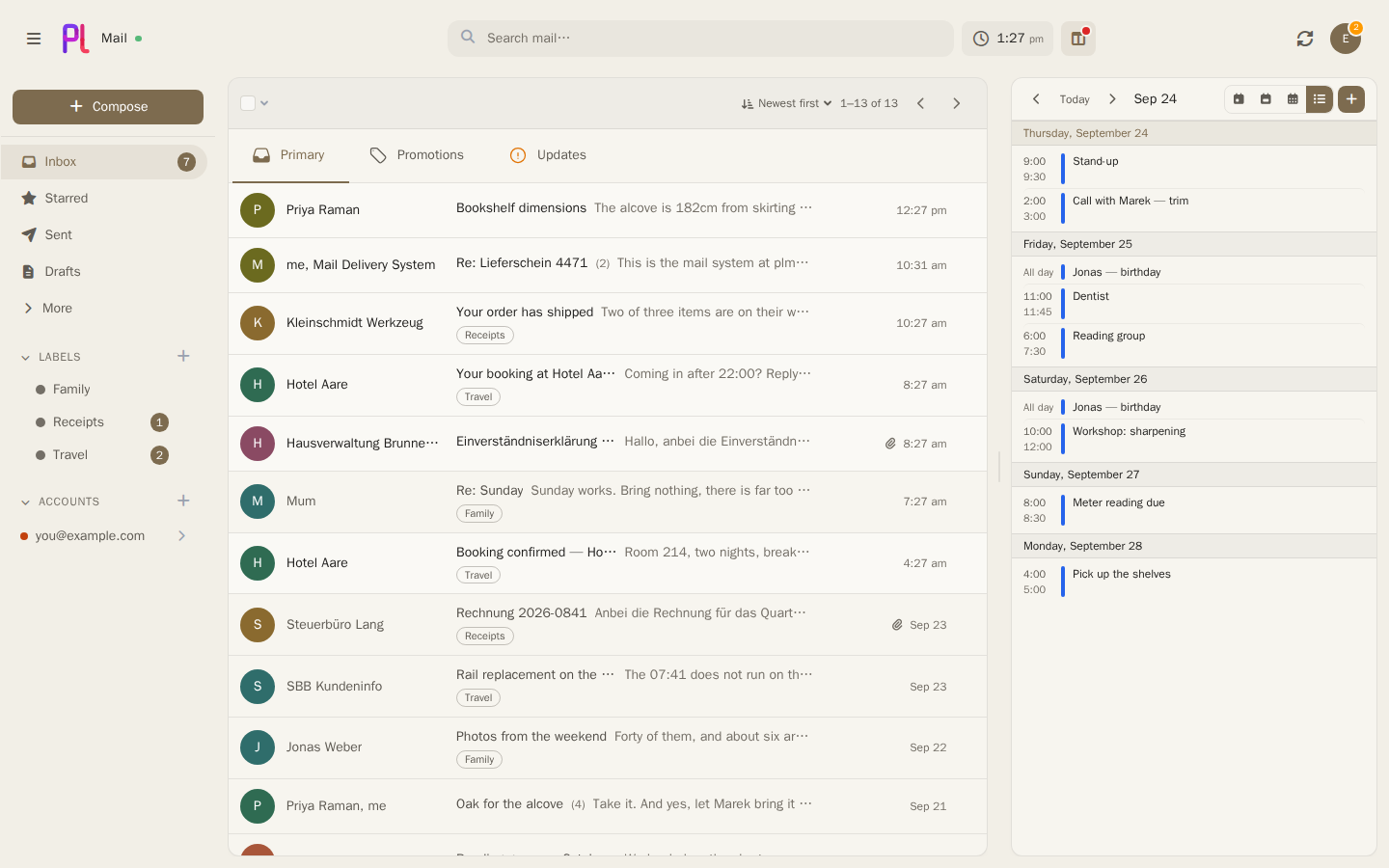
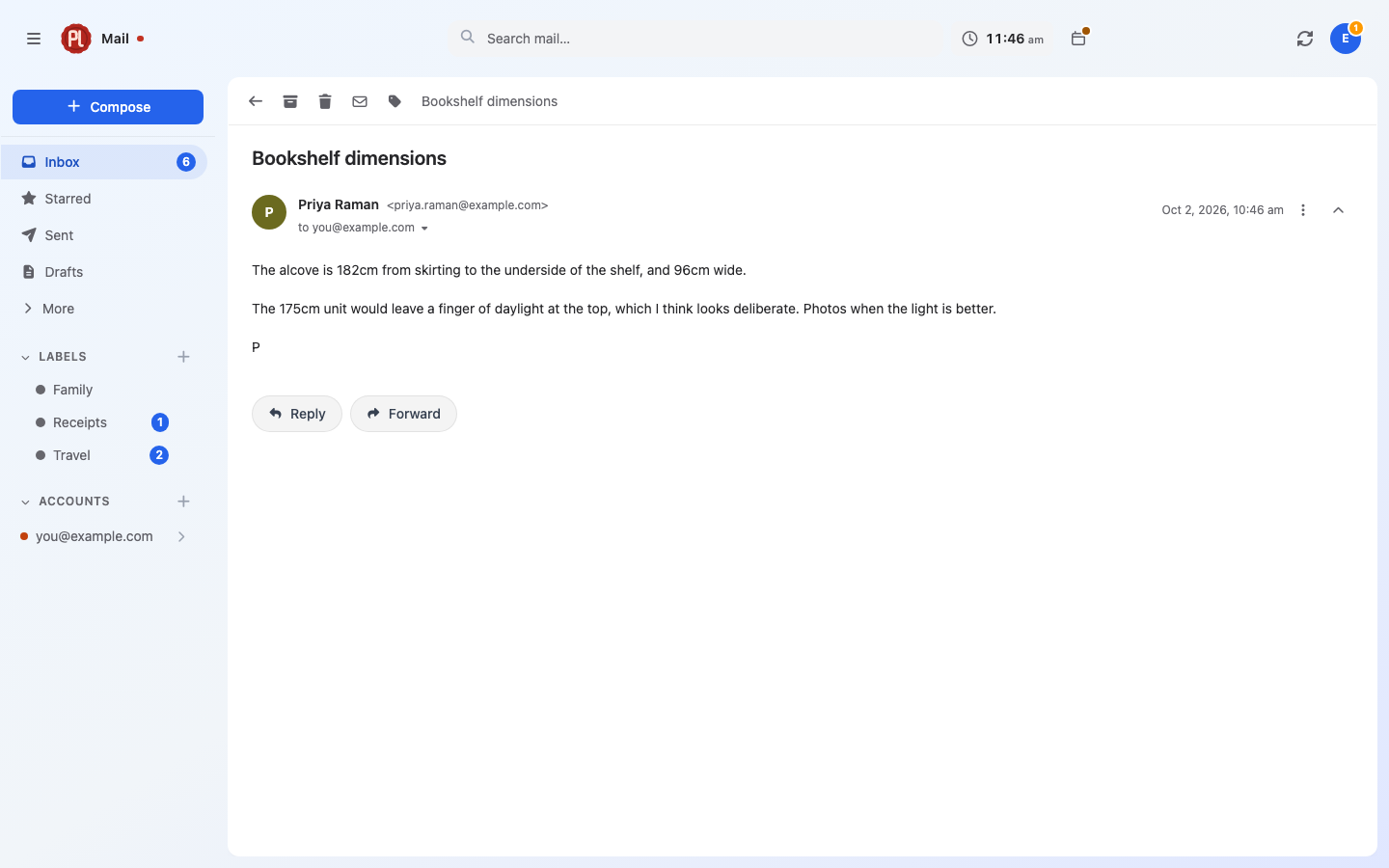
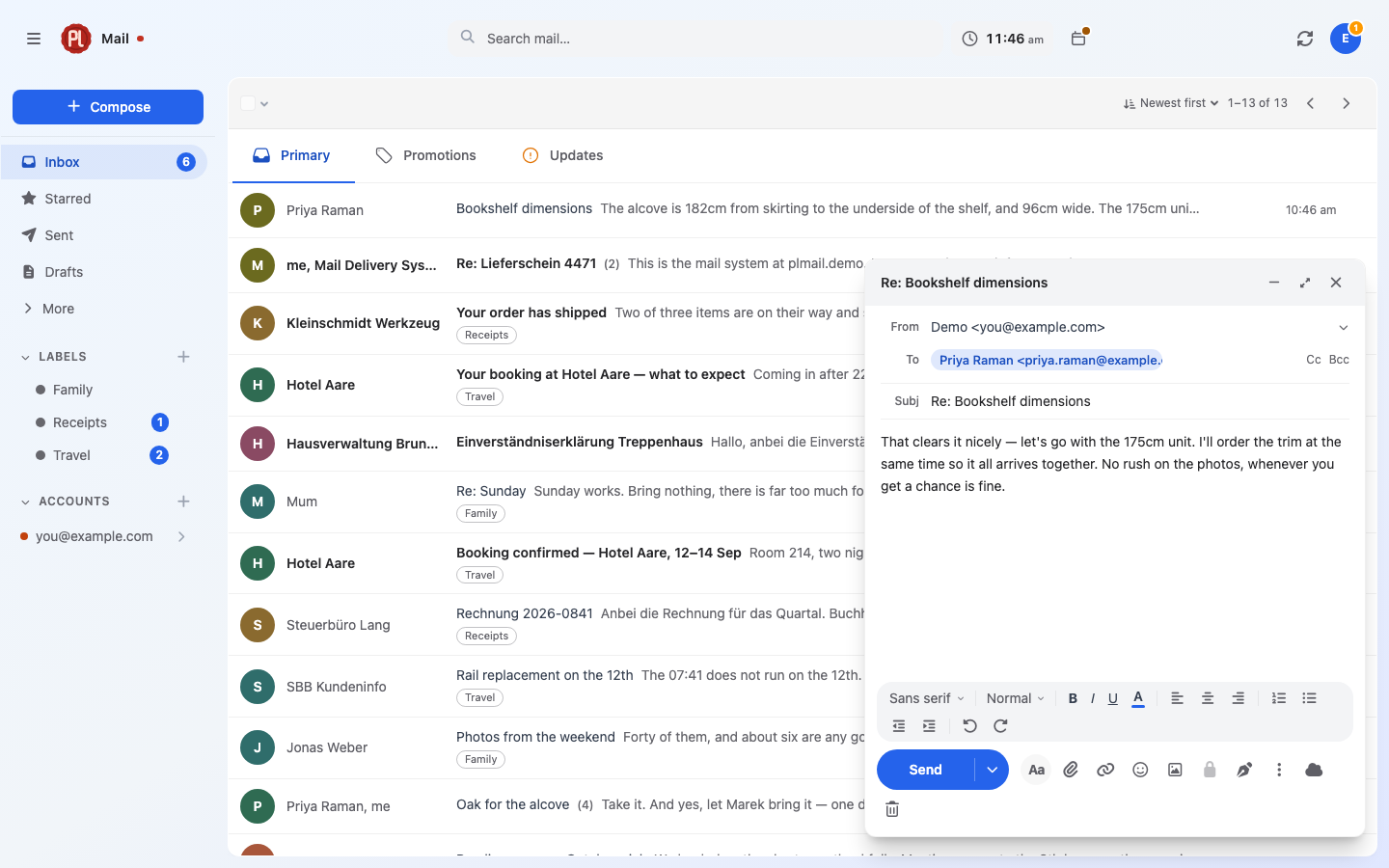
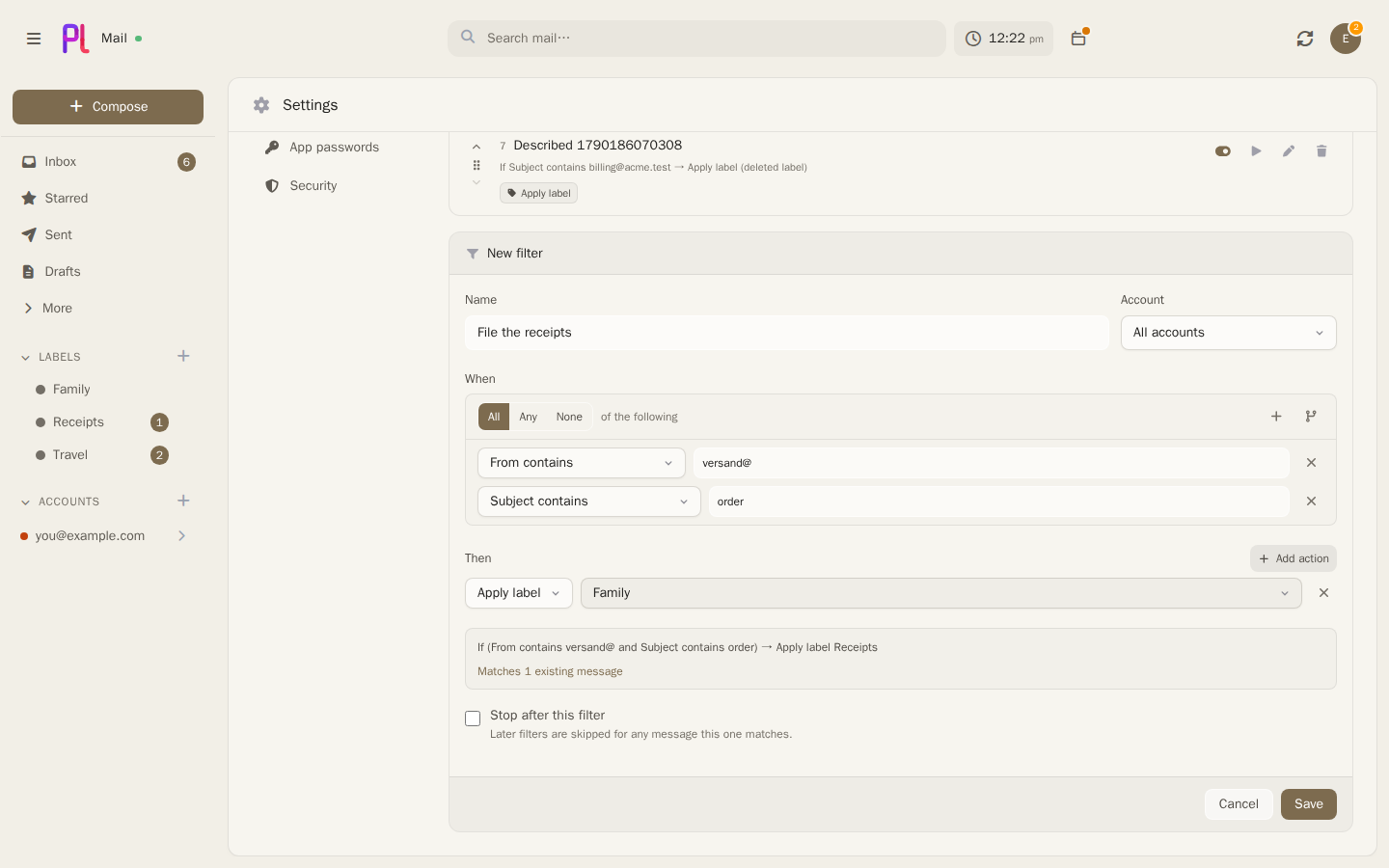
 plMail — self-hosted почтовый клиент в духе Gmail, который подключается к уже имеющимся ящикам IMAP, Gmail и Outlook, синхронизирует их в вашу собственную базу PostgreSQL и даёт единый инбокс, строку поиска и набор меток в браузере.
plMail — self-hosted почтовый клиент в духе Gmail, который подключается к уже имеющимся ящикам IMAP, Gmail и Outlook, синхронизирует их в вашу собственную базу PostgreSQL и даёт единый инбокс, строку поиска и набор меток в браузере.Это почтовый сервер или просто клиент для уже имеющейся у меня почты?Просто клиент. Он не принимает почту из интернета и не хостит ваш домен — он синхронизирует существующие аккаунты IMAP, Gmail и Outlook в свою базу, чтобы у вас был единый инбокс локально.
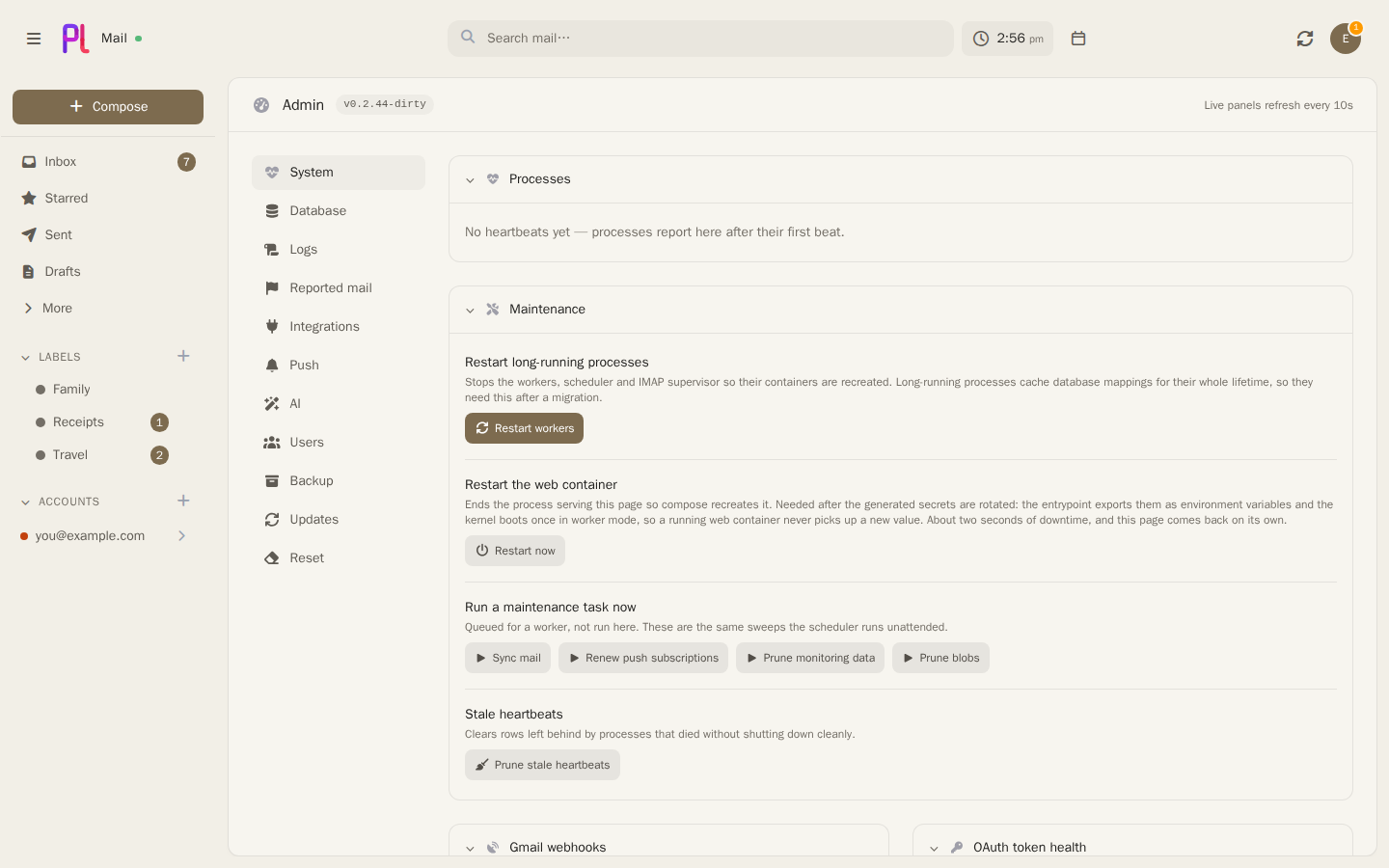
Просто клиент. Он не принимает почту из интернета и не хостит ваш домен — он синхронизирует существующие аккаунты IMAP, Gmail и Outlook в свою базу, чтобы у вас был единый инбокс локально.Как его запустить?Склонируйте репозиторий и выполните 'docker compose up', затем откройте адрес сервера и создайте аккаунт. Настраивать заранее ничего не нужно — секреты генерируются при первом старте, а публичный адрес задаётся с экрана настройки.
Склонируйте репозиторий и выполните 'docker compose up', затем откройте адрес сервера и создайте аккаунт. Настраивать заранее ничего не нужно — секреты генерируются при первом старте, а публичный адрес задаётся с экрана настройки.Нужны ли учётные данные OAuth для подключения Gmail или Outlook?Для аккаунтов Gmail и Outlook — да: нужны учётные данные OAuth от Google или Microsoft, что пошагово разобрано в руководстве, включая опциональную тему Pub/Sub для мгновенного push в Gmail. Обычные IMAP-ящики просто добавляются в Settings без дополнительной настройки.
Для аккаунтов Gmail и Outlook — да: нужны учётные данные OAuth от Google или Microsoft, что пошагово разобрано в руководстве, включая опциональную тему Pub/Sub для мгновенного push в Gmail. Обычные IMAP-ящики просто добавляются в Settings без дополнительной настройки.Что будет, если я потеряю сгенерированный файл секретов?Ключ шифрования в var/secrets/generated.env расшифровывает учётные данные ящиков, хранящиеся в PostgreSQL; если потерять этот файл без отдельной резервной копии, сохранённые пароли ящиков пропадут навсегда.
Ключ шифрования в var/secrets/generated.env расшифровывает учётные данные ящиков, хранящиеся в PostgreSQL; если потерять этот файл без отдельной резервной копии, сохранённые пароли ящиков пропадут навсегда.Можно ли запустить plMail на NAS вместо обычного сервера?Да — plMail есть в каталоге приложений TrueNAS и устанавливается вводом лишь пароля базы данных; кроме того, готовые Docker-образы публикуются для linux/amd64 и linux/arm64 под любой другой Docker-хост.
Да — plMail есть в каталоге приложений TrueNAS и устанавливается вводом лишь пароля базы данных; кроме того, готовые Docker-образы публикуются для linux/amd64 и linux/arm64 под любой другой Docker-хост.Покидает ли мою сеть какая-либо почта или AI-данные?Нет. Учётные данные шифруются ещё до попадания в базу, а опциональные AI-функции работают с экземпляром Ollama в вашей же сети, по умолчанию выключены, и ничего из них сеть не покидает.
Нет. Учётные данные шифруются ещё до попадания в базу, а опциональные AI-функции работают с экземпляром Ollama в вашей же сети, по умолчанию выключены, и ничего из них сеть не покидает.Есть ли мобильные приложения?Да — сопутствующие приложения для Android (karatektus/plmailandroid) и iOS (karatektus/plmailios) подключаются к вашему собственному self-hosted серверу plMail.
Да — сопутствующие приложения для Android (karatektus/plmailandroid) и iOS (karatektus/plmailios) подключаются к вашему собственному self-hosted серверу plMail.Может ли plMail автоматически раскладывать почту по вкладкам?Да — либо правилами по заголовкам, которые всегда сортируют одинаково, либо тем, что локальная AI-модель читает каждое письмо; для Gmail есть опция, позволяющая любому из них переопределять собственную классификацию Google; кнопка Report сообщает администратору об ошибках.
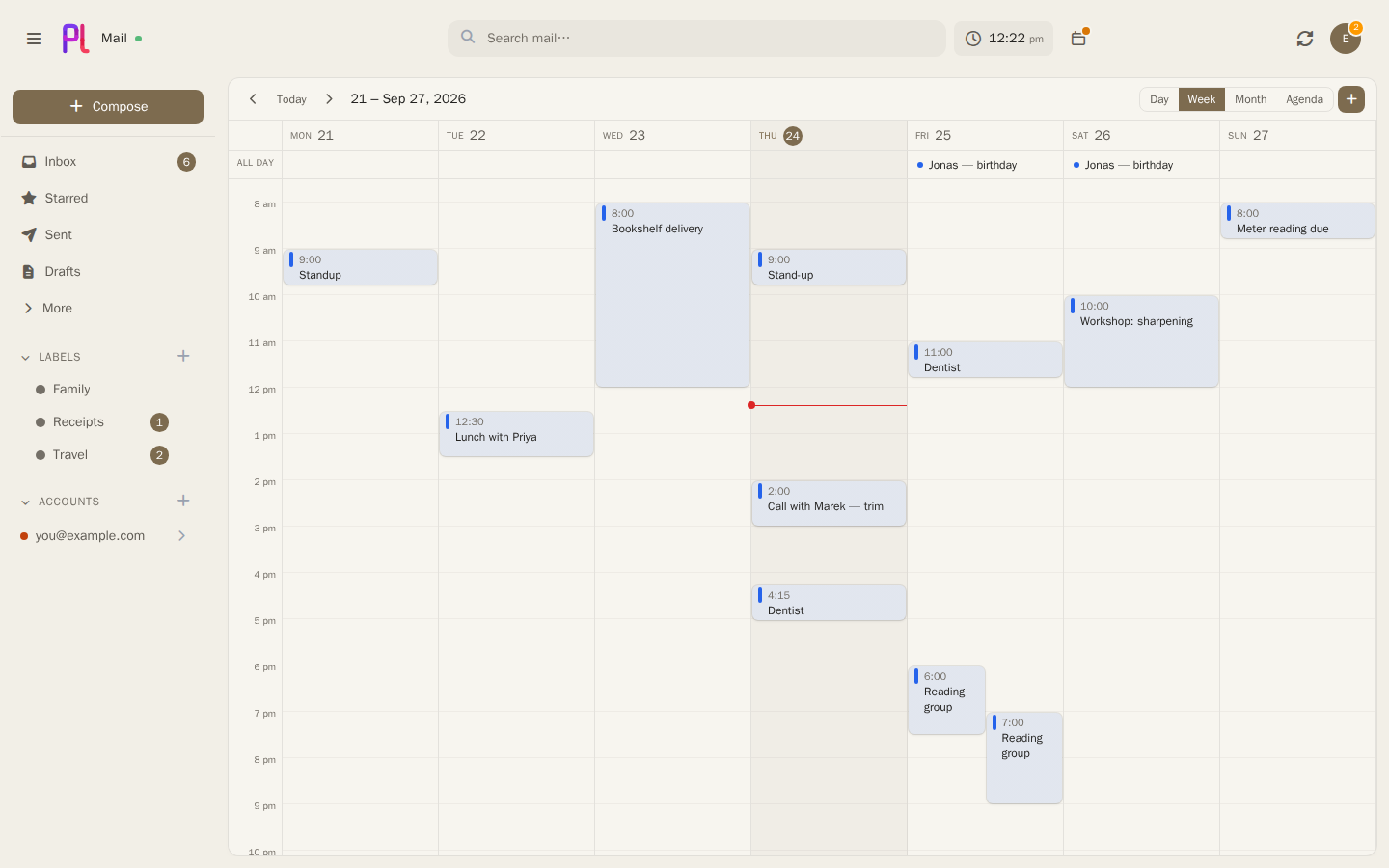
Да — либо правилами по заголовкам, которые всегда сортируют одинаково, либо тем, что локальная AI-модель читает каждое письмо; для Gmail есть опция, позволяющая любому из них переопределять собственную классификацию Google; кнопка Report сообщает администратору об ошибках.Есть ли в нём календарь?Да — календарь соседствует с почтой: двусторонняя синхронизация с Google, Microsoft и CalDAV, недельная сетка с перетаскиванием, ответы на приглашения на месте, а также ссылки для общего доступа и записи.
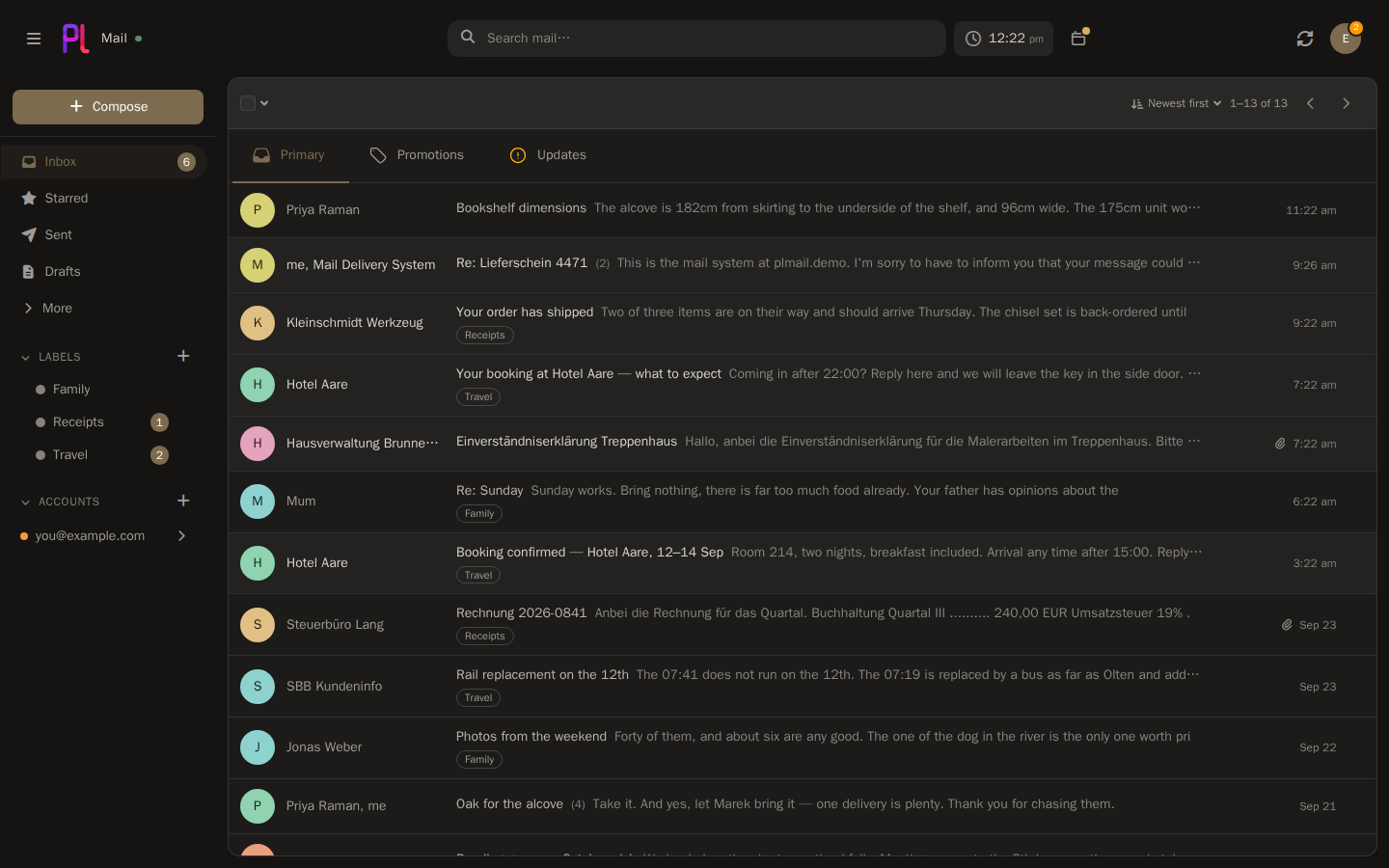
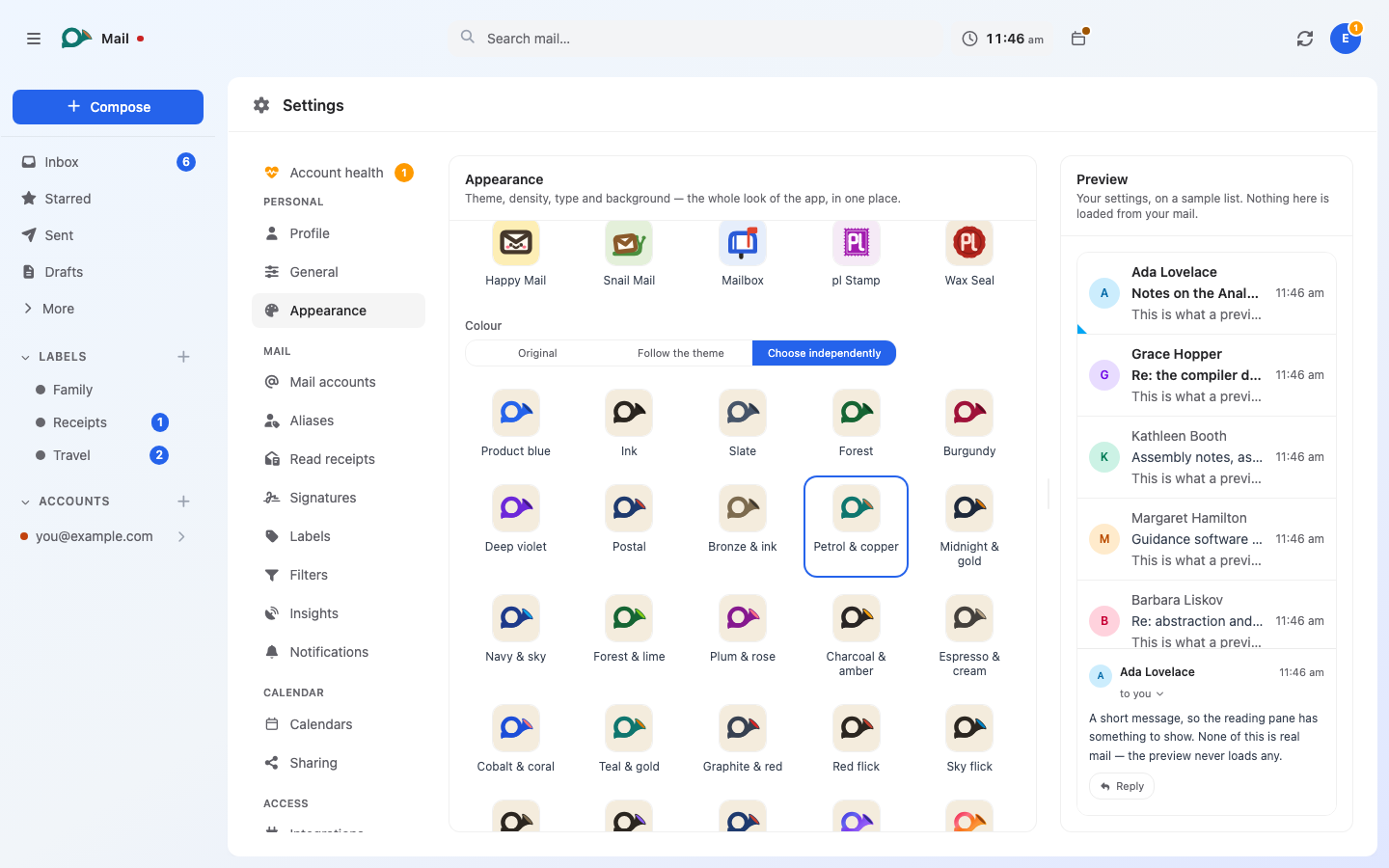
Да — календарь соседствует с почтой: двусторонняя синхронизация с Google, Microsoft и CalDAV, недельная сетка с перетаскиванием, ответы на приглашения на месте, а также ссылки для общего доступа и записи.Насколько настраиваемый интерфейс?plMail поставляется с 41 светлой и тёмной темами, десятью иконками приложения/домашнего экрана в 32 цветовых вариантах каждая и вариантами языка интерфейса, включая английский, немецкий и «пиратский» режим.
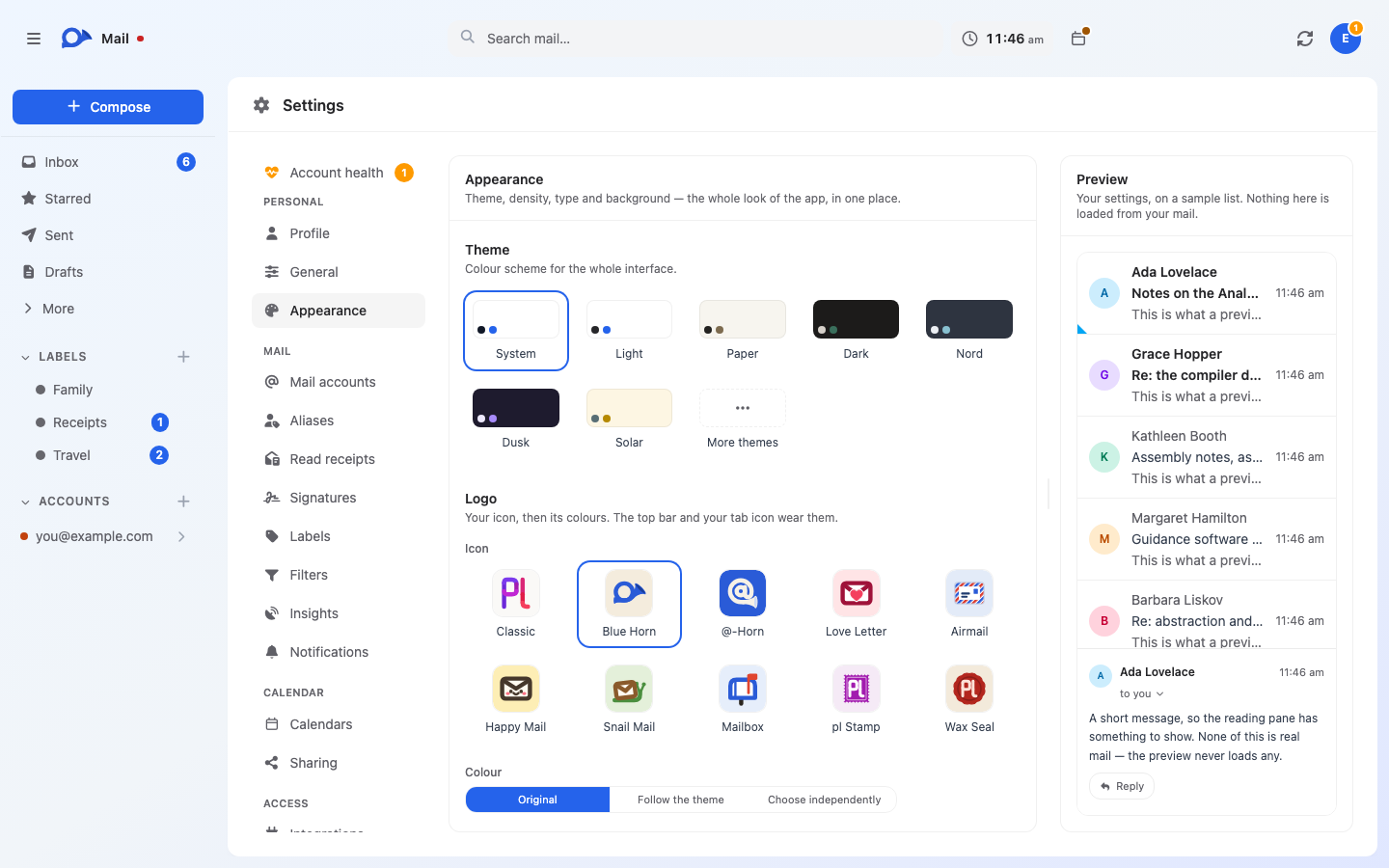
plMail поставляется с 41 светлой и тёмной темами, десятью иконками приложения/домашнего экрана в 32 цветовых вариантах каждая и вариантами языка интерфейса, включая английский, немецкий и «пиратский» режим.What are similar projects?karakeep, openGym, penguin-mail, laya, hivepaas, agentsview, utopia, dawarich
karakeep, openGym, penguin-mail, laya, hivepaas, agentsview, utopia, dawarichWhich topics is it in?turbo, two-factor-authentication, calendar, full-text-search, self-hosting, oauth2, notifications, agplv3, semantic-search, theme, php, ollama
turbo, two-factor-authentication, calendar, full-text-search, self-hosting, oauth2, notifications, agplv3, semantic-search, theme, php, ollama