



Что это?
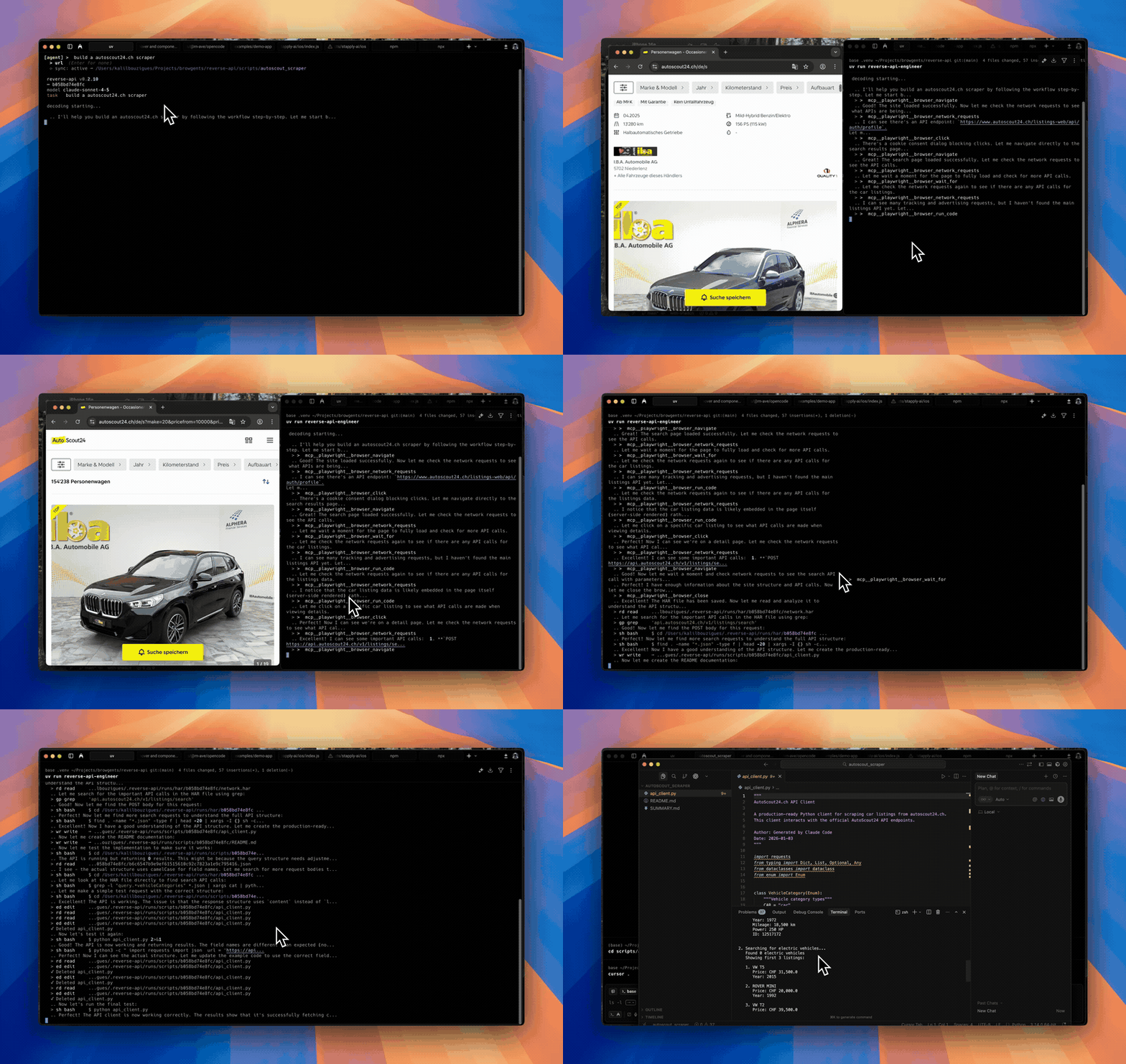
 Reverse API Engineer — это агент, который просматривает сайт (вручную или через ИИ-управляемый браузер), перехватывает сетевой трафик и с помощью ИИ-модели генерирует рабочий типизированный API-клиент по тем эндпоинтам, которые реально использовались.
Reverse API Engineer — это агент, который просматривает сайт (вручную или через ИИ-управляемый браузер), перехватывает сетевой трафик и с помощью ИИ-модели генерирует рабочий типизированный API-клиент по тем эндпоинтам, которые реально использовались.Это расширение для браузера или отдельный инструмент?Это консольное приложение на Python, а не расширение для браузера и не библиотека; оно запускает собственный интерактивный CLI, который может управлять локальным браузером Playwright или браузерной сессией под контролем ИИ-агента.
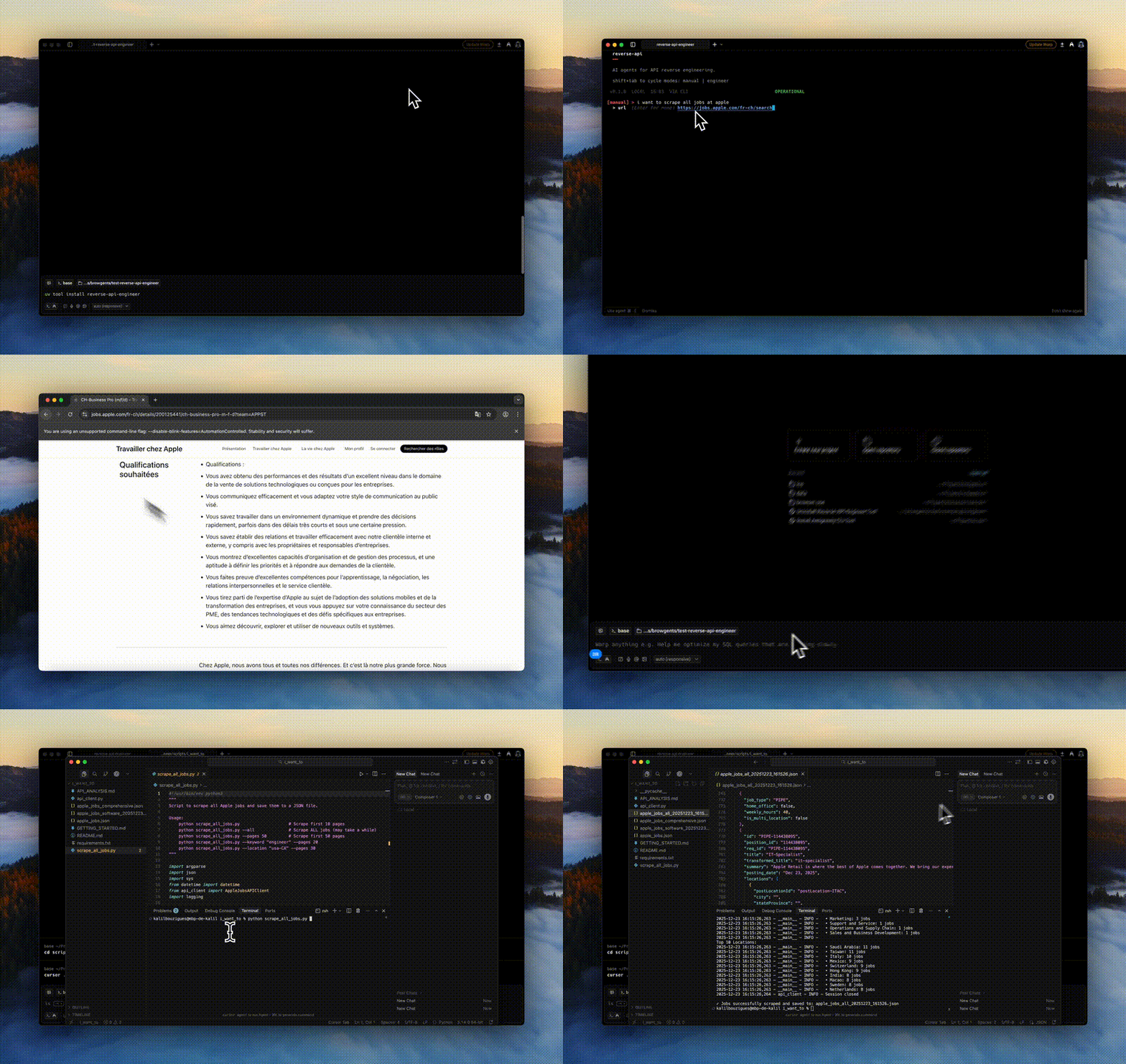
Это консольное приложение на Python, а не расширение для браузера и не библиотека; оно запускает собственный интерактивный CLI, который может управлять локальным браузером Playwright или браузерной сессией под контролем ИИ-агента.Как это запустить?Установите Python-пакет (нужен Python 3.11+), затем запустите CLI и переключайте режимы клавишей Shift+Tab — «manual», чтобы водить браузер самому, или «agent», чтобы ИИ вёл его автономно.
Установите Python-пакет (нужен Python 3.11+), затем запустите CLI и переключайте режимы клавишей Shift+Tab — «manual», чтобы водить браузер самому, или «agent», чтобы ИИ вёл его автономно.Нужен ли API-ключ или дополнительные инструменты?Режиму agent нужен API-ключ для настроенной модели (по умолчанию Claude Sonnet/Opus/Haiku, либо SDK вроде OpenCode, Cursor, Ollama или GitHub Copilot) плюс Node.js для браузерных инструментов, запускаемых через npx. Режиму manual дополнительно нужны пакет „[manual]“ и „playwright install chromium“.
Режиму agent нужен API-ключ для настроенной модели (по умолчанию Claude Sonnet/Opus/Haiku, либо SDK вроде OpenCode, Cursor, Ollama или GitHub Copilot) плюс Node.js для браузерных инструментов, запускаемых через npx. Режиму manual дополнительно нужны пакет „[manual]“ и „playwright install chromium“.Есть ли подводные камни при установке?Базовая зависимость cryptography перестала поддерживать macOS на Intel и 32-битную Windows, поэтому поддерживаются только установки на Linux, macOS на Apple Silicon или 64-битную Windows; сайты с агрессивной защитой от ботов могут блокировать перехват трафика или вынудить к ручному взаимодействию.
Базовая зависимость cryptography перестала поддерживать macOS на Intel и 32-битную Windows, поэтому поддерживаются только установки на Linux, macOS на Apple Silicon или 64-битную Windows; сайты с агрессивной защитой от ботов могут блокировать перехват трафика или вынудить к ручному взаимодействию.На каких языках программирования он умеет генерировать клиент?API-клиент можно сгенерировать на Python, JavaScript, TypeScript, Go, Java, C#, PHP, Ruby, C или PowerShell — выбор делается при каждом запуске.
API-клиент можно сгенерировать на Python, JavaScript, TypeScript, Go, Java, C#, PHP, Ruby, C или PowerShell — выбор делается при каждом запуске.Может ли он работать с бесплатной локальной моделью вместо платного API?Да, через OpenCode он может управлять уже установленным демоном Ollama, показывая только модели с поддержкой tool calling и контекста 64k+, без скрытых загрузок.
Да, через OpenCode он может управлять уже установленным демоном Ollama, показывая только модели с поддержкой tool calling и контекста 64k+, без скрытых загрузок.Что именно он перехватывает при просмотре сайта?Он записывает весь сетевой трафик сессии просмотра в HAR-файл, который выбранная модель затем читает, чтобы написать клиентский код для реально использованных эндпоинтов.
Он записывает весь сетевой трафик сессии просмотра в HAR-файл, который выбранная модель затем читает, чтобы написать клиентский код для реально использованных эндпоинтов.Может ли он собирать данные напрямую, а не только генерировать код?Да, в режиме „collector“ агент собирает структурированные данные в JSON/CSV с помощью веб-поиска и fetch вместо создания переиспользуемого API-клиента.
Да, в режиме „collector“ агент собирает структурированные данные в JSON/CSV с помощью веб-поиска и fetch вместо создания переиспользуемого API-клиента.What are similar projects?oc, camofox-browser, assay, Agent-Reach, bb-browser, cli-printing-press, headroom, cli
oc, camofox-browser, assay, Agent-Reach, bb-browser, cli-printing-press, headroom, cliWhich topics is it in?codegen, api-client, scraping, openapi, github-copilot, code-generation, playwright, web-scraping, browser-automation, reverse-engineering, ollama, cursor
codegen, api-client, scraping, openapi, github-copilot, code-generation, playwright, web-scraping, browser-automation, reverse-engineering, ollama, cursor