


DockDoor README

The project's README from github.com/ejbills/DockDoor. As one markdown file: README.md.

DockDoor Logo

DockDoor

Latest downloads Total downloads

Swift XCode Git MacOS

Every window, one hover away.

Live window previews, Alt+Tab switching and keyboard controls for the Dock you already have.

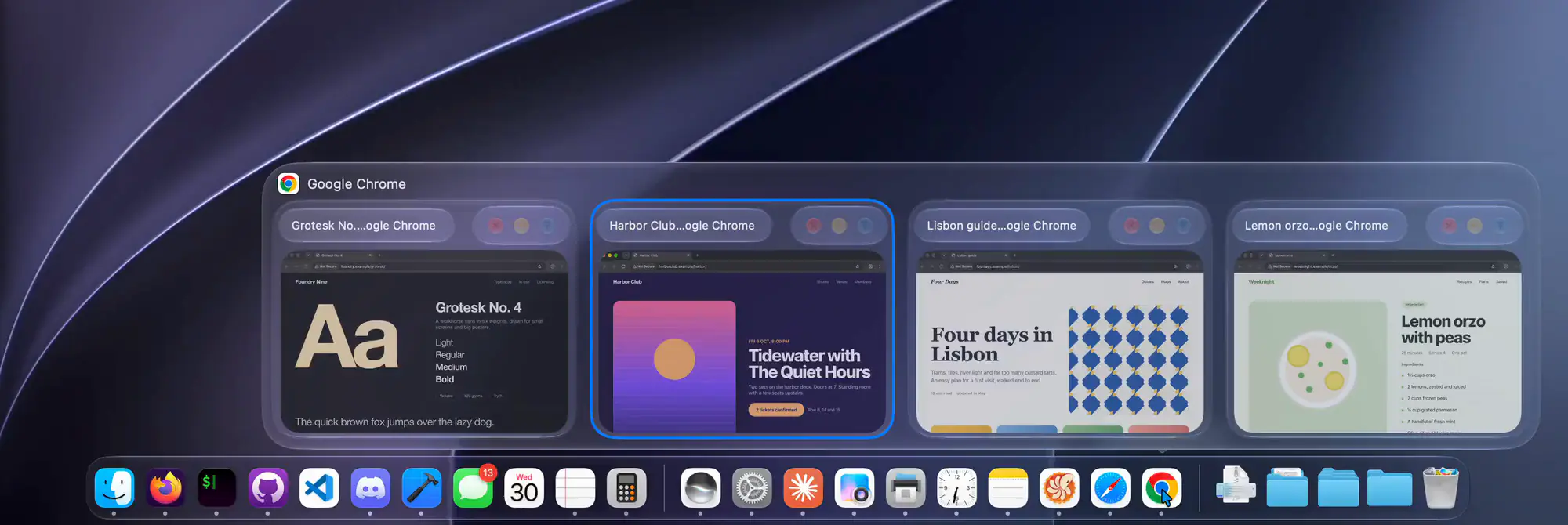
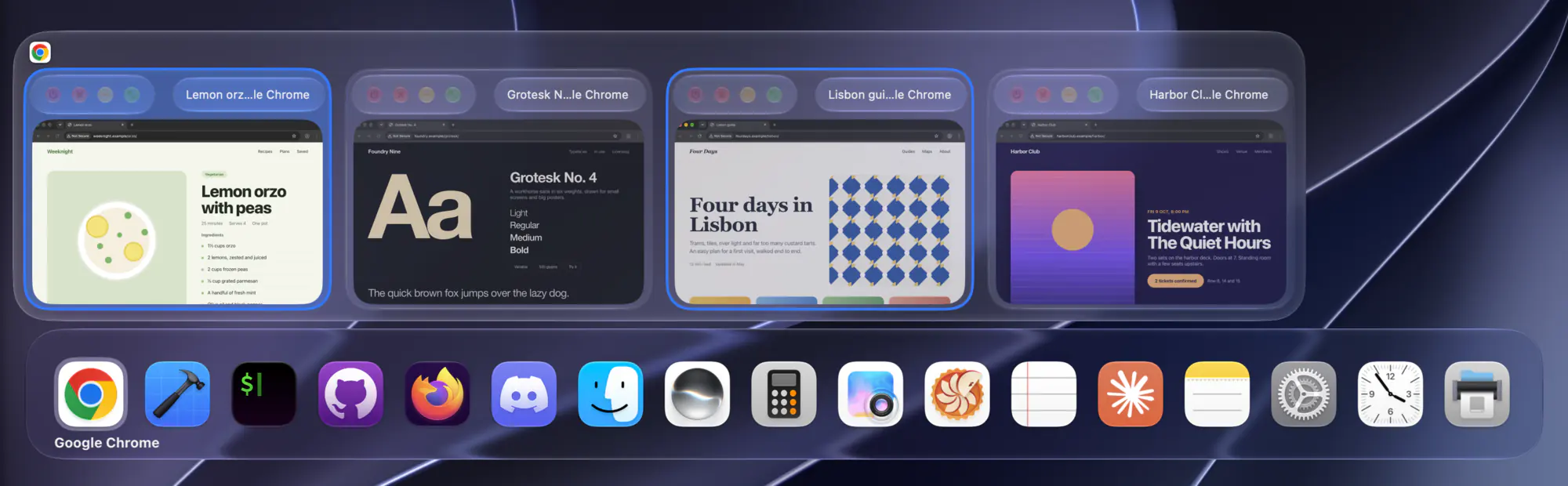
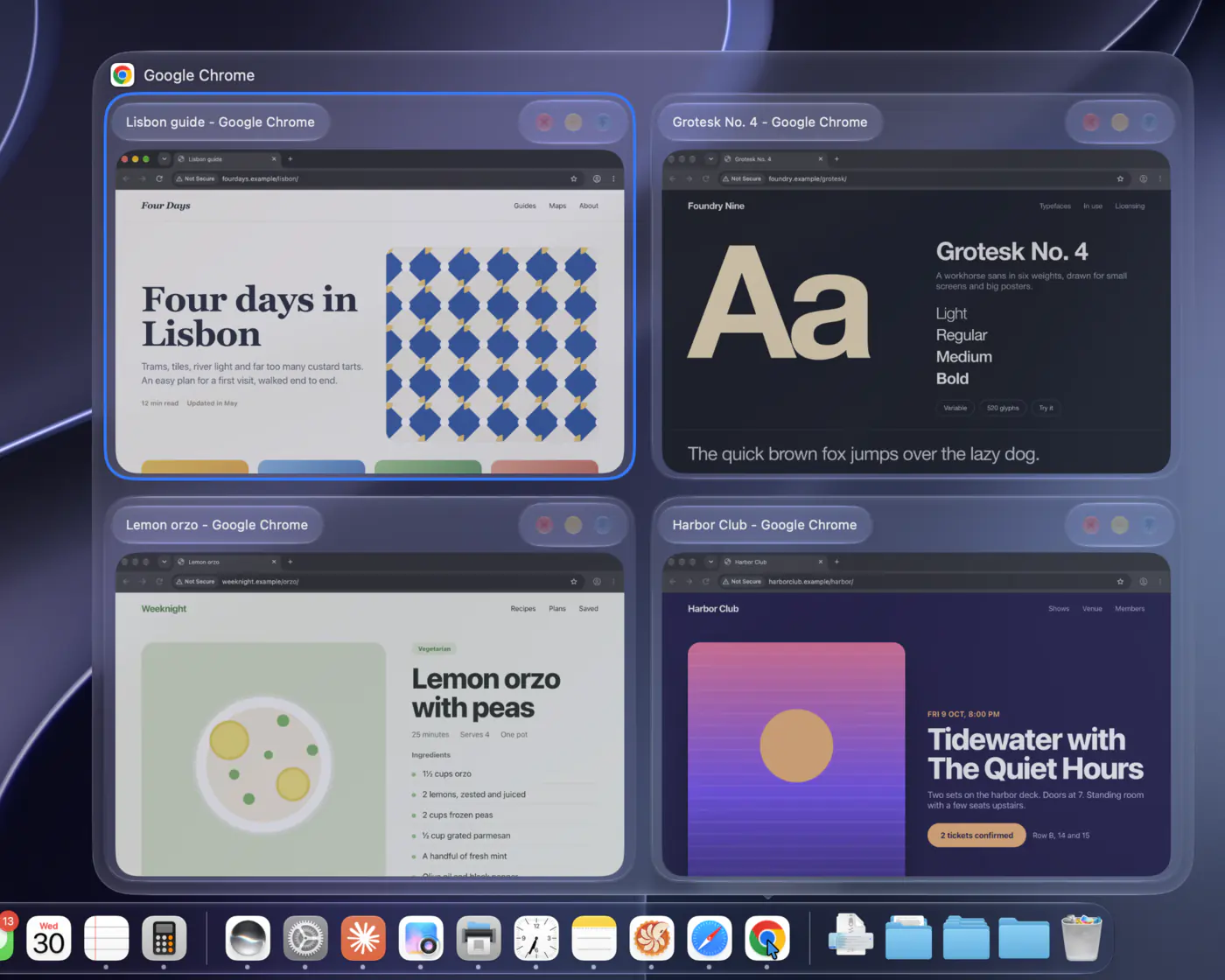
DockDoor showing four Chrome windows as live previews above the Dock

Table of Contents

  1. About The Project
  2. Install
  3. Features
  4. Privacy
  5. DockDoor Pro
  6. Works with DockDoor
  7. Contributing
  8. License

About The Project

DockDoor brings window previews to the macOS Dock, the way Windows and Linux have had them for years. Hover an app in the Dock to see all of its open windows as live thumbnails, then click one to switch to it, or close, minimize and quit it right from the preview.

It doesn't replace the Dock. DockDoor is a small native app that runs from the menu bar and adds to the Dock that ships with macOS, in Liquid Glass on macOS 26 and later.

See it in motion at dockdoor.net.

Back to top ⬆️

Install

Free for macOS 13 Ventura and later, on Apple silicon and Intel. Notarized by Apple, and it keeps itself up to date.

Only download DockDoor from dockdoor.net or this repository's releases.

Back to top ⬆️

Features

Dock previews

Hover any app in the Dock to see its windows, including ones on other desktops, other displays, and minimized or hidden ones. Each preview has close, minimize, full screen and quit buttons, and a middle-click closes a window without switching to it.

A Dock preview with window controls above each thumbnail

Alt+Tab for every window

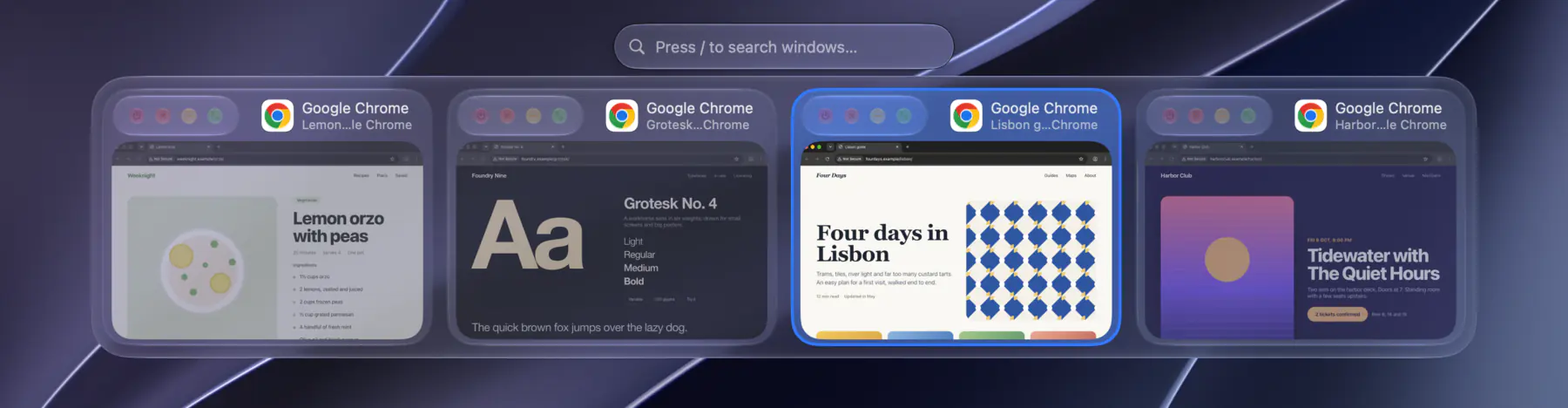
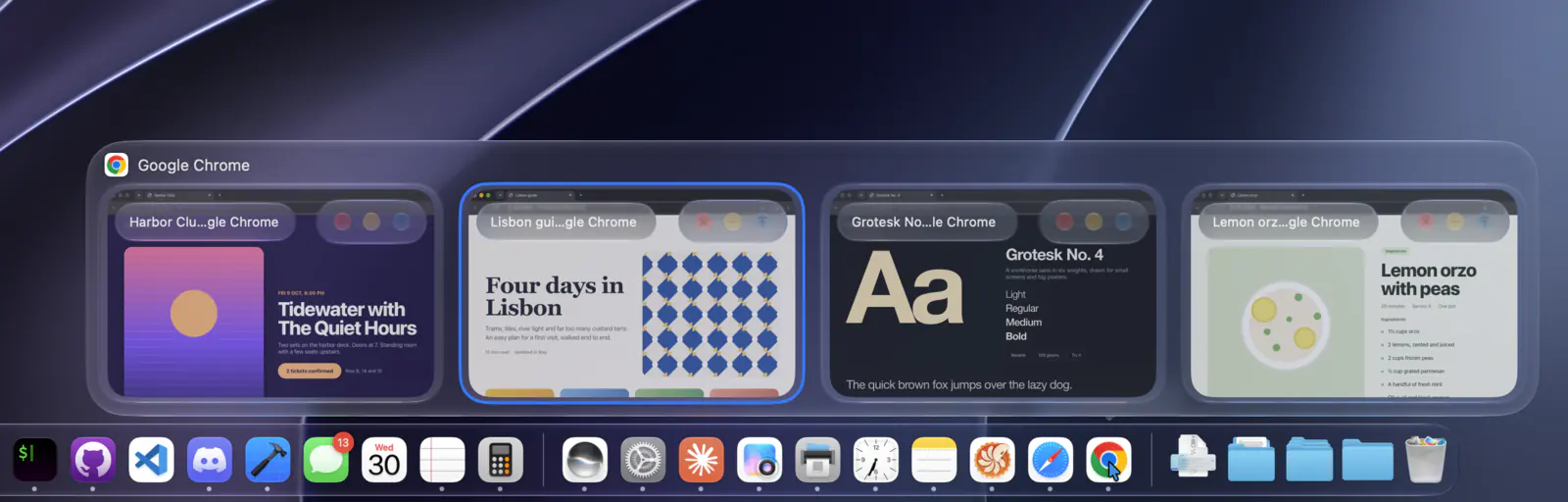
Hold ⌥ and press Tab to see every open window, not just every app. Press Tab to move through them and release to switch. Type to search, or change the shortcut in Settings.

The window switcher showing four windows

Command-Tab, with windows

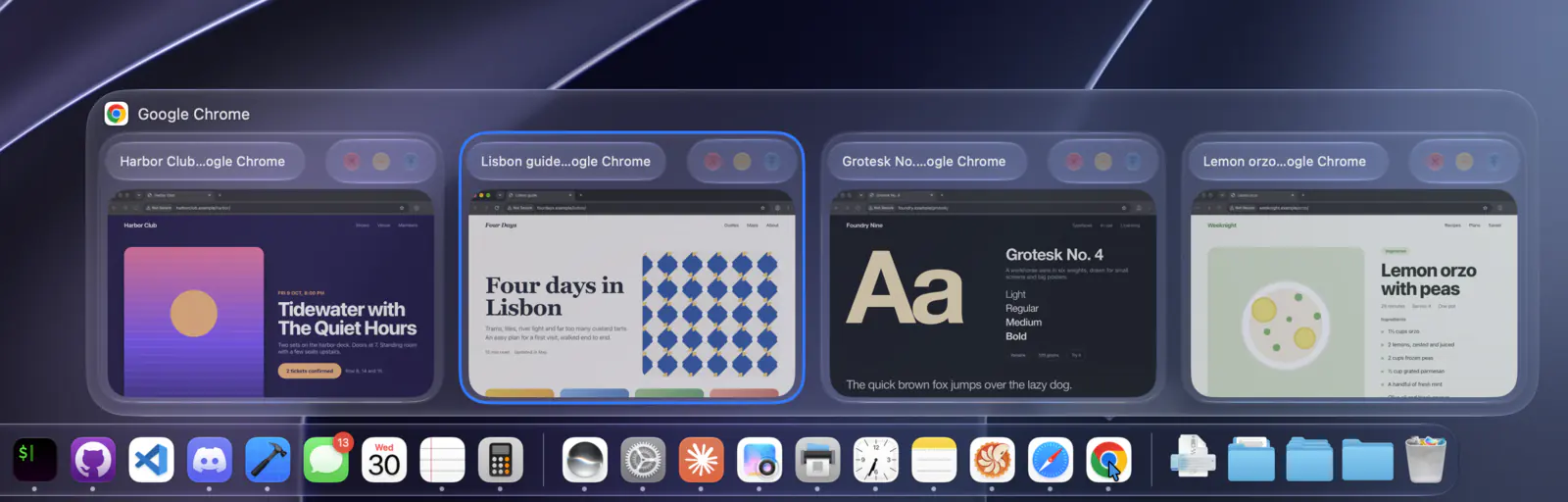
While you hold ⌘ and Tab, DockDoor shows the highlighted app's windows above the built-in app switcher, so you can pick a specific window.

Command-Tab with window previews above it

Folders, widgets and more

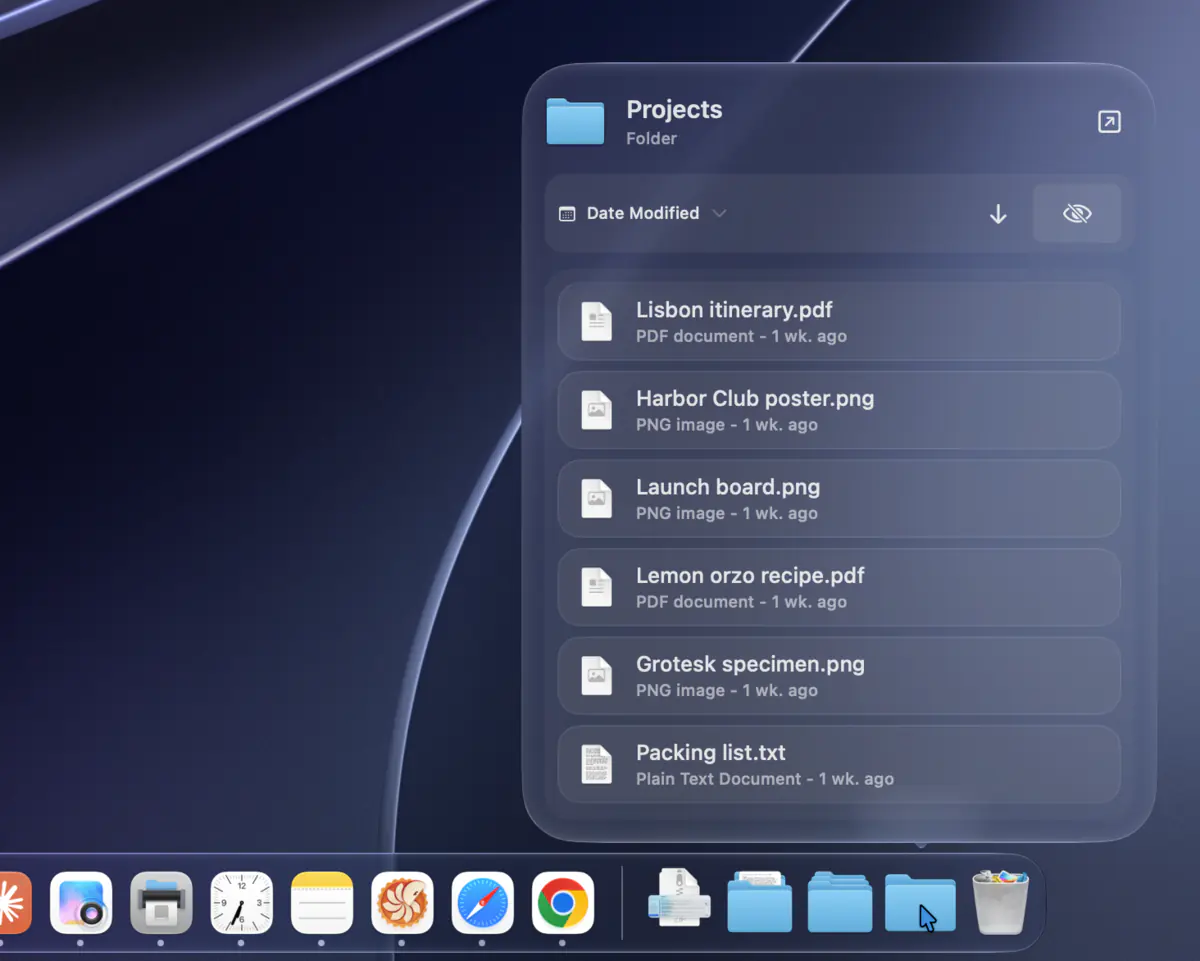
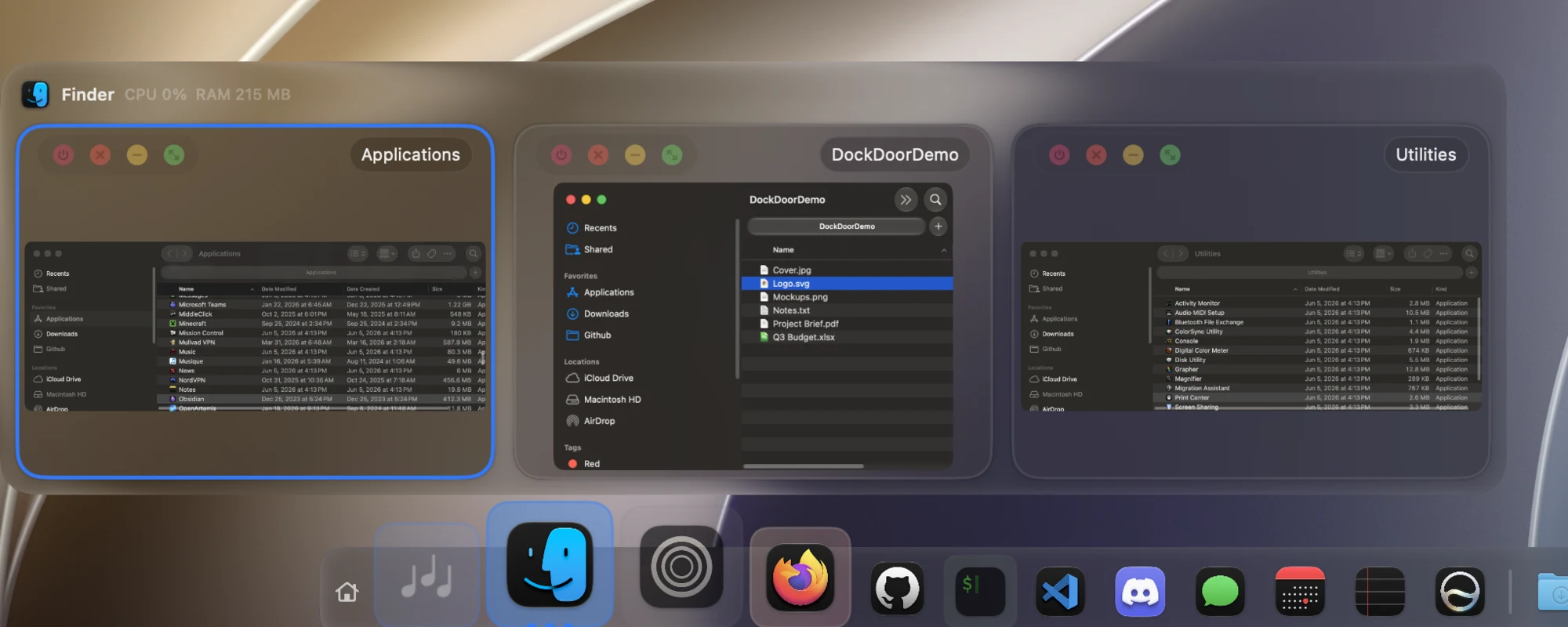
A Dock folder opened as a sortable list of files
Folder Pop
Hover a folder in the Dock to see, sort and open what's inside.
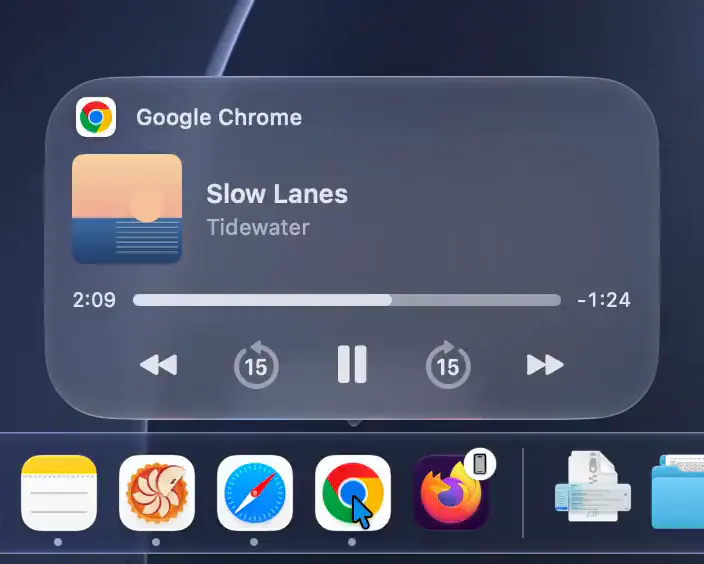
A music player shown when hovering an app that's playing audio
Music controls
Hover an app that's playing audio for a player instead of thumbnails, with synced lyrics for Spotify and Apple Music.
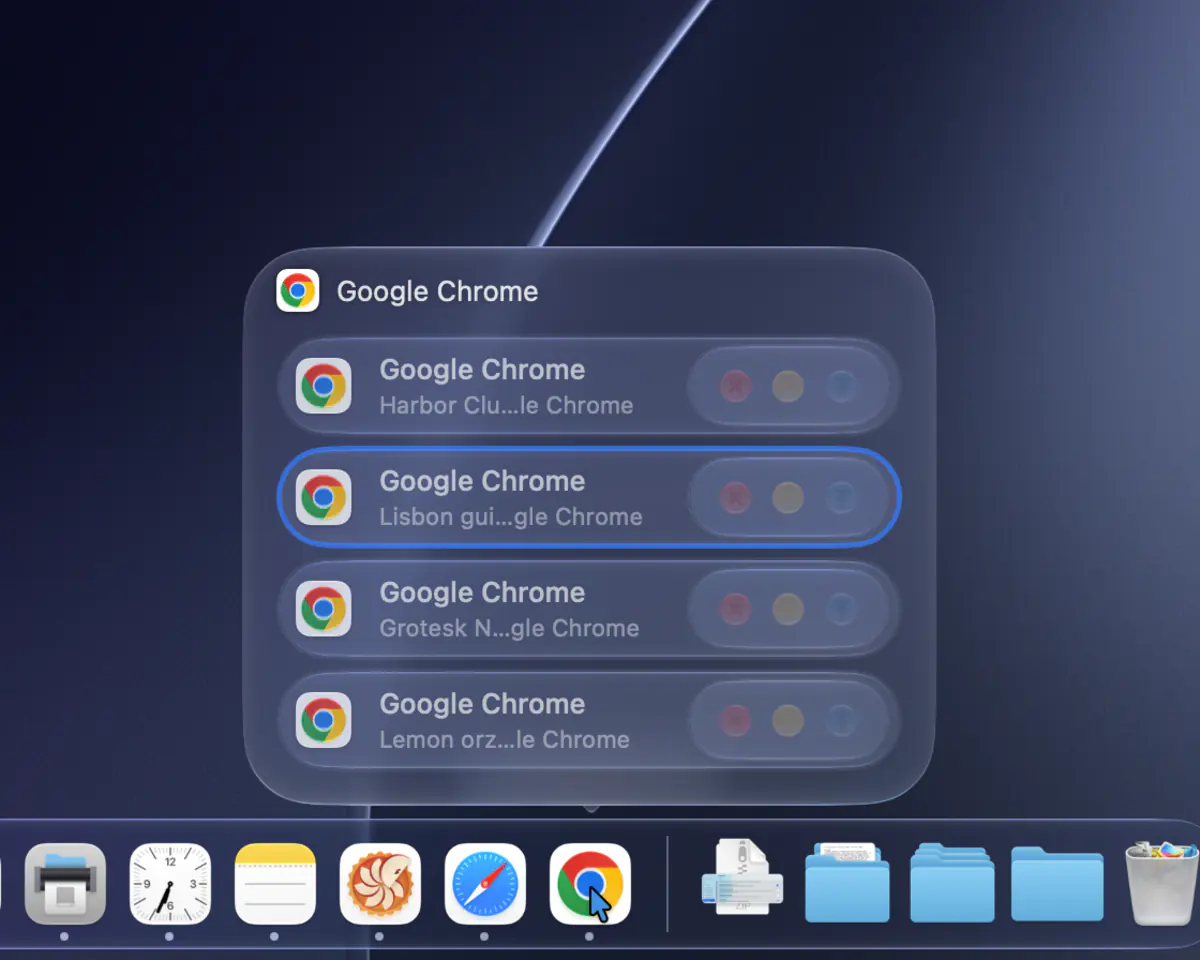
Four windows shown as a compact list of titles
Compact list
Show an app's windows as a list of titles, all the time or once it has a lot of them.
Four large window previews in a two by two grid
Large previews
Make thumbnails bigger to tell similar windows apart.

Plus:

Make it look like yours

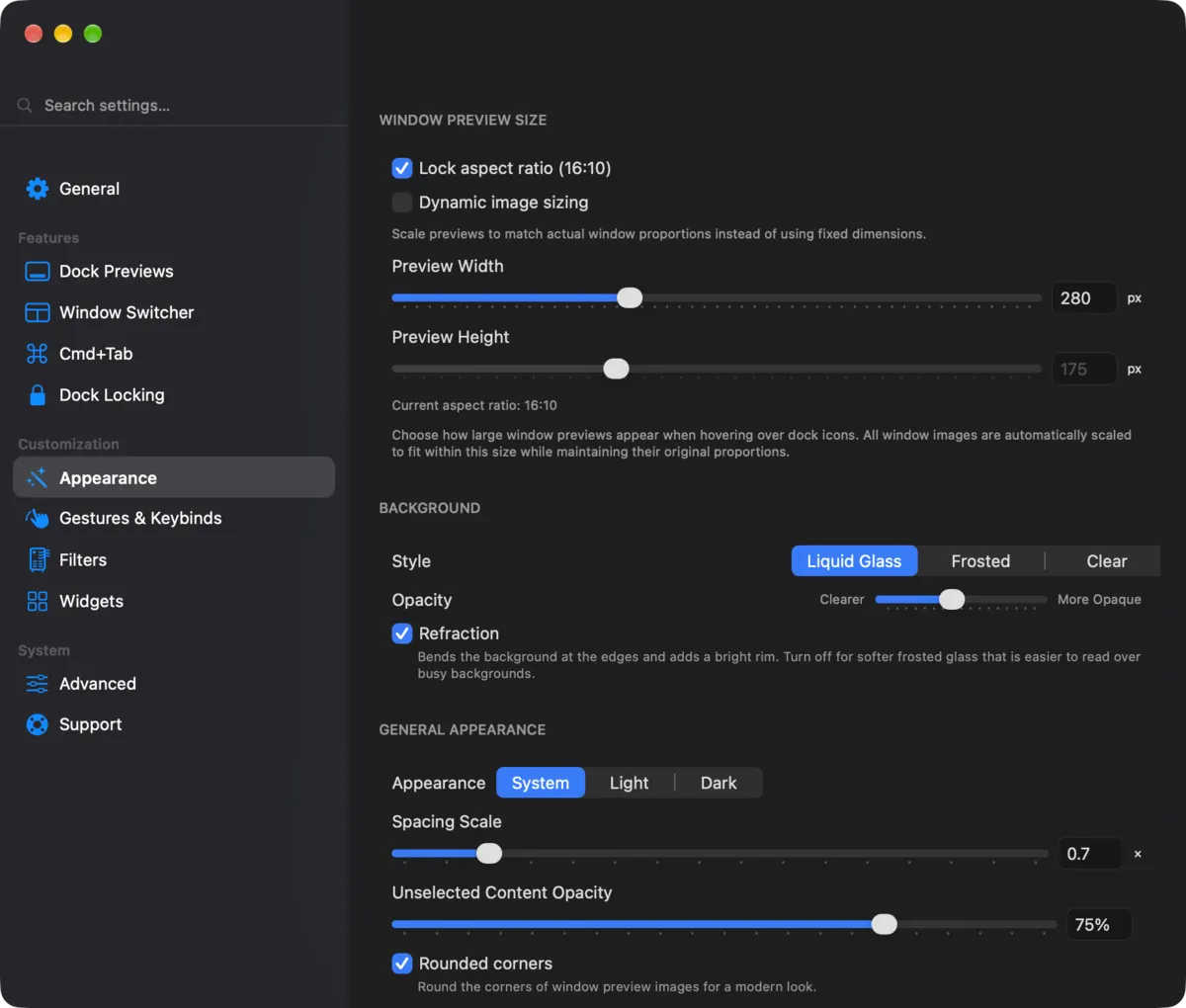
Choose Liquid Glass (macOS 26 and later), frosted or clear, and set the preview size, spacing, corners and where the window controls sit.

Dock preview with controls floating on each window DockDoor's Appearance settings

Back to top ⬆️

Privacy

Nothing leaves your Mac. DockDoor has no servers to send anything to: no analytics, no usage tracking and no crash reporters. Debug logs are written locally and go nowhere unless you export them yourself.

Back to top ⬆️

DockDoor Pro

DockDoor Pro

DockDoor Free has no paywall and never will. Every feature in this repo is free, forever.

DockDoor Pro is a separate paid app from the same developer. It replaces the macOS Dock with its own, and buying it is the best way to support DockDoor Free:

$20 one-time for 3 Macs. No subscription, 14-day money-back guarantee. If you use Pro, you don't need DockDoor Free.

Back to top ⬆️

Works with DockDoor

Parall

Parall runs multiple independent instances of the same Mac app, each with its own name and Dock icon. DockDoor and DockDoor Pro recognize apps opened through Parall, so each instance gets its own previews. DockDoor is listed as developer-supported on Parall's compatibility list.


More at dockdoor.net/works-with.

Back to top ⬆️

Contributing

DockDoor is written almost entirely by one developer, with fixes, features and translations from the open-source community.

Back to top ⬆️

License

This project is licensed under the GNU General Public License v3.0 - see the LICENSE file for details.

Back to top ⬆️

DockDoor (ejbills/DockDoor)

Searching Database…

这是什么?DockDoor 为你现有的 macOS Dock 增加实时窗口预览、Alt+Tab 切换和键盘控制功能,悬停在应用图标上即可看到它所有已打开窗口的缩略图。
它是替换 macOS Dock,还是在它基础上增强?它不会替换 Dock;它是一个从菜单栏运行的小型原生应用,在系统内置 Dock 的基础上添加悬停预览、Alt+Tab 等功能。
它支持哪些 Mac 和 macOS 版本?它支持 macOS 13 Ventura 及更高版本,Apple Silicon 和 Intel 芯片的 Mac 均可使用。
免费版有没有为推销付费应用而做出限制或阉割?没有。DockDoor Free 解锁了仓库中的全部功能,没有任何付费墙;DockDoor Pro 是另一款完全替换 Dock 的付费应用,而不是这款应用的锁定版本。
它能否与其他 Dock 替换工具配合使用?它专门设计用于识别通过 Parall 打开的应用——Parall 是一个能运行同一应用多个独立实例的工具,可为每个实例提供各自的预览。
有任何数据会离开我的 Mac 吗?没有,任何数据都不会离开你的 Mac:没有服务器、没有分析统计、没有使用跟踪、没有崩溃报告,调试日志也只保留在本地,除非你自己导出。
按住 Alt+Tab 或 Cmd+Tab 时会发生什么?按住 Alt+Tab 会显示所有已打开的窗口(而不仅仅是应用),可边输入边搜索进行切换;按住 Cmd+Tab 会在系统内置切换器上方显示当前高亮应用的窗口,方便你选择特定窗口。
除了切换窗口,悬停预览还能做什么?每个预览都带有关闭、最小化、全屏和退出按钮,还支持一些手势,比如双指滑动来最小化/最大化、滚动 Dock 图标来隐藏应用、晃动预览来最小化其他所有窗口。
DockDoor Pro 是什么,和免费版有什么区别?DockDoor Pro 是同一开发者推出的另一款一次性付费 20 美元的应用,完全替换 Dock,增加了弹簧放大、文件夹扇形展开、拖放文件托盘、多显示器配置文件和小组件市场等功能。
我能通过脚本控制 DockDoor 吗?可以。它支持 AppleScript 和 CLI,可以编程方式控制预览、切换器和窗口。
Creator
ejbills
Size
128.9 MB
Stars
6.4K
Age
2y
Commits · 90 Days