





What is this?
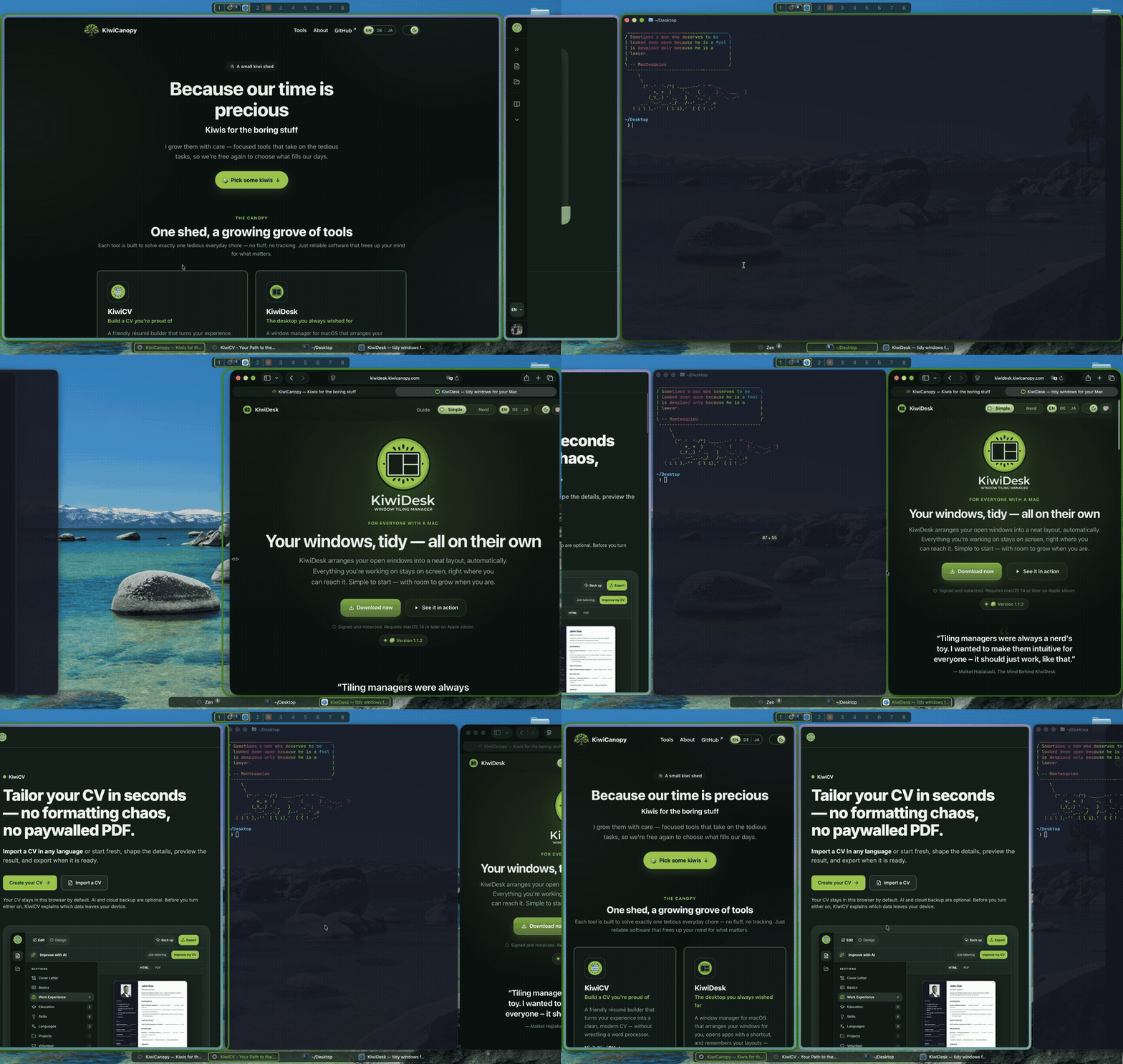
 KiwiDesk is a tiling window manager for macOS that tiles your windows automatically with no config file required, controlled through a native Settings app, while still exposing a Lua config, CLI and socket for power users underneath.
KiwiDesk is a tiling window manager for macOS that tiles your windows automatically with no config file required, controlled through a native Settings app, while still exposing a Lua config, CLI and socket for power users underneath.Is this a GUI app or do I need to hand-edit a config file to use it?It is a native macOS app with a real Settings window — tiling, layouts and rules are sliders and switches out of the box, and only if you want to go deeper do you touch the Lua config, CLI or socket.
It is a native macOS app with a real Settings window — tiling, layouts and rules are sliders and switches out of the box, and only if you want to go deeper do you touch the Lua config, CLI or socket.How do I install and get it running?Download the signed, notarized .dmg, or install via the Homebrew cask (which additionally puts the kiwidesk CLI on your PATH); on first launch a wizard walks you through granting the Accessibility permission and then it starts tiling right away.
Download the signed, notarized .dmg, or install via the Homebrew cask (which additionally puts the kiwidesk CLI on your PATH); on first launch a wizard walks you through granting the Accessibility permission and then it starts tiling right away.What does my Mac need to run it?macOS 14 or later on Apple Silicon — Intel Macs are not mentioned as supported. Building it yourself from source additionally needs Xcode 16+ and Swift 6.
macOS 14 or later on Apple Silicon — Intel Macs are not mentioned as supported. Building it yourself from source additionally needs Xcode 16+ and Swift 6.Does it need SIP disabled like some other tiling managers?No — KiwiDesk only asks for the Accessibility permission and is explicitly built to never require disabling System Integrity Protection.
No — KiwiDesk only asks for the Accessibility permission and is explicitly built to never require disabling System Integrity Protection.What are the license terms I should know about?It ships under the Business Source License 1.1: free to use personally and at work, but offering, selling, bundling or hosting it (or a derivative) as a product or service needs a commercial license; each version converts to MIT four years after its release.
It ships under the Business Source License 1.1: free to use personally and at work, but offering, selling, bundling or hosting it (or a derivative) as a product or service needs a commercial license; each version converts to MIT four years after its release.How many layouts does it offer?Seven layouts, including a PaperWM-style scrolling layout alongside the more traditional ones.
Seven layouts, including a PaperWM-style scrolling layout alongside the more traditional ones.Does switching to KiwiDesk break native macOS Spaces/Desktops?No, native macOS Desktops are kept intact rather than being replaced by a custom virtual-desktop system.
No, native macOS Desktops are kept intact rather than being replaced by a custom virtual-desktop system.Will a macOS update break KiwiDesk?It is built to survive updates: every private Apple API it uses has a public fallback, and the few things only Apple's private bridge can do simply disable themselves after an update instead of breaking the app.
It is built to survive updates: every private Apple API it uses has a public fallback, and the few things only Apple's private bridge can do simply disable themselves after an update instead of breaking the app.How is it different from yabai or AeroSpace?Unlike yabai it never requires disabling SIP, and unlike config-file-first tools like AeroSpace it tiles out of the box through a GUI Settings app, while still offering the same Lua config and CLI power underneath for those who want it.
Unlike yabai it never requires disabling SIP, and unlike config-file-first tools like AeroSpace it tiles out of the box through a GUI Settings app, while still offering the same Lua config and CLI power underneath for those who want it.Which topics is it in?aerospace, socket, tiling-window-manager, window-management, config, window-manager, swiftui, lua, installer, native, accessibility, apple
aerospace, socket, tiling-window-manager, window-management, config, window-manager, swiftui, lua, installer, native, accessibility, apple