

1.1K ·GitHub
Что это такое?
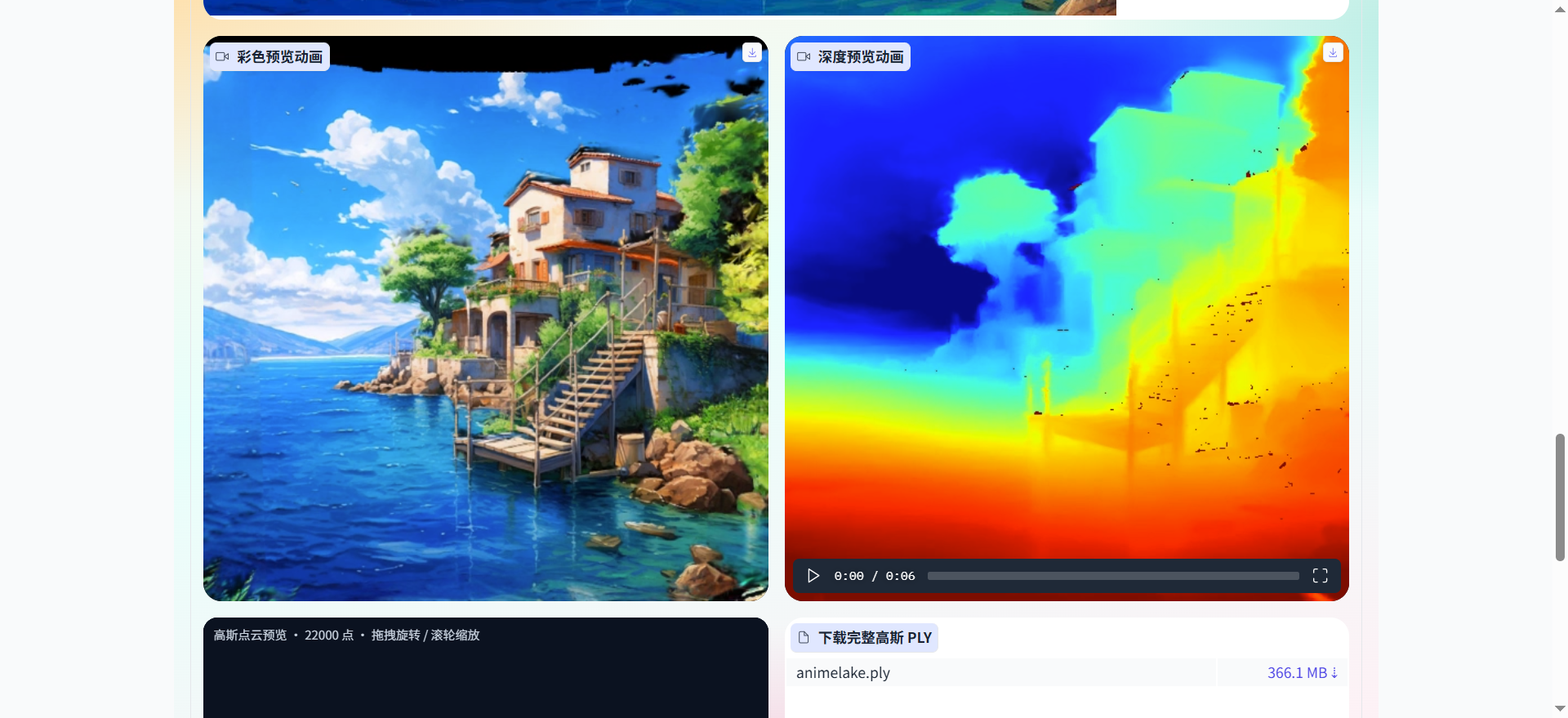
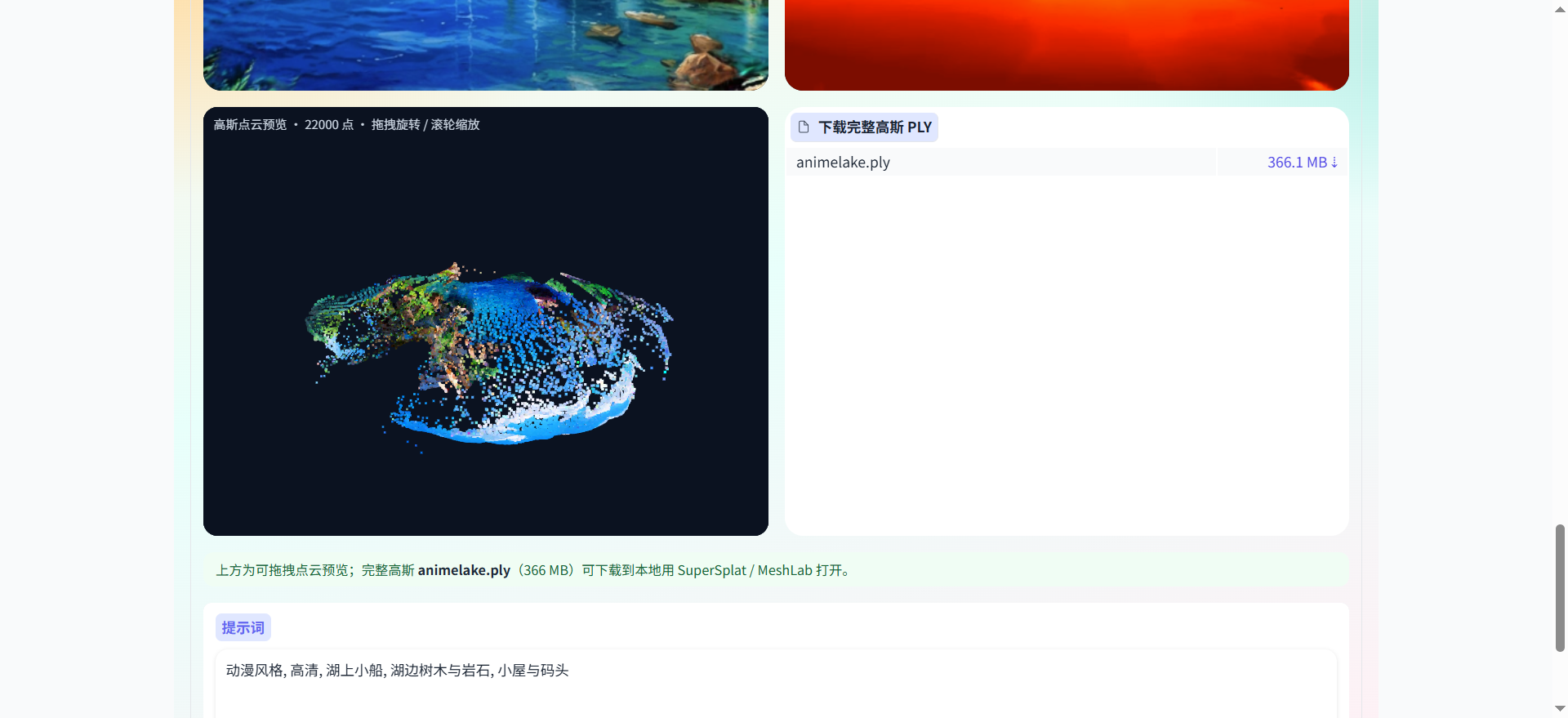
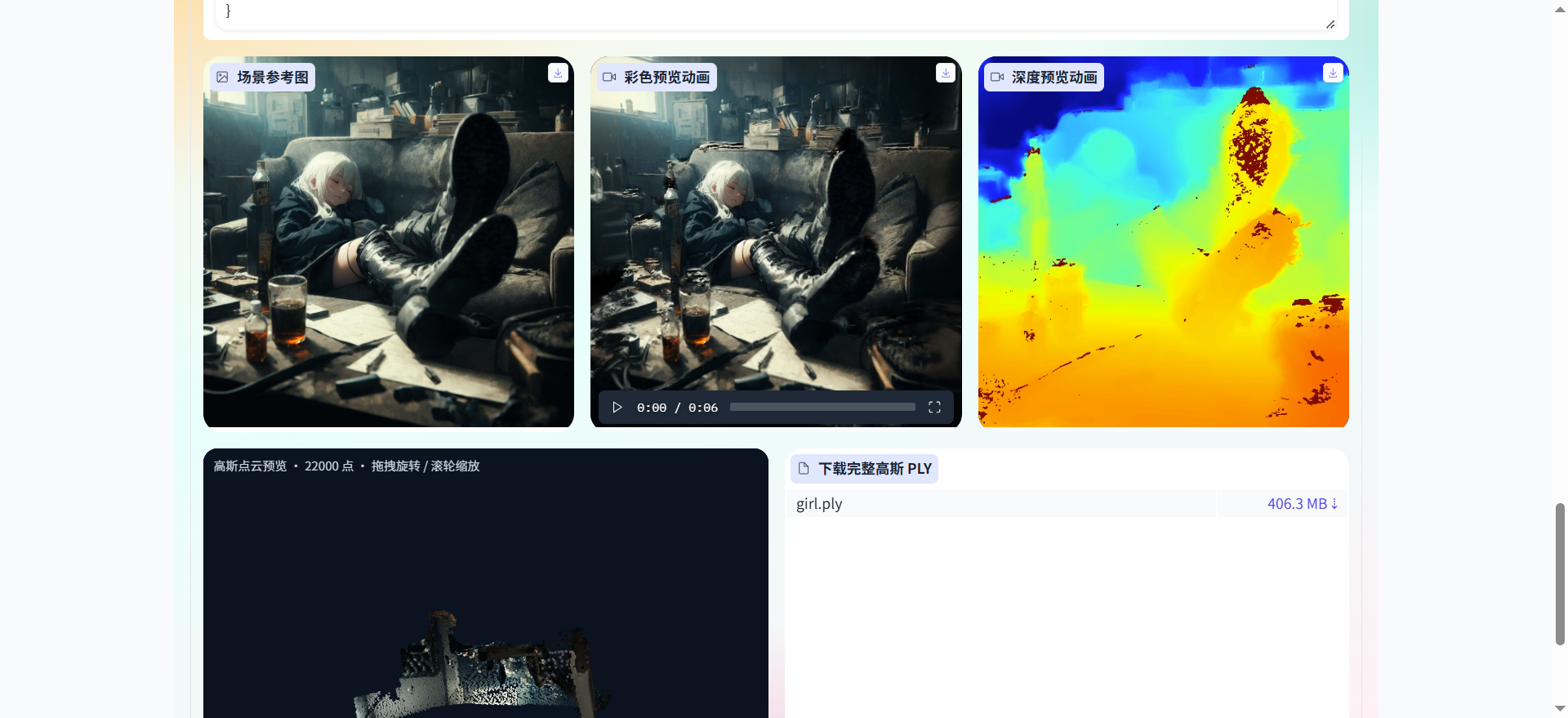
 Guangyu Zaojing (光域造景) — это система генерации 3D-сцен по изображению: вы даёте одно исходное изображение и текстовый запрос, а система создаёт 3D-сцену вдоль траектории камеры, которую можно просмотреть, воспроизвести и отследить. На выходе получаются анимации цвета и глубины и облака точек из гауссиан.
Это настольное приложение или то, что открывается в браузере?Это веб-приложение, которое вы разворачиваете на своём сервере: оно поставляется как Docker-образ с интерфейсом Gradio на базе FastAPI/Uvicorn и по умолчанию слушает порт 8090, поэтому открывается в браузере.
Это веб-приложение, которое вы разворачиваете на своём сервере: оно поставляется как Docker-образ с интерфейсом Gradio на базе FastAPI/Uvicorn и по умолчанию слушает порт 8090, поэтому открывается в браузере.Как его запустить?Разверните его через Docker Compose (Docker Engine 24+ с доступной командой compose); демо-режим не требует GPU, и стандартного Dockerfile достаточно. В Windows вместо этого можно дважды щёлкнуть startdemo.bat или startcuda.bat, затем открыть http://localhost:8090.
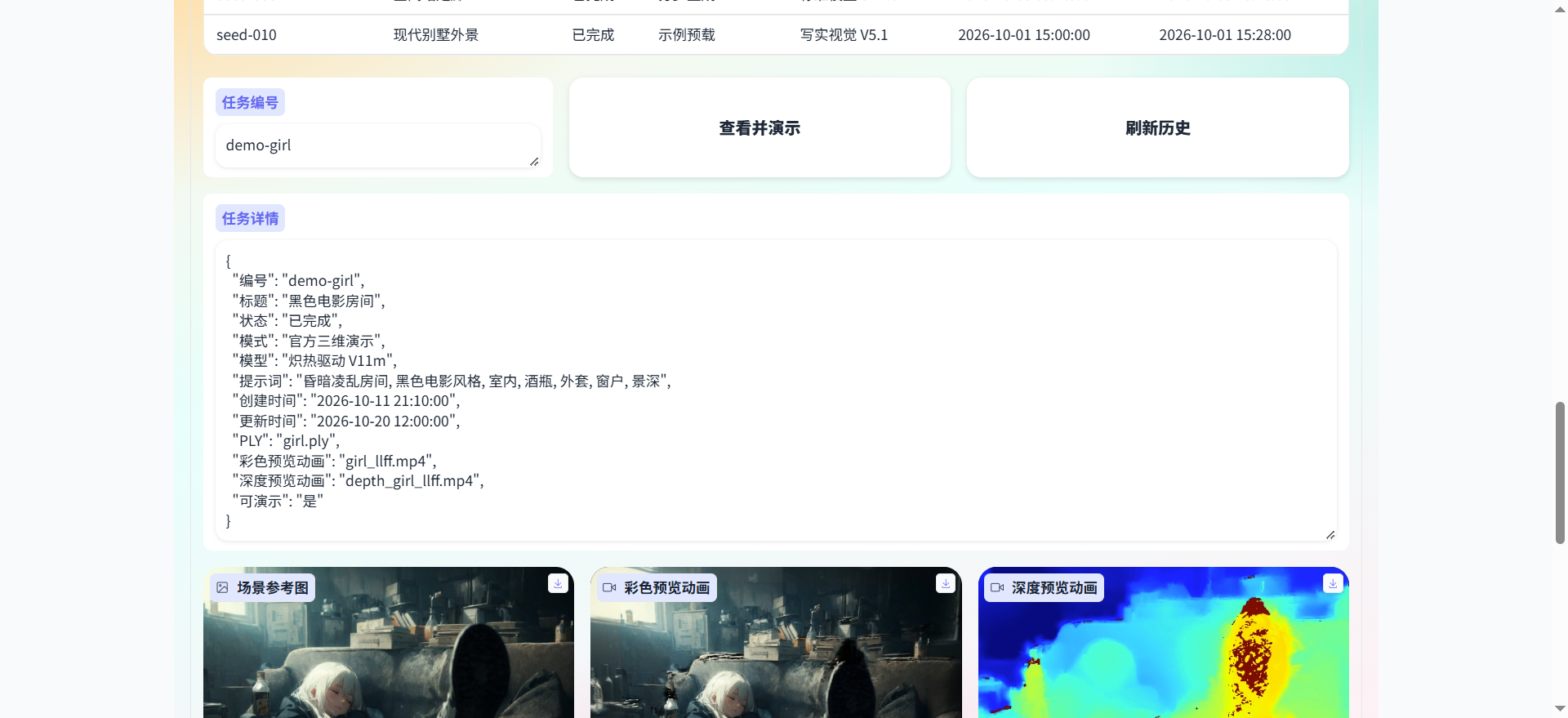
Разверните его через Docker Compose (Docker Engine 24+ с доступной командой compose); демо-режим не требует GPU, и стандартного Dockerfile достаточно. В Windows вместо этого можно дважды щёлкнуть startdemo.bat или startcuda.bat, затем открыть http://localhost:8090.Что будет, если нет GPU или не загрузятся веса модели?Система автоматически переходит в демо-режим: примеры из официальной галереи и воспроизведение истории задач продолжают работать, но создавать новые сцены нельзя, можно только просматривать предзагруженные примеры.
Система автоматически переходит в демо-режим: примеры из официальной галереи и воспроизведение истории задач продолжают работать, но создавать новые сцены нельзя, можно только просматривать предзагруженные примеры.Нужно ли входить в аккаунт или есть какой-то контроль доступа?Нет, входа в систему нет, и любой, кто может открыть адрес приложения в браузере, может им пользоваться. Поэтому для продакшена доступ нужно ограничить самостоятельно, например с помощью файрвола или обратного прокси.
Нет, входа в систему нет, и любой, кто может открыть адрес приложения в браузере, может им пользоваться. Поэтому для продакшена доступ нужно ограничить самостоятельно, например с помощью файрвола или обратного прокси.Какие диффузионные модели и траектории камеры можно выбрать?Четыре чекпоинта на основе Stable Diffusion (SD1.5, Blazing Drive V11m, Realistic Vision V5.1, Cartoon Pixar V5), три траектории генерации (Осмотр вокруг, Орбита сверху, Вращение на месте 360) и три траектории рендера (Приближение и отдаление, Классическая орбита, Лёгкое покачивание).
Четыре чекпоинта на основе Stable Diffusion (SD1.5, Blazing Drive V11m, Realistic Vision V5.1, Cartoon Pixar V5), три траектории генерации (Осмотр вокруг, Орбита сверху, Вращение на месте 360) и три траектории рендера (Приближение и отдаление, Классическая орбита, Лёгкое покачивание).Что можно экспортировать из готовой сцены?Полное облако точек из гауссиан в формате PLY (может весить сотни МБ) для работы в SuperSplat или MeshLab, а также анимации предпросмотра цвета и глубины, отрисованные вдоль выбранной траектории камеры.
Полное облако точек из гауссиан в формате PLY (может весить сотни МБ) для работы в SuperSplat или MeshLab, а также анимации предпросмотра цвета и глубины, отрисованные вдоль выбранной траектории камеры.Почему в браузере показано облако точек, а не 3D-модель с текстурами?Сцены сохраняются как 3D Gaussian Splats с помощью конвейера LucidDreamer (диффузионная дорисовка, или инпейнтинг, и оценка глубины ZoeDepth), поэтому просмотрщик показывает облако точек из гауссиан, которое можно вращать мышью, а не обычную полигональную сетку.
Сцены сохраняются как 3D Gaussian Splats с помощью конвейера LucidDreamer (диффузионная дорисовка, или инпейнтинг, и оценка глубины ZoeDepth), поэтому просмотрщик показывает облако точек из гауссиан, которое можно вращать мышью, а не обычную полигональную сетку.Какие есть похожие проекты?TRELLIS, Hunyuan3D-2, StableGen, generative-models, idol-sdk, pointdit, WanGP, ai-toolkit
TRELLIS, Hunyuan3D-2, StableGen, generative-models, idol-sdk, pointdit, WanGP, ai-toolkitВ каких он темах?pointcloud, text-to-3d, gaussian-splatting, image-to-3d, 3d-reconstruction, stable-diffusion, gradio, self-hosting, diffusion-models, fastapi, app, image-generation
pointcloud, text-to-3d, gaussian-splatting, image-to-3d, 3d-reconstruction, stable-diffusion, gradio, self-hosting, diffusion-models, fastapi, app, image-generation