
395 ·GitHub
What is this?
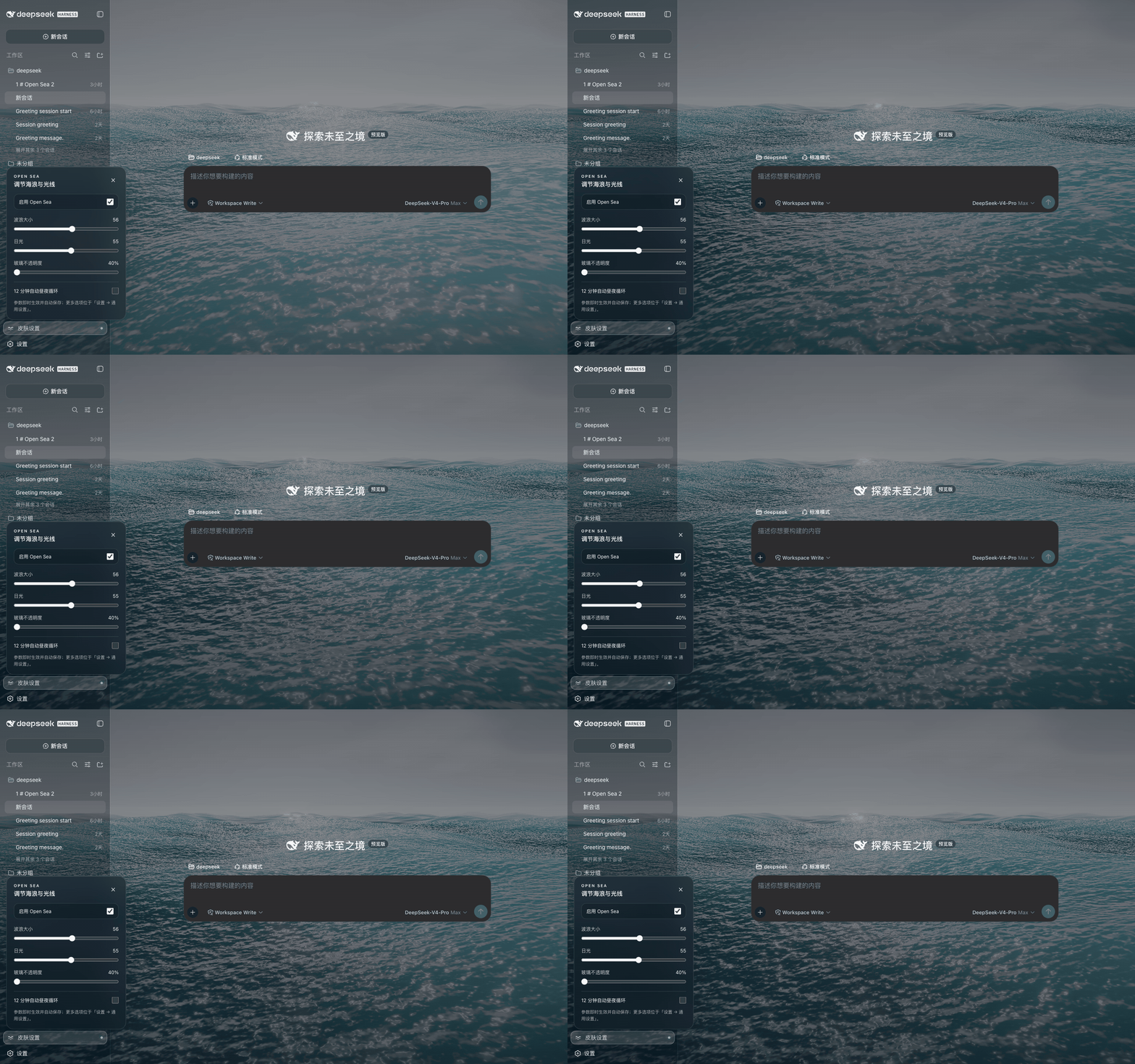
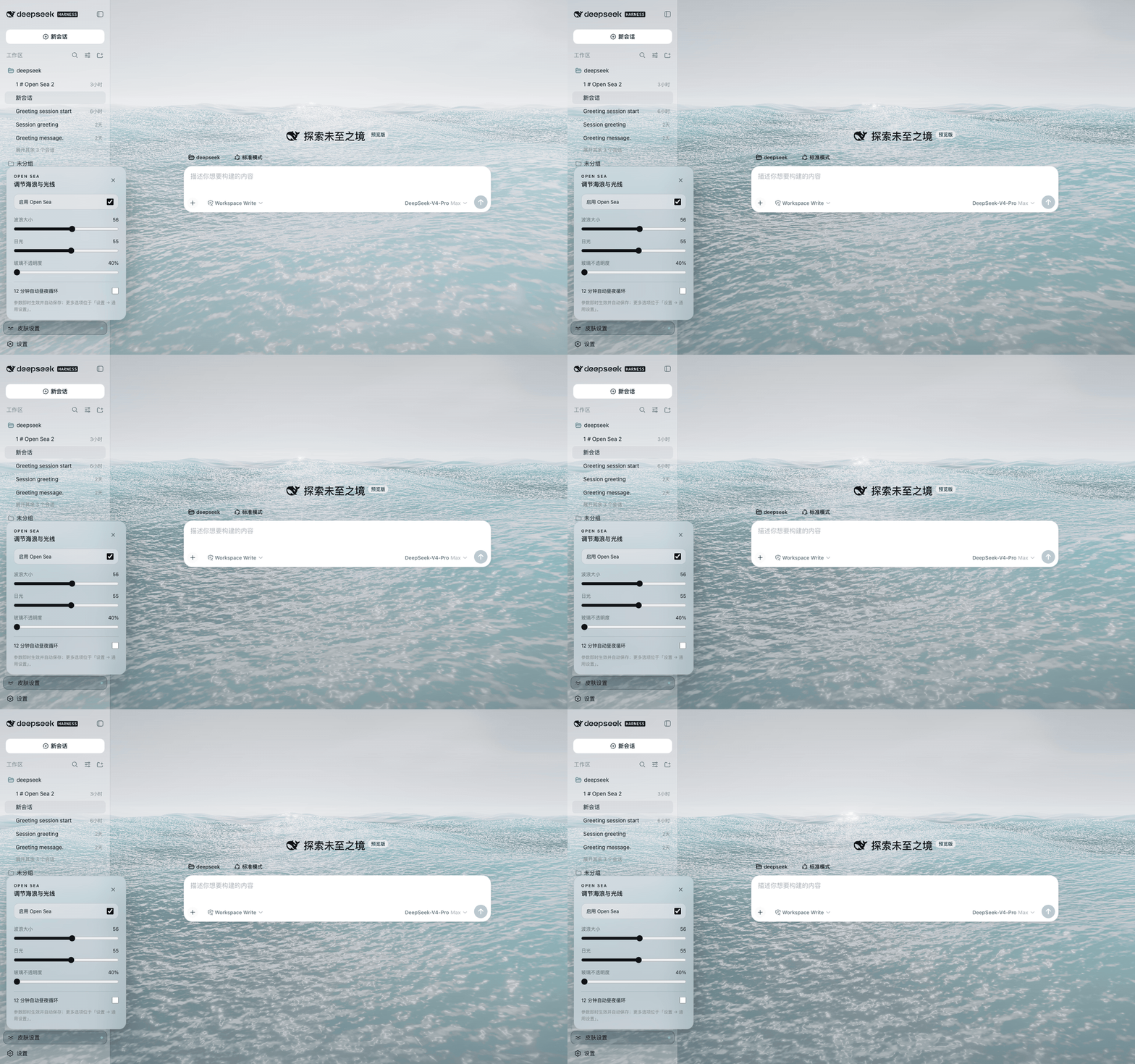
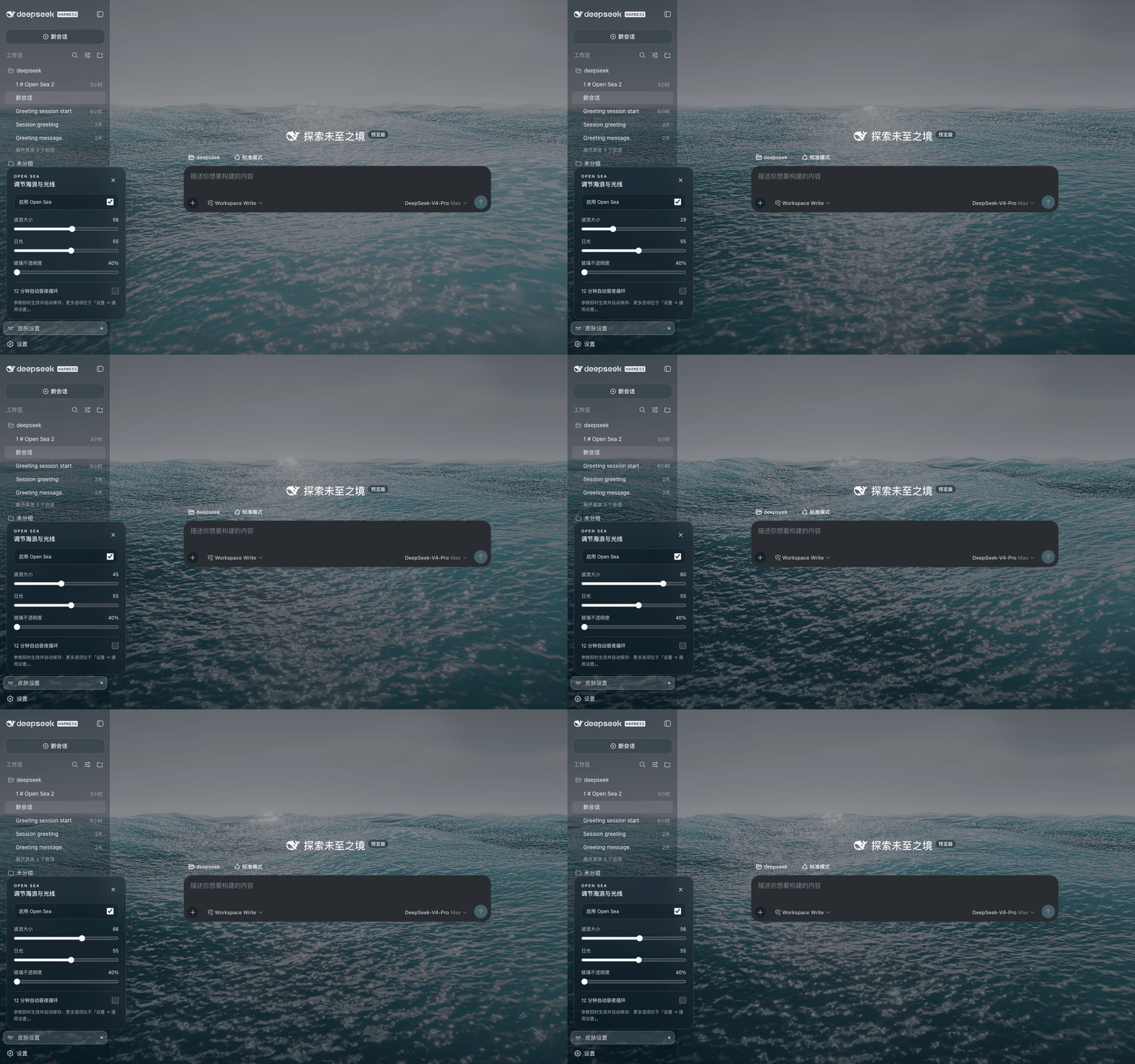
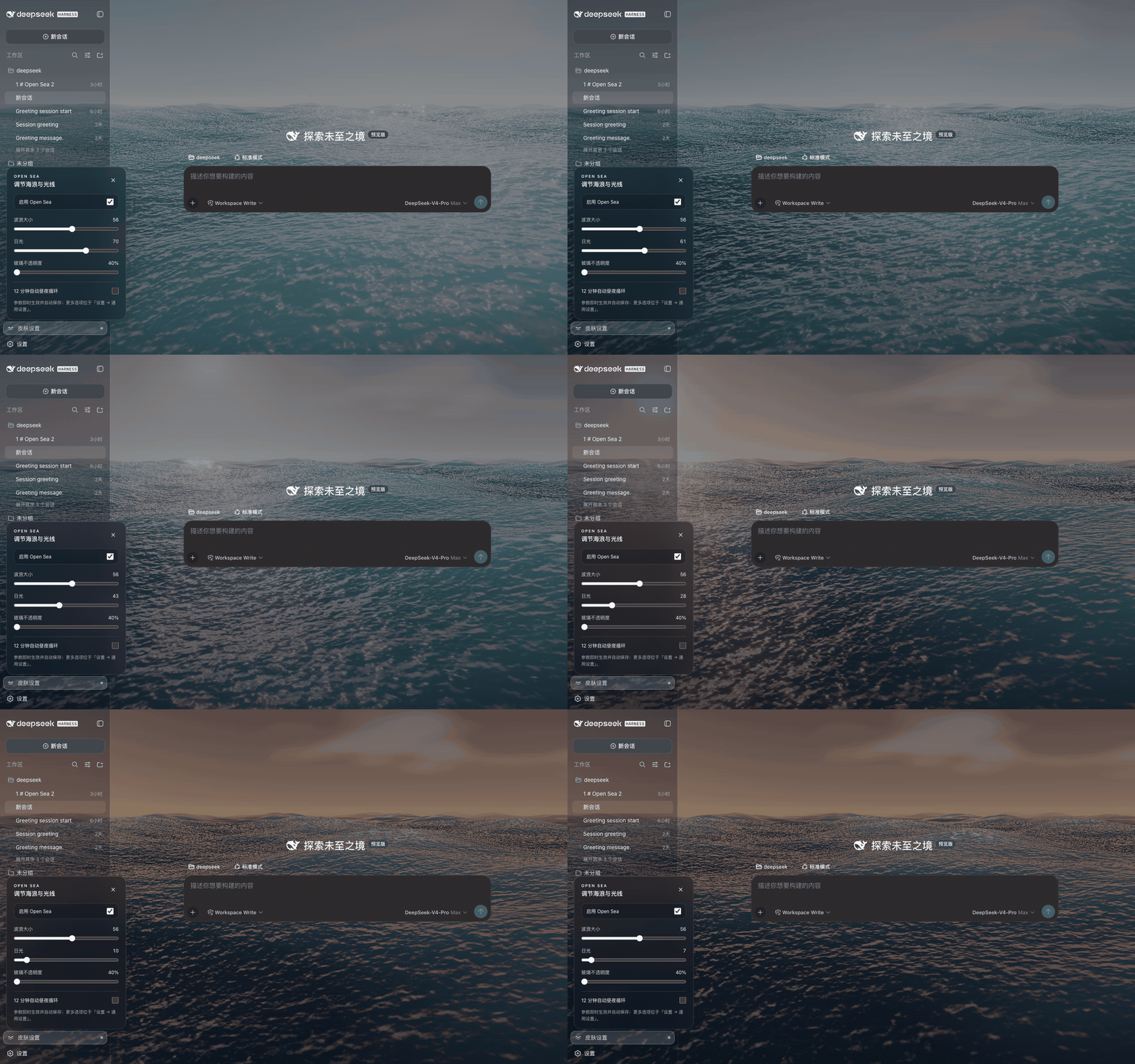
 Open Sea Skin is an animated, WebGPU-powered ocean theme for DeepSeek Harness (DSH) that adds adjustable waves, a sunset cycle, and glass opacity to the Harness new-tab/homepage.
Open Sea Skin is an animated, WebGPU-powered ocean theme for DeepSeek Harness (DSH) that adds adjustable waves, a sunset cycle, and glass opacity to the Harness new-tab/homepage.Is this a browser extension or a DSH plugin?Both: it ships as a one-line DSH plugin installed via npm, as a Chrome/Edge browser extension, as a one-command static installer, or as a native Harness source integration.
Both: it ships as a one-line DSH plugin installed via npm, as a Chrome/Edge browser extension, as a one-command static installer, or as a native Harness source integration.How do I install it on my DeepSeek Harness?The recommended path is installing the package as a DSH plugin from npm, then restarting `dsh web`; after that you adjust wave size, daylight and glass opacity from the lower-left Skin settings panel.
The recommended path is installing the package as a DSH plugin from npm, then restarting `dsh web`; after that you adjust wave size, daylight and glass opacity from the lower-left Skin settings panel.Does it need Harness running, or anything else?You need a running DeepSeek Harness instance (tested against 0.1.2-alpha.3); for development/build/testing tasks Node.js 20+ is required.
You need a running DeepSeek Harness instance (tested against 0.1.2-alpha.3); for development/build/testing tasks Node.js 20+ is required.Any install pitfalls I should know about?The static installer only edits files on disk; it does not start or keep the Harness server running, so you must stop Harness, run the bootstrap, then manually restart `dsh web` yourself.
The static installer only edits files on disk; it does not start or keep the Harness server running, so you must stop Harness, run the bootstrap, then manually restart `dsh web` yourself.Does it work on Windows, macOS, and Linux?Yes — since it runs inside your local DeepSeek Harness instance (via plugin or static install) or as a Chrome/Edge extension, it works on any OS that runs Harness and a Chromium-based browser.
Yes — since it runs inside your local DeepSeek Harness instance (via plugin or static install) or as a Chrome/Edge extension, it works on any OS that runs Harness and a Chromium-based browser.Does the extension send any data out?No. It collects, transmits, sells, or shares no data, and the extension requests only storage access plus permission to run on your local Harness page — there is no remote host permission.
No. It collects, transmits, sells, or shares no data, and the extension requests only storage access plus permission to run on your local Harness page — there is no remote host permission.What rendering tech powers the ocean effect?It uses WebGPU with three.js 0.178.0 and TSL to render five Gerstner waves with analytic normals, Fresnel sky reflection, sun glitter, foam, fog, bloom and ACES tone mapping.
It uses WebGPU with three.js 0.178.0 and TSL to render five Gerstner waves with analytic normals, Fresnel sky reflection, sun glitter, foam, fog, bloom and ACES tone mapping.Will the extension mess with my other new-tab pages or sites?No — it verifies the Harness title, root element, and a server-injected boot marker before modifying any page, so it leaves the browser's native new-tab page and other local dev sites untouched.
No — it verifies the Harness title, root element, and a server-injected boot marker before modifying any page, so it leaves the browser's native new-tab page and other local dev sites untouched.Can I preview the theme before installing?Yes, the README links to a live interactive demo where you can tune waves, sunset, and glass transparency before deciding to install.
Yes, the README links to a live interactive demo where you can tune waves, sunset, and glass transparency before deciding to install.Is performance tuned for lower-end machines?Yes — it includes a reduced mesh mode, adaptive render scale, FPS caps (60/30/20), hidden-tab pause, and automatic low-end device detection to keep the effect light.
Yes — it includes a reduced mesh mode, adaptive render scale, FPS caps (60/30/20), hidden-tab pause, and automatic low-end device detection to keep the effect light.What are similar projects?dsh-dream-skin, DSH-Transparent-UI-Plugin, gal-view, Youtube-Pro-Plus, dsh-liang-skin, dsh-dafeiyu, natural-disasters, dsh-damage-pulse
dsh-dream-skin, DSH-Transparent-UI-Plugin, gal-view, Youtube-Pro-Plus, dsh-liang-skin, dsh-dafeiyu, natural-disasters, dsh-damage-pulseWhich topics is it in?edge-extension, glassmorphism, webgpu, threejs, chrome-extension, browser-extension, theme, dsh, dsh-plugin, deepseek-harness, deepseek, animation
edge-extension, glassmorphism, webgpu, threejs, chrome-extension, browser-extension, theme, dsh, dsh-plugin, deepseek-harness, deepseek, animation