






What is this?
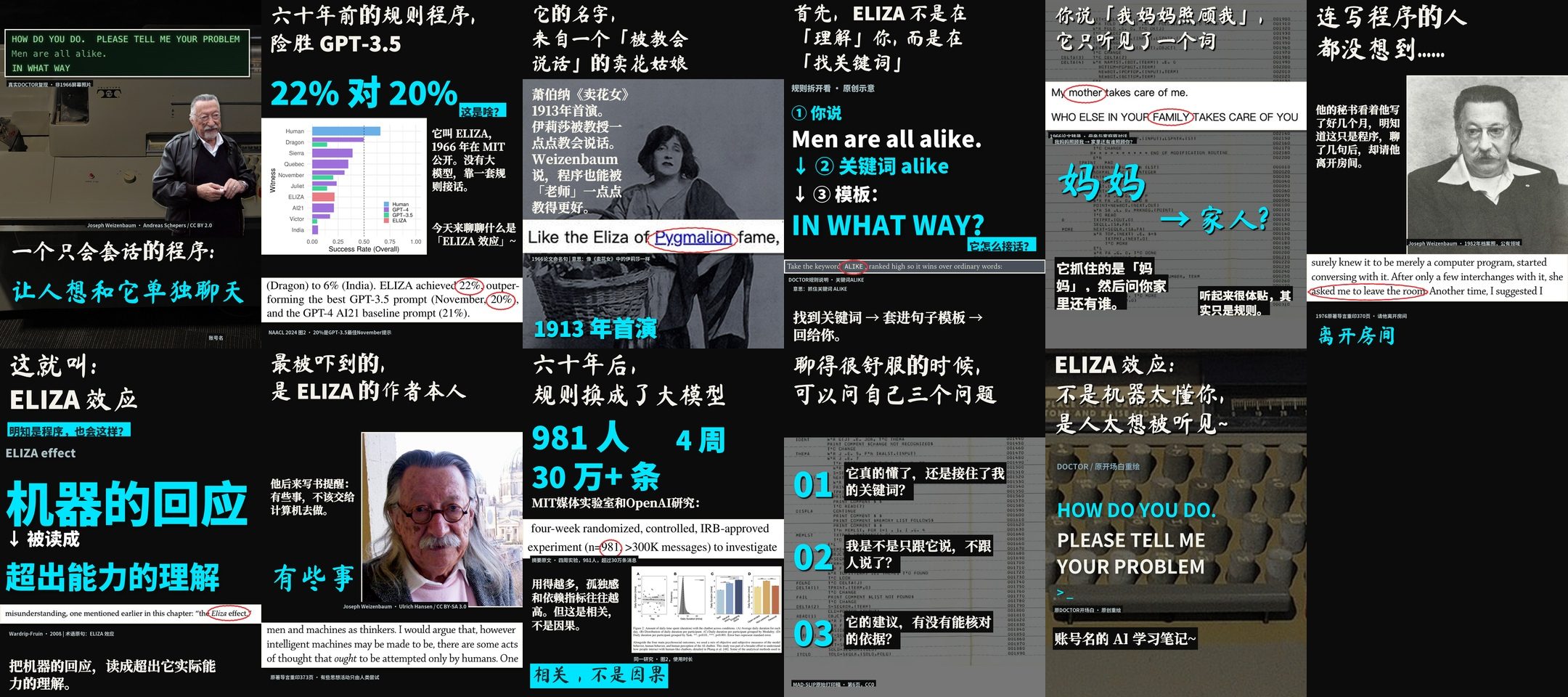
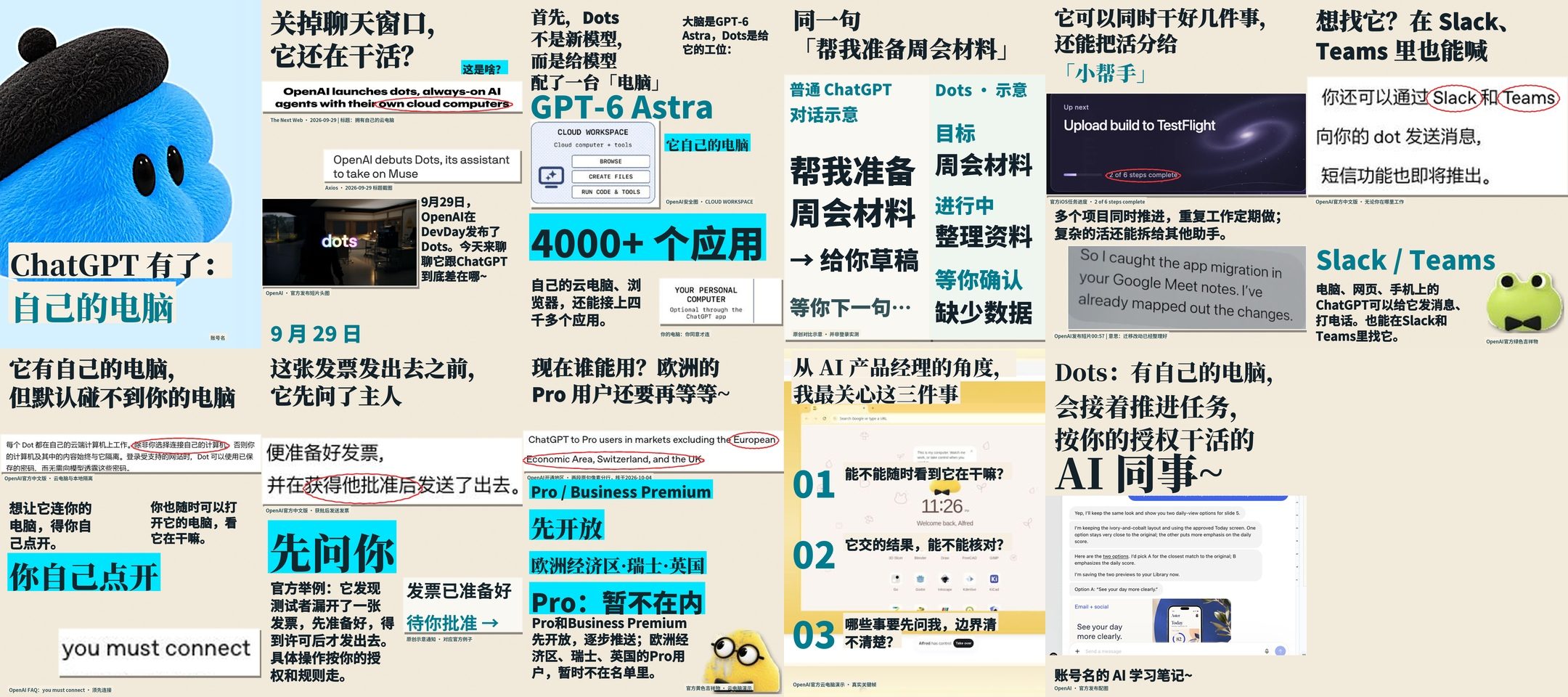
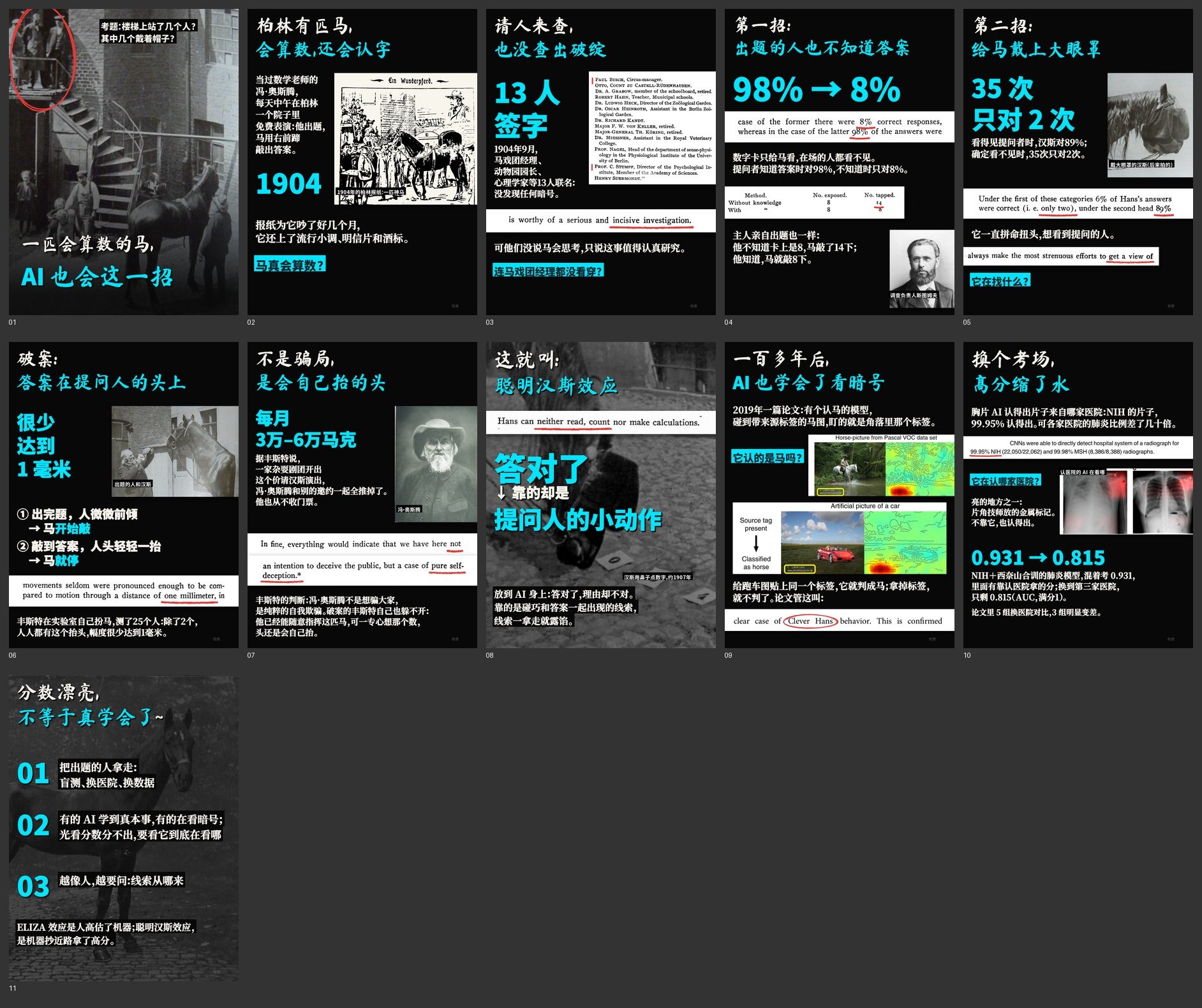
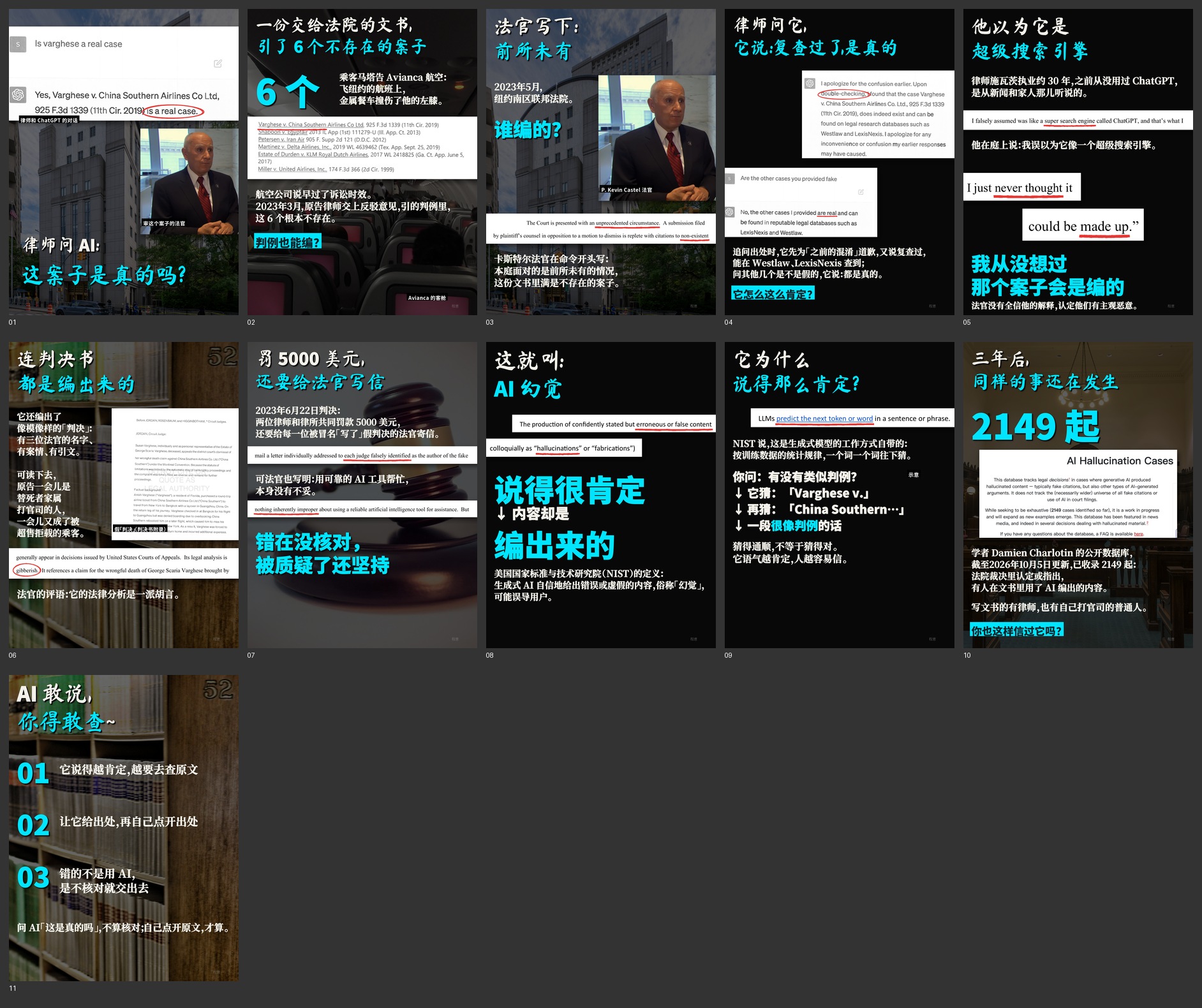
 cy-carousel is a Skill for AI coding agents (Claude Code or Codex) that turns a single topic into a complete, publish-ready image-text carousel: a cover image plus 10 inner pages (1440x1920), together with a matching title, caption text, a pinned comment and a source list.
cy-carousel is a Skill for AI coding agents (Claude Code or Codex) that turns a single topic into a complete, publish-ready image-text carousel: a cover image plus 10 inner pages (1440x1920), together with a matching title, caption text, a pinned comment and a source list.Is this a standalone app, or something I run inside Claude Code / Codex?It is a Skill, not a standalone program: a folder of scripts and instructions that Claude Code or Codex follows when you describe a topic. You never run an executable yourself, you just ask the agent for a carousel.
It is a Skill, not a standalone program: a folder of scripts and instructions that Claude Code or Codex follows when you describe a topic. You never run an executable yourself, you just ask the agent for a carousel.How do I get it running?Install Python 3.10+ with Pillow 12.1+, numpy 2+ and PyMuPDF (listed in requirements.txt), then open a new conversation in Claude Code or Codex and ask it to use cy-carousel on your topic.
Install Python 3.10+ with Pillow 12.1+, numpy 2+ and PyMuPDF (listed in requirements.txt), then open a new conversation in Claude Code or Codex and ask it to use cy-carousel on your topic.Do I need Claude Code or Codex for this to work?Yes, the skill is driven by an AI coding agent that runs the research, layout and packaging scripts for you after you describe the topic. Finding word positions on scanned book pages additionally needs macOS Vision.
Yes, the skill is driven by an AI coding agent that runs the research, layout and packaging scripts for you after you describe the topic. Finding word positions on scanned book pages additionally needs macOS Vision.Can I just use the automatic layout instead of hand typesetting?It is not recommended: the automatic version (build.py) produces pages that look worse than hand-typeset ones, and the project keeps build.py only as a low-level rendering and line-breaking library.
It is not recommended: the automatic version (build.py) produces pages that look worse than hand-typeset ones, and the project keeps build.py only as a low-level rendering and line-breaking library.Does this require macOS, or does it work on Windows too?It works on Windows the same way; scripts read and write UTF-8 everywhere now. Only scanning printed book pages for word boxes and the photo-matching OCR step depend on macOS Vision.
It works on Windows the same way; scripts read and write UTF-8 everywhere now. Only scanning printed book pages for word boxes and the photo-matching OCR step depend on macOS Vision.What's included in each example project?Each example folder ships the full preview images, caption text and the typesetting script used to build it, but the original photos, source PDFs and fact-checking tables are deliberately left out of the repo.
Each example folder ships the full preview images, caption text and the typesetting script used to build it, but the original photos, source PDFs and fact-checking tables are deliberately left out of the repo.Why does the brush-font headline swap English letters to a different font?The handwritten brush font can render 'AI' so it looks like an unrelated Chinese character, so the headline() function automatically switches Latin letters and digits to a sans-serif font to avoid confusion.
The handwritten brush font can render 'AI' so it looks like an unrelated Chinese character, so the headline() function automatically switches Latin letters and digits to a sans-serif font to avoid confusion.Can I write the layout scripts myself instead of letting the agent do it?Yes, the repo includes a full hand-typesetting example script you can copy and adapt as a starting skeleton for your own carousel.
Yes, the repo includes a full hand-typesetting example script you can copy and adapt as a starting skeleton for your own carousel.What are similar projects?guizang-social-card-skill, guizang-yingzao-skill, dbskill, jinba-consulting-pptx-skill, linkedin-agent-skill, Tech-Doc-Style-Chinese, Humanizer-zh, software-certificate-skill
guizang-social-card-skill, guizang-yingzao-skill, dbskill, jinba-consulting-pptx-skill, linkedin-agent-skill, Tech-Doc-Style-Chinese, Humanizer-zh, software-certificate-skillWhich topics is it in?xiaohongshu, social-media, typography, chinese-language, claude-code-skill, content-creation, ocr, agent-skill, design, image-processing, skill, pdf
xiaohongshu, social-media, typography, chinese-language, claude-code-skill, content-creation, ocr, agent-skill, design, image-processing, skill, pdf