





Что это такое?
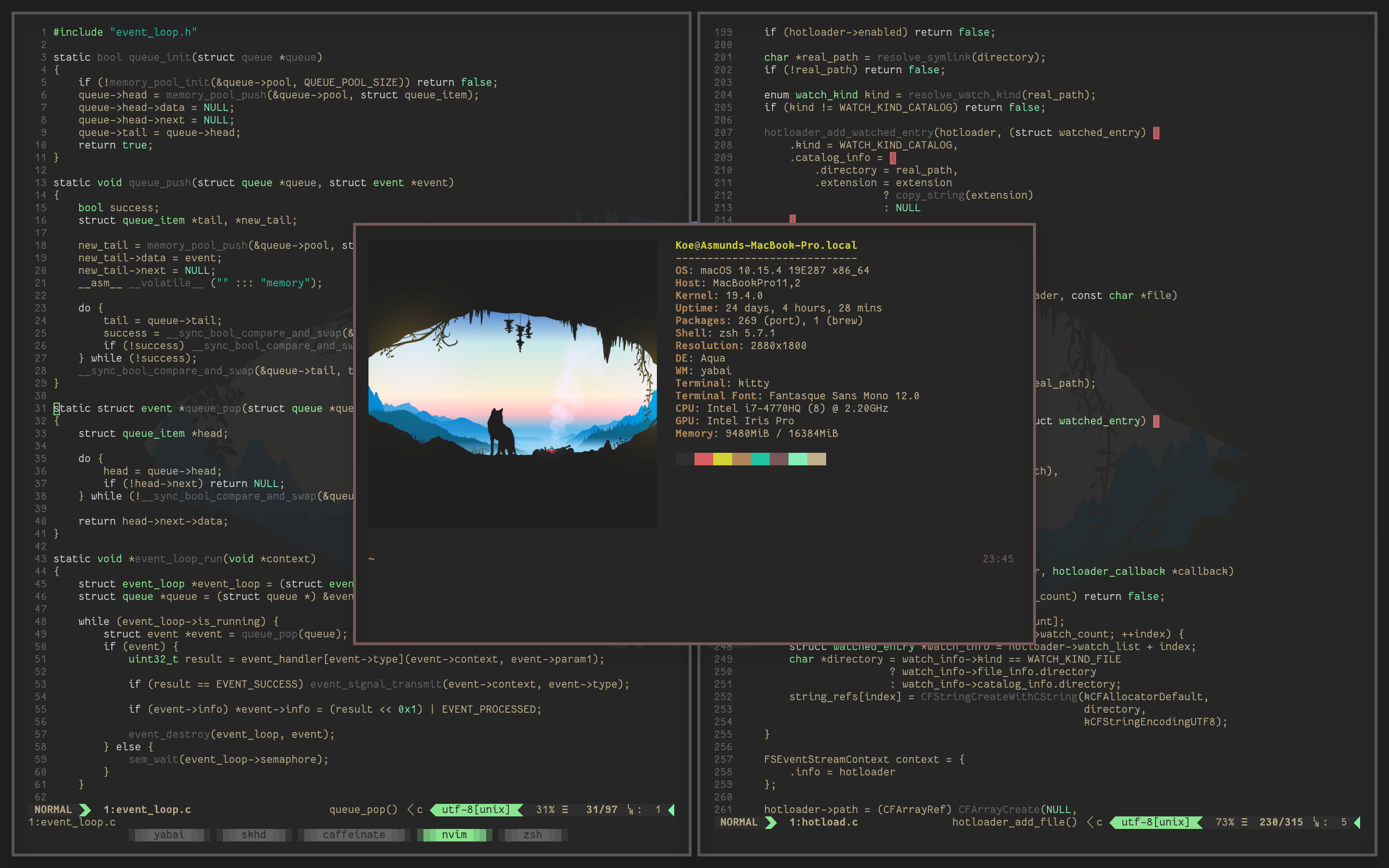
 Yabai — это оконный менеджер с мозаичным расположением окон для macOS, который расширяет встроенный оконный менеджер системы и автоматически раскладывает окна по алгоритму двоичного разбиения пространства (binary space partitioning).
Yabai — это оконный менеджер с мозаичным расположением окон для macOS, который расширяет встроенный оконный менеджер системы и автоматически раскладывает окна по алгоритму двоичного разбиения пространства (binary space partitioning).Это отдельное приложение, которое я открываю, или что-то, что работает в фоне и управляется через терминал?Это фоновая утилита, которой управляют через собственный интерфейс командной строки; вы не взаимодействуете с окном, как с обычным приложением.
Это фоновая утилита, которой управляют через собственный интерфейс командной строки; вы не взаимодействуете с окном, как с обычным приложением.Как его установить и настроить?В README нет единой команды установки; нужно следовать вики yabai, где описано несколько способов установки и how to полностью удалить программу.
В README нет единой команды установки; нужно следовать вики yabai, где описано несколько способов установки и how to полностью удалить программу.Нужно ли что-то ещё, чтобы настроить горячие клавиши?Сам yabai горячие клавиши не обрабатывает; его нужно связать с skhd (отдельным демоном горячих клавиш) или любым другим сторонним инструментом для назначения клавиш, чтобы запускать его команды.
Сам yabai горячие клавиши не обрабатывает; его нужно связать с skhd (отдельным демоном горячих клавиш) или любым другим сторонним инструментом для назначения клавиш, чтобы запускать его команды.Нужно ли отключать System Integrity Protection, чтобы им пользоваться?Частичное отключение SIP необязательно, но требуется для расширенных функций, так как yabai внедряет скриптовое дополнение в Dock.app, чтобы управлять сервером окон с повышенными привилегиями.
Частичное отключение SIP необязательно, но требуется для расширенных функций, так как yabai внедряет скриптовое дополнение в Dock.app, чтобы управлять сервером окон с повышенными привилегиями.Работает ли он на Mac с процессорами Intel, или только на Apple Silicon?Поддерживаются оба варианта: для Mac на Intel нужна macOS Big Sur 11.0+, а для Mac на Apple Silicon — Monterey 12.0+, вплоть до текущей версии Tahoe 26.
Поддерживаются оба варианта: для Mac на Intel нужна macOS Big Sur 11.0+, а для Mac на Apple Silicon — Monterey 12.0+, вплоть до текущей версии Tahoe 26.Какие разрешения macOS ему нужны?Для управления окнами ему необходим доступ к Accessibility API, а если вы хотите включить анимацию окон, дополнительно требуется разрешение Screen Recording.
Для управления окнами ему необходим доступ к Accessibility API, а если вы хотите включить анимацию окон, дополнительно требуется разрешение Screen Recording.Что на самом деле делает двоичное разбиение пространства с моими окнами?Оно автоматически делит экран на дерево прямоугольных областей по мере открытия и закрытия окон, так что раскладка остаётся мозаичной без ручного изменения размеров.
Оно автоматически делит экран на дерево прямоугольных областей по мере открытия и закрытия окон, так что раскладка остаётся мозаичной без ручного изменения размеров.Что ещё умеет yabai, кроме мозаичного расположения?Он также поддерживает фокус за курсором мыши (focus-follows-mouse), отключение анимации переключения рабочих столов и создание больше чем стандартных 16 рабочих столов (Spaces) macOS, а также некоторые другие дополнительные возможности.
Он также поддерживает фокус за курсором мыши (focus-follows-mouse), отключение анимации переключения рабочих столов и создание больше чем стандартных 16 рабочих столов (Spaces) macOS, а также некоторые другие дополнительные возможности.Есть ли приложения, которые плохо работают с yabai?Приложения, использующие встроенные вкладки документов macOS, например Terminal и Finder, работают некорректно при создании вкладок под управлением yabai; рекомендуется не использовать вкладки в них или задать правила, чтобы такие окна были плавающими.
Приложения, использующие встроенные вкладки документов macOS, например Terminal и Finder, работают некорректно при создании вкладок под управлением yabai; рекомендуется не использовать вкладки в них или задать правила, чтобы такие окна были плавающими.Можно ли вообще не отключать SIP?Да, функции, связанные с SIP, необязательны; базовое мозаичное расположение и управление окнами работают без изменения System Integrity Protection, оно нужно только для расширенных функций сервера окон.
Да, функции, связанные с SIP, необязательны; базовое мозаичное расположение и управление окнами работают без изменения System Integrity Protection, оно нужно только для расширенных функций сервера окон.What are similar projects?omacosy, AgentOS, KiwiDesk, SketchyBar, polybar, sway, serpantinum, window-sweaters
omacosy, AgentOS, KiwiDesk, SketchyBar, polybar, sway, serpantinum, window-sweatersWhich topics is it in?desktop-environment, ricing, tiling-window-manager, accessibility, macos-app, apple-silicon, c, customization, utility, desktop, productivity, command-line-tool
desktop-environment, ricing, tiling-window-manager, accessibility, macos-app, apple-silicon, c, customization, utility, desktop, productivity, command-line-tool