What is this?
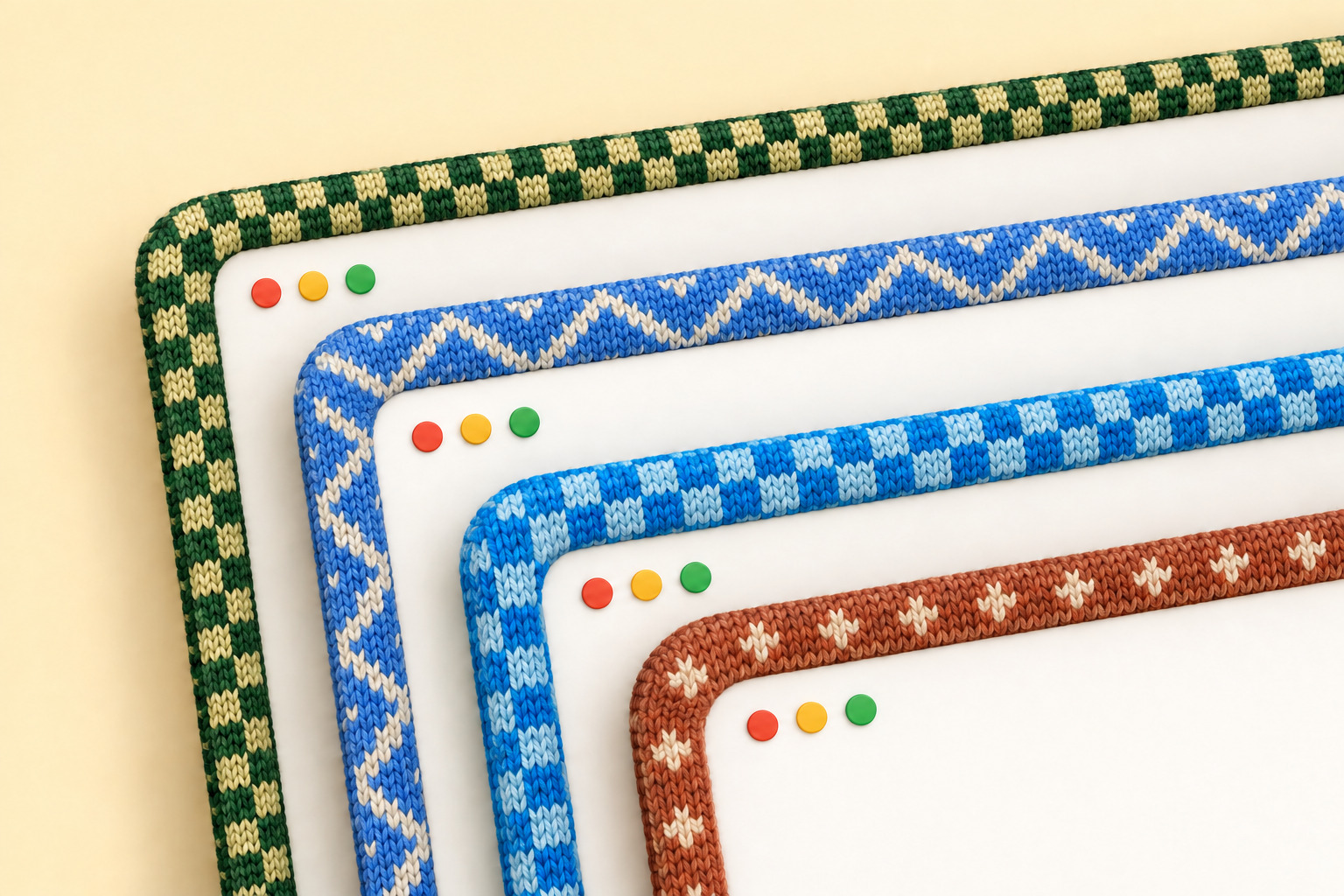
 Window Sweaters is a playful macOS menu-bar app that wraps your app windows in knitted sweater borders, with colours inspired by your favourite apps.
Window Sweaters is a playful macOS menu-bar app that wraps your app windows in knitted sweater borders, with colours inspired by your favourite apps.Is it a normal app I install, or does it modify macOS somehow?It's a normal menu-bar app with a yarn icon for all settings. Under the hood it draws borders around windows using private macOS window APIs, and it's built on JankyBorders, so macOS updates may occasionally affect it.
It's a normal menu-bar app with a yarn icon for all settings. Under the hood it draws borders around windows using private macOS window APIs, and it's built on JankyBorders, so macOS updates may occasionally affect it.How do I get it on my Mac?Ask your coding agent to install it from this repo, install it yourself with Homebrew, or grab the latest ZIP from Releases and drag Window Sweaters.app into Applications. Then just open it from your Applications folder.
Ask your coding agent to install it from this repo, install it yourself with Homebrew, or grab the latest ZIP from Releases and drag Window Sweaters.app into Applications. Then just open it from your Applications folder.Will macOS let it run right away?Not always: the app isn't notarized by Apple yet, so macOS may block the first launch — approve it via System Settings → Privacy & Security → Open Anyway. It also asks for Accessibility permission so it can follow which window is focused.
Not always: the app isn't notarized by Apple yet, so macOS may block the first launch — approve it via System Settings → Privacy & Security → Open Anyway. It also asks for Accessibility permission so it can follow which window is focused.Will it run on my Mac?It needs macOS 13 or later and runs on both Apple Silicon and Intel. Only Apple Silicon on macOS 26 has been hands-on tested, so Intel and older macOS versions are less proven.
It needs macOS 13 or later and runs on both Apple Silicon and Intel. Only Apple Silicon on macOS 26 has been hands-on tested, so Intel and older macOS versions are less proven.Does it send anything of mine anywhere?Nothing in the README suggests network use: app icons are sampled locally in the background to pick yarn colours, and colours you set yourself in apps.conf always win.
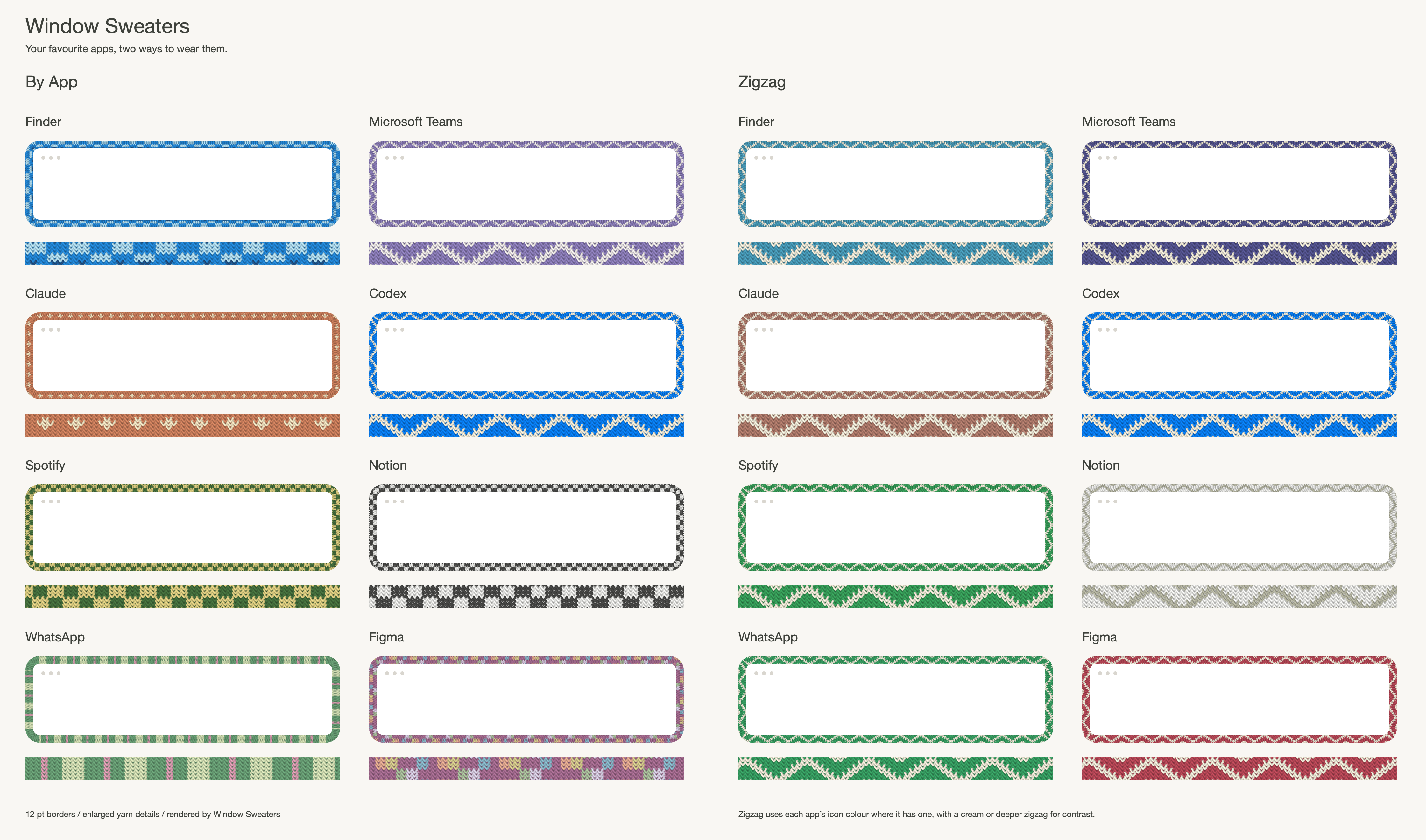
Nothing in the README suggests network use: app icons are sampled locally in the background to pick yarn colours, and colours you set yourself in apps.conf always win.Which apps come with ready-made sweaters?37 apps so far: Apple's Finder, Safari, Mail, Messages, Notes, Calendar, Terminal and more; work tools like Notion, Slack, Zoom and Teams; coding and AI apps like Cursor, VS Code, Claude, ChatGPT, Codex and Ghostty; design tools Figma, Photoshop and Illustrator; Office apps; plus Spotify, Chrome, Firefox, Telegram, WhatsApp and Discord.
37 apps so far: Apple's Finder, Safari, Mail, Messages, Notes, Calendar, Terminal and more; work tools like Notion, Slack, Zoom and Teams; coding and AI apps like Cursor, VS Code, Claude, ChatGPT, Codex and Ghostty; design tools Figma, Photoshop and Illustrator; Office apps; plus Spotify, Chrome, Firefox, Telegram, WhatsApp and Discord.Can I design my own colourways?Yes — edit the app's config to set per-app colours (rules match app-name prefixes and the longest match wins) and drop your own PNG knitting charts into the charts folder to replace built-in patterns. There's also an optional startup shell script at ~/.config/window-sweaters/sweatersrc or ~/.sweatersrc.
Yes — edit the app's config to set per-app colours (rules match app-name prefixes and the longest match wins) and drop your own PNG knitting charts into the charts folder to replace built-in patterns. There's also an optional startup shell script at ~/.config/window-sweaters/sweatersrc or ~/.sweatersrc.What is it built on, and how is it licensed?It's built on JankyBorders by Felix Kratz and released under GPL-3.0, with attribution in NOTICE.md. The author made it for their own Mac and shares it as a small open-source project.
It's built on JankyBorders by Felix Kratz and released under GPL-3.0, with attribution in NOTICE.md. The author made it for their own Mac and shares it as a small open-source project.What are similar projects?BetterDisplay, rooms, pliss, Sapphire, Ice, OpenYoink, Doll, boring.notch
BetterDisplay, rooms, pliss, Sapphire, Ice, OpenYoink, Doll, boring.notchWhich topics is it in?window-management, menubar-app, fun, menubar, mac, objective-c, accessibility, macos-app, homebrew, app, c, customization
window-management, menubar-app, fun, menubar, mac, objective-c, accessibility, macos-app, homebrew, app, c, customization