



Что это такое?
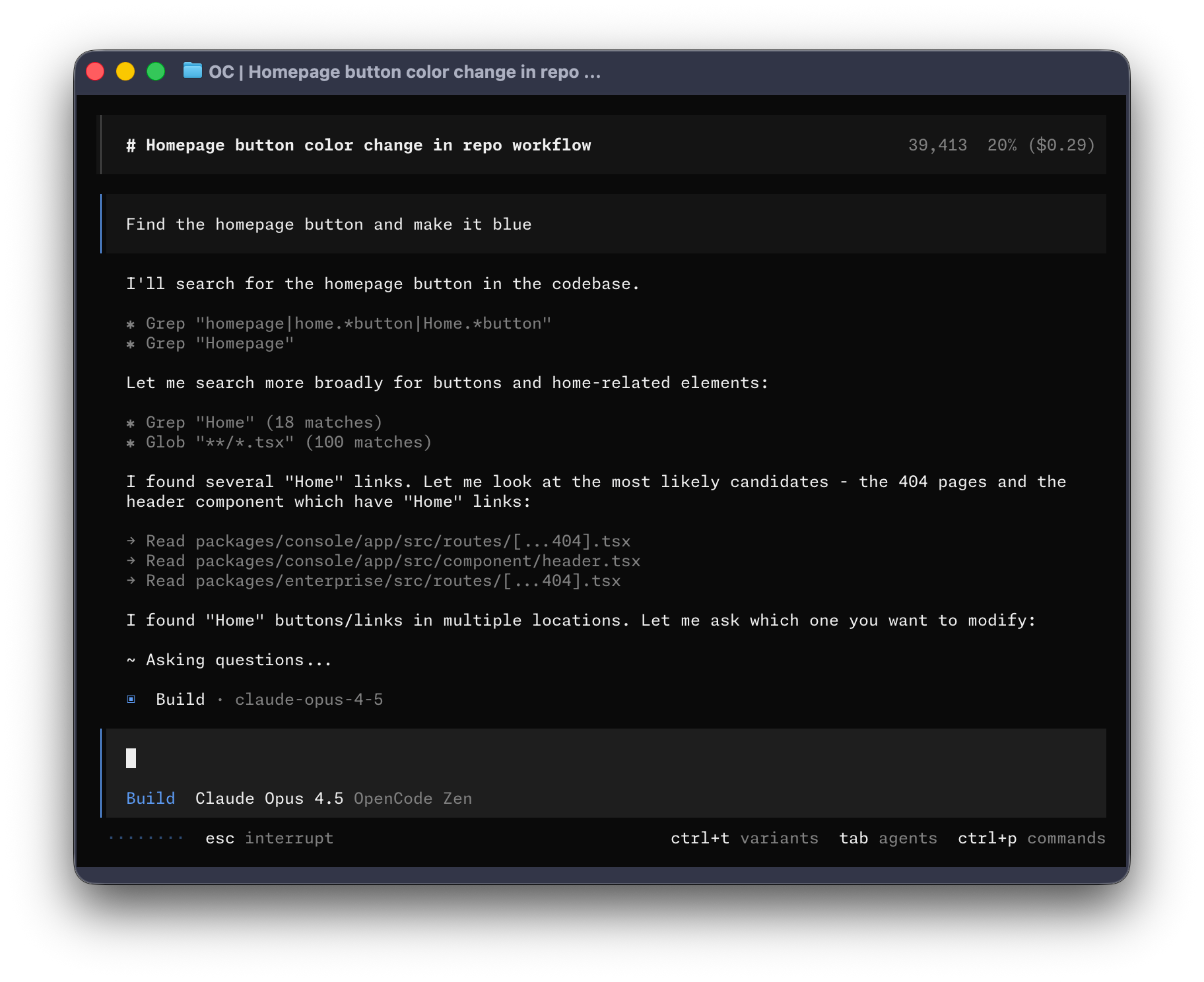
 OpenCode — это открытый ИИ-агент для программирования, который помогает писать, изучать и редактировать код. Доступен как CLI, а теперь также как бета-версия десктопного приложения.
OpenCode — это открытый ИИ-агент для программирования, который помогает писать, изучать и редактировать код. Доступен как CLI, а теперь также как бета-версия десктопного приложения.Это инструмент для терминала или есть и десктопное приложение?В первую очередь это CLI-агент, но OpenCode также выпускает БЕТА-версию десктопного приложения, которое можно скачать напрямую для macOS, Windows и Linux.
В первую очередь это CLI-агент, но OpenCode также выпускает БЕТА-версию десктопного приложения, которое можно скачать напрямую для macOS, Windows и Linux.Как установить OpenCode?Скачайте десктопное приложение на opencode.ai/download или на странице GitHub releases (dmg для macOS на Apple Silicon/Intel, .exe для Windows, .deb/.rpm/.AppImage для Linux), либо запустите скрипт установки, который сам выберет директорию для установки.
Скачайте десктопное приложение на opencode.ai/download или на странице GitHub releases (dmg для macOS на Apple Silicon/Intel, .exe для Windows, .deb/.rpm/.AppImage для Linux), либо запустите скрипт установки, который сам выберет директорию для установки.Можно ли пользоваться десктопным приложением каждый день?Пока нет — десктопное приложение явно помечено как БЕТА, поэтому сейчас CLI — более зрелый способ работать с OpenCode.
Пока нет — десктопное приложение явно помечено как БЕТА, поэтому сейчас CLI — более зрелый способ работать с OpenCode.Какие встроенные агенты есть в OpenCode?В OpenCode есть агент build (используется по умолчанию, полный доступ к редактированию файлов для разработки) и агент plan (только чтение: не редактирует файлы, спрашивает разрешение перед запуском bash-команд, удобен для изучения незнакомого кода). Также внутри работает субагент general, который выполняет сложные многошаговые поиски.
В OpenCode есть агент build (используется по умолчанию, полный доступ к редактированию файлов для разработки) и агент plan (только чтение: не редактирует файлы, спрашивает разрешение перед запуском bash-команд, удобен для изучения незнакомого кода). Также внутри работает субагент general, который выполняет сложные многошаговые поиски.Как переключаться между агентами build и plan?В CLI нажмите клавишу Tab, чтобы переключаться между агентами build и plan.
В CLI нажмите клавишу Tab, чтобы переключаться между агентами build и plan.Можно ли вызвать субагент general напрямую?Да, его можно явно вызвать в сообщениях через @general для сложных поисков или многошаговых задач.
Да, его можно явно вызвать в сообщениях через @general для сложных поисков или многошаговых задач.Можно ли создать собственный инструмент на основе OpenCode?Да, но если в названии вашего проекта есть «opencode», нужно добавить в README пометку, что проект не создан командой OpenCode и не связан с ней.
Да, но если в названии вашего проекта есть «opencode», нужно добавить в README пометку, что проект не создан командой OpenCode и не связан с ней.What are similar projects?pi-gui, qwen-code, oh-my-pi, billion-context, MiMo-Code, agent-router, continue, 99
pi-gui, qwen-code, oh-my-pi, billion-context, MiMo-Code, agent-router, continue, 99Which topics is it in?ai-coding-agent, discord, bun, sdk, agents, coding-agent, plugin, desktop, agent, desktop-app, terminal, ai-agents
ai-coding-agent, discord, bun, sdk, agents, coding-agent, plugin, desktop, agent, desktop-app, terminal, ai-agents