



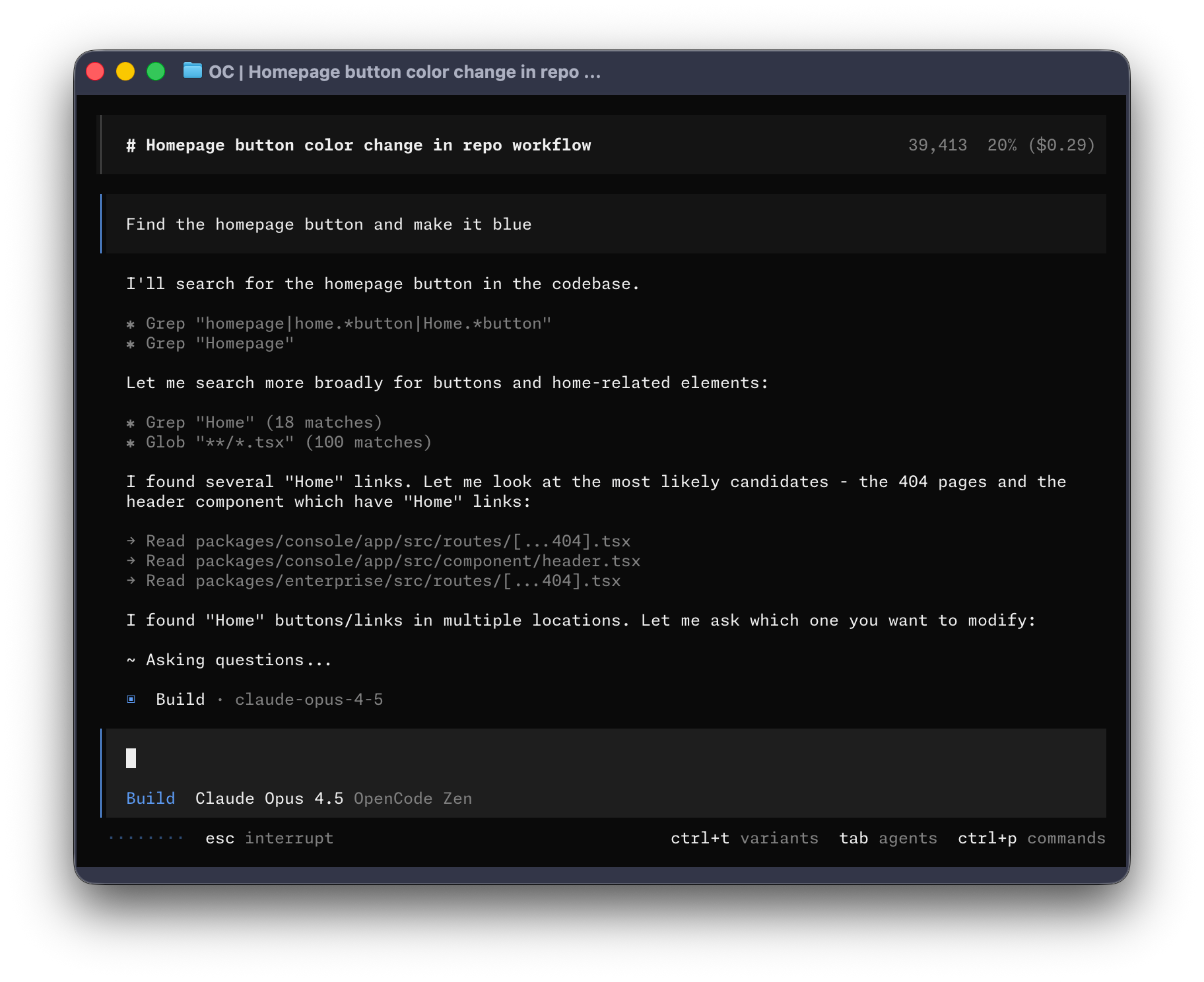
What is this?
 OpenCode is an open source AI coding agent that helps you write, explore, and edit code, available as a CLI and now also as a beta desktop app.
OpenCode is an open source AI coding agent that helps you write, explore, and edit code, available as a CLI and now also as a beta desktop app.Is this a terminal tool, or does it have a desktop app too?It is primarily a CLI agent, but OpenCode also ships a BETA desktop application you can download directly for macOS, Windows, and Linux.
It is primarily a CLI agent, but OpenCode also ships a BETA desktop application you can download directly for macOS, Windows, and Linux.How do I install OpenCode?Grab the desktop app from opencode.ai/download or the GitHub releases page (dmg for macOS Apple Silicon/Intel, .exe for Windows, .deb/.rpm/.AppImage for Linux), or run the install script, which picks an install directory for you.
Grab the desktop app from opencode.ai/download or the GitHub releases page (dmg for macOS Apple Silicon/Intel, .exe for Windows, .deb/.rpm/.AppImage for Linux), or run the install script, which picks an install directory for you.Is the desktop app ready for everyday use?Not fully — the desktop app is explicitly marked as BETA, so the CLI is the more mature way to use OpenCode right now.
Not fully — the desktop app is explicitly marked as BETA, so the CLI is the more mature way to use OpenCode right now.What built-in agents come with OpenCode?OpenCode ships with a build agent (default, full file-editing access for development) and a plan agent (read-only, denies file edits and asks permission before running bash commands, good for exploring unfamiliar code). A general subagent also handles complex multistep searches internally.
OpenCode ships with a build agent (default, full file-editing access for development) and a plan agent (read-only, denies file edits and asks permission before running bash commands, good for exploring unfamiliar code). A general subagent also handles complex multistep searches internally.How do I switch between the build and plan agents?Press the Tab key in the CLI to toggle between the build and plan agents.
Press the Tab key in the CLI to toggle between the build and plan agents.Can I invoke the general subagent directly?Yes, you can call it explicitly in messages using @general for complex searches or multistep tasks.
Yes, you can call it explicitly in messages using @general for complex searches or multistep tasks.Can I build my own tool on top of OpenCode?Yes, but if your project uses 'opencode' in its name you're asked to add a README note clarifying it isn't made by or affiliated with the OpenCode team.
Yes, but if your project uses 'opencode' in its name you're asked to add a README note clarifying it isn't made by or affiliated with the OpenCode team.What are similar projects?pi-gui, qwen-code, oh-my-pi, billion-context, MiMo-Code, agent-router, continue, 99
pi-gui, qwen-code, oh-my-pi, billion-context, MiMo-Code, agent-router, continue, 99Which topics is it in?ai-coding-agent, discord, bun, sdk, agents, coding-agent, plugin, desktop, agent, desktop-app, terminal, ai-agents
ai-coding-agent, discord, bun, sdk, agents, coding-agent, plugin, desktop, agent, desktop-app, terminal, ai-agents