





Что это такое?
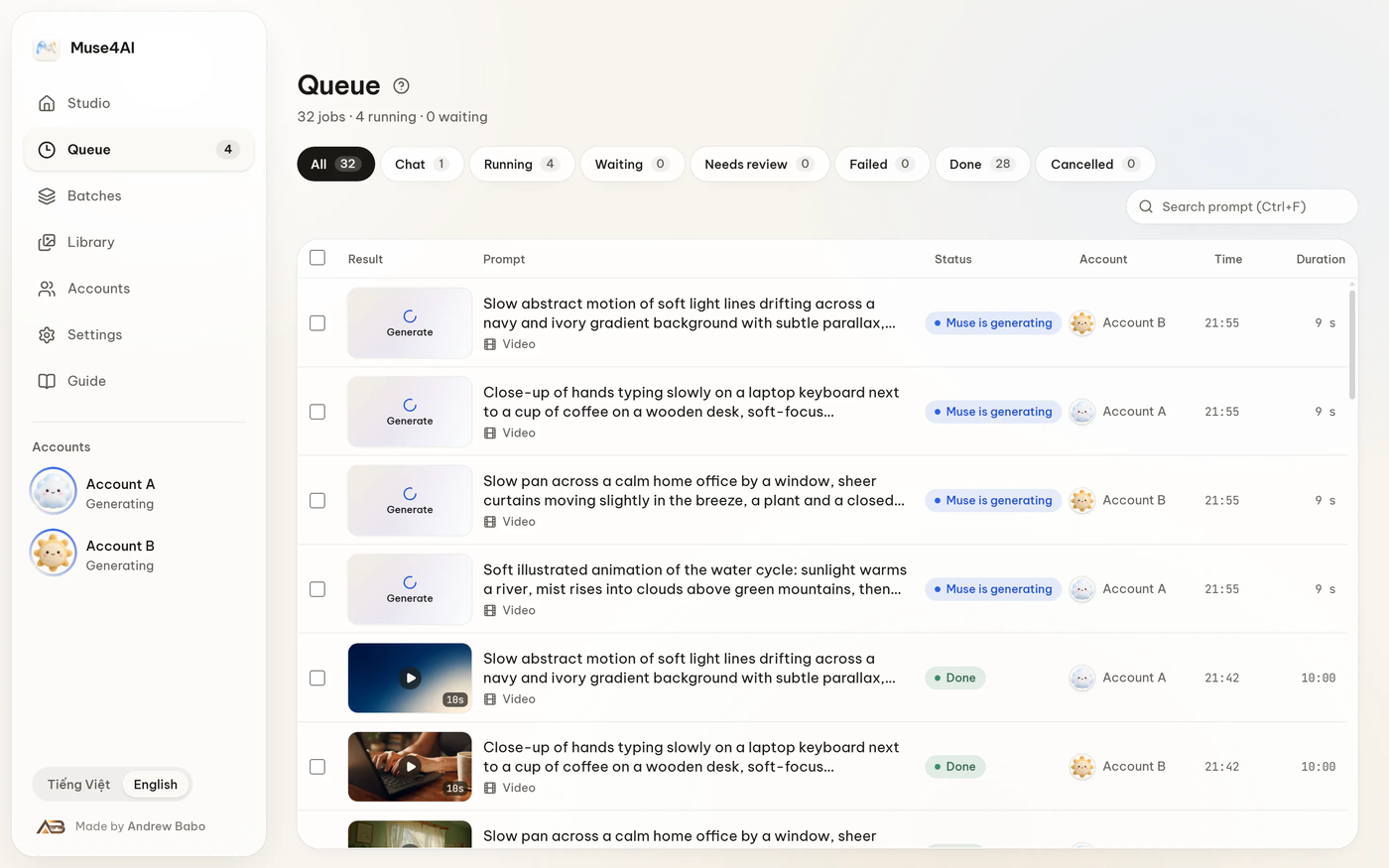
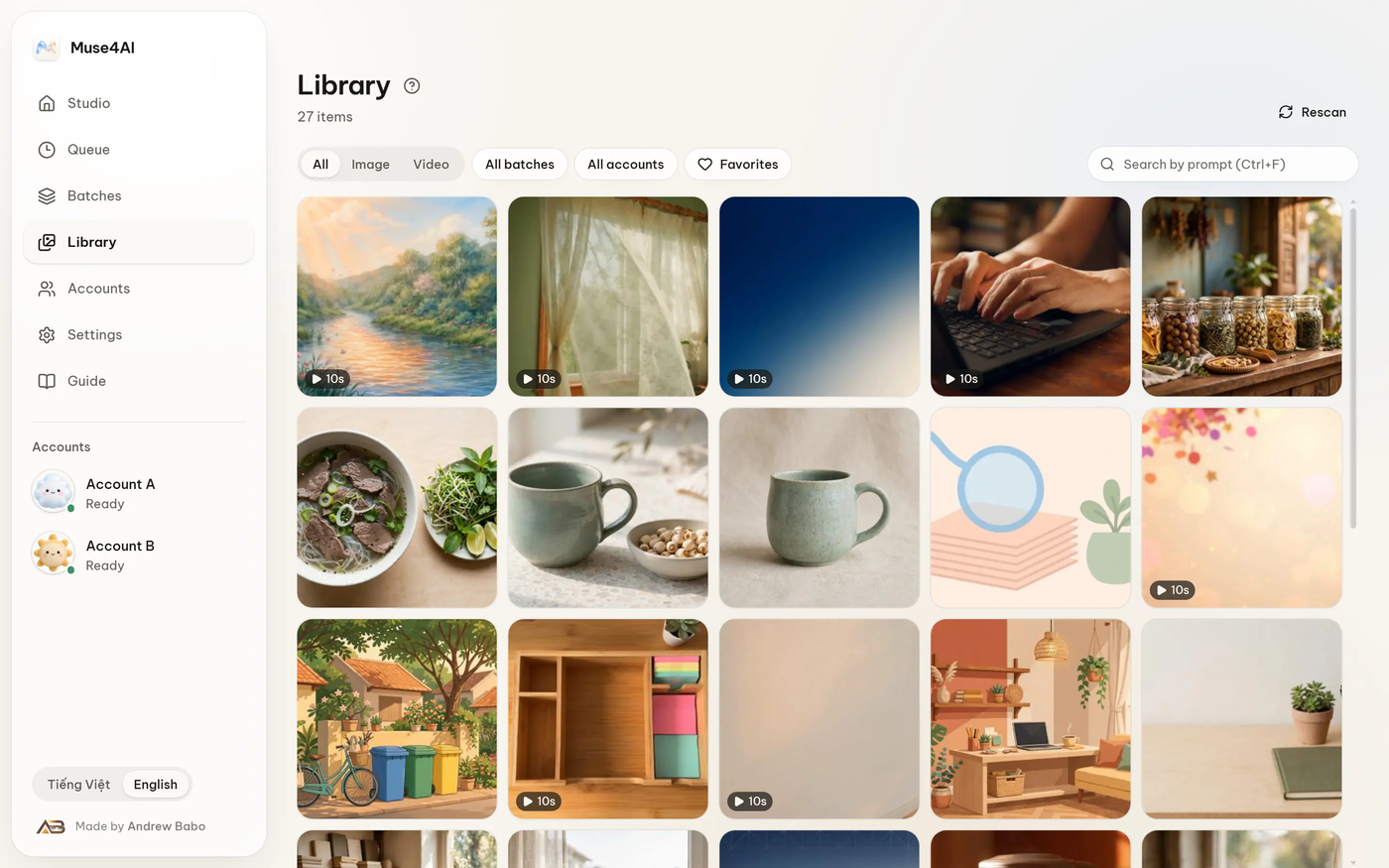
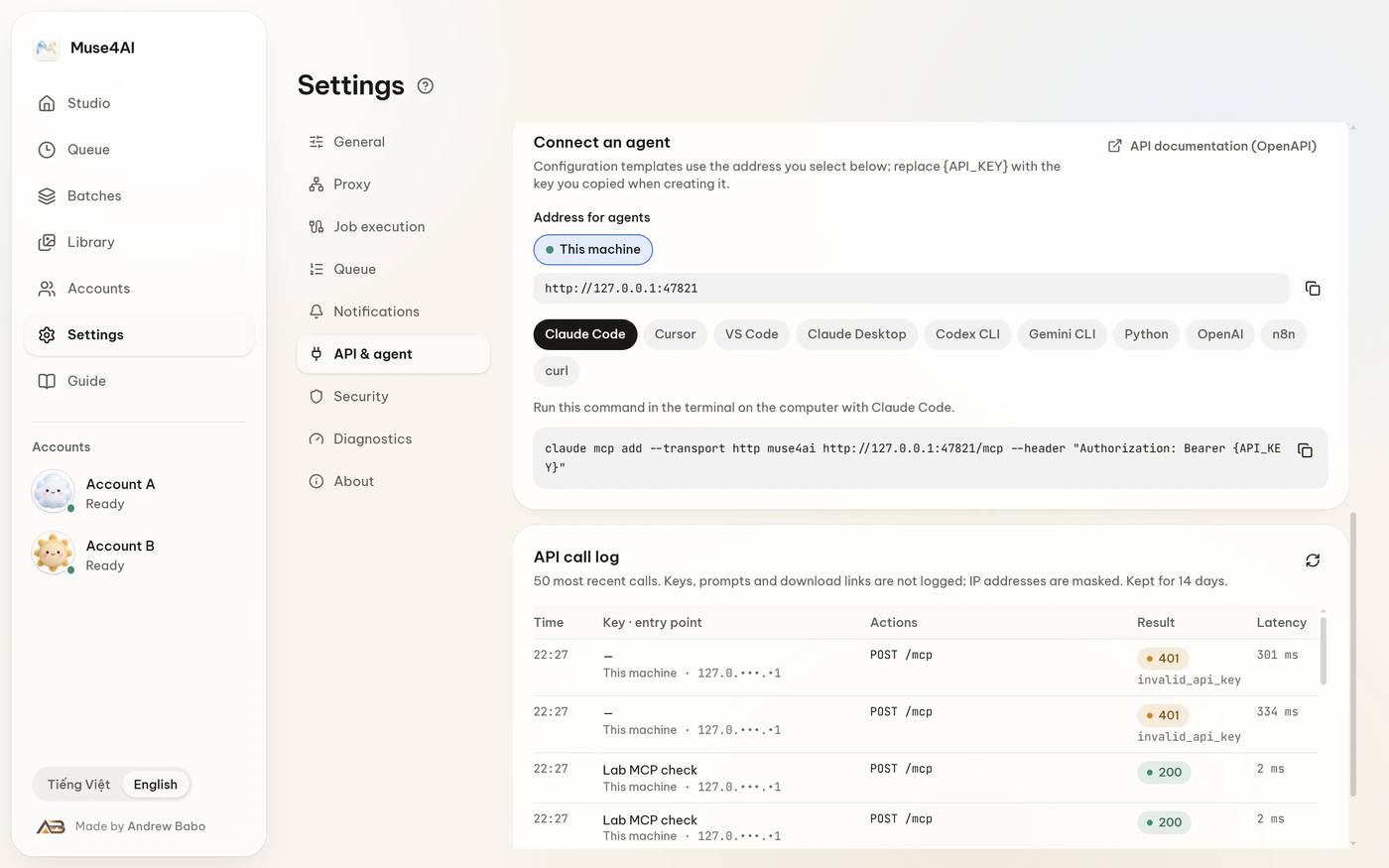
 Это позволяет вашему ИИ-агенту генерировать изображения и видео через ваш собственный аккаунт Muse. Программа работает как локальное приложение для Windows и предоставляет конечные точки REST, MCP и OAuth, к которым обращаются агенты.
Это отдельное приложение или библиотека, которую нужно импортировать в код?Это самостоятельное настольное приложение для Windows. Оно работает на вашем компьютере и обслуживает свой API, пока открыто, поэтому агенты подключаются к нему по сети, а вам не нужно импортировать его в проект.
Это самостоятельное настольное приложение для Windows. Оно работает на вашем компьютере и обслуживает свой API, пока открыто, поэтому агенты подключаются к нему по сети, а вам не нужно импортировать его в проект.Как это запустить?Скачайте установщик на странице загрузки, запустите его, затем добавьте свой аккаунт Muse в разделе Accounts. Windows предупредит, что файл не подписан: выберите «Подробнее», а затем «Выполнить в любом случае».
Скачайте установщик на странице загрузки, запустите его, затем добавьте свой аккаунт Muse в разделе Accounts. Windows предупредит, что файл не подписан: выберите «Подробнее», а затем «Выполнить в любом случае».Нужно ли что-то ещё сделать заранее?Нужен аккаунт Muse. Если вы запускаете из исходного кода, а не через установщик, также понадобится Node.js 22 или новее.
Нужен аккаунт Muse. Если вы запускаете из исходного кода, а не через установщик, также понадобится Node.js 22 или новее.Есть ли риски, о которых мне стоит знать?Программа автоматизирует вашу веб-сессию Muse, поэтому может перестать работать при изменении сайта и может не соответствовать условиям использования Meta. Проект неофициальный и не связан с Meta, поэтому перед использованием прочитайте условия.
Программа автоматизирует вашу веб-сессию Muse, поэтому может перестать работать при изменении сайта и может не соответствовать условиям использования Meta. Проект неофициальный и не связан с Meta, поэтому перед использованием прочитайте условия.Работает ли это на macOS или Linux?Пока нет. Сначала поддерживается Windows, сборки для macOS и Linux не упакованы и не протестированы. Основной код не зависит от Windows, так что перенос есть в планах.
Пока нет. Сначала поддерживается Windows, сборки для macOS и Linux не упакованы и не протестированы. Основной код не зависит от Windows, так что перенос есть в планах.Куда попадают мои результаты и ключи?Ничего не пересылается через сервер, которым управляют авторы. Результаты, ключи и токены остаются на вашем компьютере в %APPDATA%\MuseStudio.
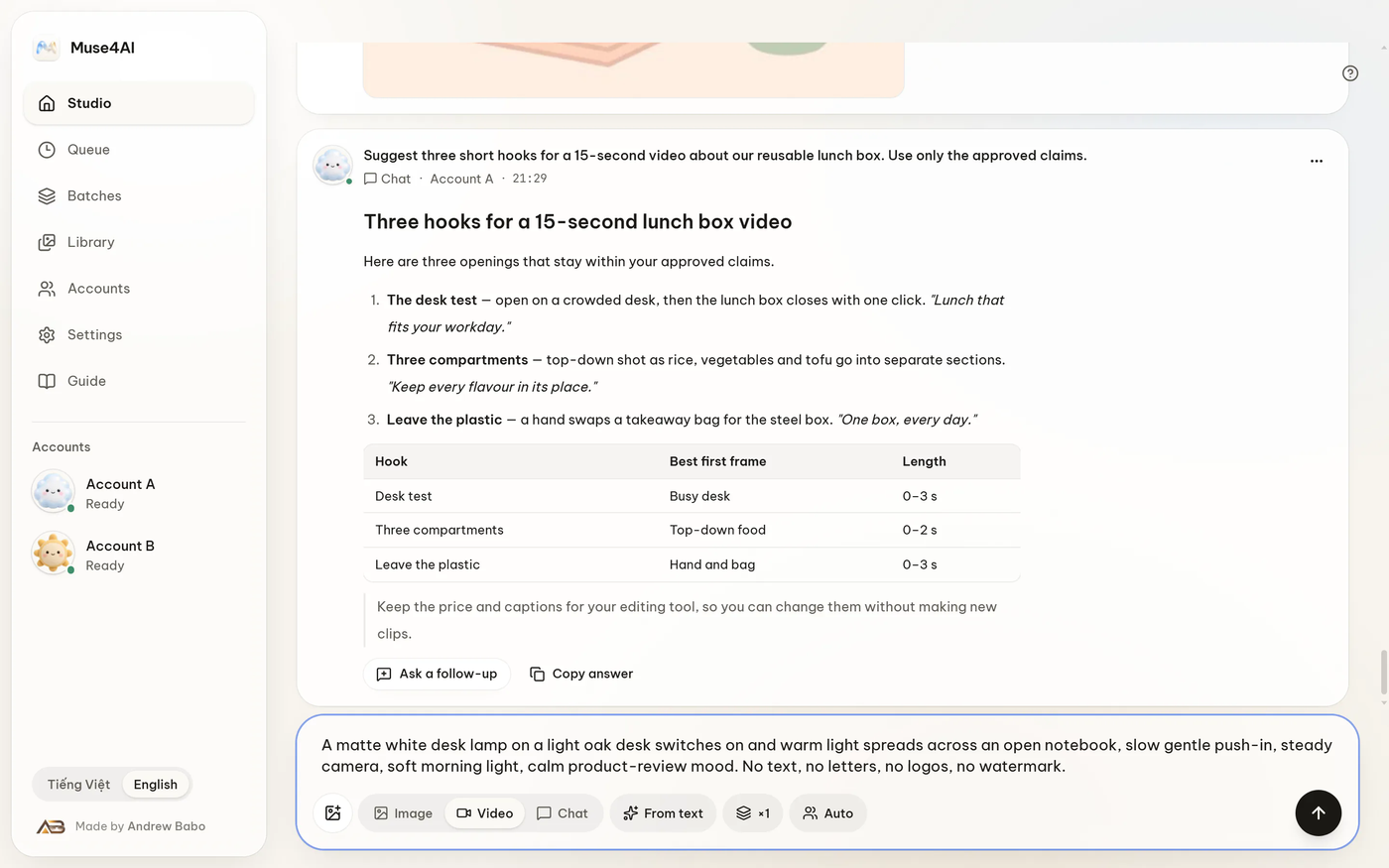
Ничего не пересылается через сервер, которым управляют авторы. Результаты, ключи и токены остаются на вашем компьютере в %APPDATA%\MuseStudio.Может ли агент поддерживать диалог?Да. Запрос к чату возвращает идентификатор разговора, поэтому агент может продолжить тот же диалог и прикреплять к нему файлы.
Да. Запрос к чату возвращает идентификатор разговора, поэтому агент может продолжить тот же диалог и прикреплять к нему файлы.Нужно ли вставлять API-ключ?Нет. Ключ можно вставить один раз; ключи имеют ограниченные права и отзываются по отдельности. Либо можно подключиться через OAuth, подтвердив вход 6-значным кодом, который показан в приложении.
Нет. Ключ можно вставить один раз; ключи имеют ограниченные права и отзываются по отдельности. Либо можно подключиться через OAuth, подтвердив вход 6-значным кодом, который показан в приложении.Какие есть похожие проекты?evenfire, davinci-resolve-mcp, PaperPilot, creator-agent, blender-plugin, skills, Toonflow-app, MagoStudio
evenfire, davinci-resolve-mcp, PaperPilot, creator-agent, blender-plugin, skills, Toonflow-app, MagoStudioВ каких он темах?text-to-image, text-to-video, video-editing, oauth2, ai-tools, privacy-first, authentication, windows-app, generative-ai, rest-api, local-first, mcp-server
text-to-image, text-to-video, video-editing, oauth2, ai-tools, privacy-first, authentication, windows-app, generative-ai, rest-api, local-first, mcp-server