570 ·GitHub
What is this?
 PaperPilot is a PDF and document toolkit written in pure Rust that merges, splits, OCRs, compresses and otherwise manipulates PDFs entirely on your own machine.
PaperPilot is a PDF and document toolkit written in pure Rust that merges, splits, OCRs, compresses and otherwise manipulates PDFs entirely on your own machine.Is this a single app, or several different tools?The same Rust engine ships as five surfaces: an MCP server for AI agents, a CLI for scripts, a WASM build that runs in the browser, a Tauri+Svelte desktop app, and a local REST API.
The same Rust engine ships as five surfaces: an MCP server for AI agents, a CLI for scripts, a WASM build that runs in the browser, a Tauri+Svelte desktop app, and a local REST API.How do I start using it?You can try the tools instantly in your browser at usepaperpilot.com with no install, download the desktop app or MCP server binary from Releases, or build the CLI and REST API from source with Cargo.
You can try the tools instantly in your browser at usepaperpilot.com with no install, download the desktop app or MCP server binary from Releases, or build the CLI and REST API from source with Cargo.What can it not do yet?Encryption, decryption, signing, redaction, forms, annotations, rendering, repair, comparison, PDF/A and Bates numbering are all still on the roadmap for v0.9 and v1.0 and aren't in the current v0.6 release.
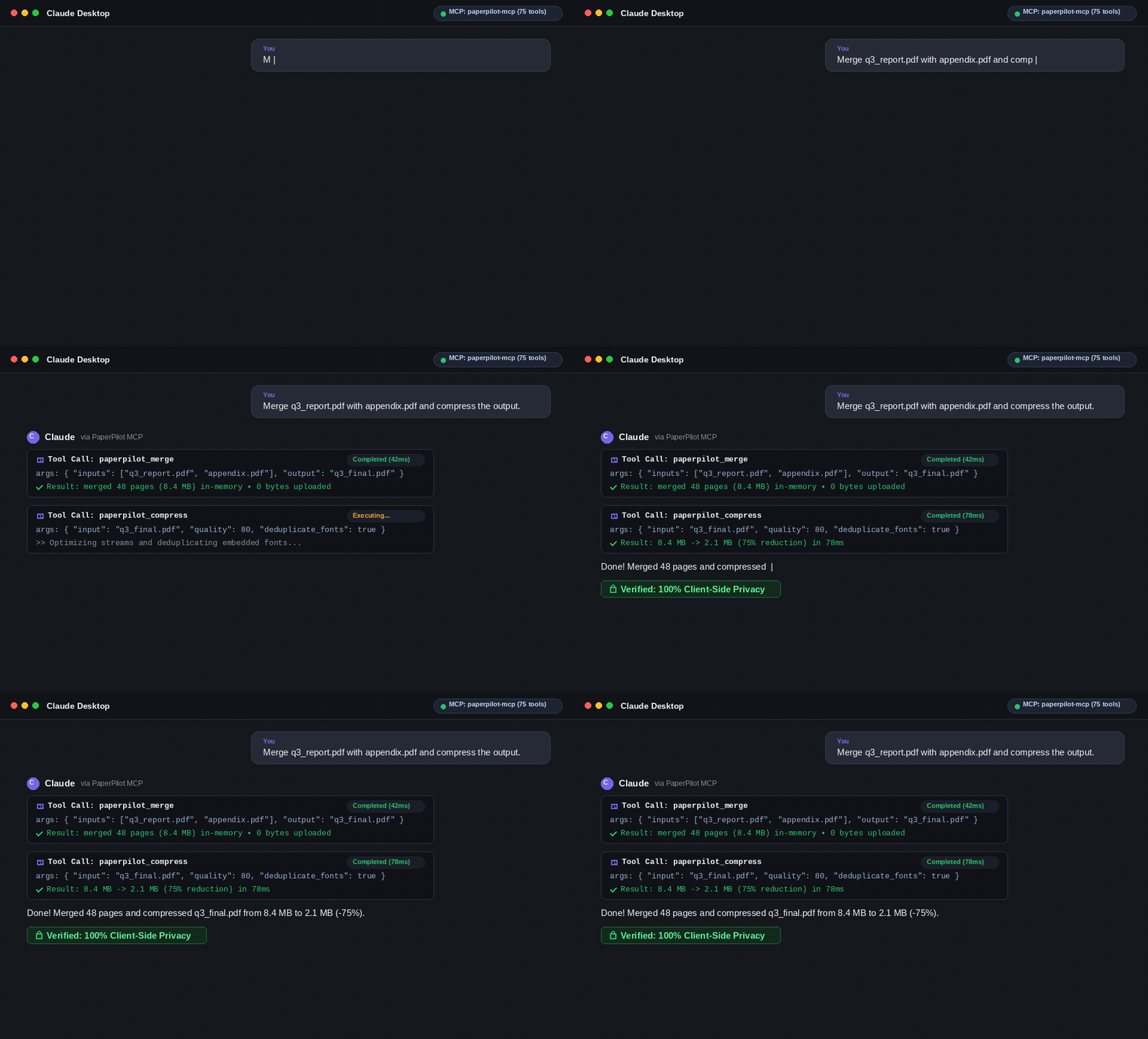
Encryption, decryption, signing, redaction, forms, annotations, rendering, repair, comparison, PDF/A and Bates numbering are all still on the roadmap for v0.9 and v1.0 and aren't in the current v0.6 release.Which coding agents can use it over MCP?It runs as a local stdio MCP server that Codex, Claude Code, Kimi Code, Pi, Claude Desktop, Cursor, and any other MCP-compatible client can connect to.
It runs as a local stdio MCP server that Codex, Claude Code, Kimi Code, Pi, Claude Desktop, Cursor, and any other MCP-compatible client can connect to.Where do my documents go when I use it?Nowhere - the Rust core and WASM build process files entirely on your machine or in browser memory, with no uploads and no cloud calls.
Nowhere - the Rust core and WASM build process files entirely on your machine or in browser memory, with no uploads and no cloud calls.What's the difference between the Community and Enterprise editions?The Community Edition in this repo (CLI, MCP server, REST gateway, WASM engine, desktop app) is free and Apache 2.0; a separately developed Enterprise Edition adds SSO, RBAC, audit logs and DLP for organizations.
The Community Edition in this repo (CLI, MCP server, REST gateway, WASM engine, desktop app) is free and Apache 2.0; a separately developed Enterprise Edition adds SSO, RBAC, audit logs and DLP for organizations.What document operations are supported right now?v0.6 covers PDF organizing (merge, split, rotate, reorder, extract, booklet, N-up), compression, plain-text and OCR extraction, watermarking, signature validation/removal, PII scanning, deep sanitize, and Excel to JSON/CSV conversion.
v0.6 covers PDF organizing (merge, split, rotate, reorder, extract, booklet, N-up), compression, plain-text and OCR extraction, watermarking, signature validation/removal, PII scanning, deep sanitize, and Excel to JSON/CSV conversion.Why did the author build another PDF tool?To be private by default, treat AI agents (MCP) as a first-class use case rather than an afterthought, and keep one Rust engine shared across CLI, MCP, REST, WASM and desktop so behavior stays consistent everywhere.
To be private by default, treat AI agents (MCP) as a first-class use case rather than an afterthought, and keep one Rust engine shared across CLI, MCP, REST, WASM and desktop so behavior stays consistent everywhere.How does the OCR work without any cloud service?It uses a pure-Rust implementation of PaddleOCR via the rten crate, so text extraction from scanned pages runs locally without any external API.
It uses a pure-Rust implementation of PaddleOCR via the rten crate, so text extraction from scanned pages runs locally without any external API.What are similar projects?claw-code, clash-verge-rev, cc-switch, hello-algo, codex, rustdesk, rust, tauri
claw-code, clash-verge-rev, cc-switch, hello-algo, codex, rustdesk, rust, tauriWhich topics is it in?rust
rust