





What is this?
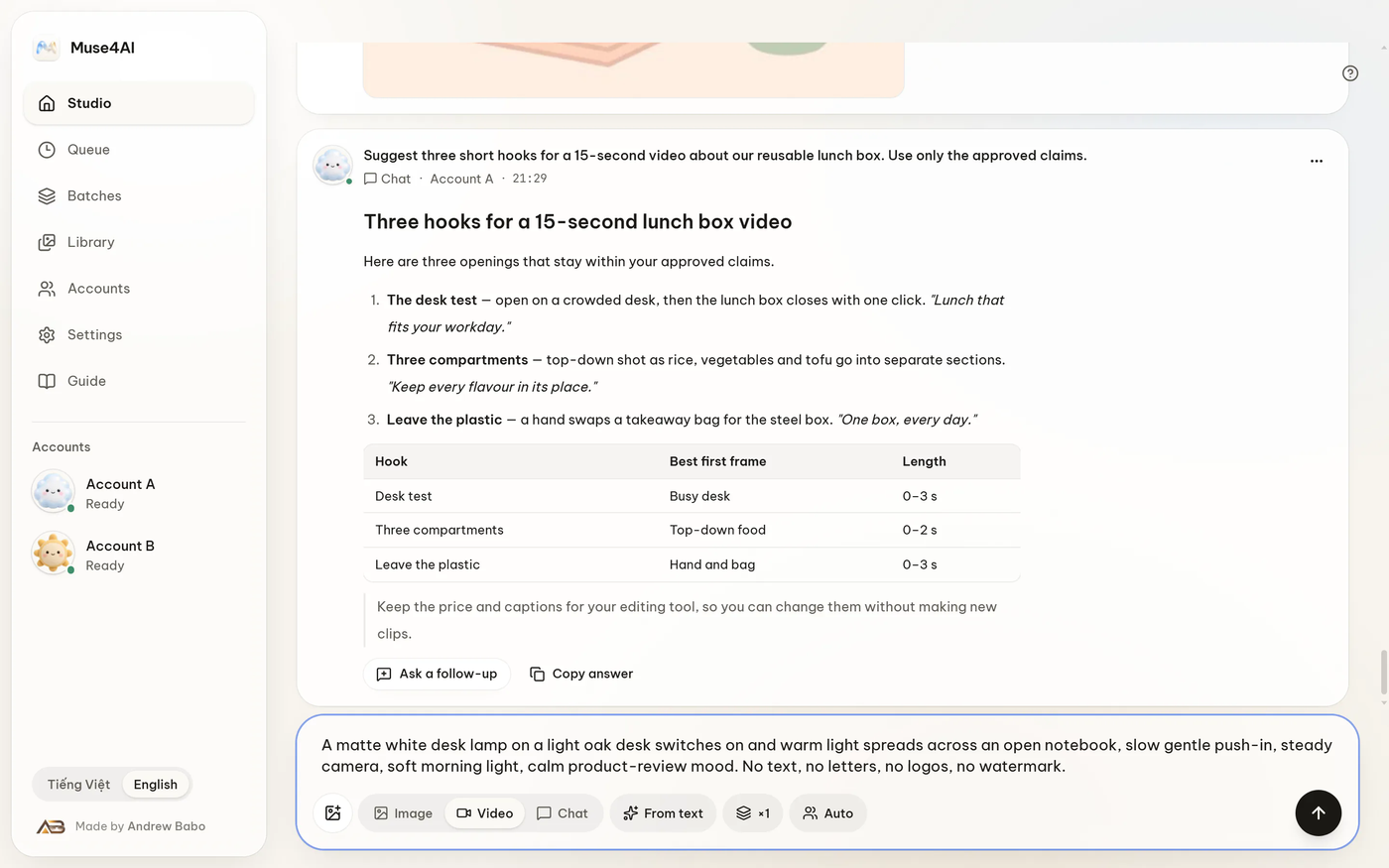
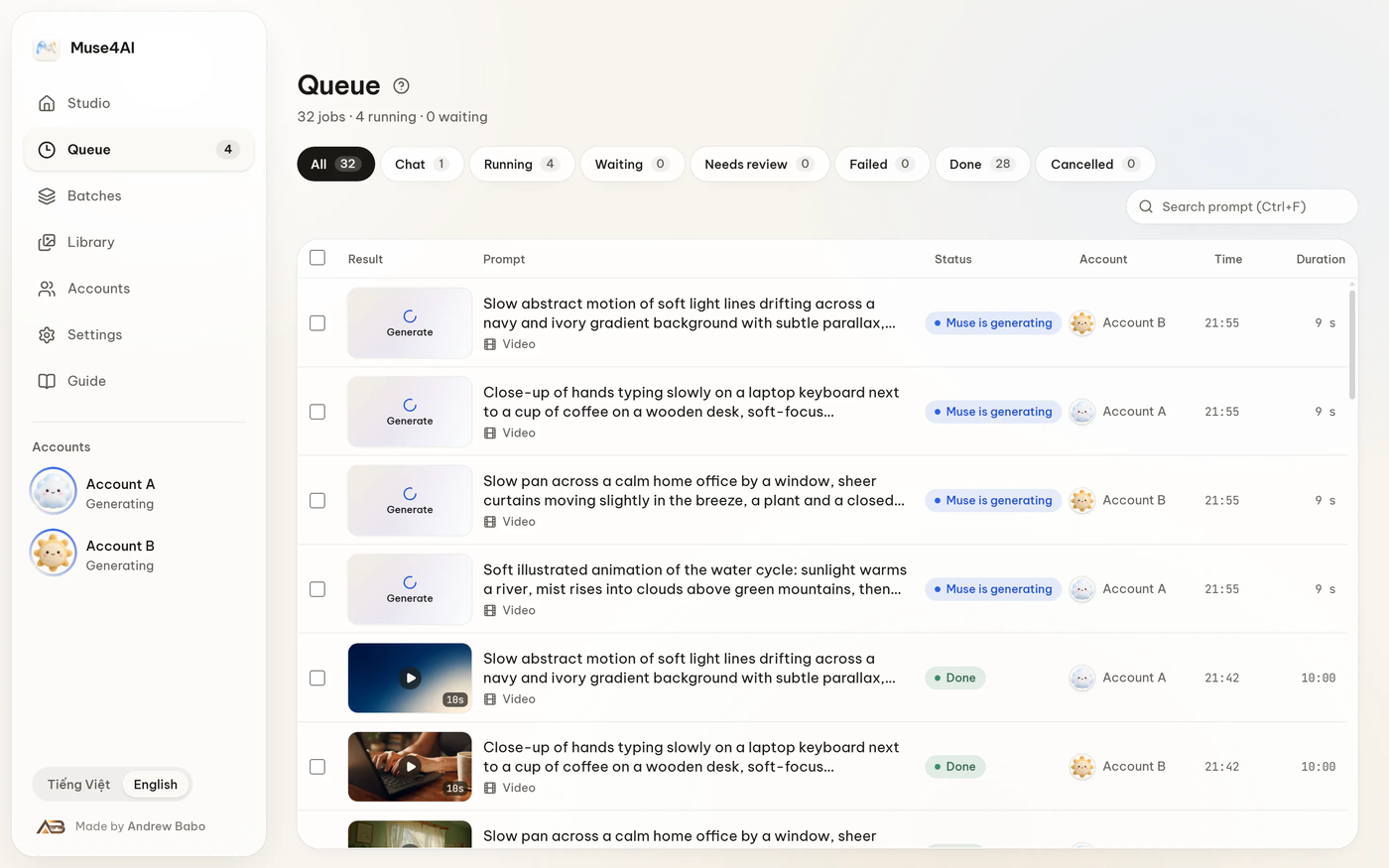
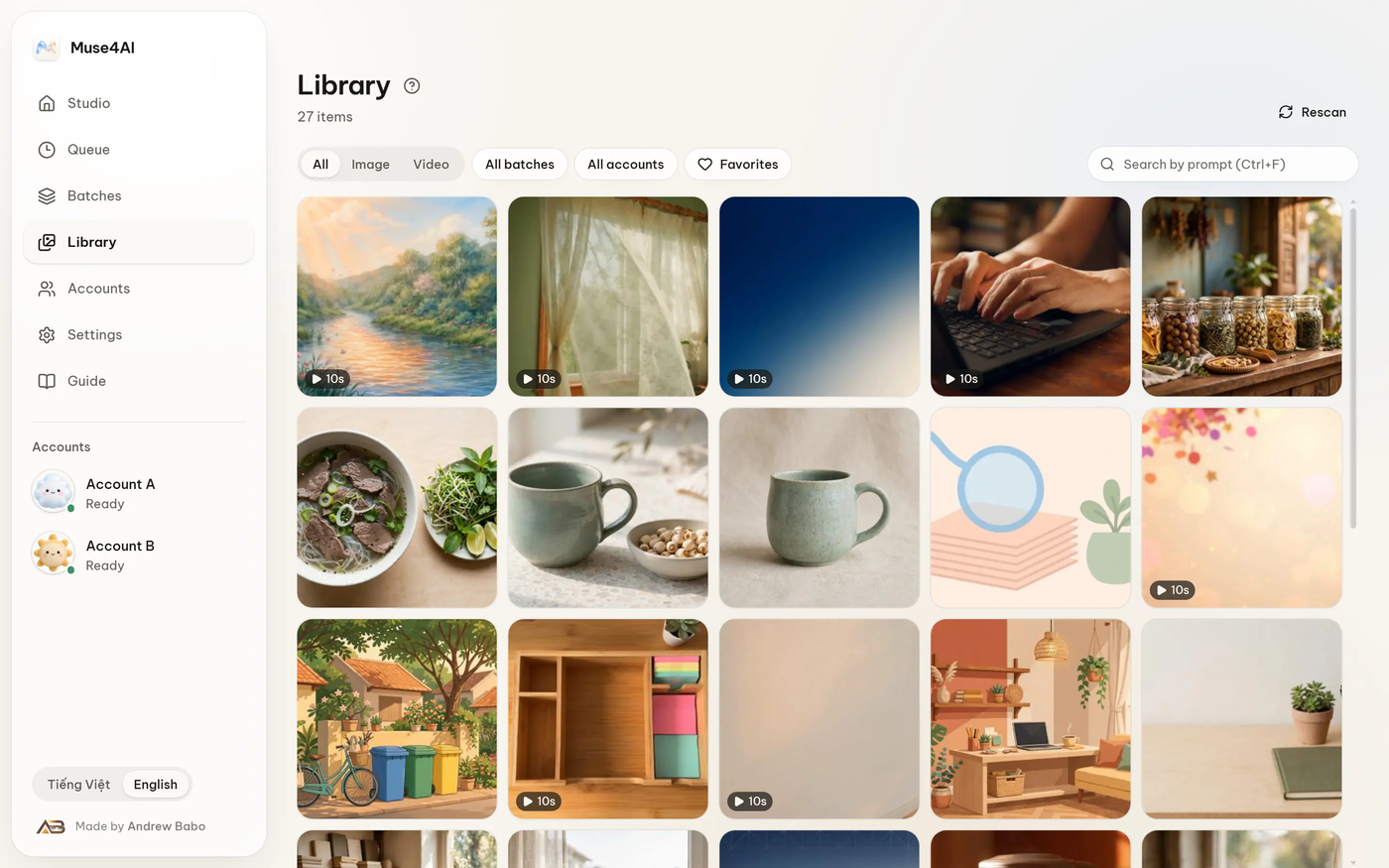
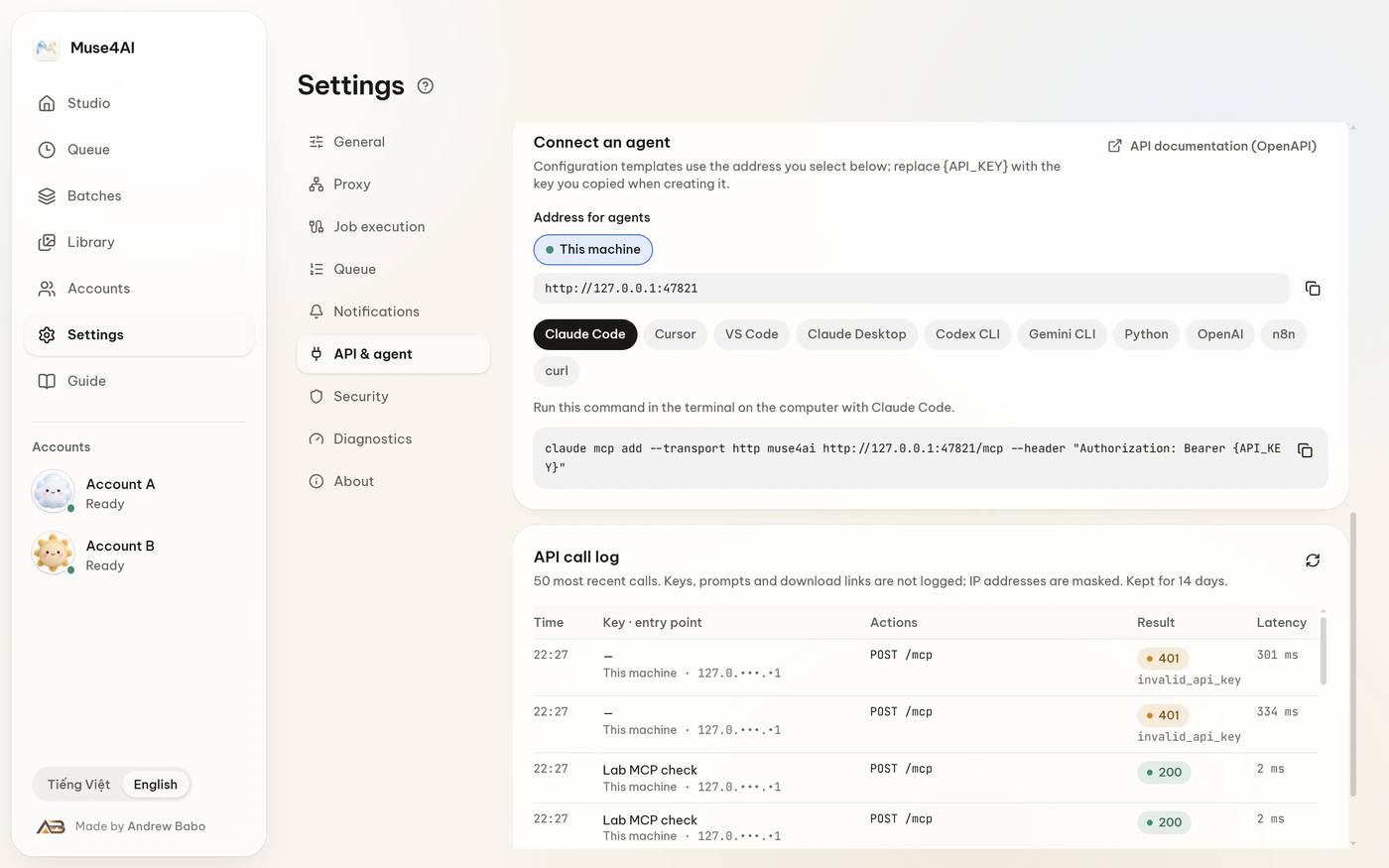
 It lets your AI agent generate pictures and videos through your own Muse account. It runs as a local Windows app and exposes REST, MCP and OAuth endpoints for agents to call.
Is it a standalone app or a library I import into code?It is a standalone Windows desktop app. It runs on your own PC and serves its API while it is open, so agents connect to it over the network instead of you importing it into a project.
It is a standalone Windows desktop app. It runs on your own PC and serves its API while it is open, so agents connect to it over the network instead of you importing it into a project.How do I get it running?Download the installer from the download page, run it, then add your Muse account in Accounts. Windows will warn that the file is unsigned, so choose More info, then Run anyway.
Download the installer from the download page, run it, then add your Muse account in Accounts. Windows will warn that the file is unsigned, so choose More info, then Run anyway.Do I need anything else first?You need a Muse account. If you run from source instead of using the installer, you also need Node.js 22 or newer.
You need a Muse account. If you run from source instead of using the installer, you also need Node.js 22 or newer.Are there risks I should know about?It automates your Muse web session, so it can break when the site changes and may not fit Meta's terms of service. The project is unofficial and not affiliated with Meta, so read the terms before relying on it.
It automates your Muse web session, so it can break when the site changes and may not fit Meta's terms of service. The project is unofficial and not affiliated with Meta, so read the terms before relying on it.Does it work on macOS or Linux?Not yet. It is Windows first, and macOS and Linux builds are not packaged or tested. The core code does not depend on Windows, so porting is on the roadmap.
Not yet. It is Windows first, and macOS and Linux builds are not packaged or tested. The core code does not depend on Windows, so porting is on the roadmap.Where do my results and keys end up?Nothing is relayed through a server run by the authors. Results, keys and tokens stay on your PC in %APPDATA%\MuseStudio.
Nothing is relayed through a server run by the authors. Results, keys and tokens stay on your PC in %APPDATA%\MuseStudio.Can the agent keep a conversation going?Yes. A chat request returns a conversation id, so the agent can continue the same thread and attach files to it.
Yes. A chat request returns a conversation id, so the agent can continue the same thread and attach files to it.Do I have to paste an API key?No. You can paste a key once, and keys are scoped and individually revocable. Or you can connect through OAuth, approving with a 6-digit code shown in the app.
No. You can paste a key once, and keys are scoped and individually revocable. Or you can connect through OAuth, approving with a 6-digit code shown in the app.What are similar projects?evenfire, davinci-resolve-mcp, PaperPilot, blender-plugin, skills, creator-agent, autoclip, supoclip
evenfire, davinci-resolve-mcp, PaperPilot, blender-plugin, skills, creator-agent, autoclip, supoclipWhich topics is it in?text-to-image, video-editing, text-to-video, oauth2, ai-tools, privacy-first, windows-app, authentication, generative-ai, rest-api, local-first, mcp-server
text-to-image, video-editing, text-to-video, oauth2, ai-tools, privacy-first, windows-app, authentication, generative-ai, rest-api, local-first, mcp-server