


Что это такое?
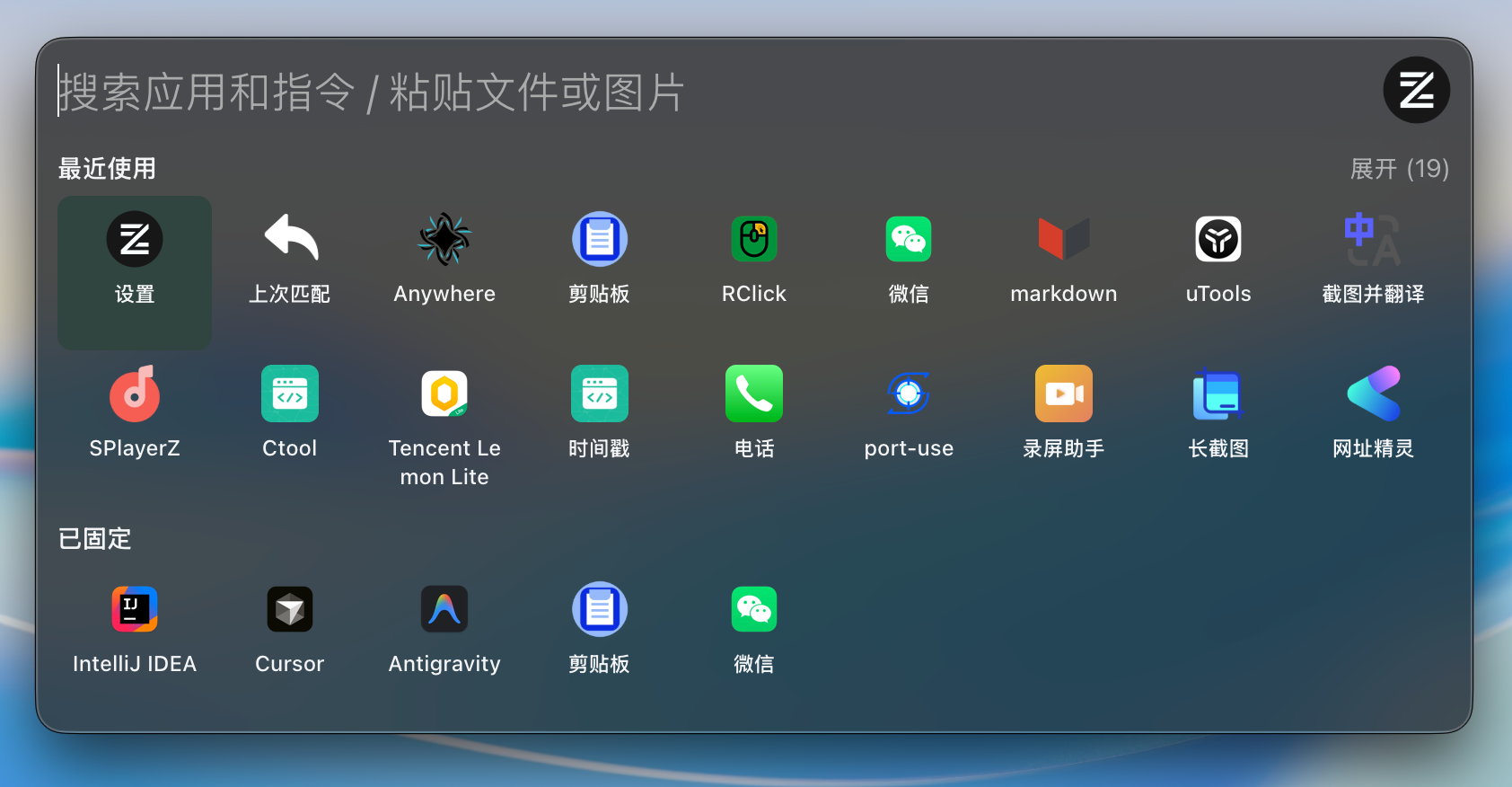
 ZTools — это open-source реализация uTools — быстрого расширяемого лаунчера приложений и платформы плагинов для macOS и Windows.
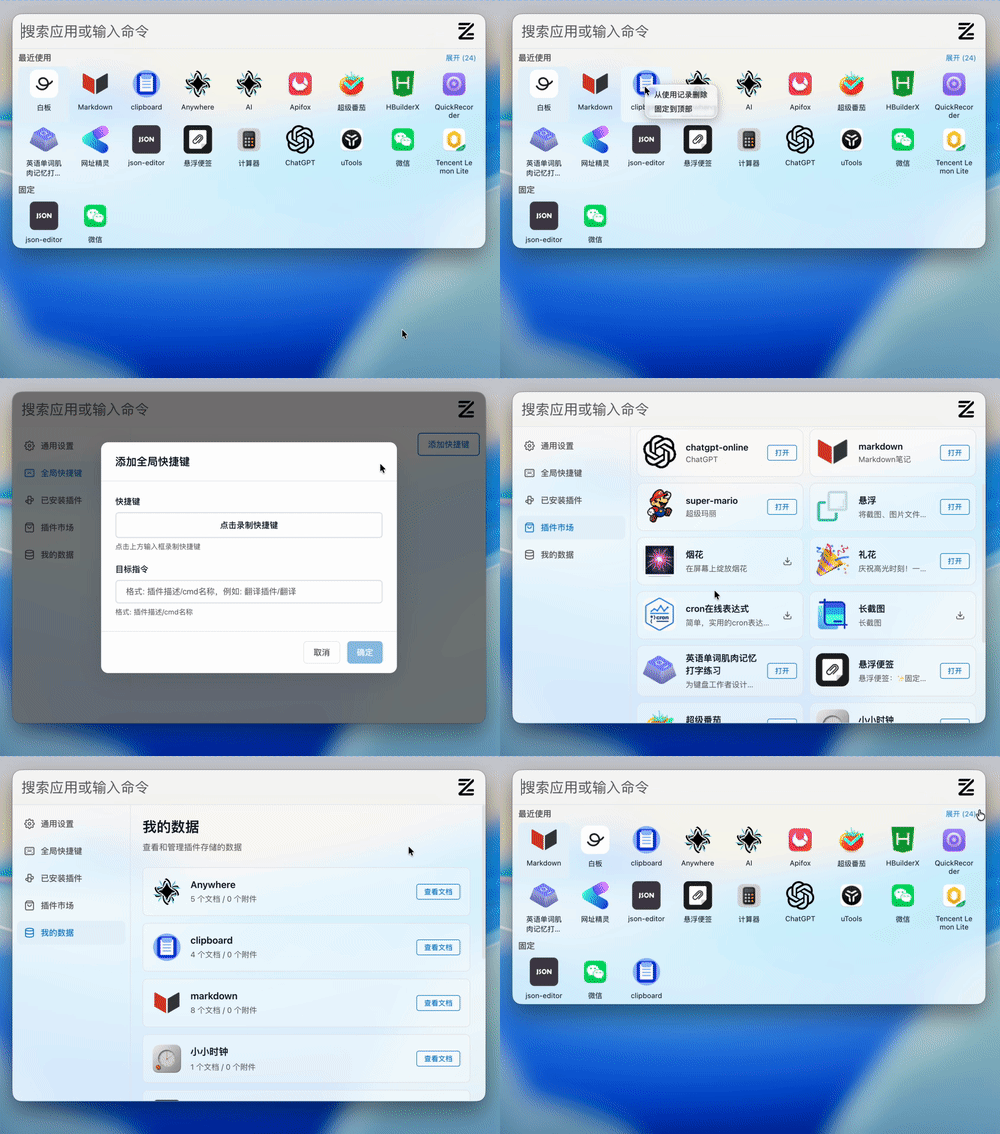
ZTools — это open-source реализация uTools — быстрого расширяемого лаунчера приложений и платформы плагинов для macOS и Windows.Это готовое приложение или то, на чём мне нужно что-то собирать самому?И то и другое: это десктопный лаунчер, который устанавливается и работает сразу из коробки, и одновременно платформа плагинов — плагины могут быть с интерфейсом или без него, плюс есть встроенный маркет плагинов.
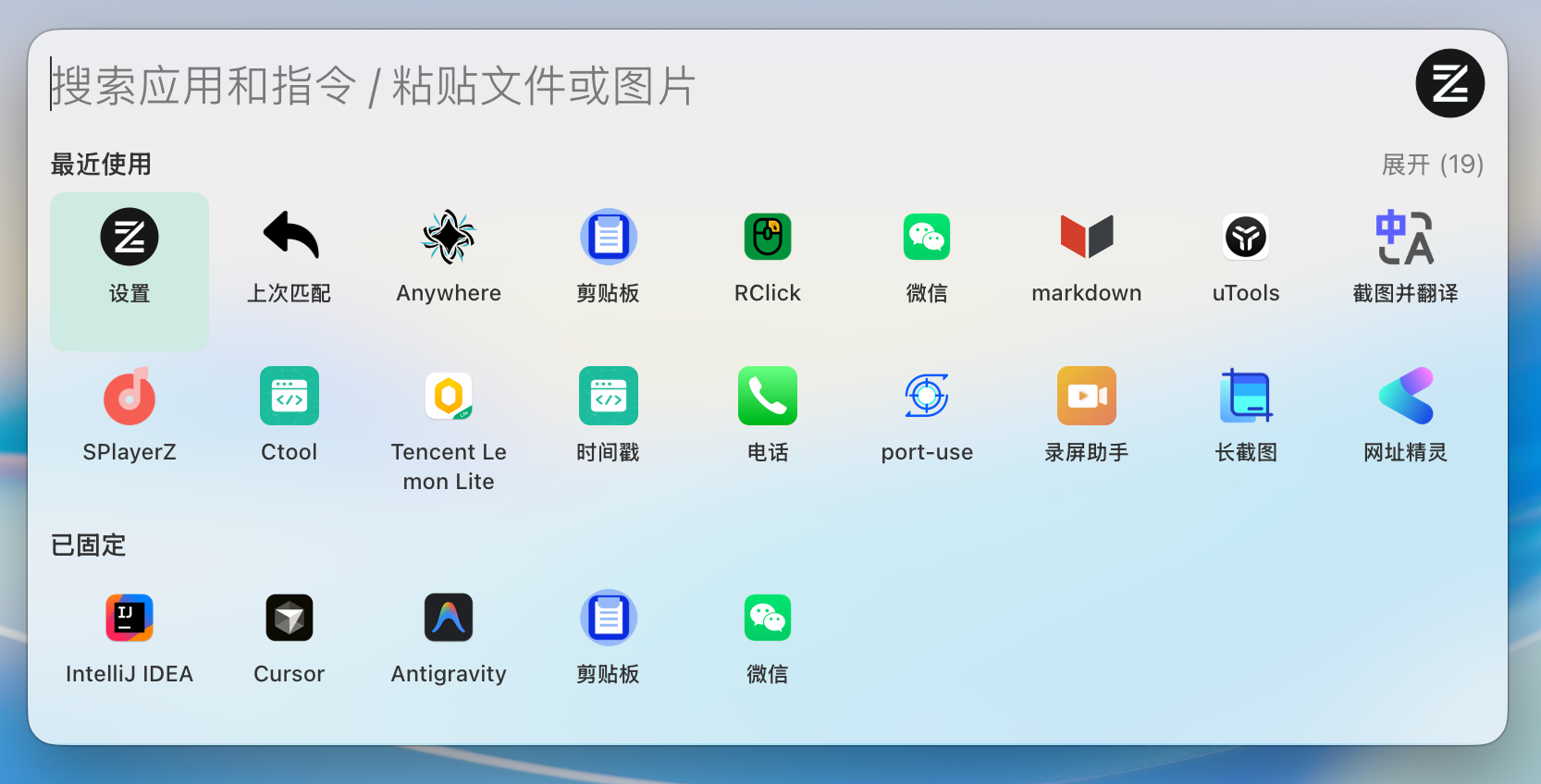
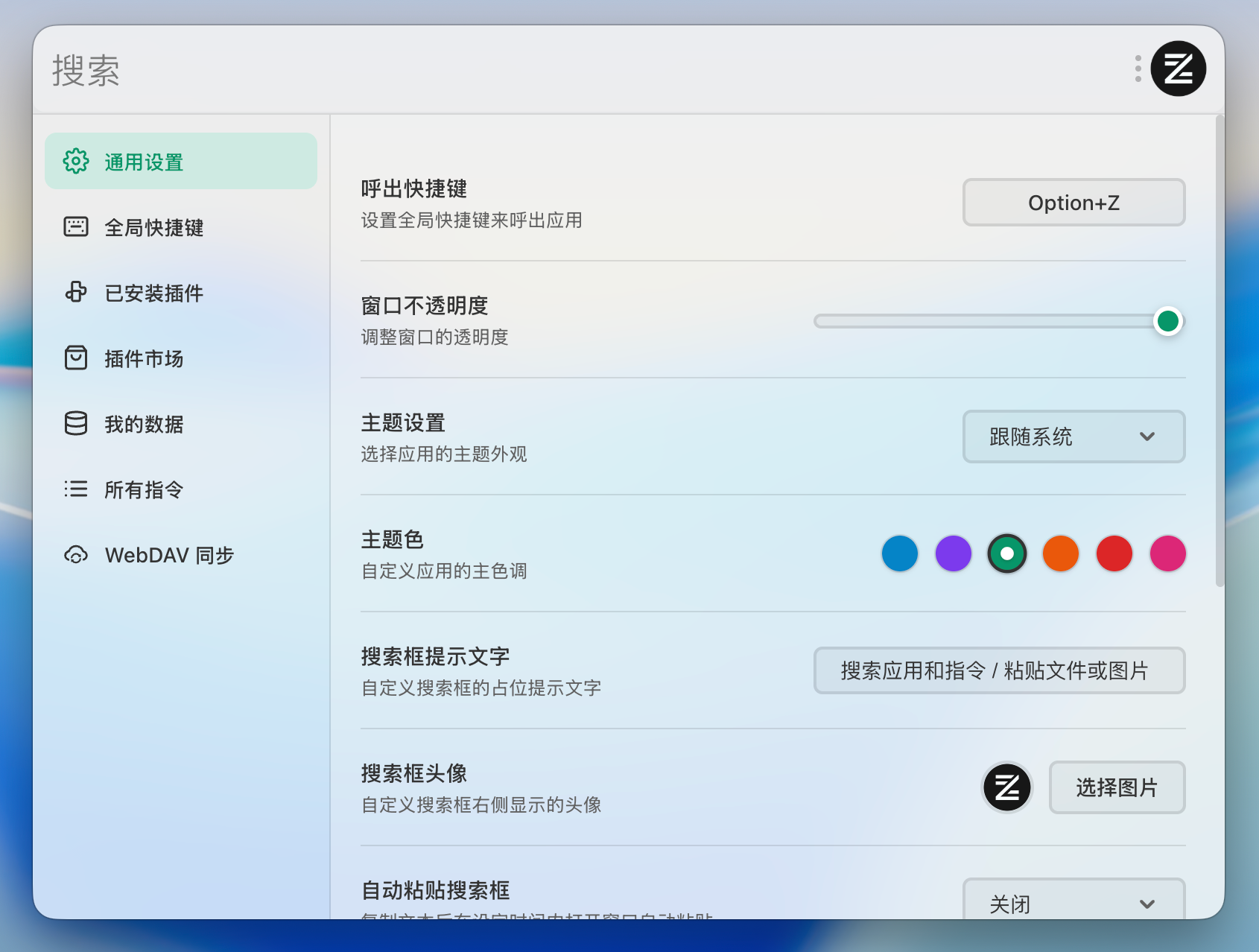
И то и другое: это десктопный лаунчер, который устанавливается и работает сразу из коробки, и одновременно платформа плагинов — плагины могут быть с интерфейсом или без него, плюс есть встроенный маркет плагинов.Как его установить и открыть на экране?Скачайте готовый установщик из Releases (.dmg или .zip для macOS, setup.exe или .zip для Windows) либо соберите из исходников. Когда приложение запущено, главный интерфейс открывается по Option+Z (macOS) или Alt+Z (Windows).
Скачайте готовый установщик из Releases (.dmg или .zip для macOS, setup.exe или .zip для Windows) либо соберите из исходников. Когда приложение запущено, главный интерфейс открывается по Option+Z (macOS) или Alt+Z (Windows).Есть ли версия для Linux?Пока нет — выпускается только для macOS и Windows. Поддержка Linux есть в планах, вместе с автообновлением плагинов и необязательной облачной синхронизацией.
Пока нет — выпускается только для macOS и Windows. Поддержка Linux есть в планах, вместе с автообновлением плагинов и необязательной облачной синхронизацией.Что он умеет помимо запуска приложений?Он также работает как менеджер буфера обмена: ведёт историю, умеет искать и работает с картинками. Поиск понимает Pinyin и регулярные выражения, приложения можно закреплять, а ещё есть шесть цветовых тем со светлым, тёмным и системным режимами.
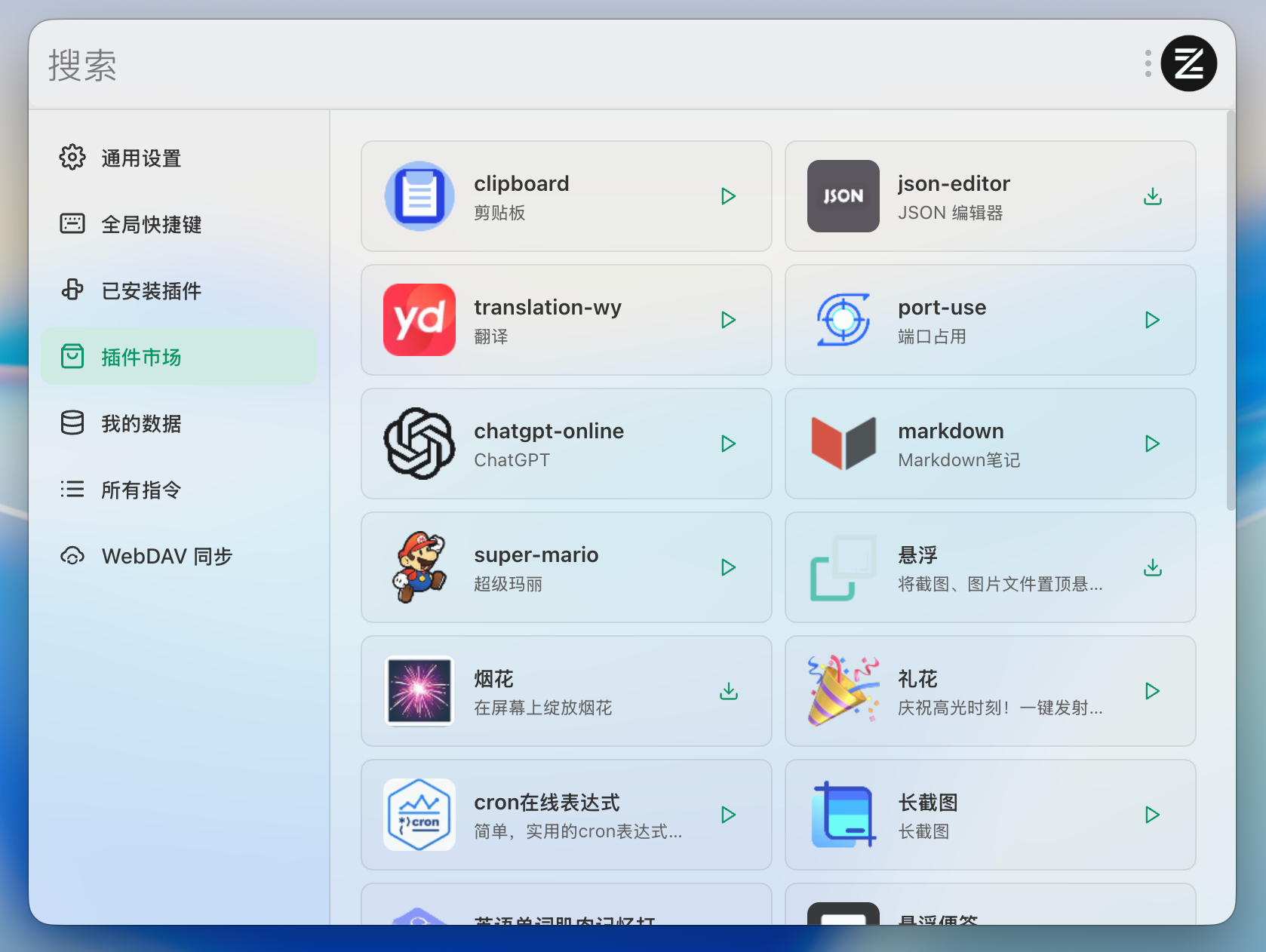
Он также работает как менеджер буфера обмена: ведёт историю, умеет искать и работает с картинками. Поиск понимает Pinyin и регулярные выражения, приложения можно закреплять, а ещё есть шесть цветовых тем со светлым, тёмным и системным режимами.Где взять больше плагинов?Есть встроенный маркет плагинов, где их можно устанавливать и управлять ими онлайн, при этом каждый плагин хранит свои данные в изолированном хранилище.
Есть встроенный маркет плагинов, где их можно устанавливать и управлять ими онлайн, при этом каждый плагин хранит свои данные в изолированном хранилище.Насколько сложно написать свой плагин?Несложно: плагин описывается стандартным файлом plugin.json, а глобальный объект ztools даёт API для уведомлений, эмуляции ввода и постоянного хранилища. Плагины могут срабатывать по тексту, регулярному выражению или глобальным хукам, а при разработке поддерживается hot reload.
Несложно: плагин описывается стандартным файлом plugin.json, а глобальный объект ztools даёт API для уведомлений, эмуляции ввода и постоянного хранилища. Плагины могут срабатывать по тексту, регулярному выражению или глобальным хукам, а при разработке поддерживается hot reload.На чём он сделан?Electron 41, Vue 3 и TypeScript, база данных LMDB, архитектура на WebContentsView и поисковый движок Fuse.js. Нативные модули C++ на Node-API отвечают за отслеживание буфера обмена, управление окнами и скриншоты области экрана в Windows.
Electron 41, Vue 3 и TypeScript, база данных LMDB, архитектура на WebContentsView и поисковый движок Fuse.js. Нативные модули C++ на Node-API отвечают за отслеживание буфера обмена, управление окнами и скриншоты области экрана в Windows.Which topics is it in?clipboard-manager, app-launcher, plugin-marketplace, clipboard, fuzzy-search, launcher, electron-app, screenshot, themes, search, electron, vue
clipboard-manager, app-launcher, plugin-marketplace, clipboard, fuzzy-search, launcher, electron-app, screenshot, themes, search, electron, vue