Open 3D Skills are eight agent skills for building 3D and animated websites: real-time three.js scenes built from code, scroll-scrubbed films, transparent video that plays in Safari, characters that follow the cursor, exploded views of machines, and the AI image and video work behind them. They also teach the agent to check its work in real browsers and to record it as a smooth 60 fps video.
Every technique here was used to build a real site first, and every script was run on real footage before it went in.
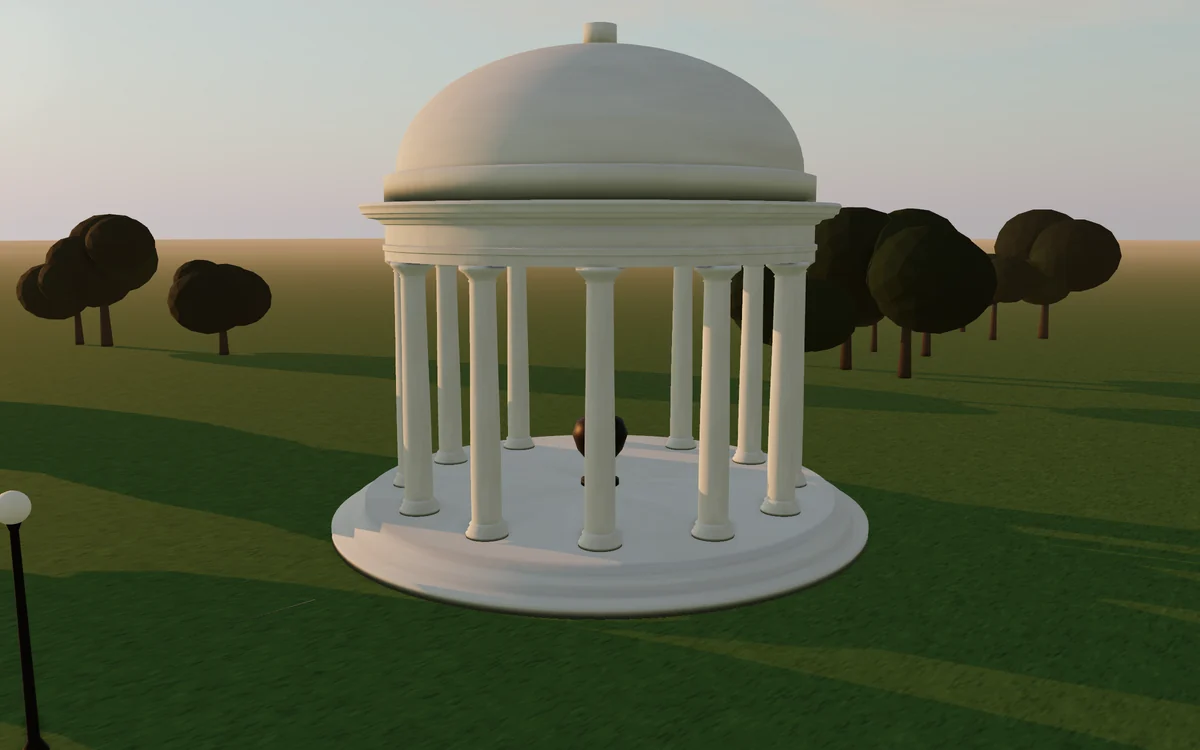
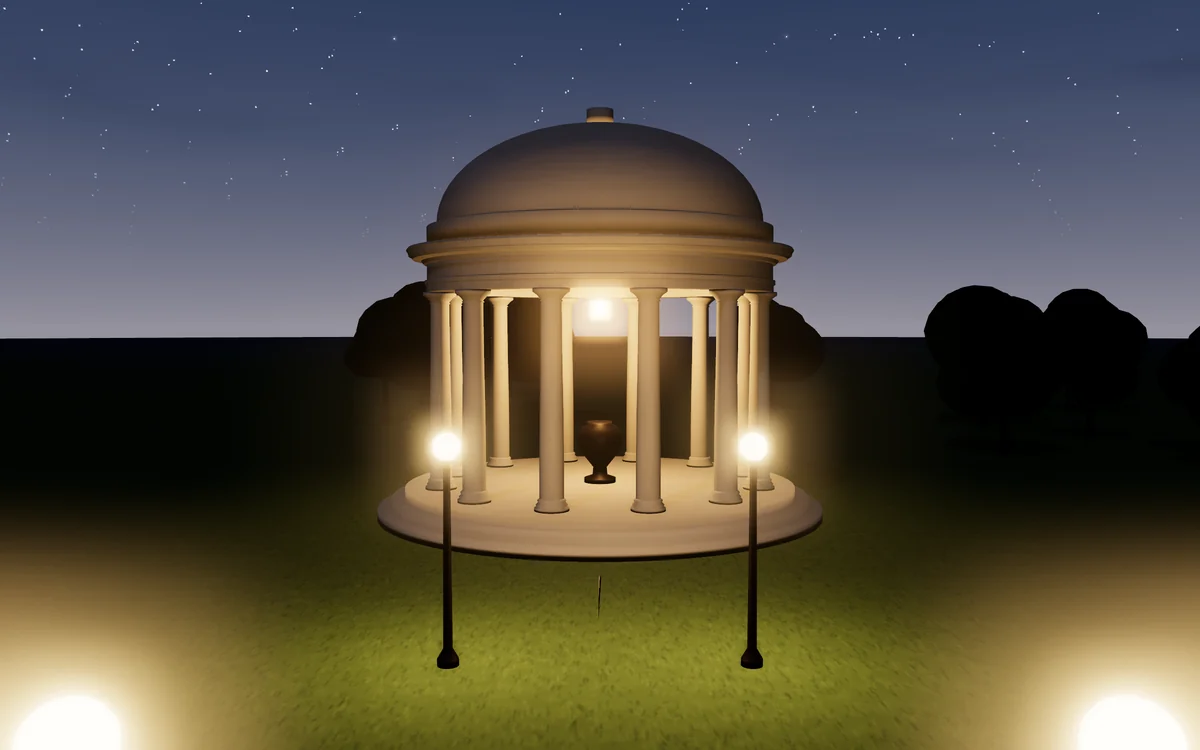
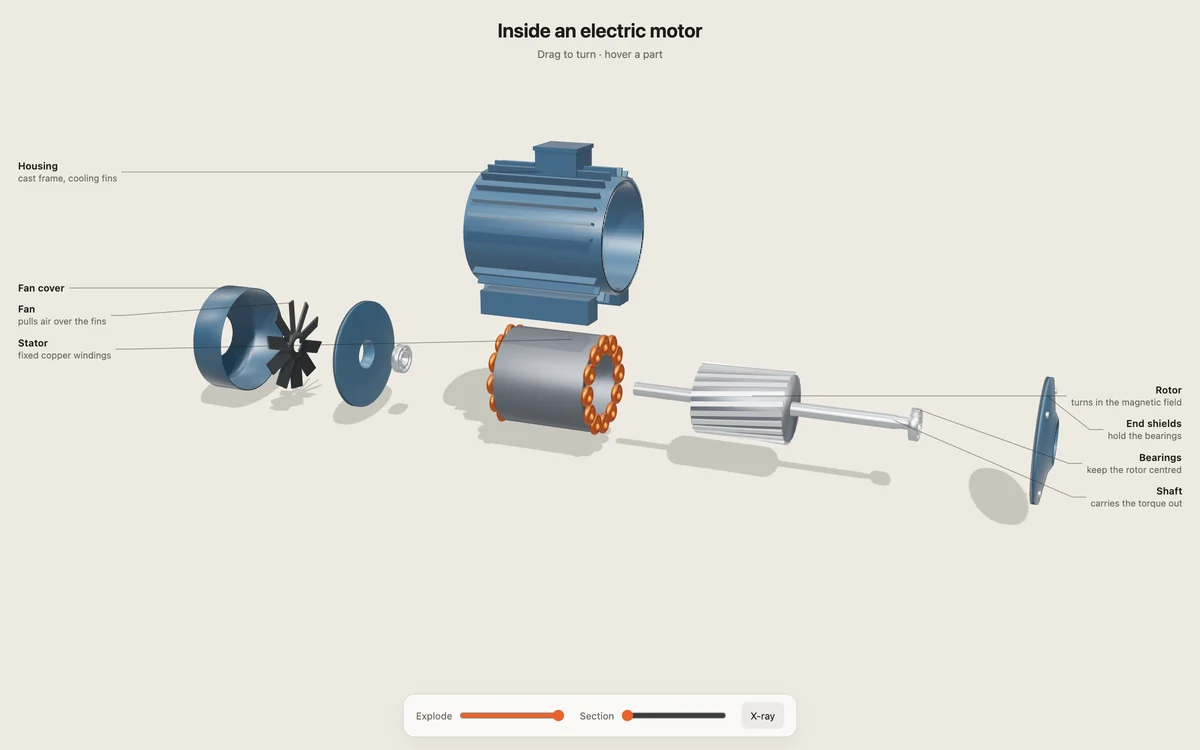
The pavilion is the starter scene in threejs-scene; the motor is the demo in exploded-view. Both are built entirely from code: no model files, no textures to download.
Install
npx skills add Moh4696/open-3d-skills
That installs with the npx skills CLI, the open installer for agent skills. It asks which of the eight skills you want, which agents to install them for (Claude Code, Codex, Cursor, Gemini CLI, OpenCode, Antigravity and dozens more) and whether they are for this project or every project. Start a new agent session afterwards.
npx skills add Moh4696/open-3d-skills -g -y                       # all skills, all your agents, every project, no questions
npx skills add Moh4696/open-3d-skills --skill threejs-scene       # just one skill
npx skills update                                                  # pull new versions later
The one-line installer links the skills into ~/.cursor/skills, where Cursor finds personal skills. To use the repo as a Cursor plugin instead, clone it into ~/.cursor/plugins/local/open-3d-skills and run Developer: Reload Window. Teams can import the repo URL as a marketplace under Dashboard → Plugins & MCPs → Add Marketplace.
It installs all eight skills for every coding agent it finds (Claude Code, Codex, Cursor, Gemini CLI, and OpenCode, which also reads Claude Code's folder). It clones the repo to ~/.open-3d-skills and links the skills from there, so running it again updates them. From a clone you can choose:
git clone https://github.com/Moh4696/open-3d-skills && cd open-3d-skills
./install.sh --claude --codex          # only these agents (also --cursor --gemini --opencode --agents)
./install.sh --dir path/to/skills      # any agent that reads a skills folder
./install.sh threejs-scene frame-capture   # only some skills
./install.sh --copy                    # copy instead of symlink (Windows, synced folders)
./install.sh --uninstall               # remove what it installed
Each skill is a plain folder with a SKILL.md, so any agent that supports Agent Skills can load it.
Real-time 3D sites built from code: buildings, vehicles, machines, landscapes. Sky and sun presets that blend, soft fitted shadows, ambient occlusion, bloom, instancing, profile sweeps, shader patches, camera flights, quality tiers
A complete 60 fps starter scene, and notes on lighting, geometry, shaders and performance
Planning and generating AI images and clips without wasting money: asset lists with prompts and costs up front, one look across assets, model choice by capability, rate limits, logging
A loop checker that finds and fixes loop points, and a paste-back tool for outpainted images
Frame-exact 60 fps video of any page by running it on a virtual clock; labelled side-by-side or stacked comparisons
Recorder, comparison builder, local server
How they work together
Plan.motion-assets writes the concept, the asset list, every prompt and the cost, and waits for a yes before spending anything.
Make.threejs-scene builds what should be real-time. scroll-film, alpha-cutout and cursor-rig turn generated clips into page motion. exploded-view takes a machine apart.
Check.site-check shoots every state in real browsers and fails on errors, blank canvases and broken phone layouts.
Show it.frame-capture records the result as a smooth video for X, YouTube or a client, and builds before-and-after comparisons.
Requirements
The skills are instructions; their scripts need:
Node 22.20+ for npx skills and the repo's own checks. The browser code has no build step.
Python 3.9+ with pip install -r requirements.txt (Playwright, Pillow, NumPy, OpenCV), then python3 -m playwright install chromium webkit.
ffmpeg on your PATH.
An image and video generation service (any) for motion-assets, alpha-cutout, cursor-rig and scroll-film. threejs-scene, exploded-view, site-check and frame-capture need none.
Nothing is installed behind your back and no API keys are stored by the skills.
Common questions
Do I need a particular AI video service?
No. The skills describe what a model must be able to do (start and end frames, image editing that holds framing) and how to check its output. They were built with Higgsfield, MiniMax, Kling, Seedance and Nano Banana, and say so where a behaviour was observed.
Why build 3D from code instead of loading models?
Code-built scenes are small, sharp at any size, free of licensing questions and easy for an agent to change. exploded-view works on loaded GLB files too.
Does it work with React, Vue or Svelte?
Yes. The modules are plain ES modules and the techniques are framework-free.
Can I install just one skill?
Yes: npx skills add Moh4696/open-3d-skills --skill scroll-film. Skills mention each other by name where they work together, but each one works alone.
Works well with
Cinematic Skill, from the same author: narrated cinematic films built entirely from code, with one continuous camera over photos, maps and cards, timed to the voice. It uses motion-assets from this repo when a film needs AI stills.
Taste Skill by Leonxlnx: art direction for the page around your 3D. It also inspired the layout of this repo.
scroll-world by oso95: Higgsfield fly-through worlds.
Anatomy by wheresryan22: isometric SVG explainer figures.
Interfaces skills by Jakub Krehel: typography, layout, colour, accessibility and UI polish.
Feedback
Open an issue or a pull request, or find me on X at @exploraX_.






 八套智能体技能,用来教 Claude Code、Codex、Cursor、Gemini CLI 等编程智能体搭建 3D 和动画网站:用代码生成的 three.js 场景、随页面滚动逐帧推进的影片、透明背景视频、跟随光标移动的角色、爆炸图,以及浏览器端检查和 60 fps 录制。