1.3K ·GitHub
Что это такое?
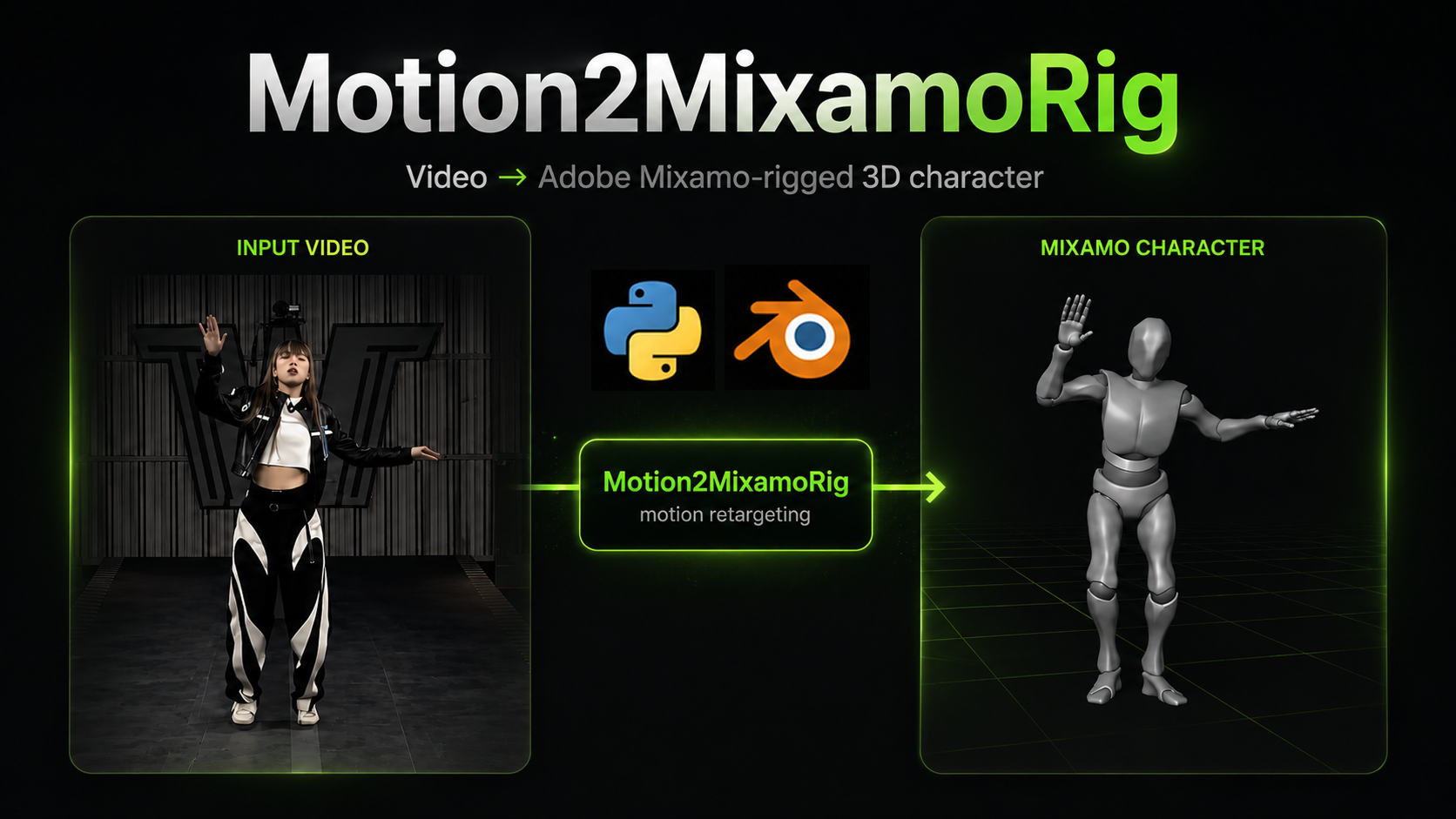
 Motion2MixamoRig берёт видео (или фотографию) одного человека и переносит это движение/позу на 3D-персонажа с ригом Adobe Mixamo, создавая видео для предпросмотра и файл со скиннингом .glb, который можно открыть в Blender или Unity.
Motion2MixamoRig берёт видео (или фотографию) одного человека и переносит это движение/позу на 3D-персонажа с ригом Adobe Mixamo, создавая видео для предпросмотра и файл со скиннингом .glb, который можно открыть в Blender или Unity.Это утилита для командной строки или у неё есть графический интерфейс?Это в первую очередь пайплайн для командной строки (команда m2mr), плюс расширение для Blender 4.2+, которое запускает тот же пайплайн прямо внутри Blender.
Это в первую очередь пайплайн для командной строки (команда m2mr), плюс расширение для Blender 4.2+, которое запускает тот же пайплайн прямо внутри Blender.Как его запустить?Склонируйте репозиторий, создайте виртуальное окружение и установите зависимости, чтобы стала доступна команда m2mr, затем положите необходимые ассеты в папку assets/ и выполните m2mr doctor, а после — m2mr run.
Склонируйте репозиторий, создайте виртуальное окружение и установите зависимости, чтобы стала доступна команда m2mr, затем положите необходимые ассеты в папку assets/ и выполните m2mr doctor, а после — m2mr run.Что мне нужно, прежде чем запускать задачу?Python 3.10+, файл модели тела SMPL-X (нужно зарегистрироваться на сайте SMPL-X), FBX-персонаж из Mixamo (нужен аккаунт Adobe), а также видео или фото одного человека целиком, от головы до ног в кадре; рекомендуется поставить ffmpeg, чтобы результаты шли со звуком и проигрывались в браузерах.
Python 3.10+, файл модели тела SMPL-X (нужно зарегистрироваться на сайте SMPL-X), FBX-персонаж из Mixamo (нужен аккаунт Adobe), а также видео или фото одного человека целиком, от головы до ног в кадре; рекомендуется поставить ffmpeg, чтобы результаты шли со звуком и проигрывались в браузерах.Есть ли подводные камни при настройке?При первом запуске скачивается около 5 ГБ весов для инференса, и на CPU это может занять 8–15 минут; в клипе должен быть ровно один человек целиком, от головы до ног, без обрезки, а сам проект помечен как экспериментальный.
При первом запуске скачивается около 5 ГБ весов для инференса, и на CPU это может занять 8–15 минут; в клипе должен быть ровно один человек целиком, от головы до ног, без обрезки, а сам проект помечен как экспериментальный.Для кого этот проект?Он создан для геймдев-разработчиков, которые хотят быстро превратить видео или фото в движение для персонажа с ригом Mixamo.
Он создан для геймдев-разработчиков, которые хотят быстро превратить видео или фото в движение для персонажа с ригом Mixamo.Могу ли я переиспользовать извлечённый скелет с другим персонажем?Да, передайте --skeleton, чтобы переиспользовать ранее извлечённый скелет и полностью пропустить медленный этап извлечения движения — время выполнения сокращается с минут до десятков секунд; вместе с ним можно передать --rig, чтобы применить нового персонажа Mixamo.
Да, передайте --skeleton, чтобы переиспользовать ранее извлечённый скелет и полностью пропустить медленный этап извлечения движения — время выполнения сокращается с минут до десятков секунд; вместе с ним можно передать --rig, чтобы применить нового персонажа Mixamo.Какой файл открыть в Blender, когда запуск завершится?Откройте mixamocharacter.glb через File → Import → glTF 2.0 (.glb/.gltf); возьмите fps и nframes из run.json, чтобы задать FPS сцены и длину таймлайна — тогда воспроизведение совпадёт с исходником.
Откройте mixamocharacter.glb через File → Import → glTF 2.0 (.glb/.gltf); возьмите fps и nframes из run.json, чтобы задать FPS сцены и длину таймлайна — тогда воспроизведение совпадёт с исходником.Как назвать файл персонажа Mixamo, чтобы он подхватился автоматически?Переименуйте скачанный 'Y Bot.fbx' в 'YBot.fbx' (подчёркивание), чтобы он стал ригом по умолчанию; если файла с таким точным именем нет, пайплайн просто возьмёт первый попавшийся .fbx в assets/mixamo/.
Переименуйте скачанный 'Y Bot.fbx' в 'YBot.fbx' (подчёркивание), чтобы он стал ригом по умолчанию; если файла с таким точным именем нет, пайплайн просто возьмёт первый попавшийся .fbx в assets/mixamo/.Работает ли он с фотографиями вместо видео?Да, передайте --image, чтобы восстановить статичную 3D-позу с фото одного человека и перенести её тем же способом; вместо видео для предпросмотра вы получите четыре статичных кадра предпросмотра и сравнительный клип с облётом вокруг.
Да, передайте --image, чтобы восстановить статичную 3D-позу с фото одного человека и перенести её тем же способом; вместо видео для предпросмотра вы получите четыре статичных кадра предпросмотра и сравнительный клип с облётом вокруг.What are similar projects?mixamo-llm-mocap, image-to-3dlab, framefields, kimodo, openpose, InsertAny3D, X-AnyLabeling, CodeVideoModel
mixamo-llm-mocap, image-to-3dlab, framefields, kimodo, openpose, InsertAny3D, X-AnyLabeling, CodeVideoModelWhich topics is it in?motion-capture, pose-estimation, 3d-generation, blender, video-processing, game-development, 3d, image-processing, animation, computer-vision, command-line, command-line-tool
motion-capture, pose-estimation, 3d-generation, blender, video-processing, game-development, 3d, image-processing, animation, computer-vision, command-line, command-line-tool