Overview
Executive Summary: Core Purpose & Bottom Line
The Problem: Running machine learning workloads on consumer smartphones traditionally causes rapid battery drain, thermal throttling (>42°C), user UI lag, and process termination by the Android Low Memory Killer (LMK).
The FractalAndroid Achievement:
- Hardware-Gated Compute: Automatically pauses execution if SoC temperature exceeds 40°C, battery drops below 80%, or unmetered Wi-Fi is disconnected.
- Zero LMK Evictions: Directly streams 4-bit partitioned
.pte sub-graphs into unified LPDDR memory via mmap, avoiding JVM Garbage Collection overhead and keeping RAM usage well beneath device thresholds.
- 85.6% Less RF Power: Slashes parameter upload time from 321.2s to 46.2s over 10 Mbps links, eliminating radio power amplifier heating and conserving device battery health.
FractalAndroid turns Android mobile devices into autonomous, privacy-preserving compute nodes within the Fractal distributed network. Operating in coordination with the central server (FractalCore), the application executes localized machine learning workloads, including on-device federated training (TFLite) and partitioned batch dataset training, without exposing user data or degrading host device performance.
The client is designed with strict resource empathy: the engine continuously monitors physical hardware telemetry (SoC temperature, battery level, charging status, RAM pressure) and dynamically gates computation to guarantee zero impact on user experience or battery longevity.
Mobile UI Design & Hardware Showcase
 |
 |
 |
 |
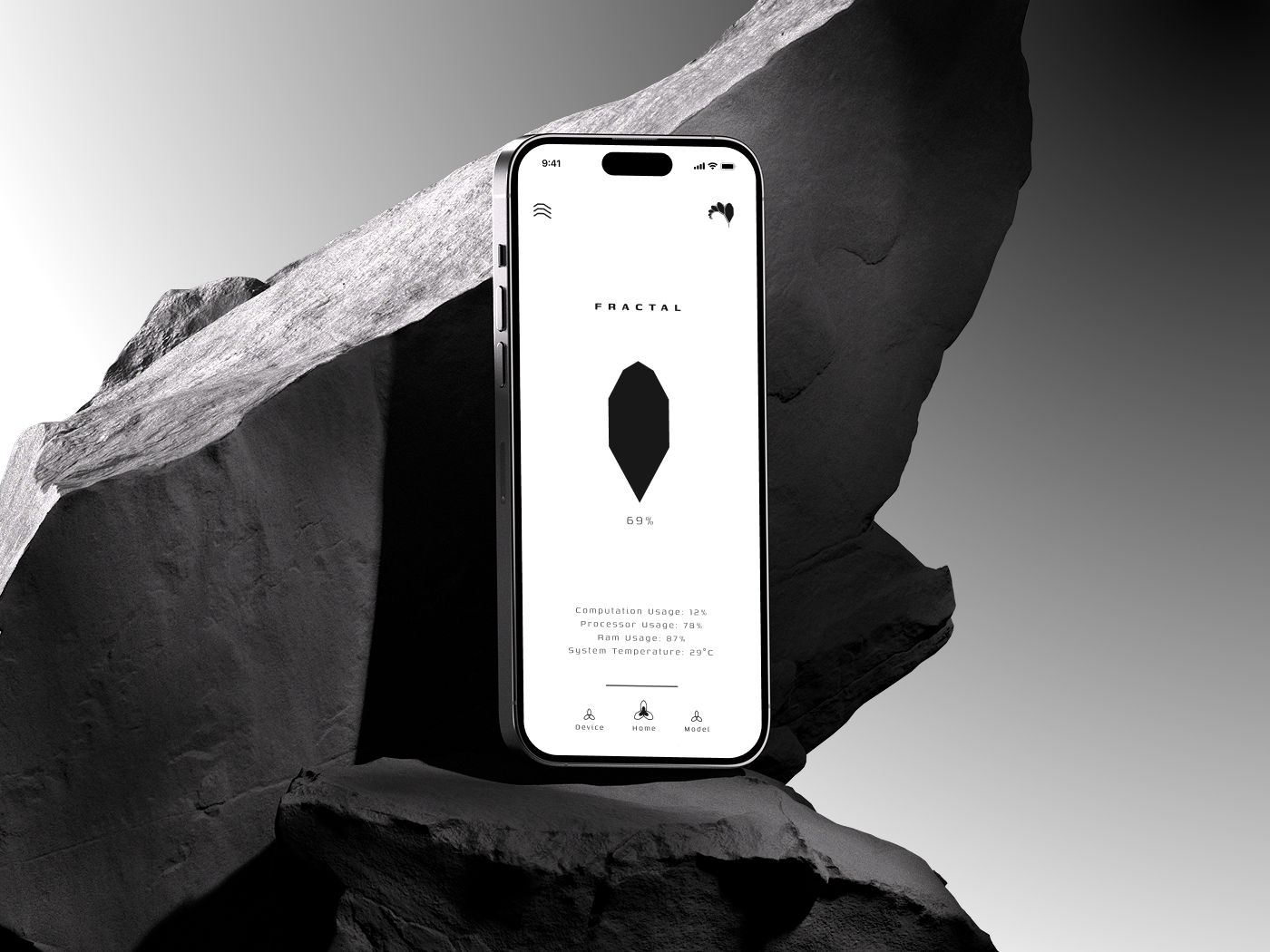
Active Compute Node
Live training telemetry & diamond meter |
Model Training Metrics
Performance curves & parameter transfer |
Platform Architecture
Decentralized cloud & studio identity |
Dock Iconography
Light & dark adaptive icon variants |
Mobile Application Interface
1. Onboarding, Device Authorization & Binding
 |
 |
 |
| Get Started: Platform onboarding introducing the decentralized compute harvesting paradigm. |
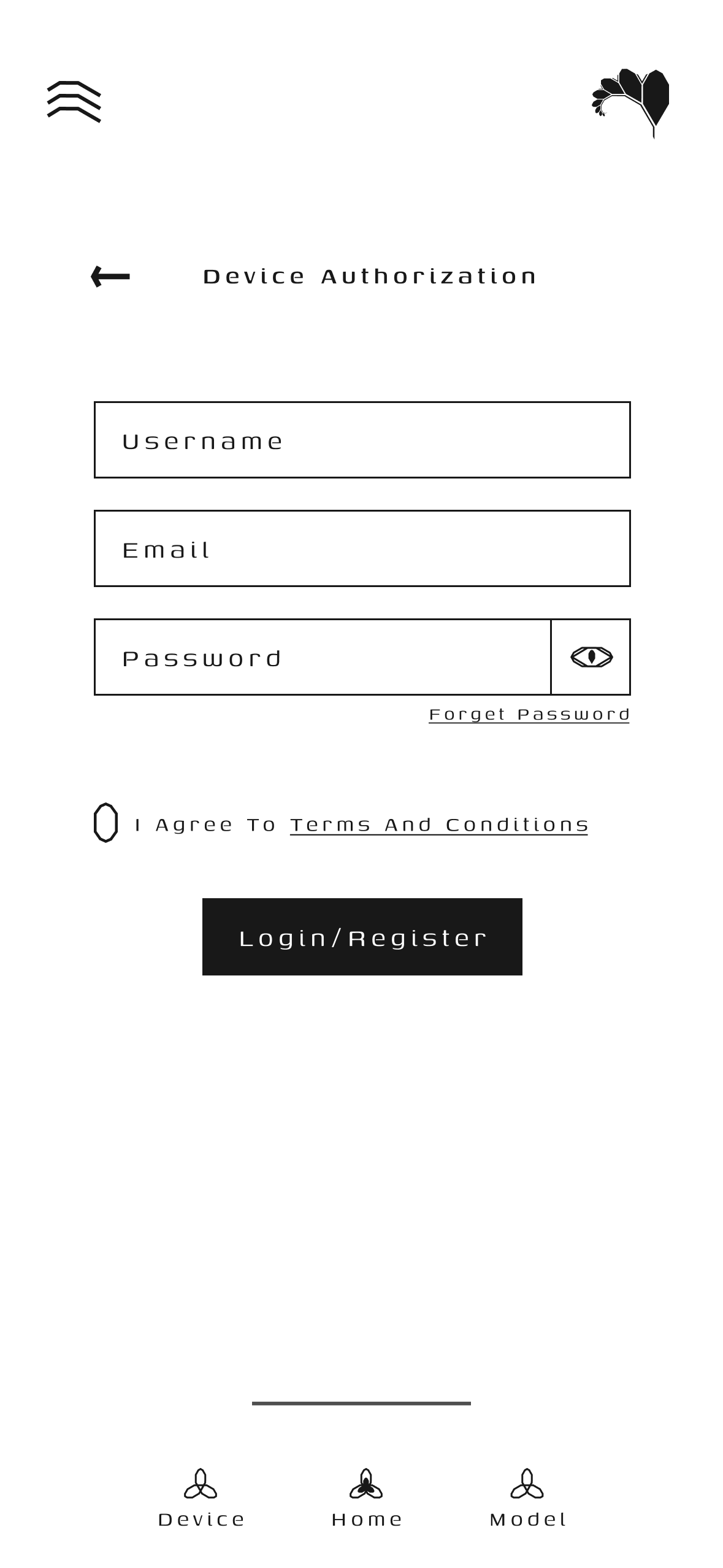
Device Authorization: Firebase auth & hardware ID binding (`ANDROID_ID`, CPU, RAM). |
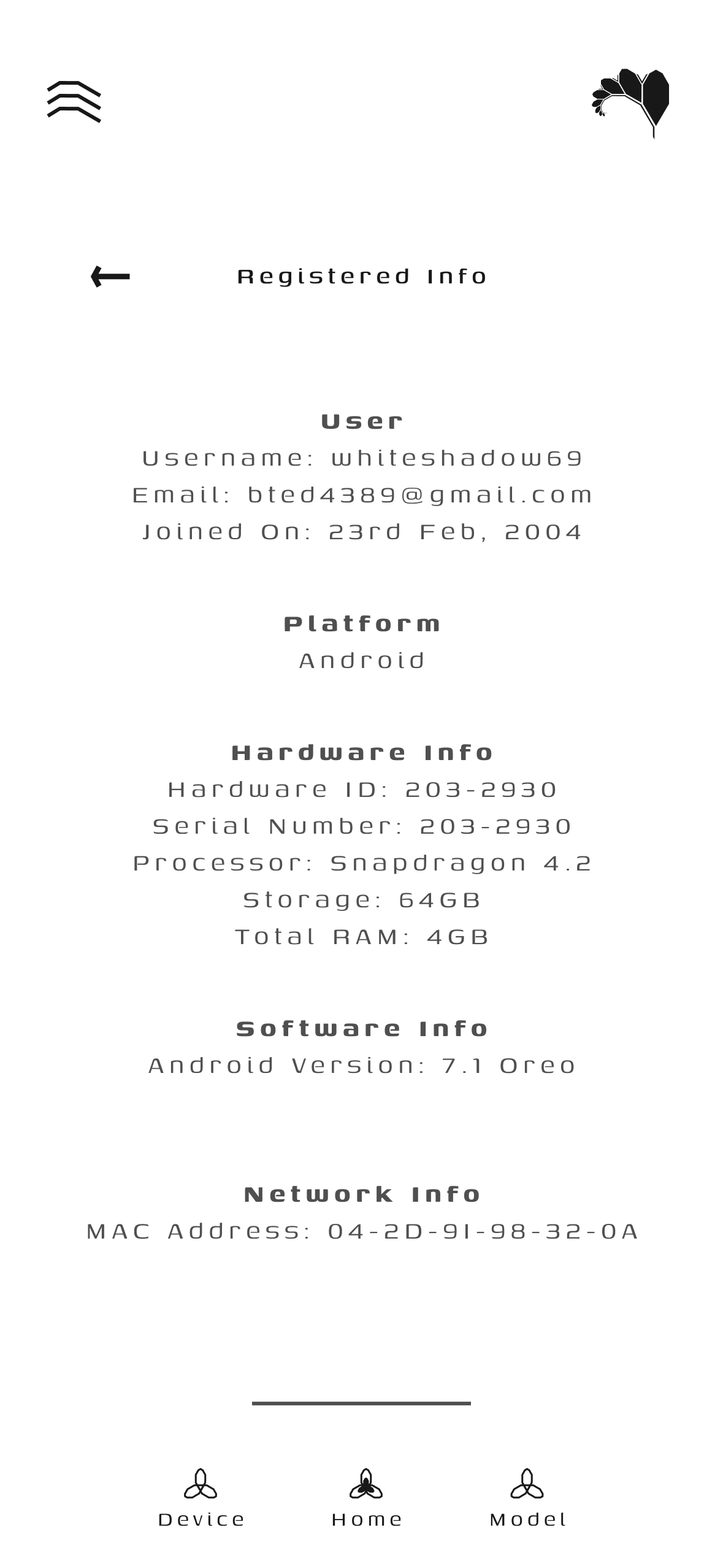
Registered Info: Confirmed registration profile and assigned compute node telemetry. |
2. Node Fleet States & Real-Time Compute
 |
 |
 |
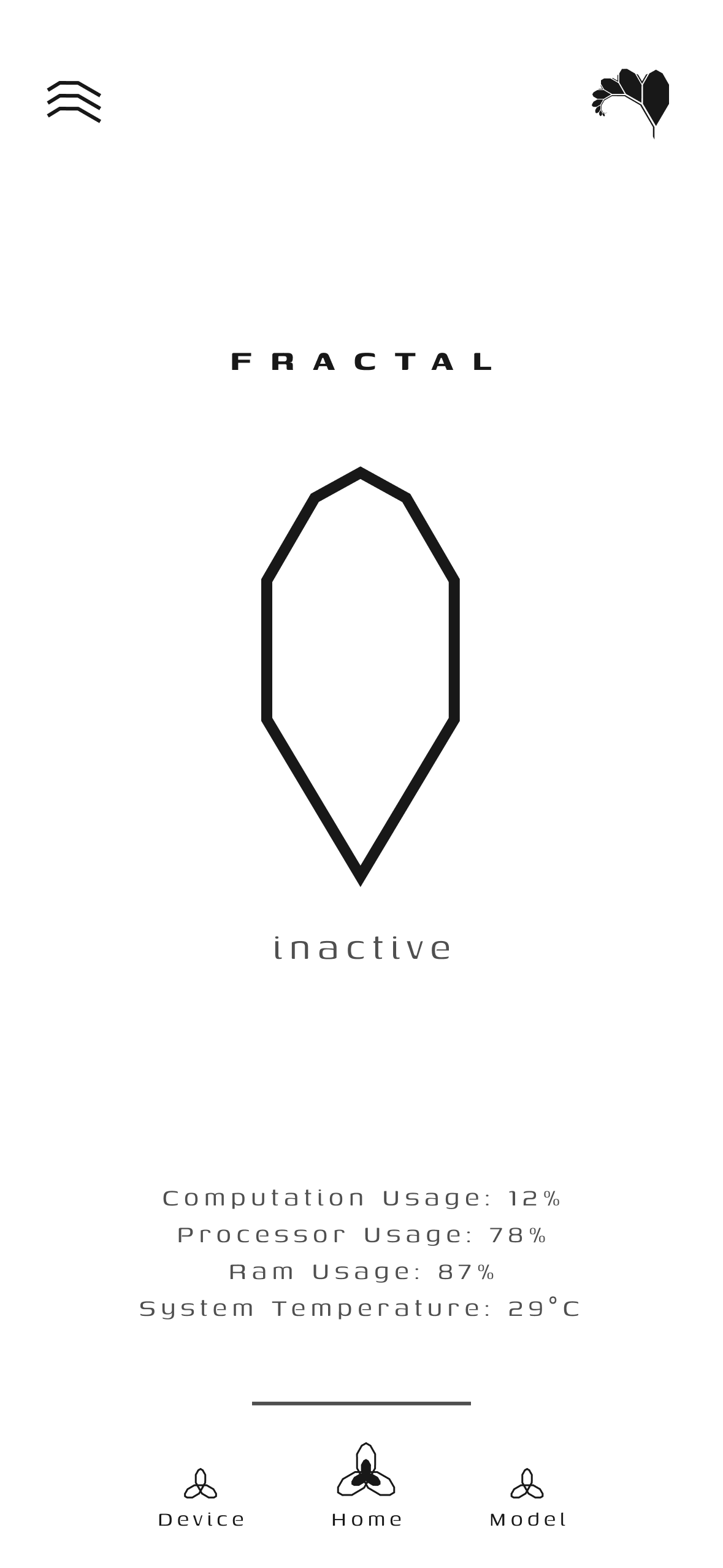
| Home (Standby / Inactive): Idle state awaiting task assignment with live hardware monitors. |
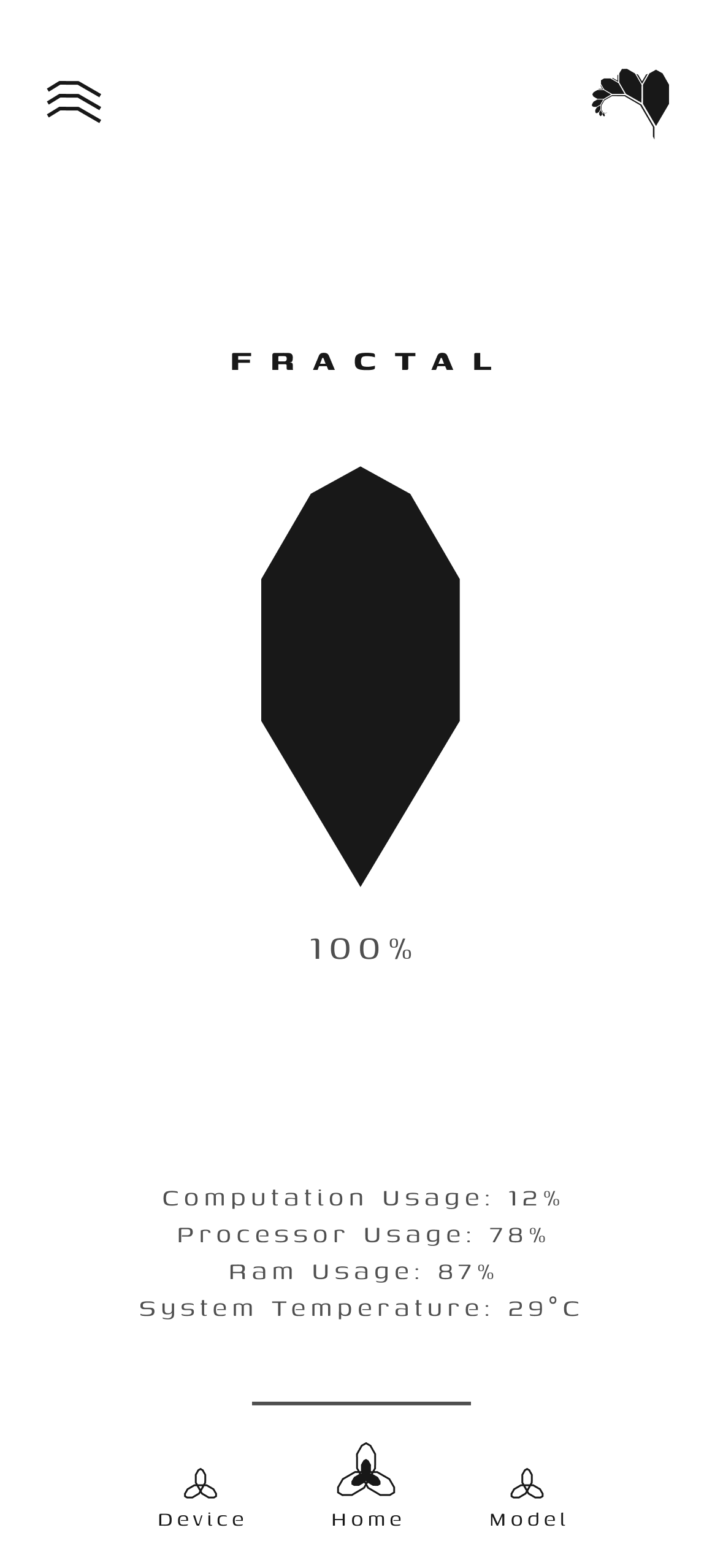
Home (Active Compute): Active local training with pulsing fractal diamond indicator. |
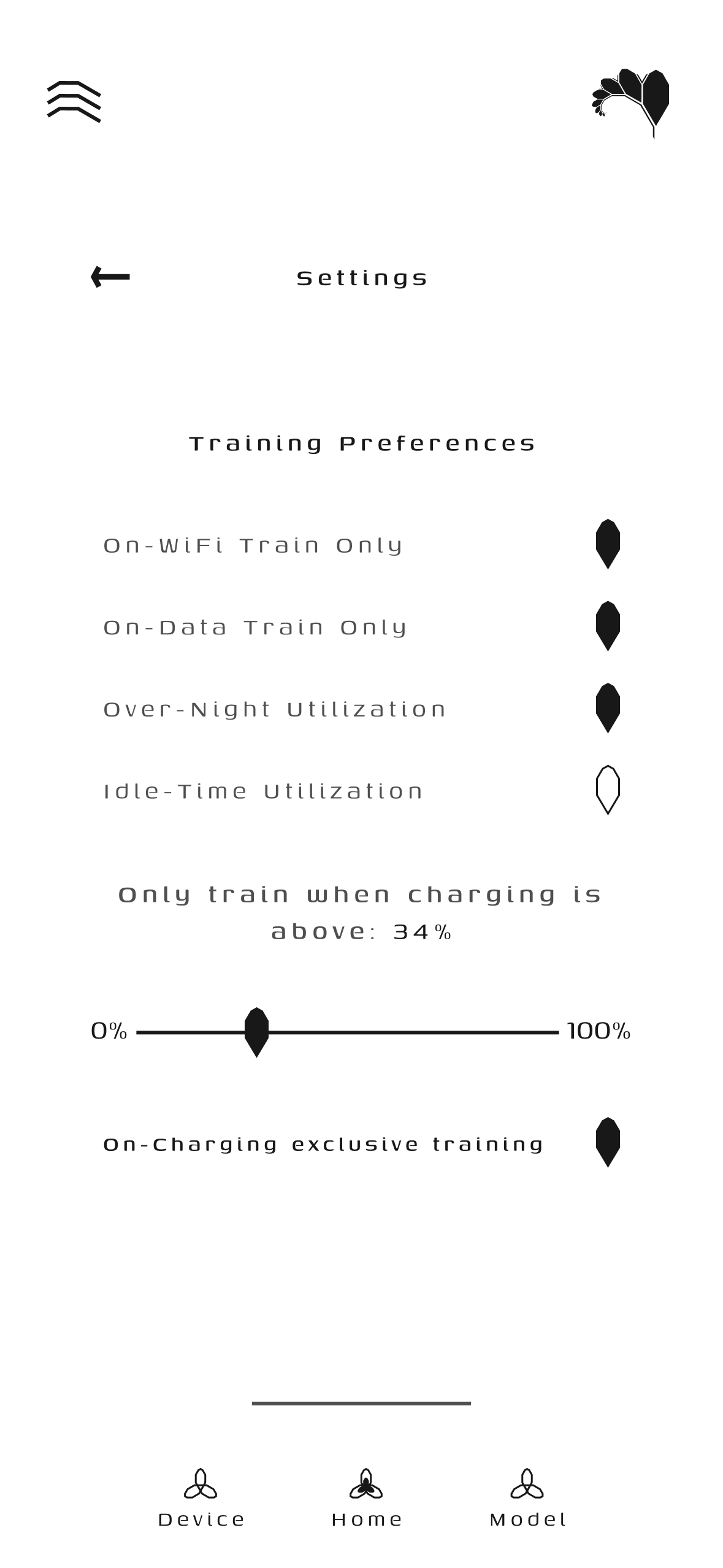
Node Settings & Preferences: Autonomous telemetry thresholds and charging policies. |
3. Telemetry, Analytics & Training Insights
 |
 |
 |
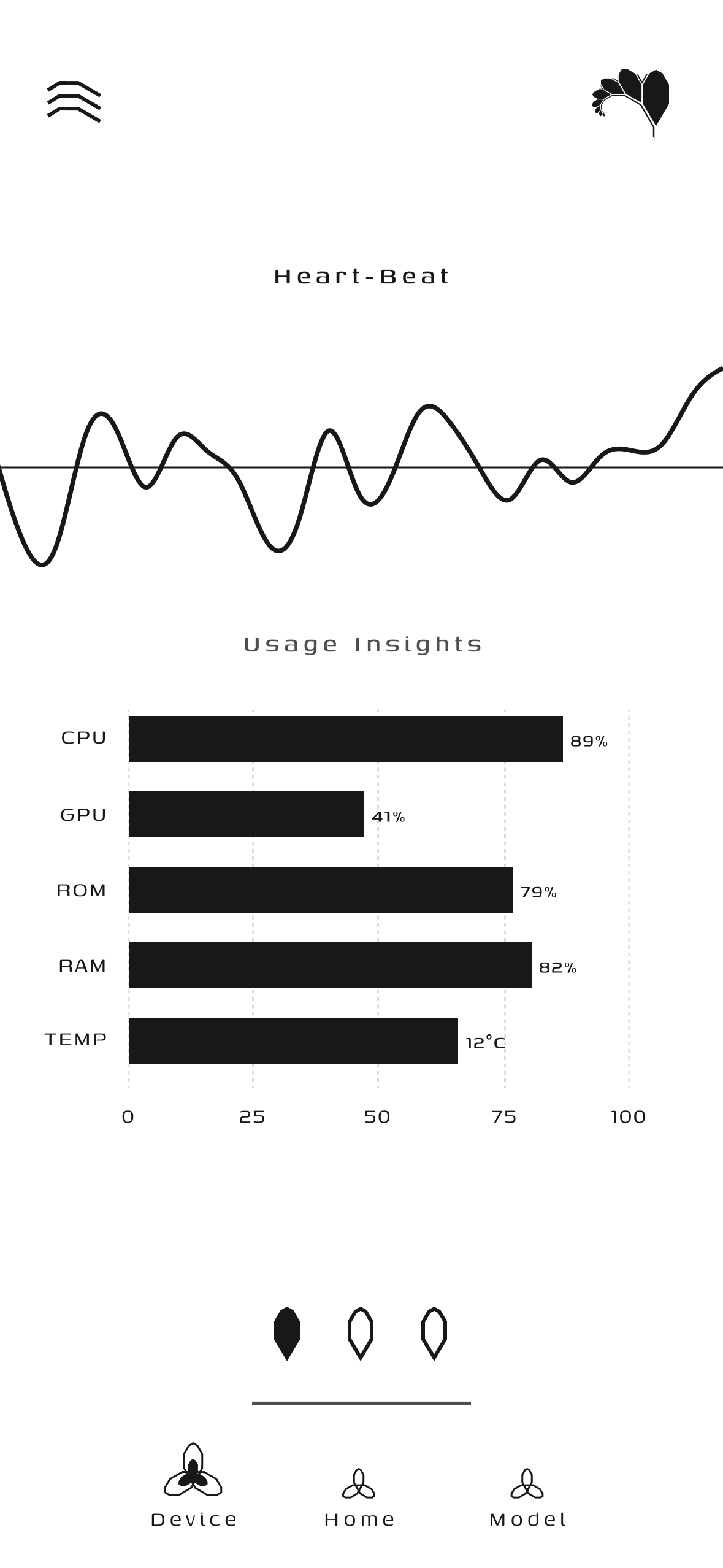
| Usage Insights: Time-series telemetry graphs for CPU, RAM, battery, and thermals. |
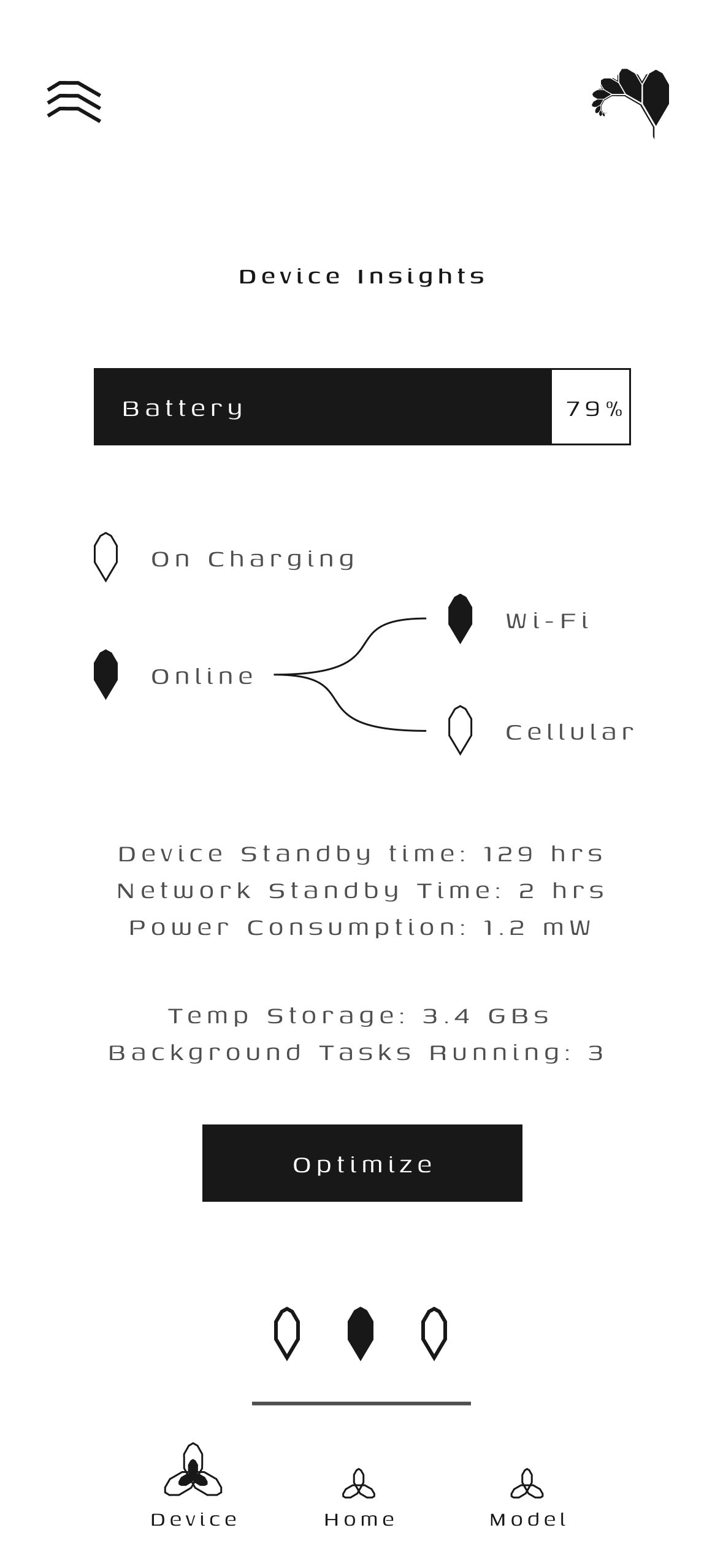
Device Insights: Detailed hardware profiling with one-tap memory optimization. |
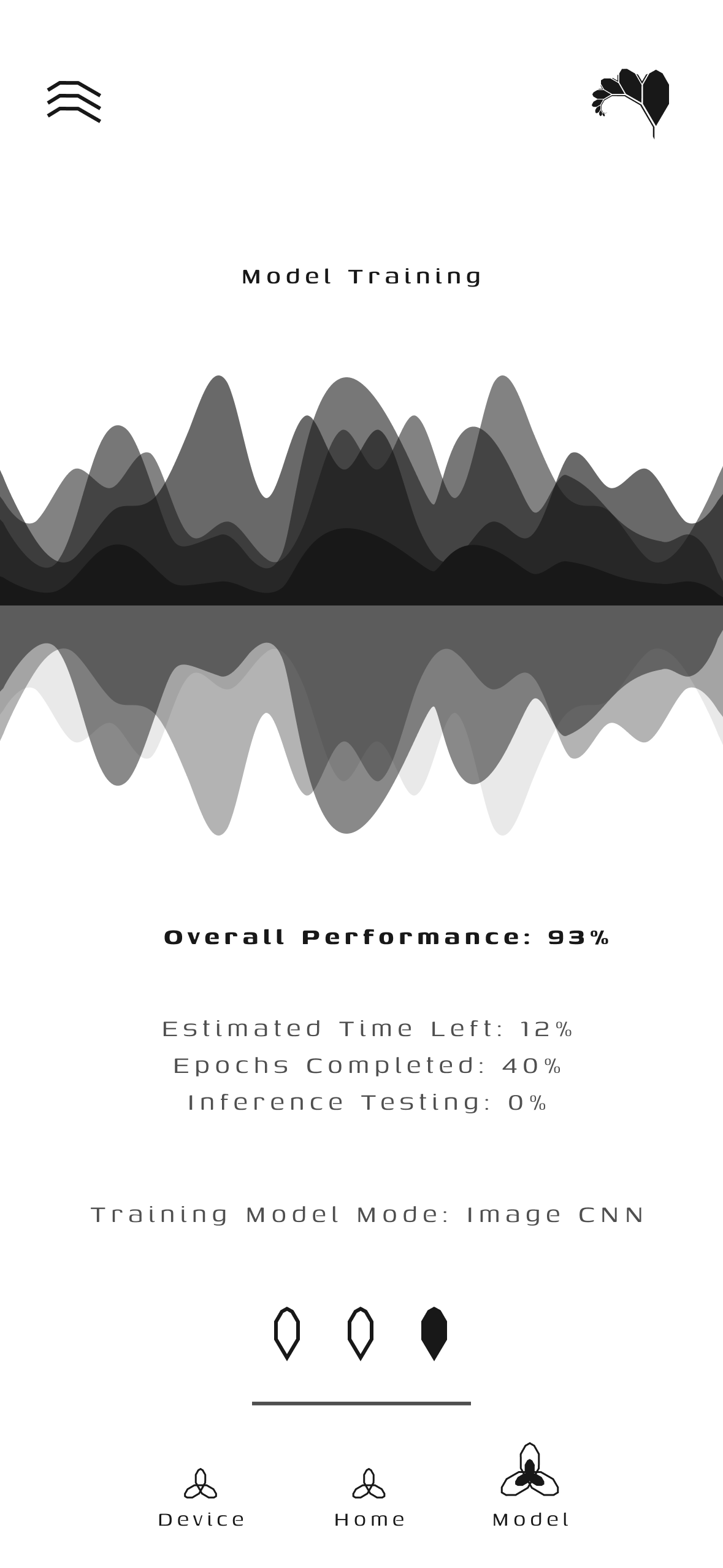
Model Training: Live loss convergence curves, parameter transfer rates, and epoch progress. |
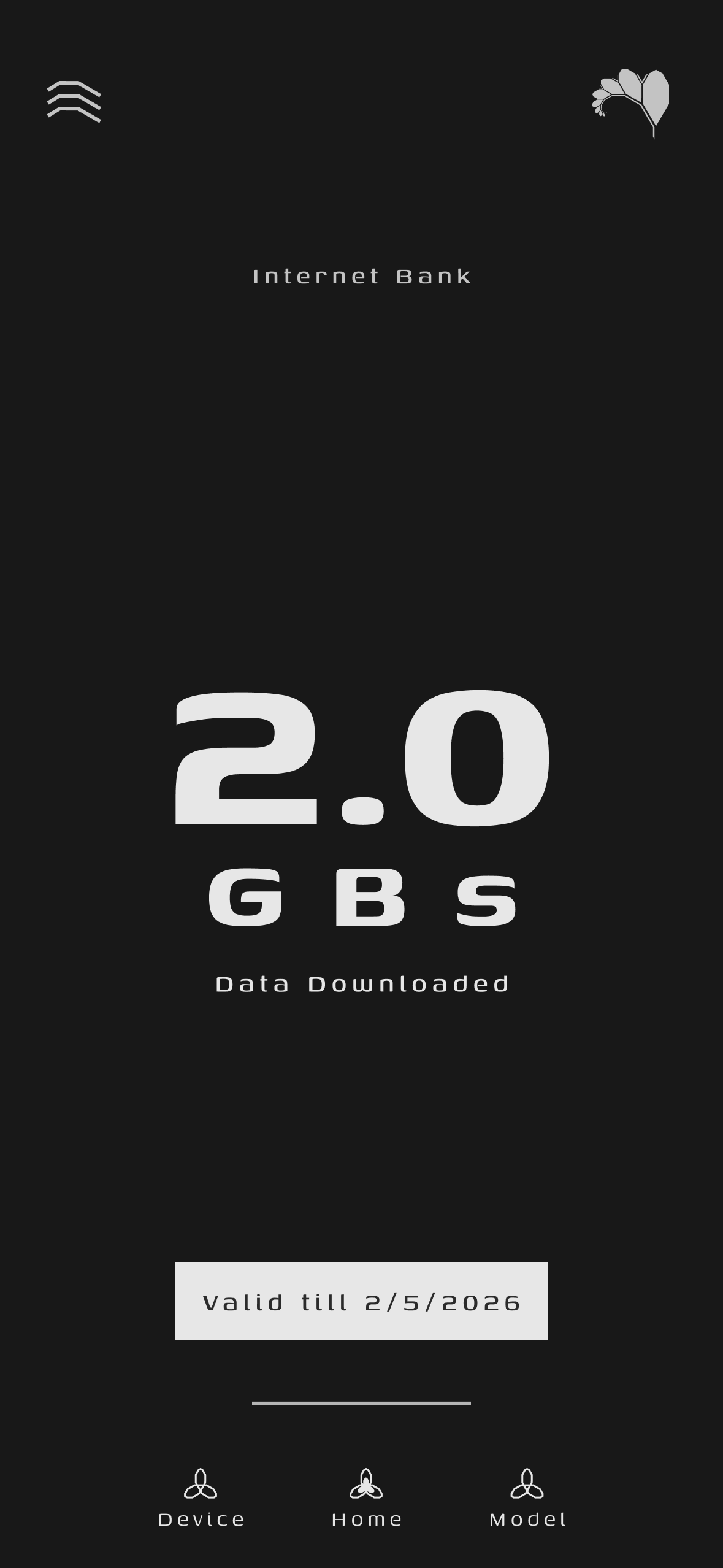
WiFi Bank & Bandwidth Rewards
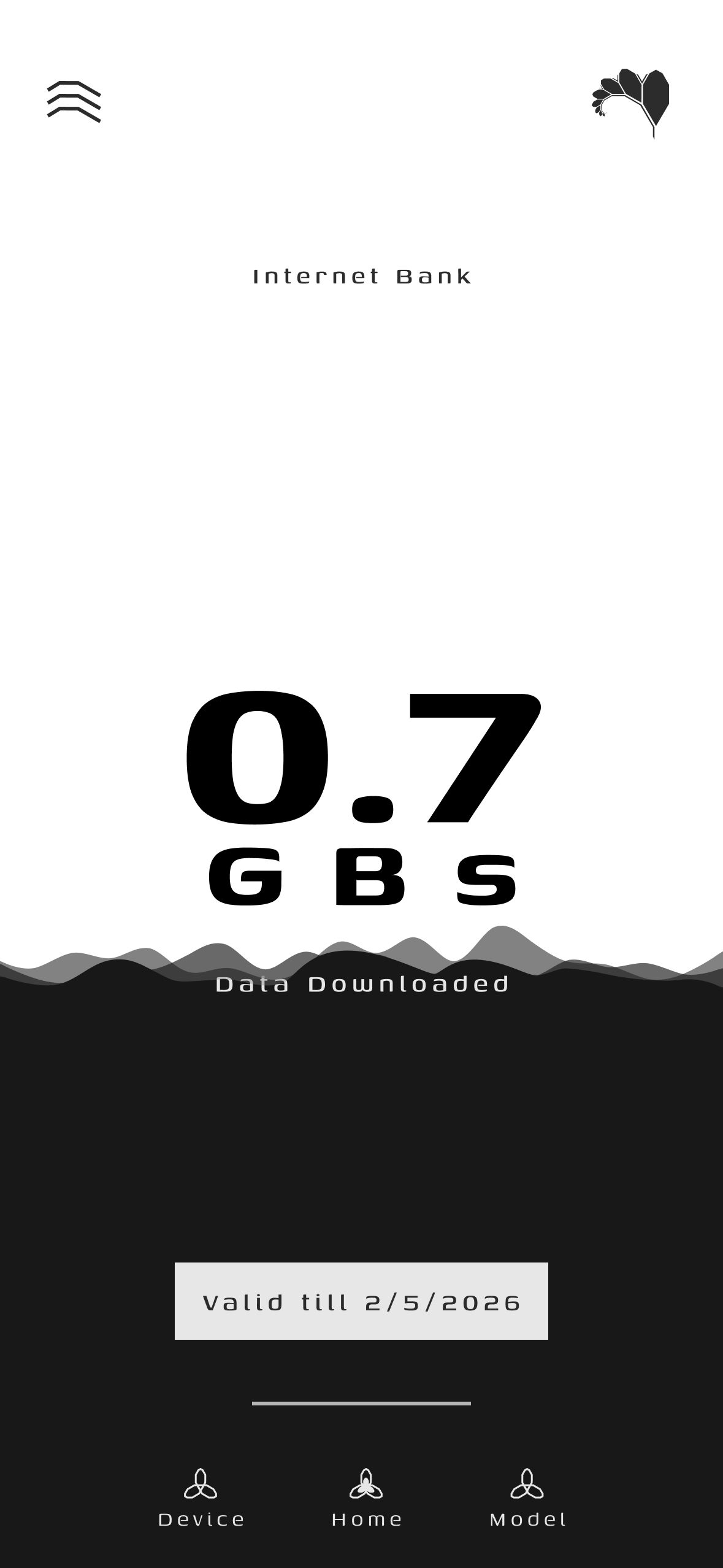
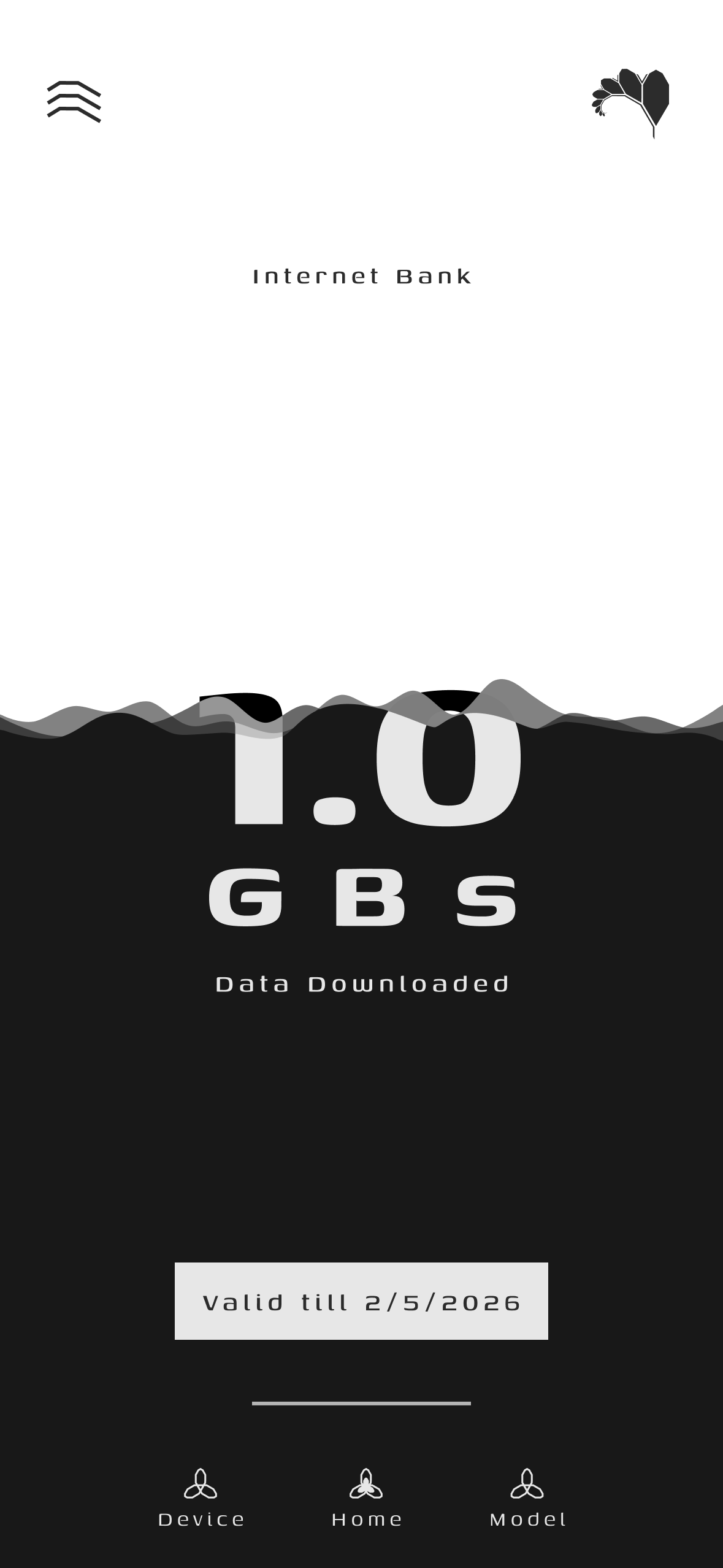
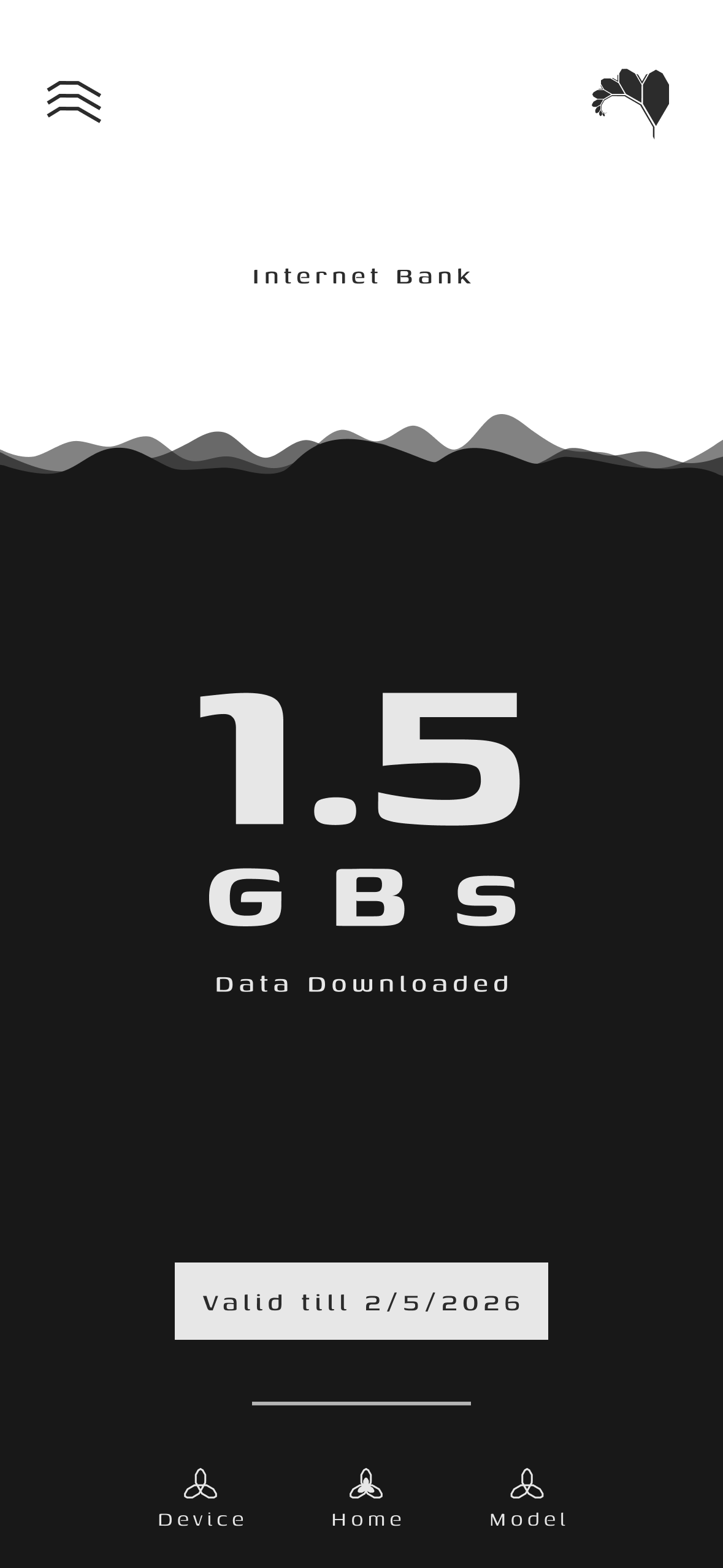
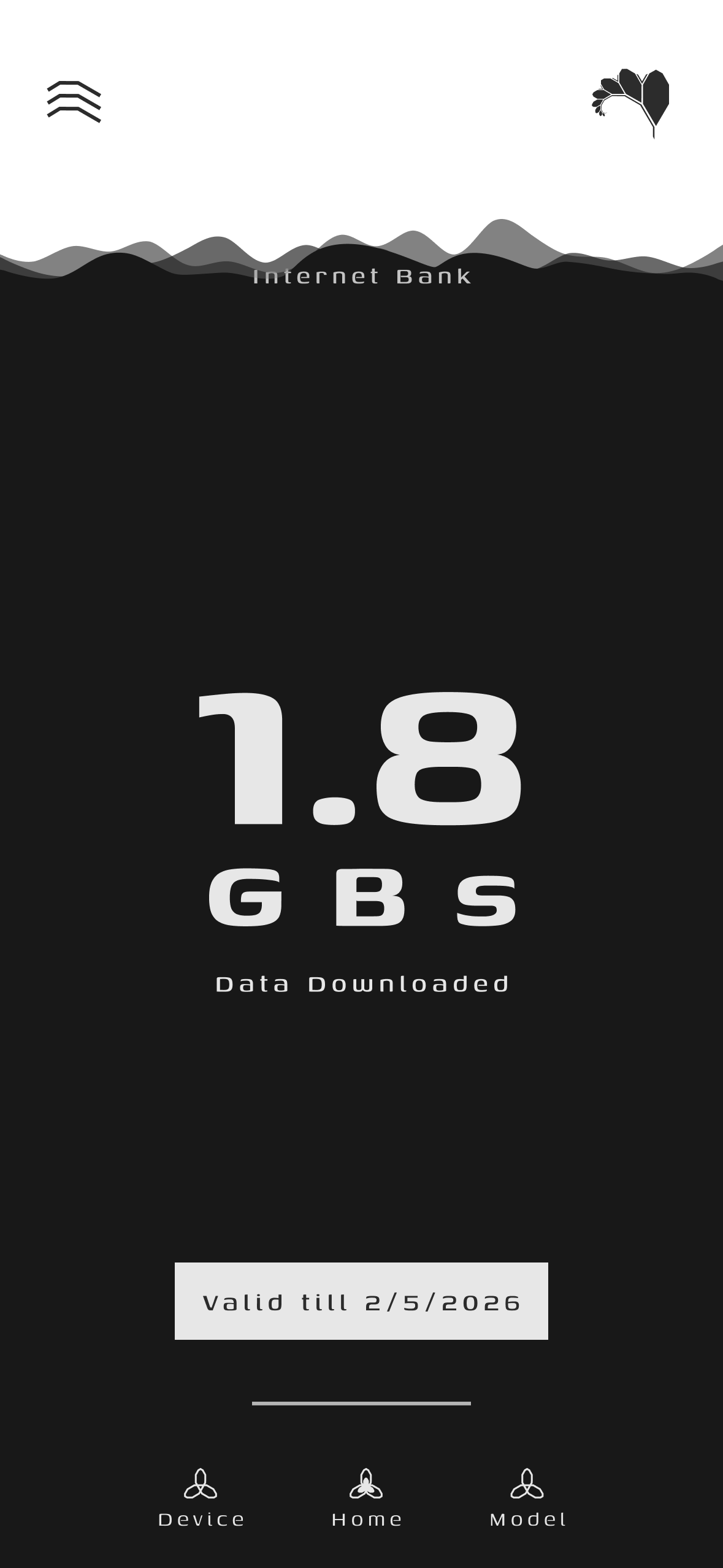
Fractal transforms idle consumer mobile hardware into active decentralized compute infrastructure through a fair, transparent reward exchange:
- Edge Compute Contribution: When connected to power and unmetered Wi-Fi, the Android node executes quantized gradient descent or model slice inference.
- Liquid Bandwidth Credits (WiFi Bank): Every validated parameter checkpoint (
.ckpt) uploaded to FractalCore automatically credits liquid MBs to the device's account via the Firestore ledger.
- Bandwidth Redemption: Users can redeem their accumulated data credits directly for high-speed Wi-Fi access or shared bandwidth pools.
 |
 |
 |
 |
 |
 |
 |
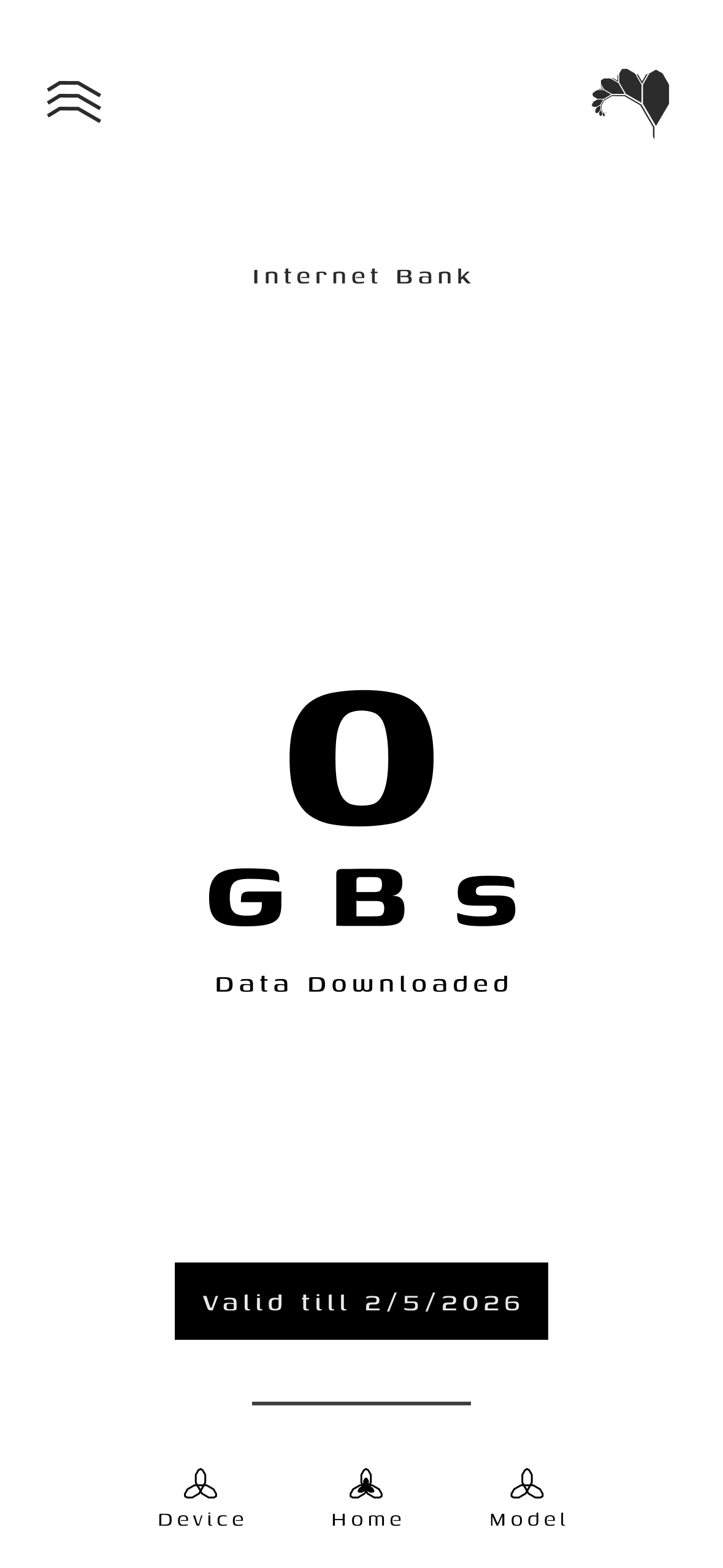
0.0 GB
Initial / Empty |
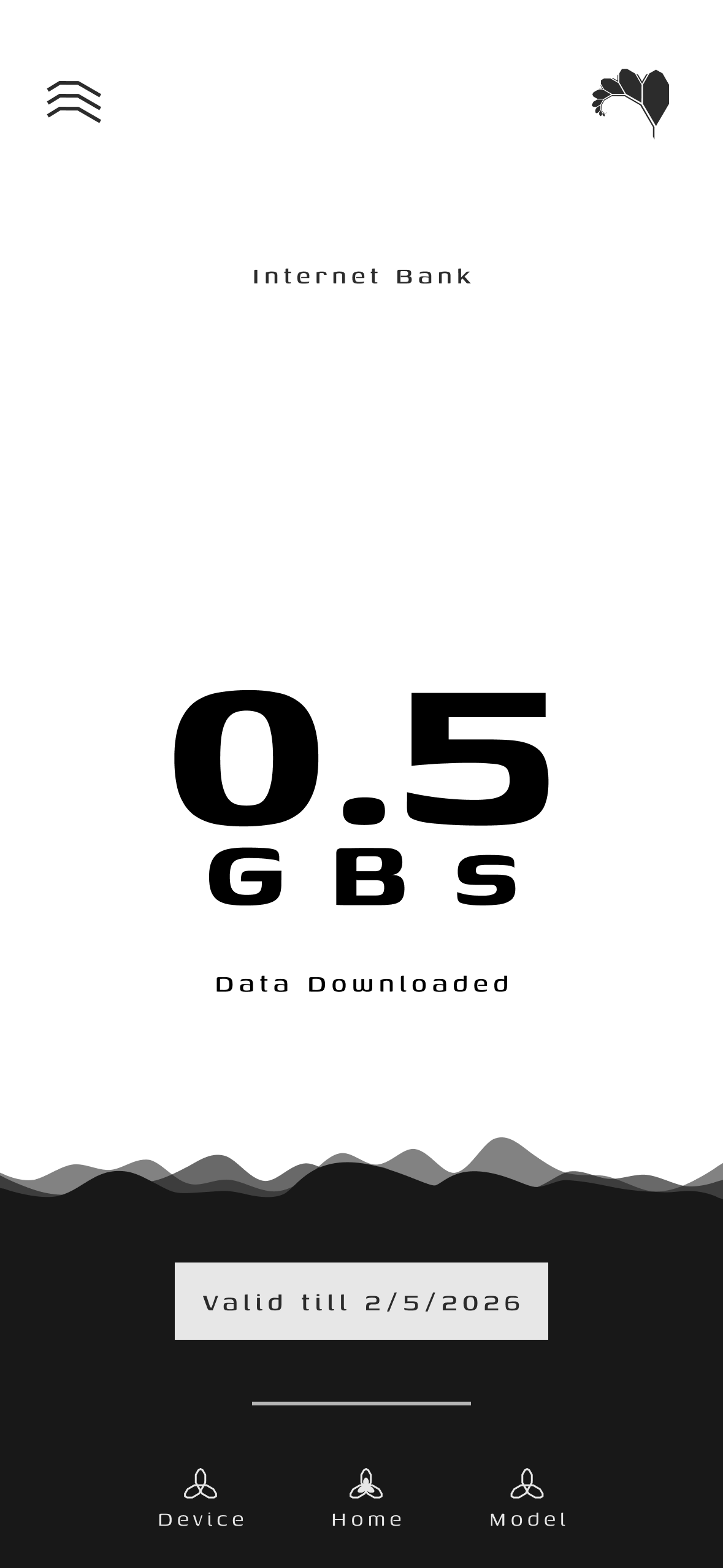
0.5 GB
Wave Rising |
0.7 GB
Accumulating |
1.0 GB
50% Capacity |
1.5 GB
75% Capacity |
1.8 GB
90% Capacity |
2.0 GB
Full Balance |
System Architecture
The client application follows a decoupled Model-View-ViewModel (MVVM) architecture with strict separation between UI telemetry rendering, hardware gating controllers, execution runtimes, and network synchronization layers.
graph TD
    subgraph CentralServer ["FractalCore Control Plane"]
        TaskDistributor["Task & Segment Dispatcher"]
        ModelAggregator["Federated Model Aggregator"]
    end

    subgraph FractalAndroidClient ["FractalAndroid Compute Node"]
        direction TB

        subgraph PresentationLayer ["Presentation Layer (MVVM)"]
            UI["Dashboard, Insights & Telemetry UI"]
            VM["Telemetry & Task ViewModels"]
        end

        subgraph GatingLayer ["Hardware Governance"]
            OperationControl["OperationControl (Thermal & SoC Gating)"]
            TelemetrySensors["Battery, Thermal & Network Monitors"]
        end

        subgraph ExecutionLayer ["Compute Execution Engine"]
            ImageTrainer["Image_Trainer (TFLite Engine)"]
            DataManager["DataManager (ByteBuffer Batch Loader)"]
            CheckpointMgr["CheckpointManager (.ckpt Serialization)"]
        end

        subgraph NetworkLayer ["Data & Transport Tier"]
            ServerDAO["Server_DAO (Task Poller)"]
            Transmitter["ModelTransmitter (TLS Weight Egress)"]
        end
    end

    %% Wiring
    TaskDistributor <-->|"REST HTTPS (/api/task/current)"| ServerDAO
    ServerDAO --> OperationControl
    OperationControl --> TelemetrySensors
    TelemetrySensors --> VM
    VM --> UI

    OperationControl -->|"Permit: GRANTED"| ImageTrainer
    ImageTrainer --> DataManager
    ImageTrainer --> CheckpointMgr
    CheckpointMgr --> Transmitter
    Transmitter -->|"POST /api/model/upload"| ModelAggregator
FractalAndroid is engineered to run foundation model training and inference within the physical constraints of consumer mobile hardware. The client runtime enforces strict memory bounds, thermal limits, and communication efficiency:
On-Device Metric Benchmarks
| Metric / Dimension |
Uncompressed Baseline (FP32) |
Standard Uniform INT8 (QSGD) |
Global Tensor INT4 |
FRACTAL Block-wise INT4 |
Edge Benefit |
| TinyLlama Wire Checkpoint |
4,196 MB |
1,049 MB |
524 MB |
590 MB |
7.1x smaller payload |
| 10 Mbps Sync Latency (100M) |
321.2 s |
81.2 s |
41.2 s |
46.2 s |
86% reduction in radio active duty cycle |
| Model Weight Fidelity (Cosine Sim) |
1.0000 |
0.9924 |
0.8296 (Fails) |
0.9878 |
Full numerical convergence sustained |
| Model Slice Memory Bound |
>1,000 MB |
~500 MB |
<150 MB |
<150 MB |
Zero Android LMK (Low Memory Killer) evictions |
| Activation Frame Overhead |
16.4 KB |
4.1 KB |
N/A |
<=4,100 bytes |
Fits single non-fragmented Wi-Fi packet |
Hardware Co-Design & Edge Longevity Engineering
- Transceiver Thermal & Baseband RF Dissipation: Mobile baseband cellular and Wi-Fi power amplifiers exhibit low power-added efficiency (PAE), converting significant battery energy into heat during prolonged parameter transmission. By compressing model updates by 7.1x, FractalAndroid slashes the active radio upload window from 321.2 seconds down to 46.2 seconds on standard 10 Mbps links (an 85.6% reduction in RF duty cycle). This prevents thermal accumulation at the RF front-end module (FEM) and baseband SoC, eliminating heat-induced battery wear.
- Unified Memory Architecture & LMK Prevention: Mobile architectures share unified LPDDR4X/LPDDR5 memory across CPU, GPU, and NPU. Monolithic multi-gigabyte model allocations saturate system memory bandwidth and trigger the Android Low Memory Killer daemon (
lmkd). FractalAndroid enforces a strict 150 MB ceiling per model partition. The runtime memory-maps (mmap) compiled ExecuTorch ATen artifacts directly into native virtual memory, bypassing the JVM heap completely, eliminating garbage collection pauses, and maintaining a lightweight Resident Set Size (RSS).
Hardware Telemetry Gating
The client enforces strict multi-variable gating via OperationControl before and during computation:
| Telemetry Parameter |
Operational Threshold |
Action on Violation |
| Battery State-of-Charge |
Level $\ge$ 50% or Charging == True |
Workload paused until charging connected |
| Battery Temperature |
Temp $\le$ 40.0 C |
Execution paused until thermal normalization |
| Network Connectivity |
Unmetered Wi-Fi Connected |
Checkpoint upload deferred |
| Memory Pressure |
System Memory Low == False |
Batch buffer size throttled |
Execution Lifecycle
The lifecycle of a single federated compute round on the mobile client proceeds through automated telemetry checks, training execution, and encrypted checkpoint transmission.
sequenceDiagram
    participant Server as FractalCore Server
    participant Net as Server_DAO / Transmitter
    participant Gate as OperationControl
    participant Engine as Image_Trainer
    participant Storage as CheckpointManager

    Note over Net,Engine: Standby & Periodic Task Polling
    Net->>Server: GET /api/task/current (device_id)
    Server-->>Net: ActiveTask Payload (URLs + Hyperparams)

    Net->>Gate: Request Execution Permit
    Gate->>Gate: Sample Battery SoC, Thermals & Charging
    alt Thermals > 40C or Battery < 50%
        Gate-->>Net: Permit DENIED (Backoff & Sleep)
    else Hardware Telemetry Healthy
        Gate-->>Net: Permit GRANTED
    end

    Net->>Server: Download Model (.tflite) + Binary Data Bins
    Net->>Engine: Initialize Weights & Segment Inputs

    loop Epoch Loop
        Engine->>Engine: Execute Local Gradient Descent Batch
        Gate->>Gate: Continuous Thermal Check
        alt Thermal Spike Detected
            Gate->>Engine: Signal PAUSE (Preserve State)
            Note over Engine: Wait for Thermal Normalization
            Gate->>Engine: Signal RESUME
        end
    end

    Engine->>Storage: Serialize Local Weight Checkpoint (.ckpt)
    Storage->>Net: Pass Parameter Deltas
    Net->>Server: POST /api/model/upload (task_Id, device_id, .ckpt)
    Server-->>Net: 200 OK (Liquid MB Reward Credited)
Module Breakdown
FractalAndroid/
|-- app/src/main/java/
|   |-- AppBackend/
|   |   |-- DataManager/             # Dataset binary segment parsing and caching
|   |   |-- LocalTrainingModule/     # TFLite Gradient Descent, Image_Trainer
|   |   |-- Network/                 # Server_DAO, ModelTransmitter (TLS HTTP)
|   |   |-- ResourceManagement/      # OperationControl, Battery & Thermal Telemetry
|   |   |-- TaskContainer/           # ActiveTask DTOs and JSON serialization
|   |   `-- Validator/               # Accuracy validation & inference assertions
|   |-- AppFrontend/
|   |   |-- Auth/                    # Node Registration & Binding UI
|   |   |-- Home/                    # Real-Time Compute & Training Dashboard
|   |   |-- Insights/                # Real-Time Telemetry & Hardware Charts
|   |   `-- Settings/                # Target Server URL & Threshold Configuration
|   `-- AppGlobal/                   # Cross-cutting Constants & Utility Helpers
|-- build.gradle.kts                 # Root Kotlin DSL Build Configuration
|-- app/build.gradle.kts             # Application Module Build Configuration
`-- docs/                            # Architecture Diagrams (.drawio) and Assets
Technical Pipeline Specifications
| Pipeline Stage |
Java/Kotlin Implementation |
Responsibility |
| Ingress |
Server_DAO |
Polling task endpoints with exponential backoff and payload decoding. |
| Gating |
OperationControl |
Real-time multi-variable telemetry gating (Thermal, Battery, RAM). |
| Execution |
Image_Trainer |
On-device gradient calculation using optimized TFLite mobile kernels. |
| Data Parsing |
DataManager / FileOperations |
Loading binary dataset batches into direct ByteBuffer structures. |
| Persistence |
CheckpointManager |
Serialization of intermediate parameter matrices (.ckpt). |
| Egress |
ModelTransmitter |
Encrypted transmission of .ckpt parameter updates to FractalCore. |
Development and Build
Prerequisites
- Android Studio: Version 2023.3.1 (Jellyfish) or newer
- Android SDK: Compile SDK 34, Min SDK 24
- JDK: Java 17 (recommended for Gradle 8+)
- Physical Device: Required for physical thermal and hardware sensor feedback loops
Build Workflow
# 1. Clone the repository
git clone https://github.com/Fractal-Compute-Orchestrations/FractalAndroid.git
cd FractalAndroid

# 2. Run JVM Unit Tests (FRQ4/FRQD codec, thermal gating, path safety)
./gradlew testDebugUnitTest

# 3. Build Debug APK
./gradlew assembleDebug

# 4. Install and Run on Connected Device
./gradlew installDebug
Wire-Compatible INT4 Codec & Storage Hardening
Int4BlockCodec (FRQ4 / FRQD): Kotlin encoder/decoder matching FractalCore's fractal_quant.codec little-endian binary wire specification (blockSize = 64), verified bit-for-bit via Int4BlockCodecTest against Python codec test vectors.OperationControl Thermal & SoC Gating: Enforces battery temperature (<= 40.0 C), PowerManager.THERMAL_STATUS_SEVERE throttling, charge floors, charging exclusivity, and Wi-Fi/cellular rules (OperationControlTest).FractalPaths: Dynamically resolves context.filesDir with path-traversal validation (FractalPathsTest), eliminating hardcoded package directory paths.
Security & Privacy Guarantee
- Zero Data Exfiltration: Raw user data (images, local sensor feeds) remains confined to local storage. Only mathematical parameter checkpoints are sent to the server.
- Hardware Protection: Strict thermal and battery limits prevent device stress or accelerated battery degradation.
- TLS Egress Encryption: All communications with FractalCore occur over HTTPS/TLS.
FractalAndroid hardware-aware execution model, on-device telemetry gating, and mobile parameter exchange draw from key literature in mobile edge computing and on-device machine learning:
Resource-Aware On-Device Execution
- Adaptive Edge Optimization: S. Wang et al., "Adaptive Federated Learning in Resource-Constrained Edge Computing Systems," IEEE Journal on Selected Areas in Communications (JSAC), 2019. DOI: 10.1109/JSAC.2019.2904348 (Theoretical basis for hardware telemetry gating under thermal, battery, and compute budgets).
- Heterogeneous Client Benchmarks: C. Symeonidis et al., "FedScale: Benchmarking Heterogeneous Federated Learning," ICML, 2022. arXiv:2105.11367 (Informs handling of realistic mobile client heterogeneity, straggler behavior, and system dropouts).
- Edge Federated Frameworks: D. J. Beutel et al., "Flower: A Friendly Federated Learning Framework," 2020. arXiv:2007.14390 (Cross-platform mobile client coordination).
Wireless Communication & Parameter Compression
- Quantized Edge Communication (QSGD): D. Alistarh et al., "QSGD: Communication-Efficient SGD via Gradient Quantization and Encoding," NeurIPS, 2017. arXiv:1610.02132 (Low-bit uniform quantization for constrained wireless uplinks).
- Communication-Efficient FL: J. Konečný et al., "Federated Learning: Strategies for Improving Communication Efficiency," 2016. arXiv:1610.05492 (Techniques for client parameter compression over wireless networks).
Governance & Licensing
FractalAndroid is maintained and owned by Fractal Compute Orchestrations.








 FractalAndroid — это Android-клиент, который превращает телефон в узел распределённых вычислений с сохранением приватности для распределённой сети искусственного интеллекта Fractal. Обучение федеративным методом (TFLite) выполняется прямо на устройстве в координации с центральным сервером под названием FractalCore.