1.5K ·GitHub
What is this?
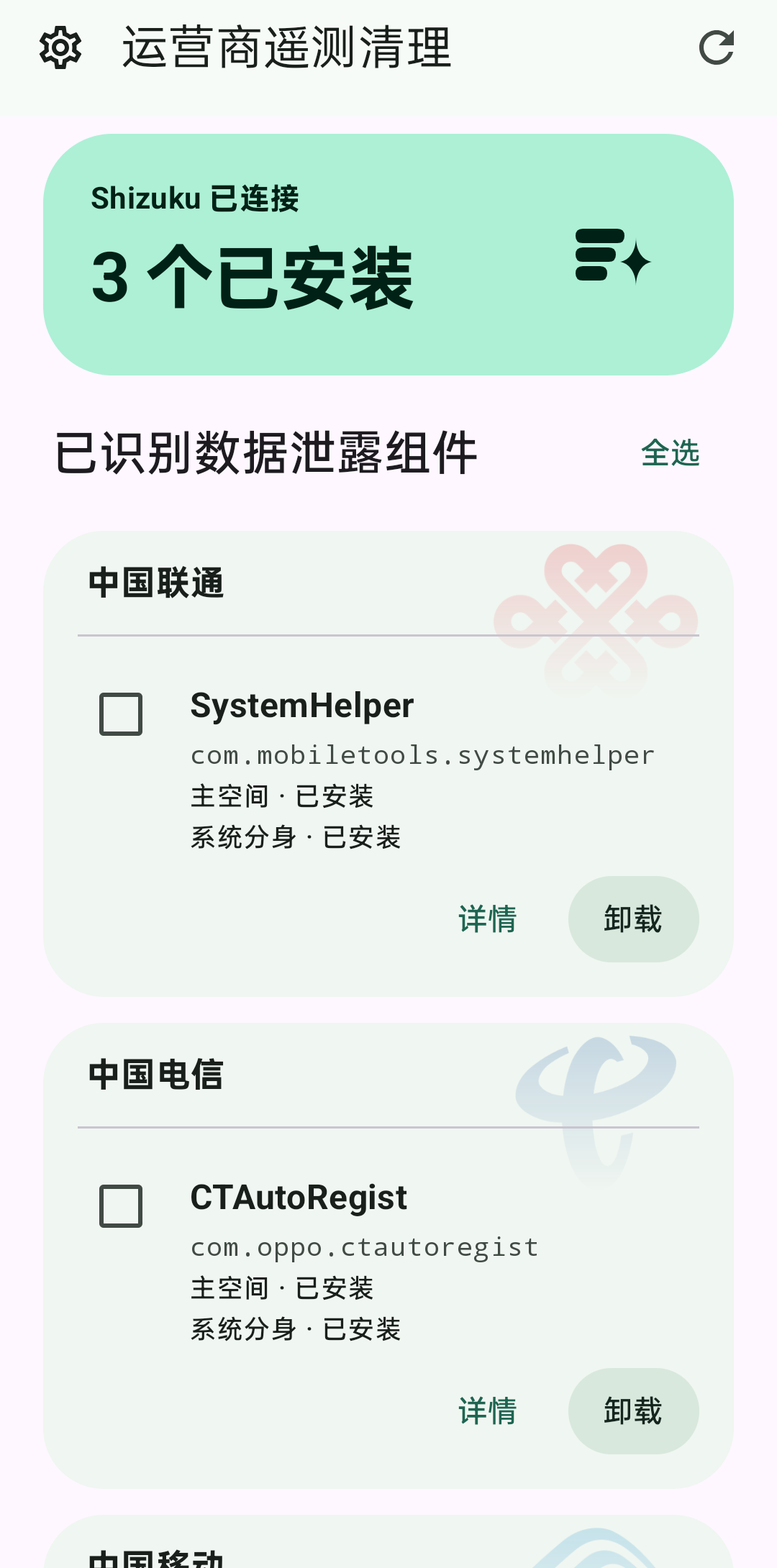
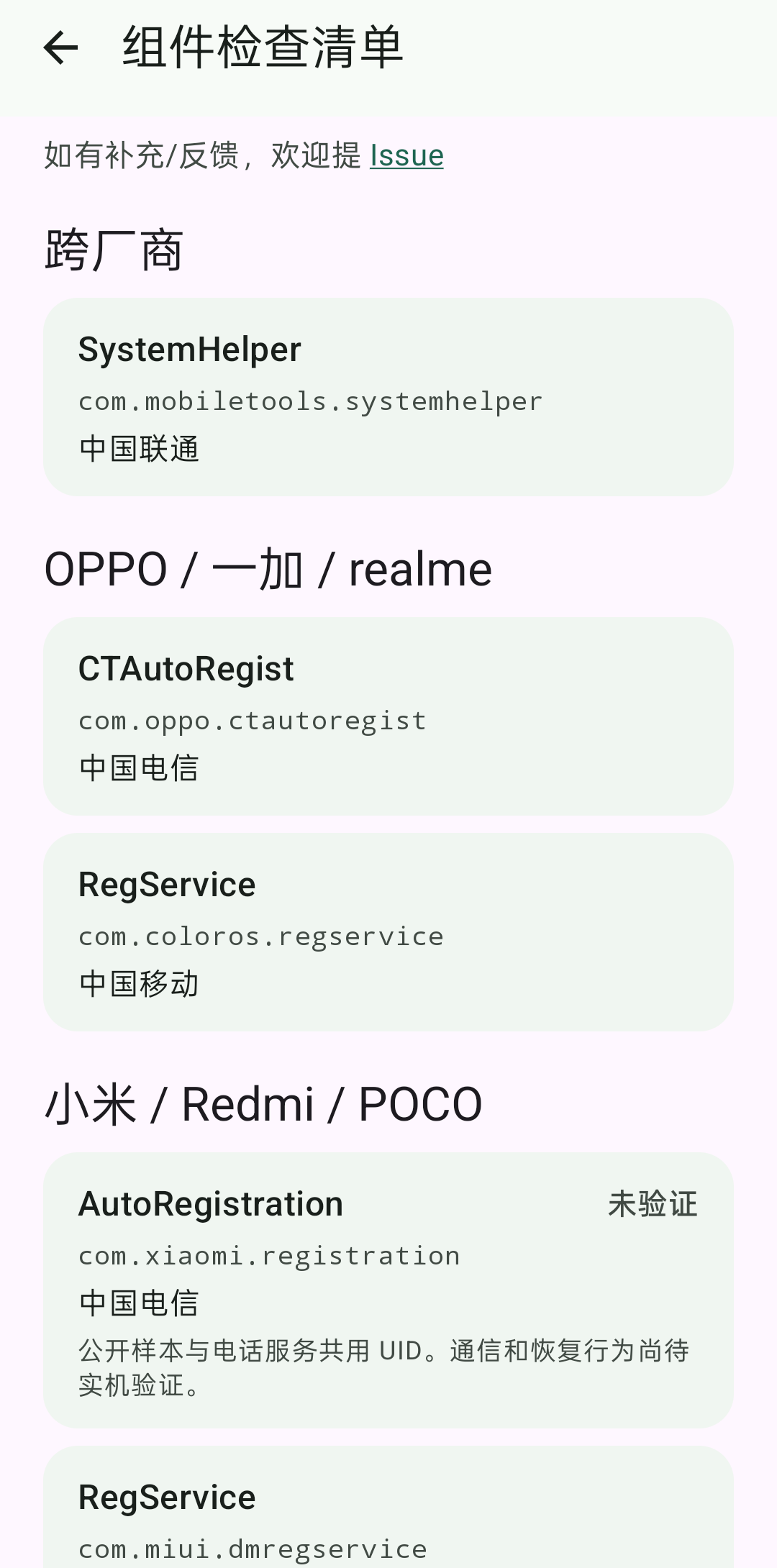
 An Android app that finds carrier and manufacturer telemetry components preinstalled on Chinese domestic firmware, such as SystemHelper and RegService, and lets you disable, uninstall or restore them without root.
Is it an app on my phone or a PC tool?It is an app installed on the Android phone itself. It uses Shizuku, so a computer is only needed if you start Shizuku through ADB over USB.
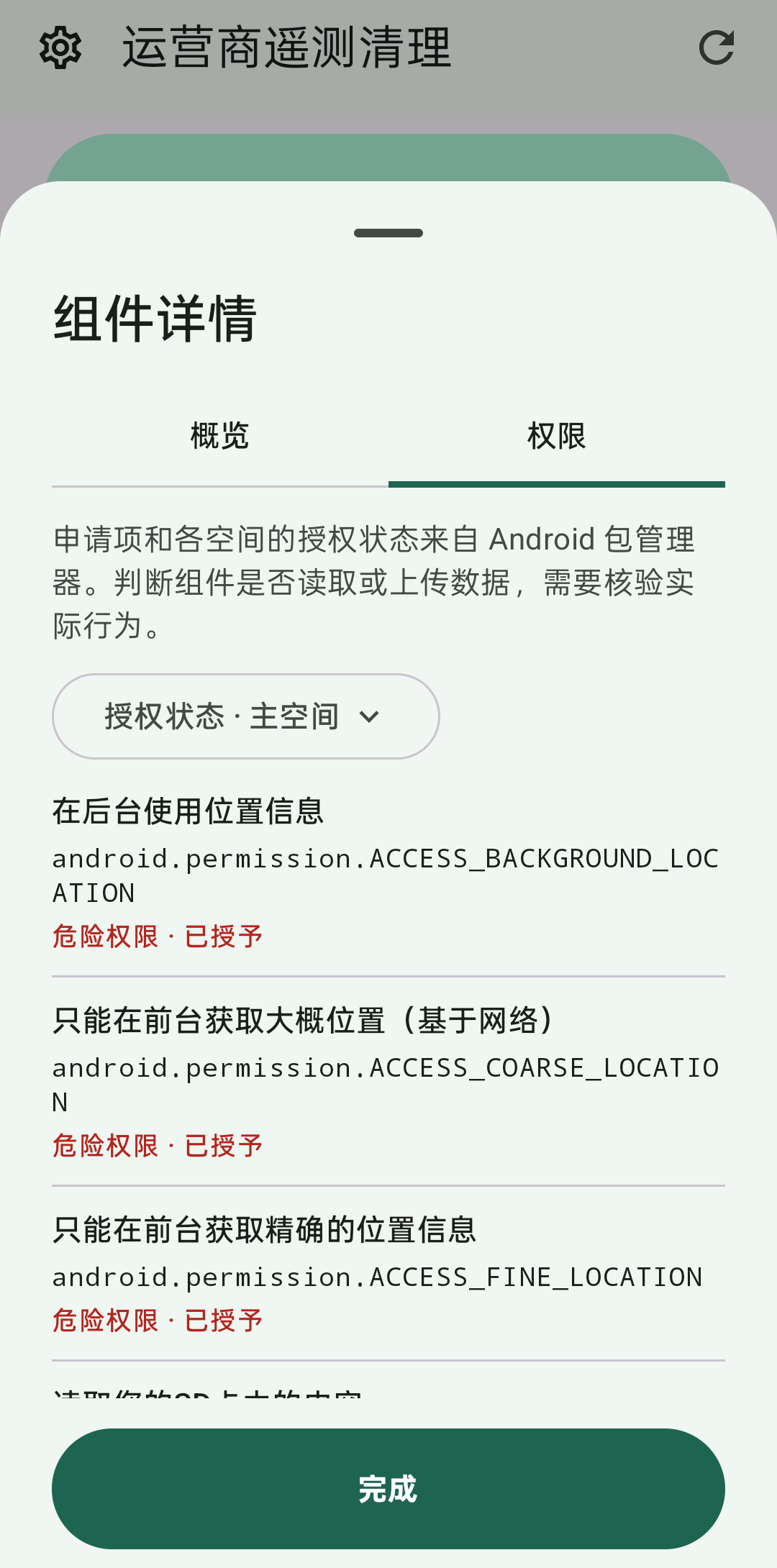
It is an app installed on the Android phone itself. It uses Shizuku, so a computer is only needed if you start Shizuku through ADB over USB.How do I get it running?Download the APK from GitHub Releases, start Shizuku with ADB or wireless debugging, then authorize the app in Shizuku and choose the spaces to scan. Open a component's details to check its permissions, or tick several components for batch actions.
Download the APK from GitHub Releases, start Shizuku with ADB or wireless debugging, then authorize the app in Shizuku and choose the spaces to scan. Open a component's details to check its permissions, or tick several components for batch actions.What do I need before installing?Android 10 or newer and Shizuku running. Wireless debugging is available on Android 11 and newer. Root is not required.
Android 10 or newer and Shizuku running. Wireless debugging is available on Android 11 and newer. Root is not required.Does it work on every phone?Only the built-in list of carrier packages is covered, and many vendor and carrier combinations are still unverified by the author. Some vivo builds cannot uninstall components other than SystemHelper.
Only the built-in list of carrier packages is covered, and many vendor and carrier combinations are still unverified by the author. Some vivo builds cannot uninstall components other than SystemHelper.What does the carrier component actually collect?The author saw SystemHelper on an OPPO phone reading location, device and SIM identifiers, installed apps and per-app traffic, then uploading it to a cloud service. A WiSec 2023 study also found installed-app lists reported by China Mobile components on some Xiaomi and ColorOS devices.
The author saw SystemHelper on an OPPO phone reading location, device and SIM identifiers, installed apps and per-app traffic, then uploading it to a cloud service. A WiSec 2023 study also found installed-app lists reported by China Mobile components on some Xiaomi and ColorOS devices.Why was this built?Carrier management components on some Chinese firmware run silently in the background with no launcher icon and cannot be disabled or uninstalled through normal settings. The app works around this using Shizuku's shell-level access.
Carrier management components on some Chinese firmware run silently in the background with no launcher icon and cannot be disabled or uninstalled through normal settings. The app works around this using Shizuku's shell-level access.Can I undo an uninstall?Yes, restore uses the system-kept APK, but uninstalling in a space also clears that component's data in that space. Auto-cleanup is off by default and only acts on components in its own list.
Yes, restore uses the system-kept APK, but uninstalling in a space also clears that component's data in that space. Auto-cleanup is off by default and only acts on components in its own list.What happens if the ROM blocks uninstalling?The app retries as shell through appprocess, calling the hidden deletePackageAsUser method. If it still fails, the result page keeps the original system error message.
The app retries as shell through appprocess, calling the hidden deletePackageAsUser method. If it still fails, the result page keeps the original system error message.What are similar projects?tellyscope, universal-android-debloater, tv-fresh, NOIR, cleanyourtv, Winhance, cleanmytv, universal-android-debloater-next-generation
tellyscope, universal-android-debloater, tv-fresh, NOIR, cleanyourtv, Winhance, cleanmytv, universal-android-debloater-next-generationWhich topics is it in?uninstaller, bloatware, no-root, bloatware-removal, debloat, adb, system, privacy-tools, android-app, kotlin, china, mobile
uninstaller, bloatware, no-root, bloatware-removal, debloat, adb, system, privacy-tools, android-app, kotlin, china, mobile