





这是什么?
 Podroid 是一款免 root 的安卓应用,能在手机上启动真正的 Alpine Linux 虚拟机,让你运行 Linux 容器(Podman、Docker、LXC),甚至运行完整的图形界面桌面应用。
Podroid 是一款免 root 的安卓应用,能在手机上启动真正的 Alpine Linux 虚拟机,让你运行 Linux 容器(Podman、Docker、LXC),甚至运行完整的图形界面桌面应用。这只是个终端模拟器,还是带内核的真正虚拟机?它是真正的虚拟机,不是 chroot 或 proot 之类的技巧:Alpine Linux 通过 QEMU 运行在定制的内核上,在支持的 pKVM 设备上则运行于硬件加速的 AVF,容器行为和在真实服务器上完全一样。
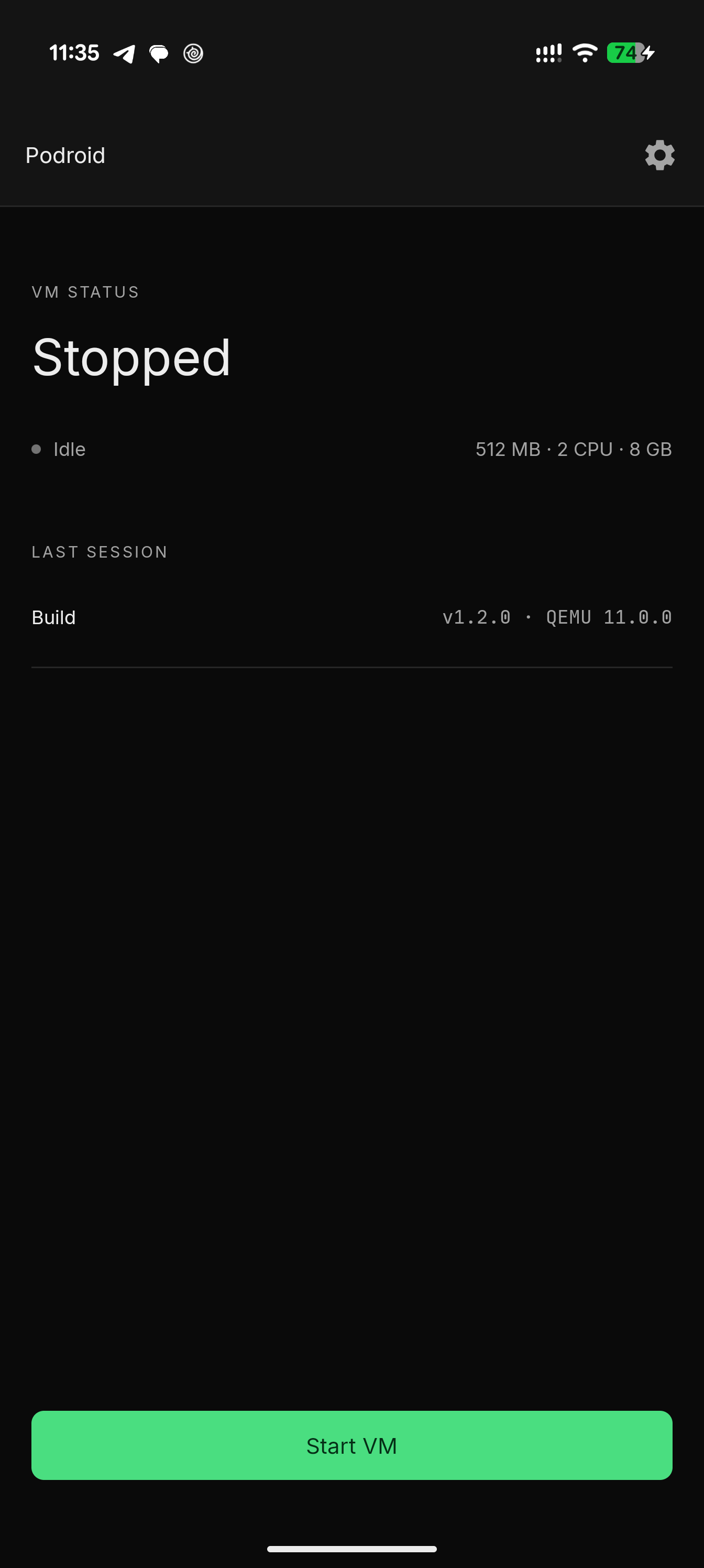
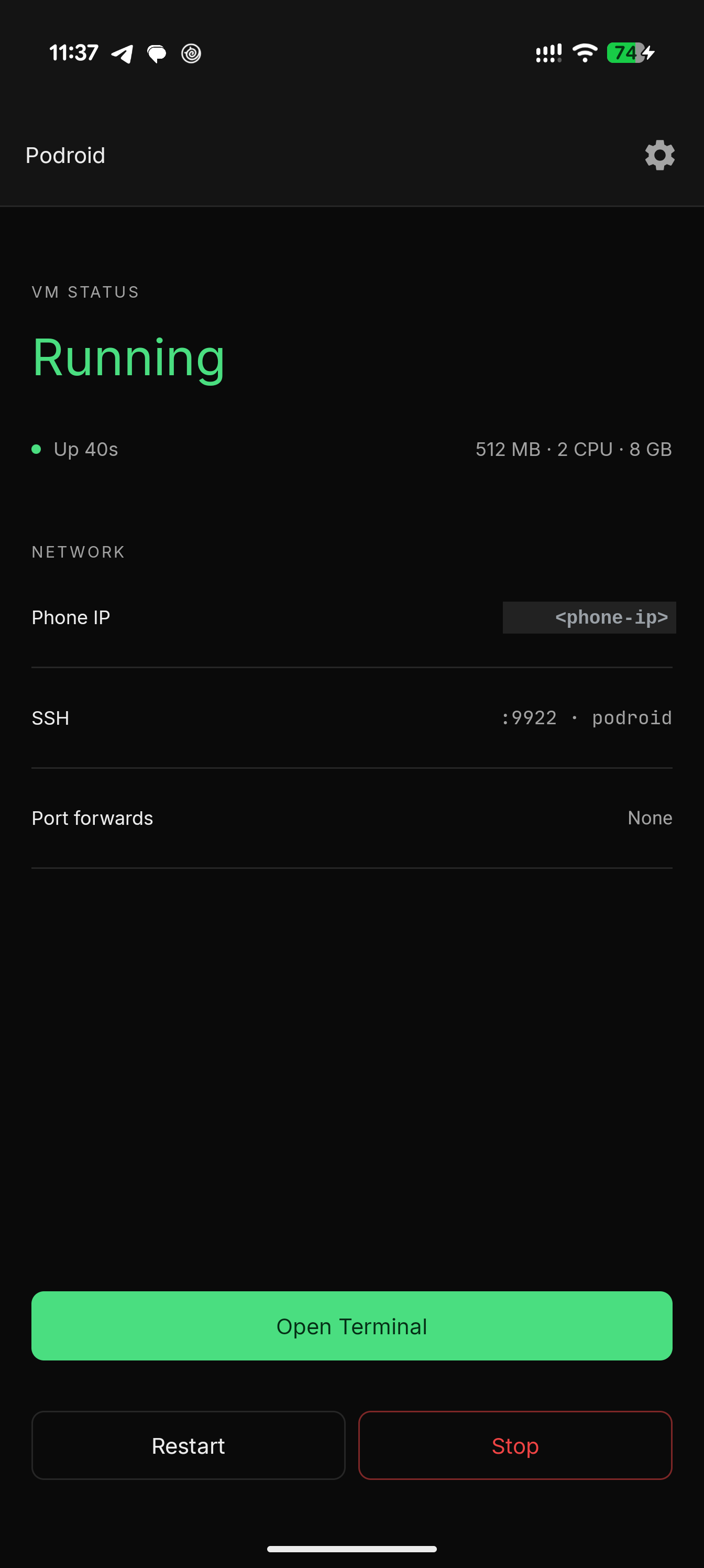
它是真正的虚拟机,不是 chroot 或 proot 之类的技巧:Alpine Linux 通过 QEMU 运行在定制的内核上,在支持的 pKVM 设备上则运行于硬件加速的 AVF,容器行为和在真实服务器上完全一样。怎么让它跑起来?下载 APK 并安装,然后点按“Start VM”并等待“Ready!”状态出现,再打开内置终端。
下载 APK 并安装,然后点按“Start VM”并等待“Ready!”状态出现,再打开内置终端。需要 root 或特定的安卓版本吗?不需要 root;任何运行 Android 8 或更新版本的 arm64 设备都能用。
不需要 root;任何运行 Android 8 或更新版本的 arm64 设备都能用。每部手机都能获得硬件加速性能吗?不能——虚拟机默认通过软件模拟的 QEMU 运行,只有在支持 pKVM 的设备上才会切换到更快的硬件加速 AVF 通道。
不能——虚拟机默认通过软件模拟的 QEMU 运行,只有在支持 pKVM 的设备上才会切换到更快的硬件加速 AVF 通道。虚拟机启动后已经预装了什么?Podman、Docker 和 LXC 都已预装,虚拟机启动完成的瞬间即可使用,无需额外配置。
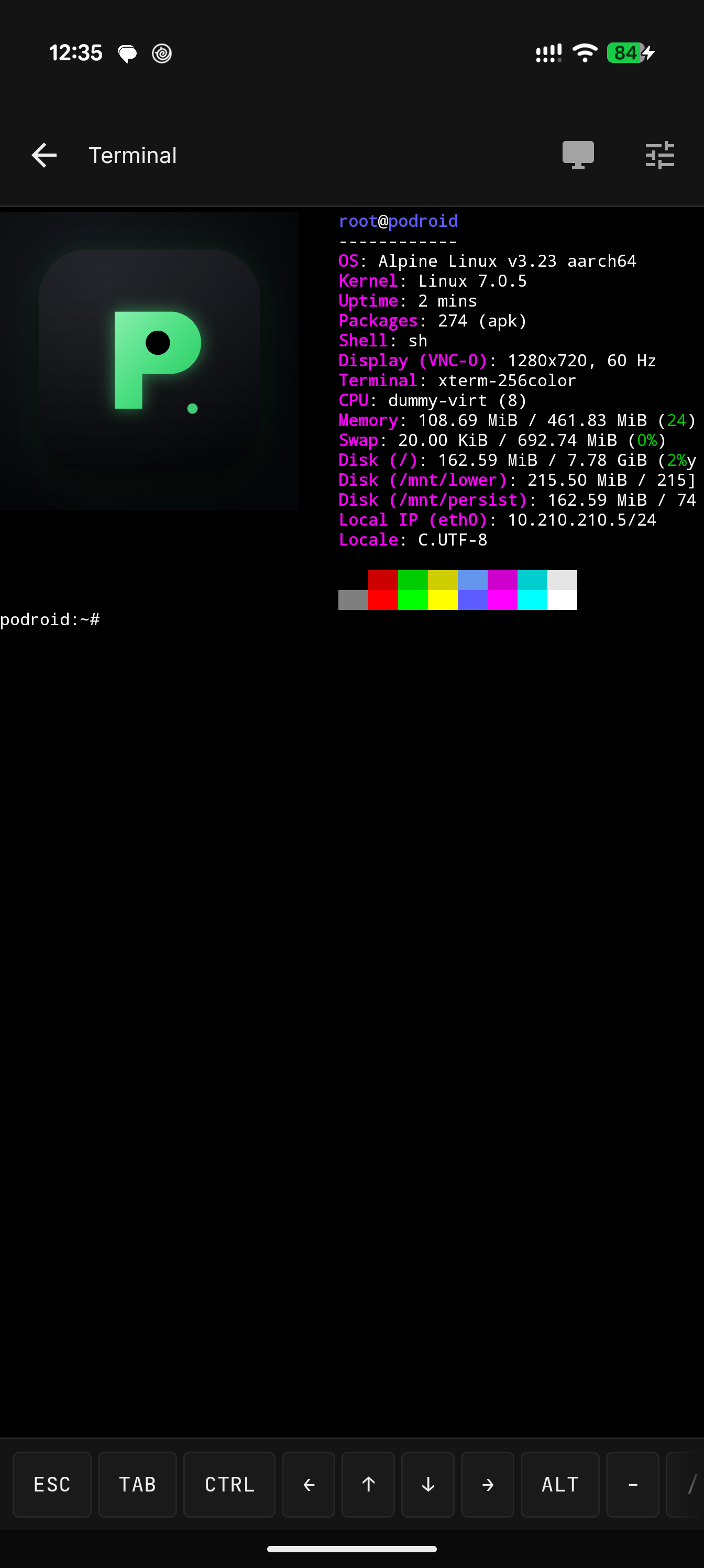
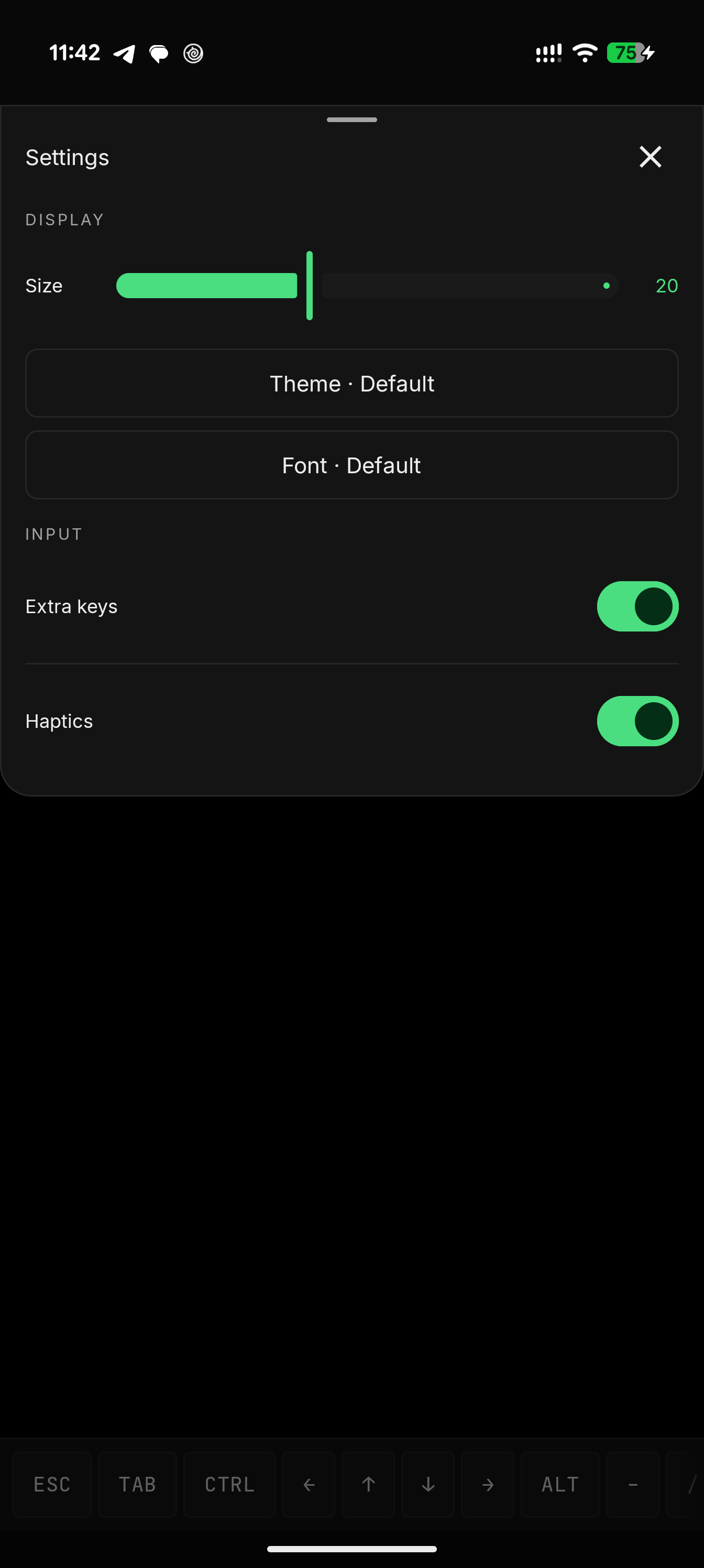
Podman、Docker 和 LXC 都已预装,虚拟机启动完成的瞬间即可使用,无需额外配置。能运行图形界面的 Linux 应用,还是只能用终端?除了带 122 套配色主题和 13 种字体的完整 xterm-256color 终端,Podroid 还内置 X11 查看器,可渲染图形界面的 Linux 应用,并支持触控、键盘、鼠标和声音。
除了带 122 套配色主题和 13 种字体的完整 xterm-256color 终端,Podroid 还内置 X11 查看器,可渲染图形界面的 Linux 应用,并支持触控、键盘、鼠标和声音。能通过 SSH 访问虚拟机或使用 USB 设备吗?可以。Podroid 支持 USB 直通、SSH 访问、端口转发和客户机到安卓的桥接,还有容器备份以及与客户机共享下载文件夹。
可以。Podroid 支持 USB 直通、SSH 访问、端口转发和客户机到安卓的桥接,还有容器备份以及与客户机共享下载文件夹。RikkaHub Agent 是什么?它怎么连接 Podroid?RikkaHub Agent 是原生安卓大模型聊天客户端 RikkaHub 的一个分支,被改造成端侧 AI 智能体;它的 SSH 工具可以登录运行中的 Podroid 虚拟机(localhost:9922),让智能体自主构建和检查容器。
RikkaHub Agent 是原生安卓大模型聊天客户端 RikkaHub 的一个分支,被改造成端侧 AI 智能体;它的 SSH 工具可以登录运行中的 Podroid 虚拟机(localhost:9922),让智能体自主构建和检查容器。What are similar projects?Docker-OSX, ServerBox, motor-os, UTM, try-omarchy, DroidDesk, ProxmoxVE, macos
Docker-OSX, ServerBox, motor-os, UTM, try-omarchy, DroidDesk, ProxmoxVE, macosWhich topics is it in?port-forwarding, linux-distribution, qemu, kvm, x11, usb, virtual-machine, arm64, virtualization, backup, gplv2, containers
port-forwarding, linux-distribution, qemu, kvm, x11, usb, virtual-machine, arm64, virtualization, backup, gplv2, containers