What is this?
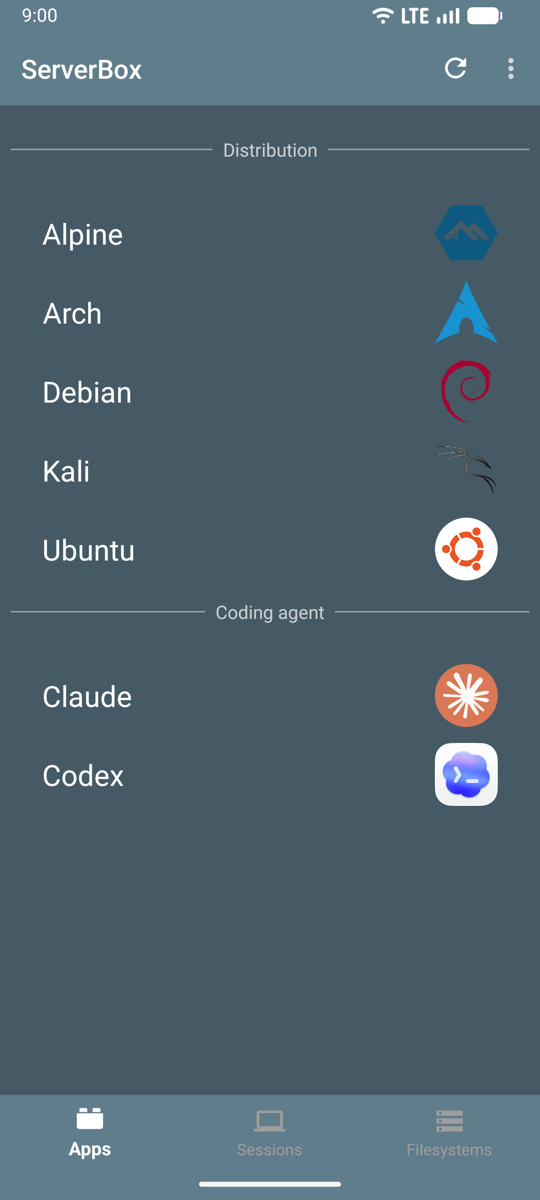
 ServerBox is an Android app that turns an old phone into a Linux server without rooting it, running Alpine, Arch, Debian, Kali or Ubuntu with an always-on SSH server.
ServerBox is an Android app that turns an old phone into a Linux server without rooting it, running Alpine, Arch, Debian, Kali or Ubuntu with an always-on SSH server.Is this a rooting tool or does it work on a stock phone?No root needed: the Linux distributions run entirely in user space through PRoot, like a container on top of stock Android.
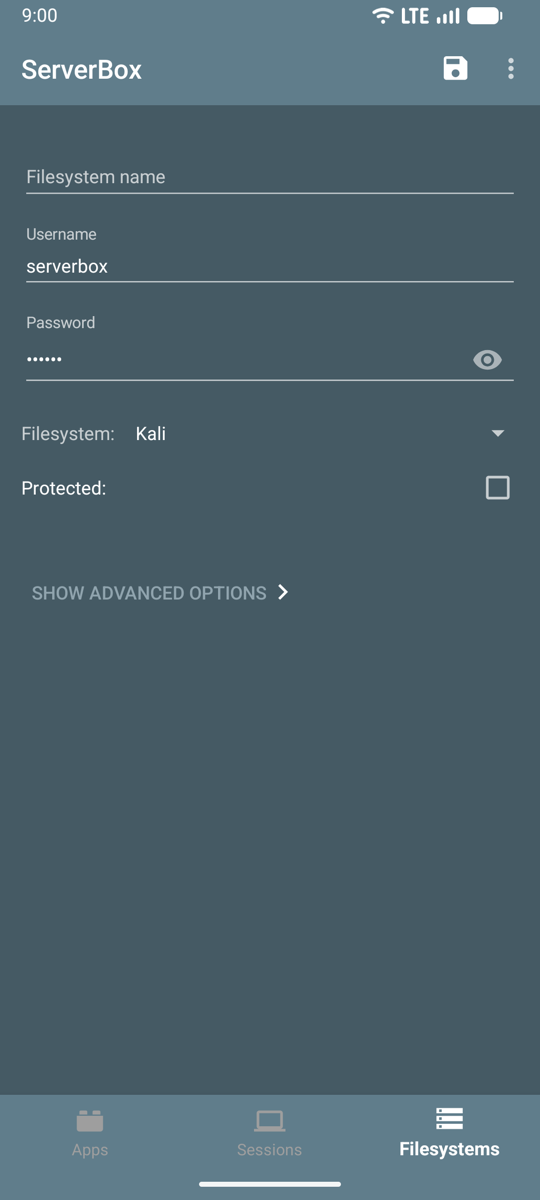
No root needed: the Linux distributions run entirely in user space through PRoot, like a container on top of stock Android.How do I get a Linux server running on my phone?Install the APK, pick a distribution on the Apps tab (it downloads and opens a terminal), then check the Sessions tab for the SSH command, user and password.
Install the APK, pick a distribution on the Apps tab (it downloads and opens a terminal), then check the Sessions tab for the SSH command, user and password.Does my old phone need to be a specific model?Any phone running Android 8.0 or later works; distributions are built for 64-bit ARM (most current phones) and x86_64, with varying 32-bit support.
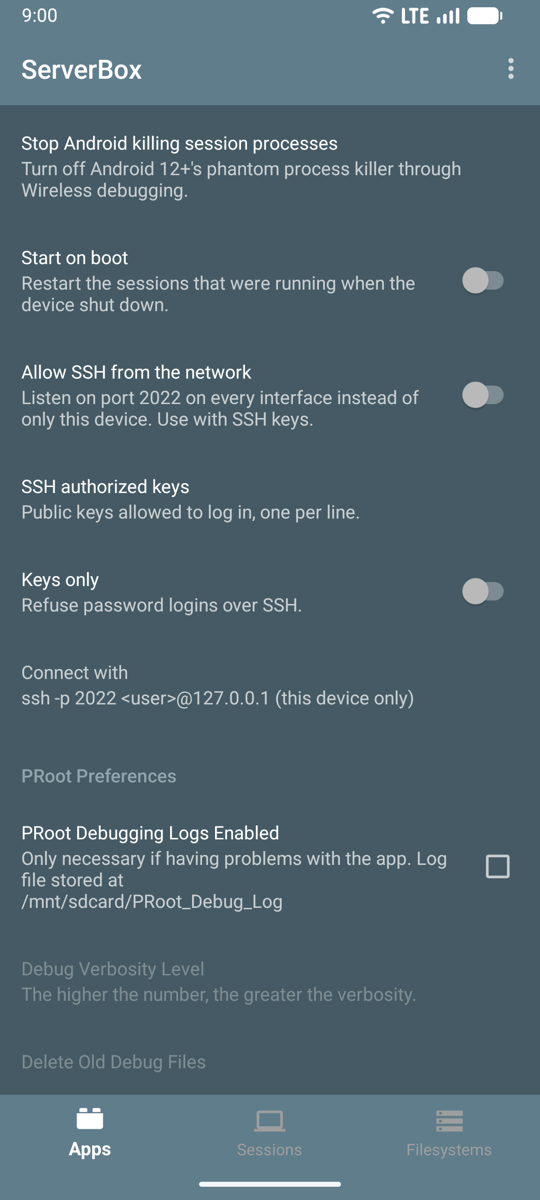
Any phone running Android 8.0 or later works; distributions are built for 64-bit ARM (most current phones) and x86_64, with varying 32-bit support.Does the SSH server keep running with the screen off?Android's battery optimization normally kills background apps once the screen is off, so you have to exempt ServerBox, and some vendors (e.g. Xiaomi/MIUI) need extra Autostart and battery-saver settings to keep sessions alive.
Android's battery optimization normally kills background apps once the screen is off, so you have to exempt ServerBox, and some vendors (e.g. Xiaomi/MIUI) need extra Autostart and battery-saver settings to keep sessions alive.Does it come with AI coding agents preinstalled?The Claude and Codex apps are Debian images with Anthropic's Claude Code or OpenAI's Codex CLI preinstalled, plus Node.js, git and ripgrep. You just SSH in and sign in with your own account or API key.
The Claude and Codex apps are Debian images with Anthropic's Claude Code or OpenAI's Codex CLI preinstalled, plus Node.js, git and ripgrep. You just SSH in and sign in with your own account or API key.Can I make a service start automatically with the server?Yes, drop executables into /etc/serverbox/autostart.d inside the distribution and they run every time its server starts, with logs in /var/log/serverbox-autostart.log.
Yes, drop executables into /etc/serverbox/autostart.d inside the distribution and they run every time its server starts, with logs in /var/log/serverbox-autostart.log.Can a distribution run as a real VM instead of PRoot?On phones that support the Android Virtualization Framework, distributions can also run as a full virtual machine through a companion app.
On phones that support the Android Virtualization Framework, distributions can also run as a full virtual machine through a companion app.Can I access files from the phone's storage inside the Linux distro?Yes, shared phone storage is mounted at /sdcard inside each distribution, and ServerBox prompts for folder access the first time a program needs it.
Yes, shared phone storage is mounted at /sdcard inside each distribution, and ServerBox prompts for folder access the first time a program needs it.What are similar projects?ProxmoxVE, Podroid, distrobox, DroidDeck, termux-app, openvpn-install, setup-ipsec-vpn, VirtualXposed
ProxmoxVE, Podroid, distrobox, DroidDeck, termux-app, openvpn-install, setup-ipsec-vpn, VirtualXposedWhich topics is it in?alpine-linux, kali-linux, pty, archlinux, debian, ubuntu, apk, virtual-machine, homelab, virtualization, ssh, android-app
alpine-linux, kali-linux, pty, archlinux, debian, ubuntu, apk, virtual-machine, homelab, virtualization, ssh, android-app