What is this?
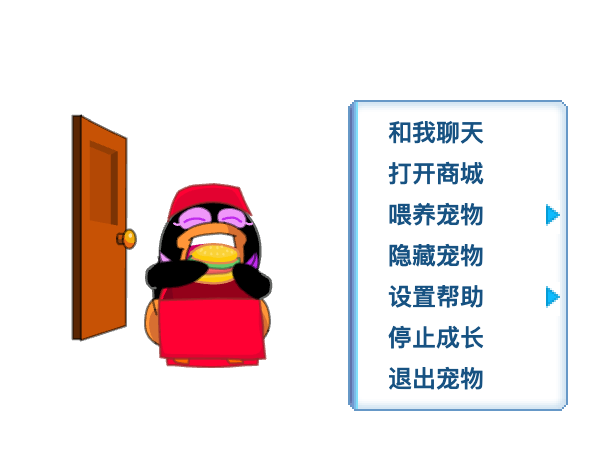
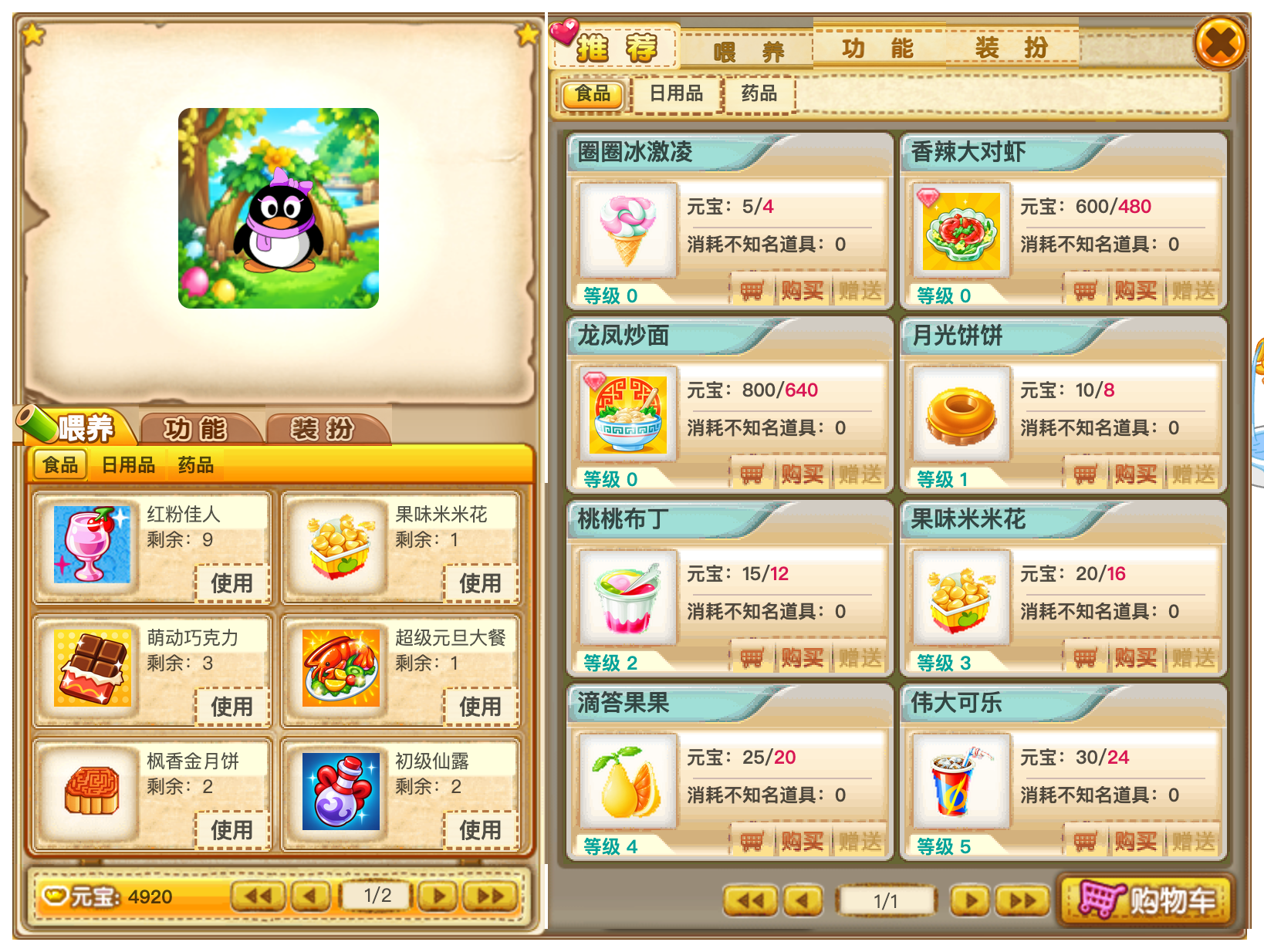
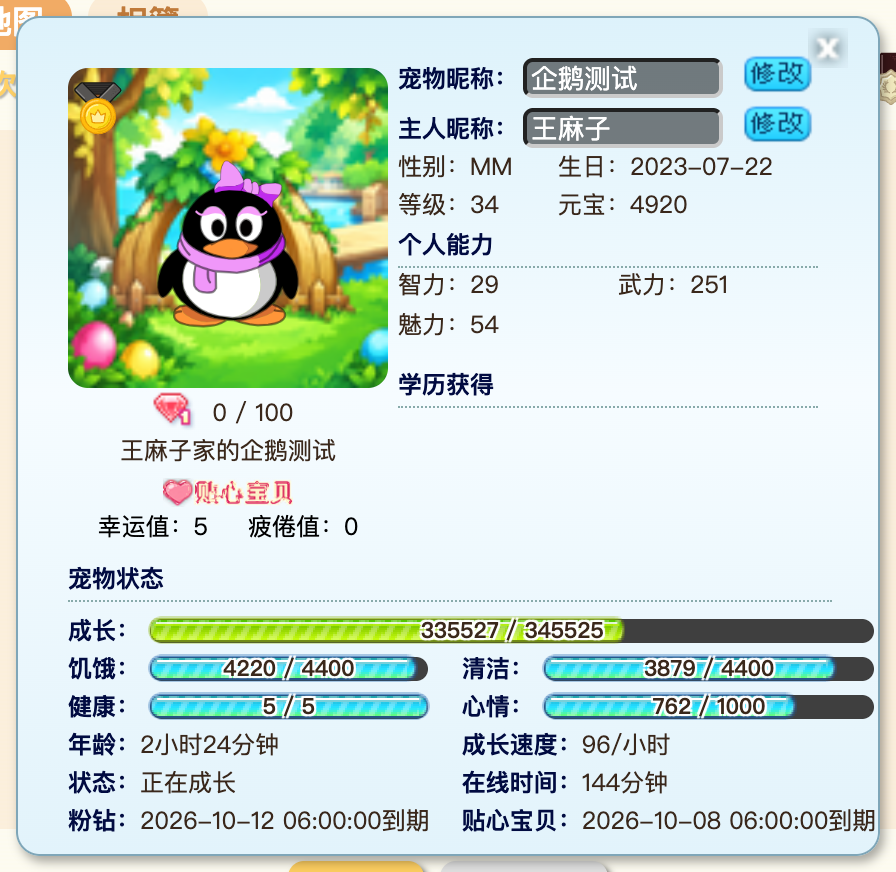
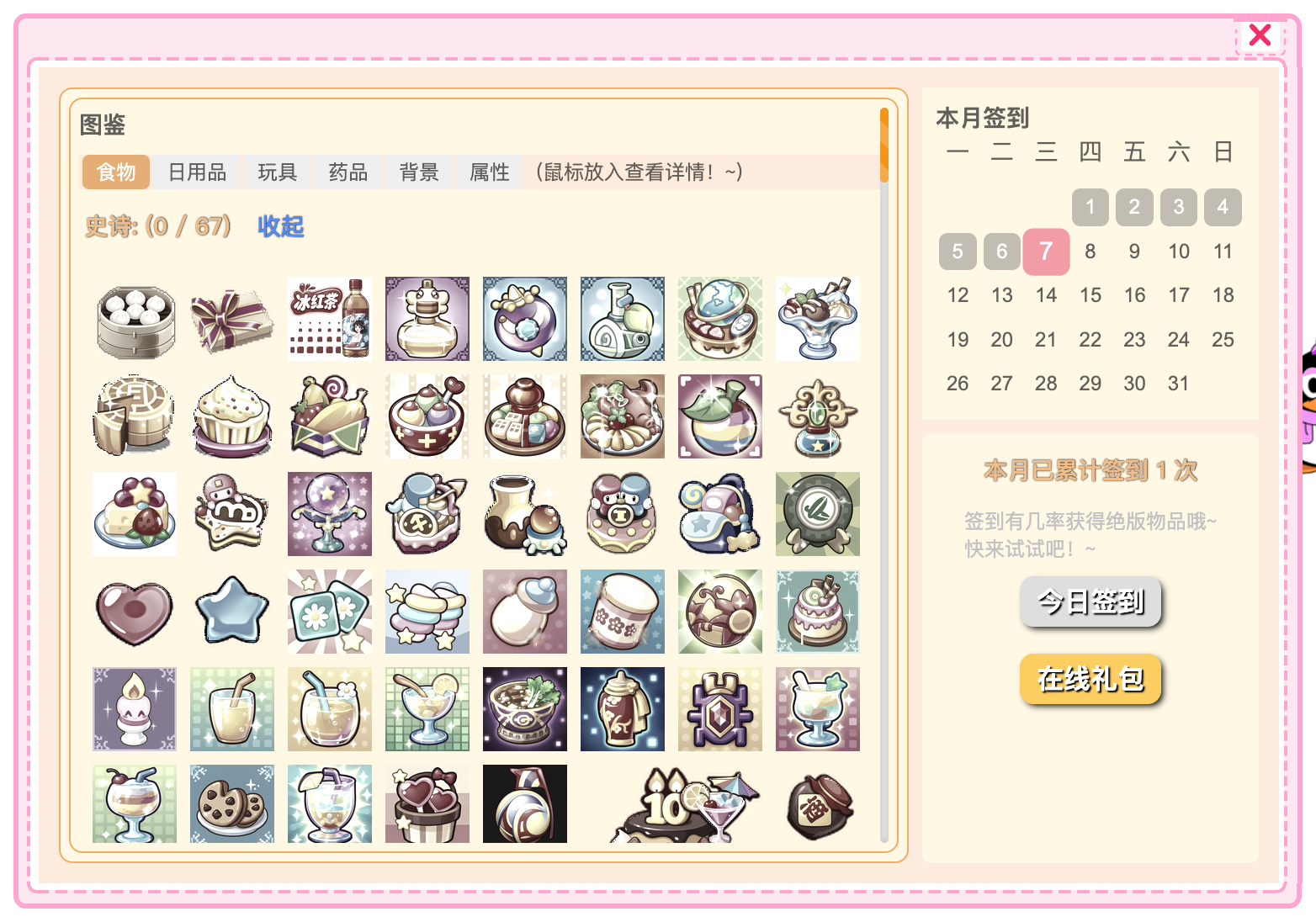
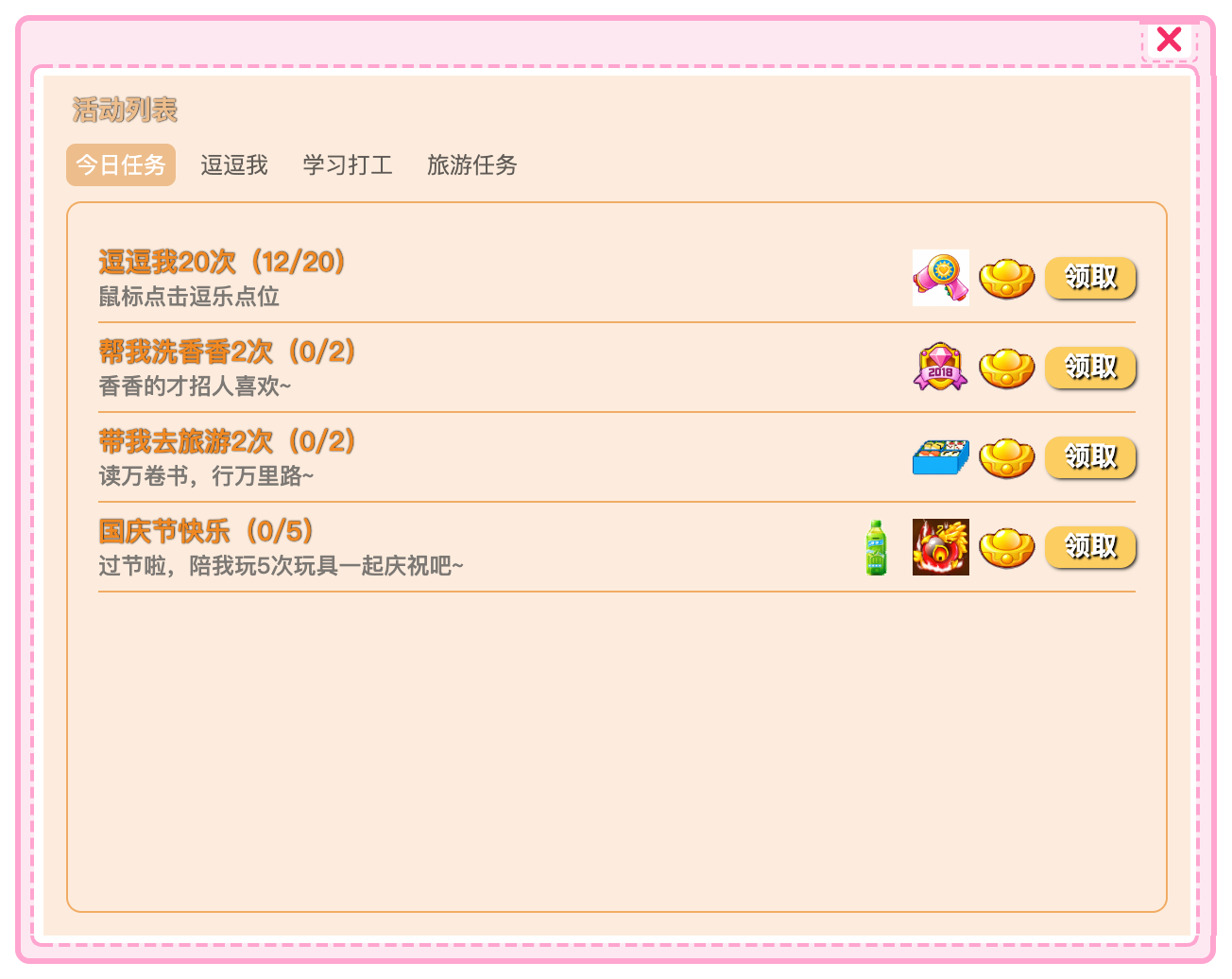
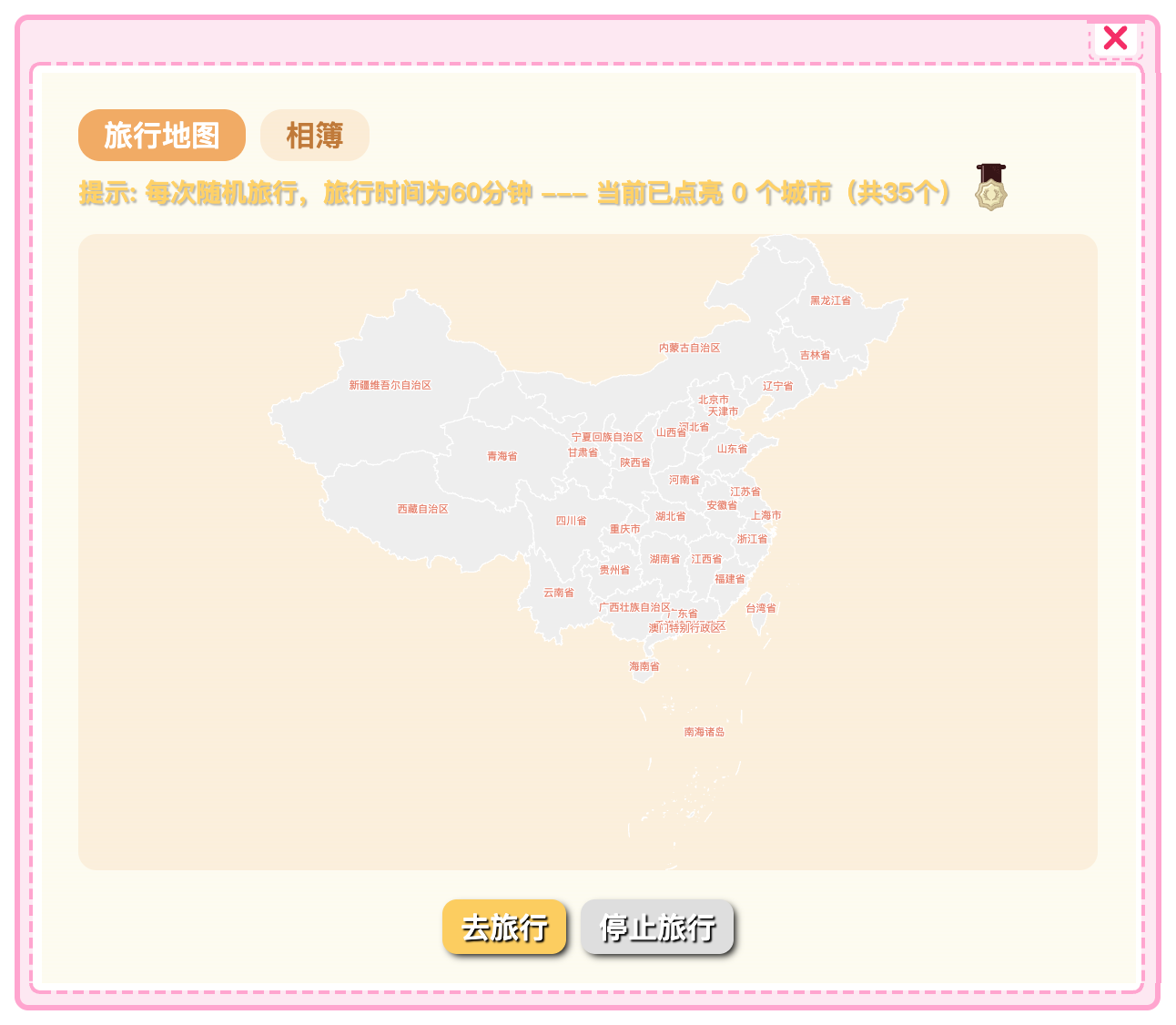
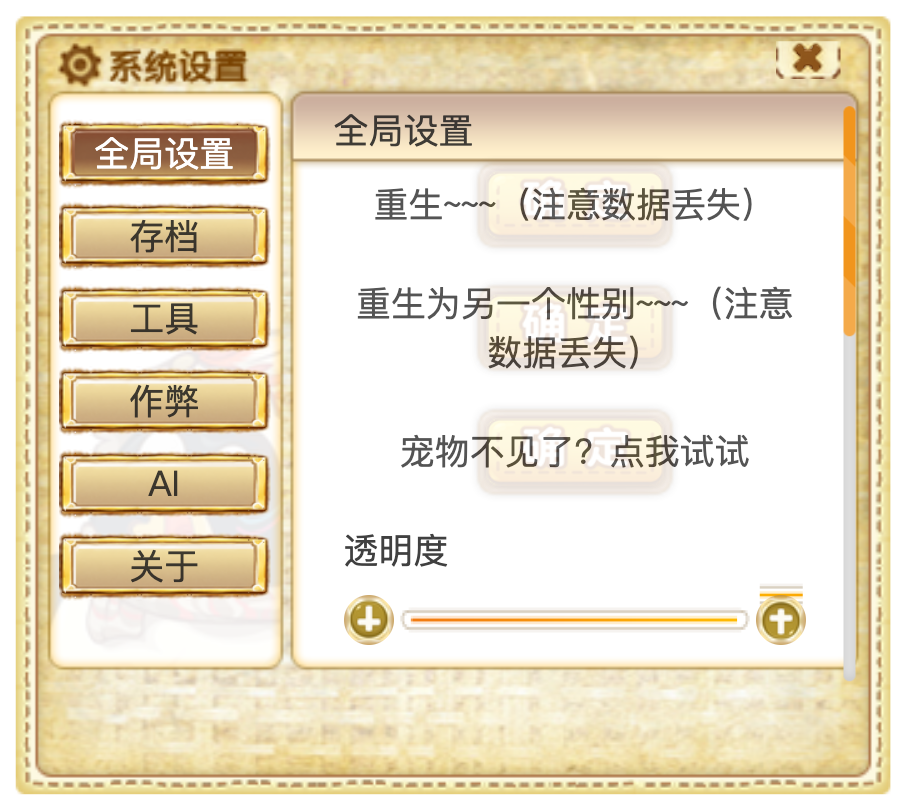
 QQPet is a cross-platform remake of the classic QQ desktop pet (QQ宠物), rebuilt by reverse-engineering the original Arctic Penguin T800 client; it plays back the original Flash (SWF) assets through the Ruffle emulator and lets a virtual pet live on your Windows, macOS, Linux, Android, HarmonyOS, or iOS device with feeding, games, school/work, and travel features.
QQPet is a cross-platform remake of the classic QQ desktop pet (QQ宠物), rebuilt by reverse-engineering the original Arctic Penguin T800 client; it plays back the original Flash (SWF) assets through the Ruffle emulator and lets a virtual pet live on your Windows, macOS, Linux, Android, HarmonyOS, or iOS device with feeding, games, school/work, and travel features.Is this an Electron app or something else?The desktop versions (Windows/macOS/Linux) are built with Electron and TypeScript; Android and HarmonyOS have native wrapper apps that reuse the same rendering/SWF layer through WebView or ArkWeb bridges, and the iOS build is a native shell too since it can't run Electron.
The desktop versions (Windows/macOS/Linux) are built with Electron and TypeScript; Android and HarmonyOS have native wrapper apps that reuse the same rendering/SWF layer through WebView or ArkWeb bridges, and the iOS build is a native shell too since it can't run Electron.Do I need a jailbroken device to run it on iOS?Yes — the iOS build (minimum iOS 14.0) must be installed through TrollStore or a jailbreak App installer that preserves its entitlements, since a normal developer signature can't grant the global HUD permissions the overlay pet needs.
Yes — the iOS build (minimum iOS 14.0) must be installed through TrollStore or a jailbreak App installer that preserves its entitlements, since a normal developer signature can't grant the global HUD permissions the overlay pet needs.Are the installers signed, or will my OS complain?None of the desktop installers are code-signed, so the OS blocks the first run — Windows SmartScreen needs 'Run anyway', macOS needs a Gatekeeper workaround or an xattr command, and HarmonyOS's unsigned HAP must be sideloaded with hdc instead of the app store.
None of the desktop installers are code-signed, so the OS blocks the first run — Windows SmartScreen needs 'Run anyway', macOS needs a Gatekeeper workaround or an xattr command, and HarmonyOS's unsigned HAP must be sideloaded with hdc instead of the app store.How does the pet behave on Android and HarmonyOS phones?On Android and HarmonyOS, QQPet runs as a floating overlay window on top of other apps; the first launch needs 'display over other apps' and notification permissions, and since the OS blocks background clipboard reads, you share selected text to the pet via the share/selection menu instead.
On Android and HarmonyOS, QQPet runs as a floating overlay window on top of other apps; the first launch needs 'display over other apps' and notification permissions, and since the OS blocks background clipboard reads, you share selected text to the pet via the share/selection menu instead.Does chatting with the pet require an OpenAI API key specifically?No, the AI chat feature is optional and works with any OpenAI-compatible API endpoint, used for pet small talk, rewriting lines, and commenting on or translating clipboard text.
No, the AI chat feature is optional and works with any OpenAI-compatible API endpoint, used for pet small talk, rewriting lines, and commenting on or translating clipboard text.What's the deal with the patched SWF files?Several original Flash files were patched with JPEXS FFDec — for example QQFarm's in-game currency was renamed from 'gold coins' to 'ingots' and mini-game screen-size checks were rewired to work under Ruffle — and these patches must not be overwritten when re-importing original assets.
Several original Flash files were patched with JPEXS FFDec — for example QQFarm's in-game currency was renamed from 'gold coins' to 'ingots' and mini-game screen-size checks were rewired to work under Ruffle — and these patches must not be overwritten when re-importing original assets.Can I bring over my old save file?Yes, QQPet can import saves compatible with the original config.json format, even from the first-run egg-selection screen, and automatically backs up the previous save as save.json.bak.
Yes, QQPet can import saves compatible with the original config.json format, even from the first-run egg-selection screen, and automatically backs up the previous save as save.json.bak.What are similar projects?openspot-music-app, get-it, muguet, dsh-pet, hydra, t3code, folia-major, kartpad
openspot-music-app, get-it, muguet, dsh-pet, hydra, t3code, folia-major, kartpadWhich topics is it in?qq, desktop-pet, electron-app, game, wasm, openai-compatible, reverse-engineering, mobile-app, electron, offline, gplv3, ios
qq, desktop-pet, electron-app, game, wasm, openai-compatible, reverse-engineering, mobile-app, electron, offline, gplv3, ios