






14.1K ·GitHub
这是什么?
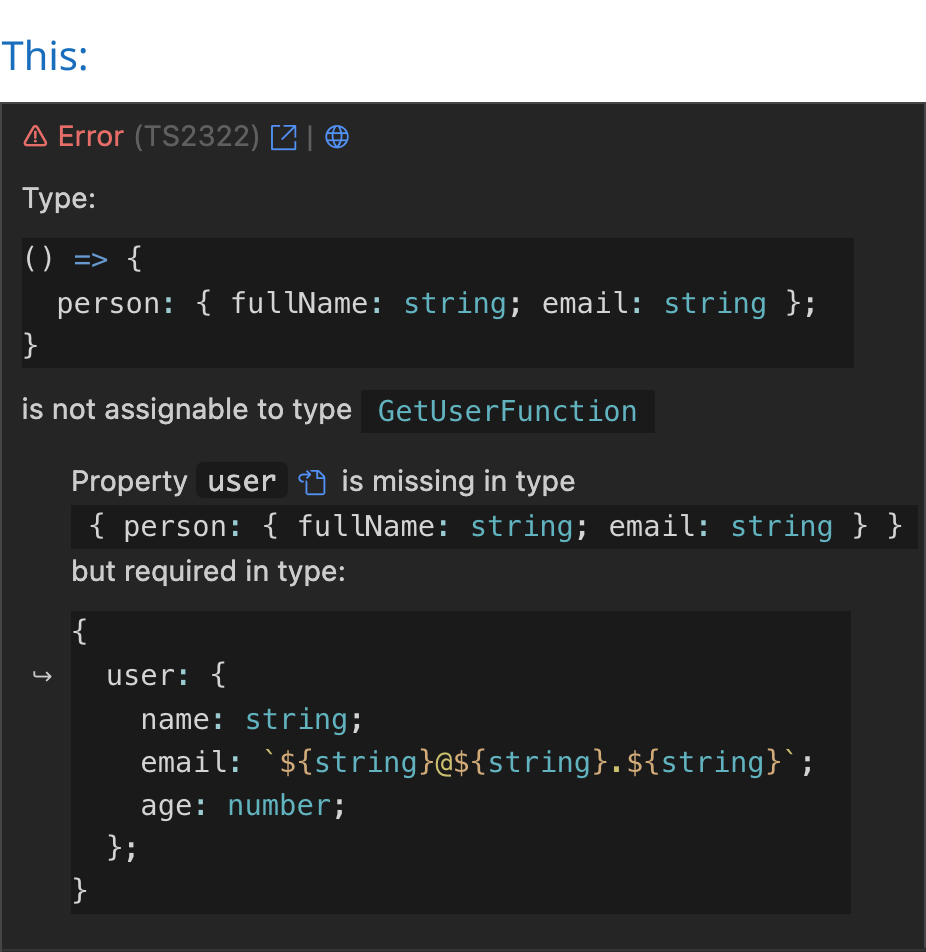
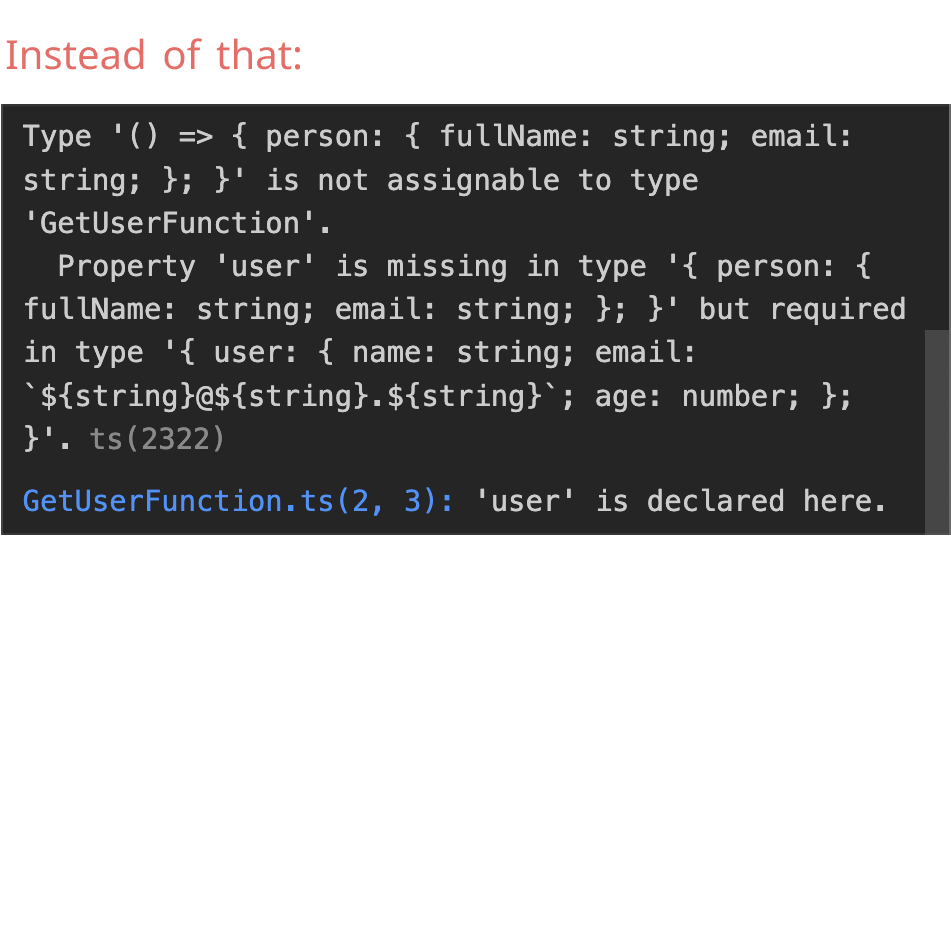
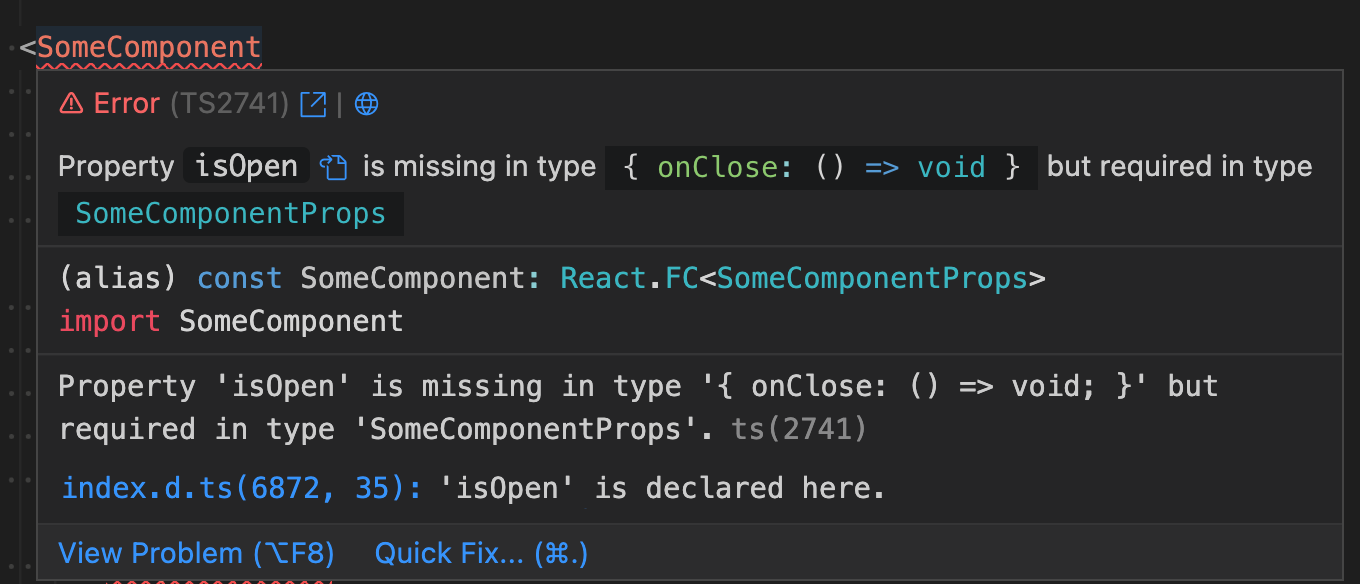
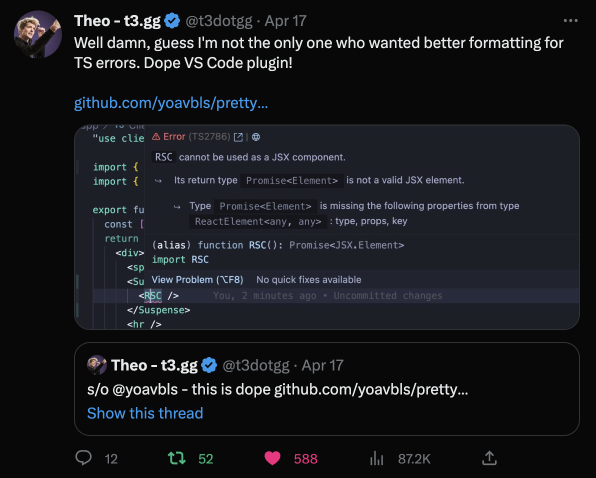
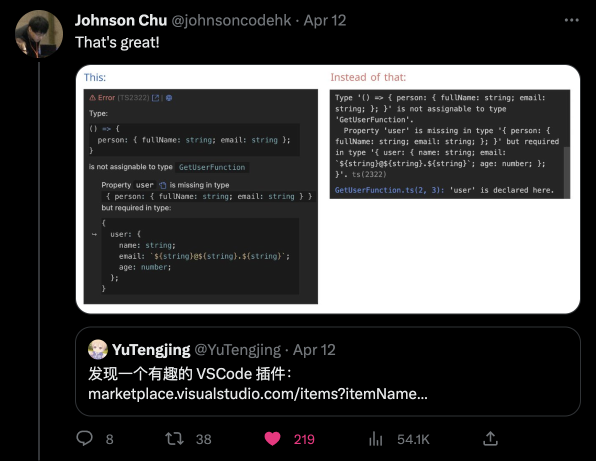
 一个 VSCode 扩展,能把 TypeScript 往往难以看懂、层层嵌套的错误信息,转换成带语法高亮、人类易读的文字,直接显示在编辑器里。
一个 VSCode 扩展,能把 TypeScript 往往难以看懂、层层嵌套的错误信息,转换成带语法高亮、人类易读的文字,直接显示在编辑器里。它会改变 TypeScript 的类型检查方式,还是只改变错误的显示方式?它只改变显示效果:对 TypeScript 已经给出的同一条错误重新排版并加上语法高亮,不会改变类型检查本身。
它只改变显示效果:对 TypeScript 已经给出的同一条错误重新排版并加上语法高亮,不会改变类型检查本身。它支持哪些文件类型和框架?它支持 Node 和 Deno 的 .ts 错误、.js/.jsx 中的 JSDoc 错误,以及 .tsx/.mdx 中的 React/Solid/Qwik 错误;在启用 TypeScript 的情况下,也支持 Astro/Svelte/Vue 文件;并通过 Glint 支持 Ember/Glimmer 模板。
它支持 Node 和 Deno 的 .ts 错误、.js/.jsx 中的 JSDoc 错误,以及 .tsx/.mdx 中的 React/Solid/Qwik 错误;在启用 TypeScript 的情况下,也支持 Astro/Svelte/Vue 文件;并通过 Glint 支持 Ember/Glimmer 模板。我能直接复制美化后的错误文本吗?不能直接复制。VSCode 的 Markdown 渲染会屏蔽普通的行内代码,所以作者用一个带 codicon 的代码块来模拟显示,这种代码块无法复制;你仍需从原始的悬停面板中复制。
不能直接复制。VSCode 的 Markdown 渲染会屏蔽普通的行内代码,所以作者用一个带 codicon 的代码块来模拟显示,这种代码块无法复制;你仍需从原始的悬停面板中复制。我能从错误信息直接跳转到类型声明吗?可以。每条错误都有一个按钮,可跳转到相关的类型声明;另外还有两个链接按钮,分别指向 typescript.tv 和 ts-error-translator,便于查看用通俗语言解释的错误说明。
可以。每条错误都有一个按钮,可跳转到相关的类型声明;另外还有两个链接按钮,分别指向 typescript.tv 和 ts-error-translator,便于查看用通俗语言解释的错误说明。为什么这个扩展做起来并不简单?TypeScript 的错误输出并不是合法的 TypeScript 语法,所以作者为语法高亮专门编写了自定义的 TextMate 语法文件,并借助基于 codicon 的代码块,绕过了 VSCode Markdown 样式的限制。
TypeScript 的错误输出并不是合法的 TypeScript 语法,所以作者为语法高亮专门编写了自定义的 TextMate 语法文件,并借助基于 codicon 的代码块,绕过了 VSCode Markdown 样式的限制。我能否隐藏原始错误信息,只留下美化后的版本?README 中给出了单独的说明,介绍如何隐藏原始错误以及如何让类型文本可复制,不过文中也提到,由于 VSCode 的限制,这需要额外的变通办法。
README 中给出了单独的说明,介绍如何隐藏原始错误以及如何让类型文本可复制,不过文中也提到,由于 VSCode 的限制,这需要额外的变通办法。What are similar projects?graphiql, mitosis, awesome-vscode, deepseek-harness-for-vscode, astro, tsrx, query, shaders
graphiql, mitosis, awesome-vscode, deepseek-harness-for-vscode, astro, tsrx, query, shaders