






What is this?
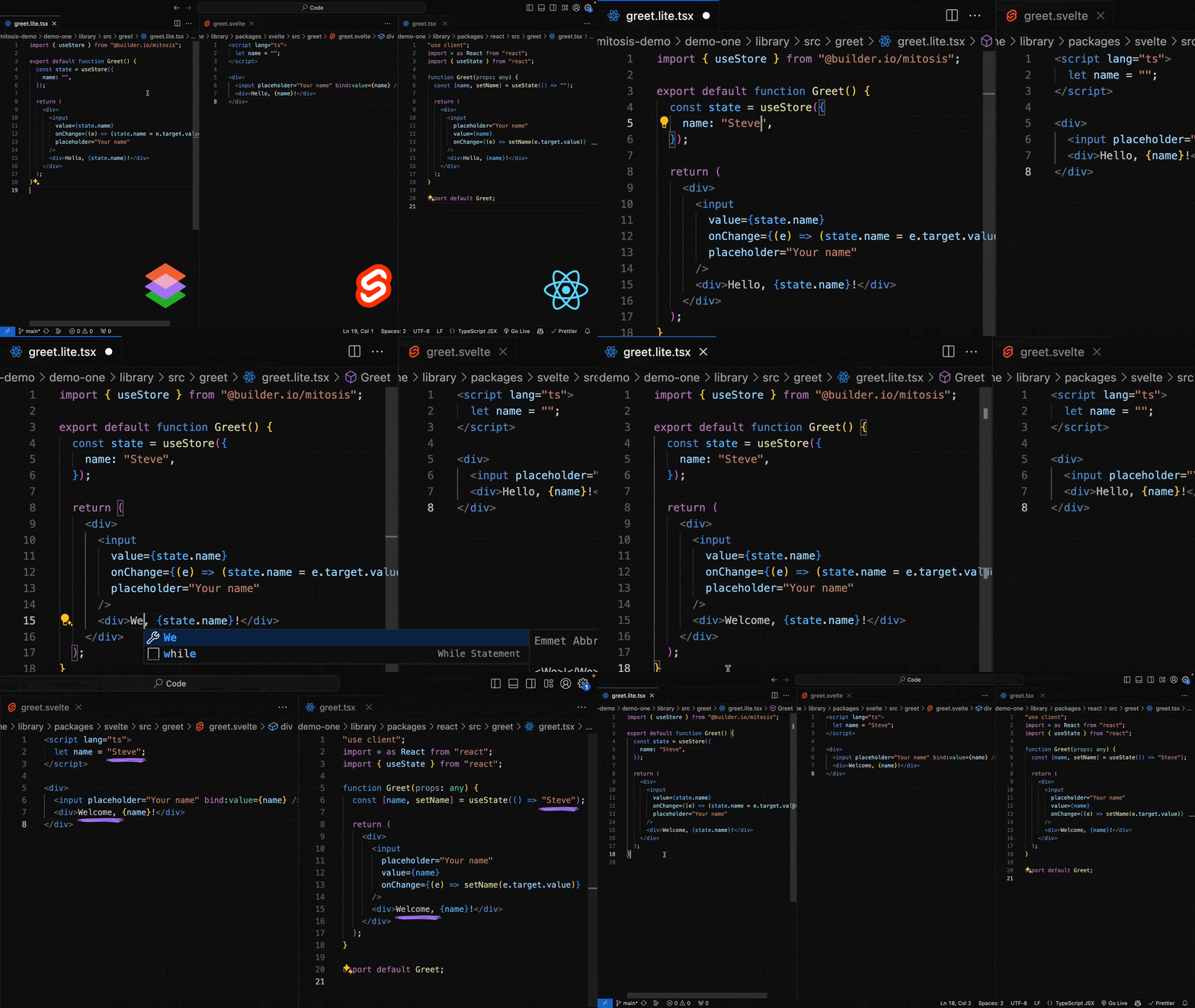
 Mitosis is a compiler that lets you write a UI component once and compile it to native code for React, Vue, Angular, Svelte, Solid, Qwik, Alpine, and other frameworks.
Mitosis is a compiler that lets you write a UI component once and compile it to native code for React, Vue, Angular, Svelte, Solid, Qwik, Alpine, and other frameworks.Is this a runtime library or a compiler I run at build time?It is a build-time compiler, not a runtime library: you write components in a shared Mitosis syntax and it generates native, framework-specific output code for each target.
It is a build-time compiler, not a runtime library: you write components in a shared Mitosis syntax and it generates native, framework-specific output code for each target.How do I start a new Mitosis project?Scaffold a project with the official create command, then follow the generated README.md, which explains the project structure and how to build and test your components.
Scaffold a project with the official create command, then follow the generated README.md, which explains the project structure and how to build and test your components.Do I need a specific Node.js version to use the CLI?Yes, the project's engines field requires Node.js 16 or later to run the Mitosis CLI and build tooling.
Yes, the project's engines field requires Node.js 16 or later to run the Mitosis CLI and build tooling.Do I give up framework-specific features by writing one shared component?Since a single Mitosis component must compile correctly to many different frameworks, you write it in a restricted, JSX-like shared syntax rather than freely using any given framework's full feature set.
Since a single Mitosis component must compile correctly to many different frameworks, you write it in a restricted, JSX-like shared syntax rather than freely using any given framework's full feature set.Is this mainly for teams keeping a design system in sync across several frameworks?Yes, Mitosis is aimed at teams that need one source of truth for components so a design system stays consistent whether it is consumed in React, Vue, Angular, Svelte, or Solid apps.
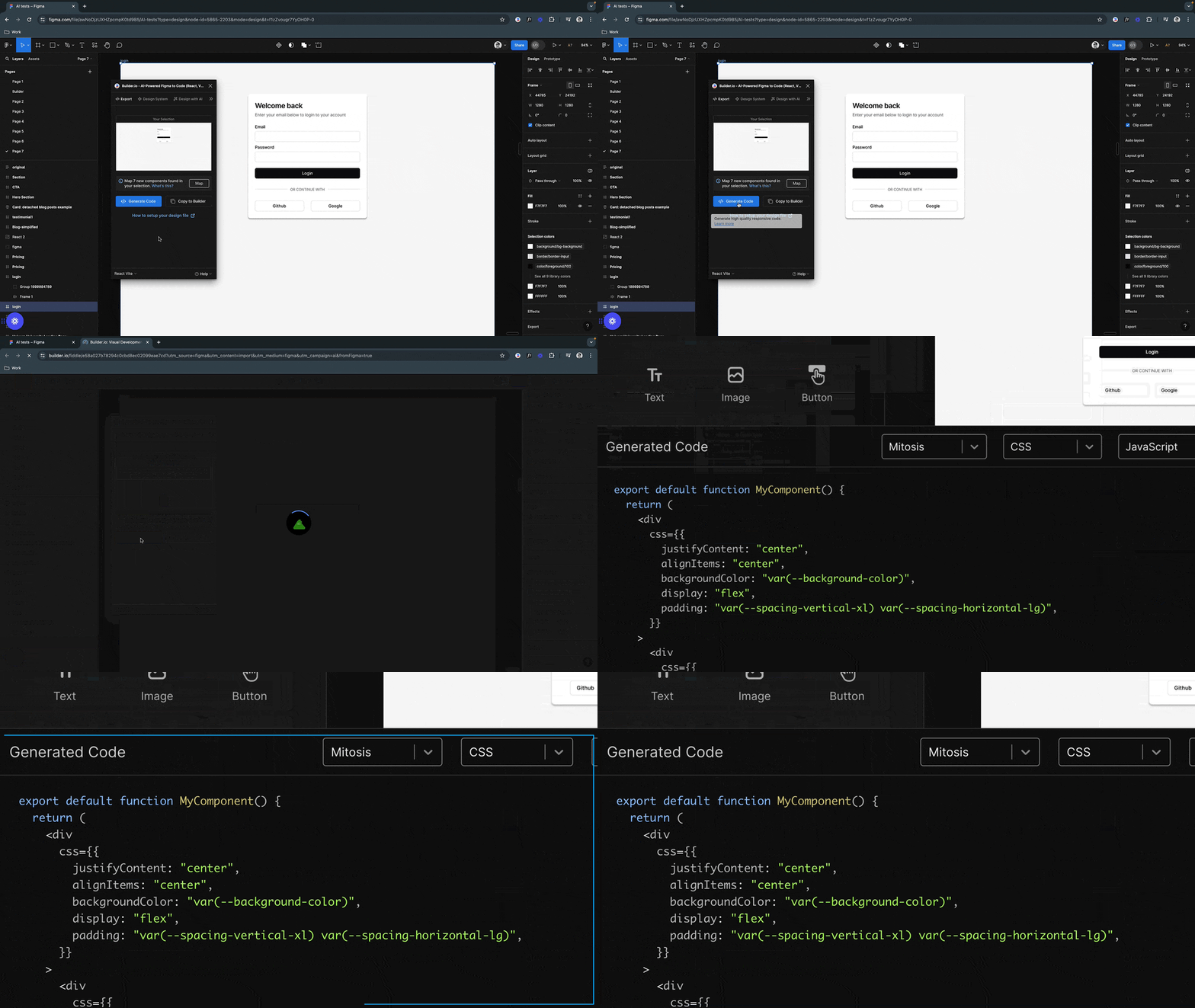
Yes, Mitosis is aimed at teams that need one source of truth for components so a design system stays consistent whether it is consumed in React, Vue, Angular, Svelte, or Solid apps.Can Mitosis sync components with Figma designs?Yes, Mitosis has a Figma integration that helps generate components from designs and keep the design system in Figma in sync with the code.
Yes, Mitosis has a Figma integration that helps generate components from designs and keep the design system in Figma in sync with the code.Why not just use Web Components instead?The README notes Mitosis avoids the pitfalls of Web Components by compiling to each framework's native code instead of relying on a shared custom-element runtime.
The README notes Mitosis avoids the pitfalls of Web Components by compiling to each framework's native code instead of relying on a shared custom-element runtime.Can I publish compiled components to npm?Yes, after compiling, you can publish the generated per-framework output to npm, letting one design system ship separate React, Vue, or Svelte packages from the same source.
Yes, after compiling, you can publish the generated per-framework output to npm, letting one design system ship separate React, Vue, or Svelte packages from the same source.Is there a way to try Mitosis without installing anything?Yes, the README links to an online Playground where you can experiment with Mitosis components directly in the browser.
Yes, the README links to an online Playground where you can experiment with Mitosis components directly in the browser.Which topics is it in?shopify, builder, solid, design-to-code, solidjs, figma, design-systems, declarative, jsx, low-code, no-code, svelte
shopify, builder, solid, design-to-code, solidjs, figma, design-systems, declarative, jsx, low-code, no-code, svelte