


What is this?
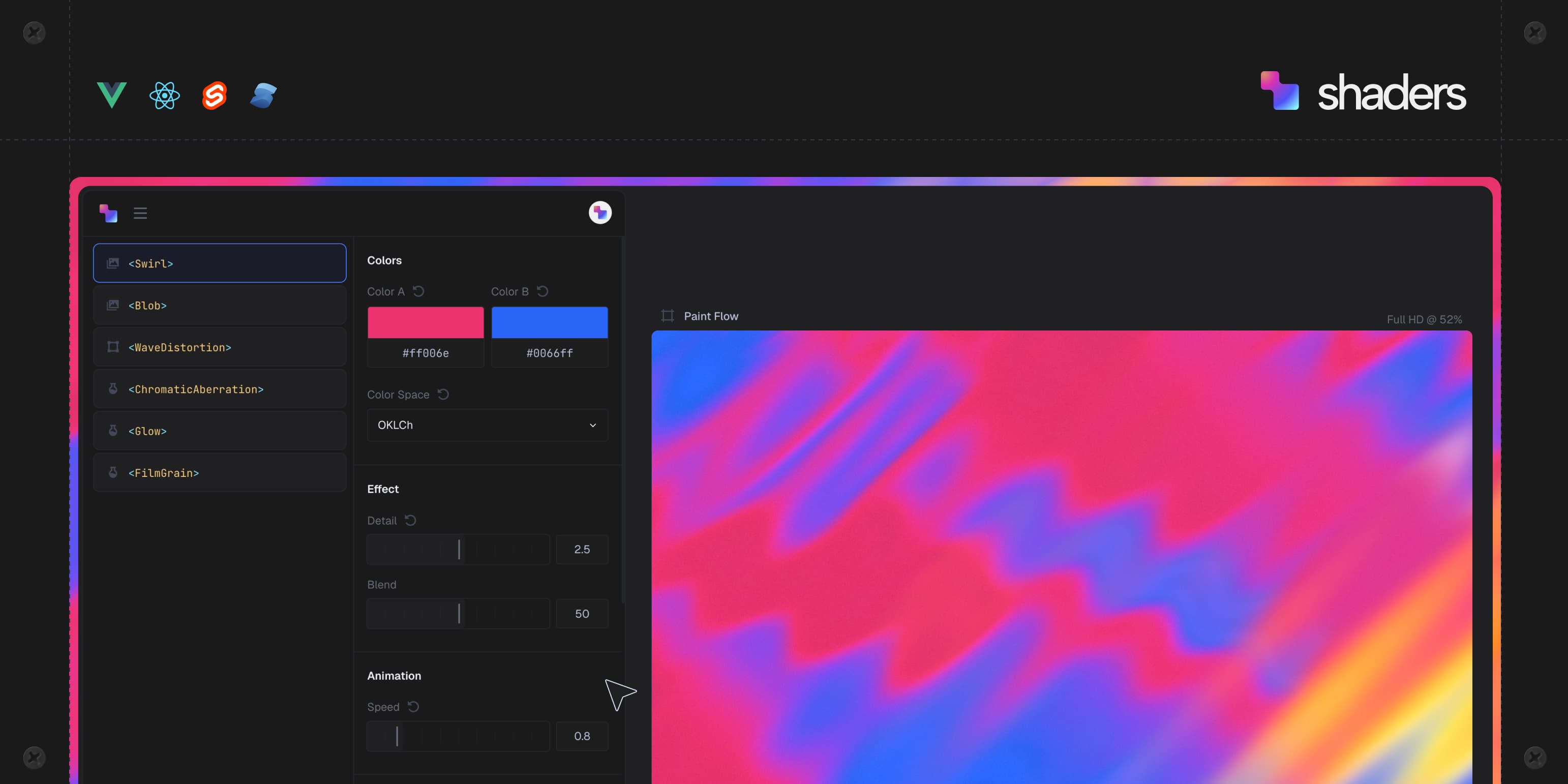
 Shaders is a library of 200+ WebGPU visual effects (gradients, noise, glass, metal, light, distortions, transitions, blurs, cursor effects) shipped as ready-to-use components for React, Vue, Svelte, Solid and plain JavaScript.
Shaders is a library of 200+ WebGPU visual effects (gradients, noise, glass, metal, light, distortions, transitions, blurs, cursor effects) shipped as ready-to-use components for React, Vue, Svelte, Solid and plain JavaScript.Is this one framework, or does each framework get its own package?It is a cross-framework component library: React, Vue, Svelte, Solid and plain JS each get a first-class entry point exposing the same props.
It is a cross-framework component library: React, Vue, Svelte, Solid and plain JS each get a first-class entry point exposing the same props.How do I add Shaders to my project?Install the package for your framework and drop in the effect components, or use the Shaders CLI, which connects to your Shaders account, detects your framework, and writes the designed components into your components folder with a lock file to keep them in sync.
Install the package for your framework and drop in the effect components, or use the Shaders CLI, which connects to your Shaders account, detects your framework, and writes the designed components into your components folder with a lock file to keep them in sync.Do I need a WebGPU-capable browser?Yes, the effects render through a real WebGPU declarative API, so the target browser needs WebGPU support; the components are TypeScript, SSR safe, and used across thousands of production sites.
Yes, the effects render through a real WebGPU declarative API, so the target browser needs WebGPU support; the components are TypeScript, SSR safe, and used across thousands of production sites.Is the whole thing free, or is some of it paid?The core engine, all 200+ components, the design editor, the CLI and the MCP server are free. Shaders Pro adds 1,000+ presets, 55+ ready website sections, watermark-free HD export, a Framer plugin, and unlimited version history.
The core engine, all 200+ components, the design editor, the CLI and the MCP server are free. Shaders Pro adds 1,000+ presets, 55+ ready website sections, watermark-free HD export, a Framer plugin, and unlimited version history.Is the whole project MIT licensed?Only the engine, components and framework bindings in this repo and npm package are MIT. The design editor, presets, website sections and other shaders.com platform features are separate and have their own terms.
Only the engine, components and framework bindings in this repo and npm package are MIT. The design editor, presets, website sections and other shaders.com platform features are separate and have their own terms.What does the visual design editor do?At shaders.com you design effects on an infinite canvas, tune every prop with live controls, drive props from the cursor or a timeline, then click Export Code to get the matching component tree for your framework, free with an account.
At shaders.com you design effects on an infinite canvas, tune every prop with live controls, drive props from the cursor or a timeline, then click Export Code to get the matching component tree for your framework, free with an account.Can AI coding agents use Shaders?Yes, running npx shaders@latest install-mcp sets up an MCP server for Claude Code, Cursor, Codex, Windsurf, Copilot and others, and shaders.com/llms.txt and llms-full.txt give agents the full docs and component reference.
Yes, running npx shaders@latest install-mcp sets up an MCP server for Claude Code, Cursor, Codex, Windsurf, Copilot and others, and shaders.com/llms.txt and llms-full.txt give agents the full docs and component reference.Can I build a custom shader component?Yes, via defineShader you create a plain object with a name, props, and per-pixel drawing logic, written in WGSL directly (stable) or composed from std primitives (experimental), then mounted like any other component.
Yes, via defineShader you create a plain object with a name, props, and per-pixel drawing logic, written in WGSL directly (stable) or composed from std primitives (experimental), then mounted like any other component.Who is this aimed at, and how popular is it?It targets front-end and design engineers who want GPU effects without writing WGSL by hand; the project reports being used on thousands of websites by over 16,000 design engineers.
It targets front-end and design engineers who want GPU effects without writing WGSL by hand; the project reports being used on thousands of websites by over 16,000 design engineers.What are similar projects?mitosis, canvas-ui, blobatar, Libraries.dev, plasma-ui, chakra-ui, table, konva
mitosis, canvas-ui, blobatar, Libraries.dev, plasma-ui, chakra-ui, table, konvaWhich topics is it in?solid, vue-components, solidjs, declarative, design-tools, shaders, react-components, svelte, ssr, graphics, component-library, model-context-protocol
solid, vue-components, solidjs, declarative, design-tools, shaders, react-components, svelte, ssr, graphics, component-library, model-context-protocol