







14.1K ·GitHub
Что это такое?
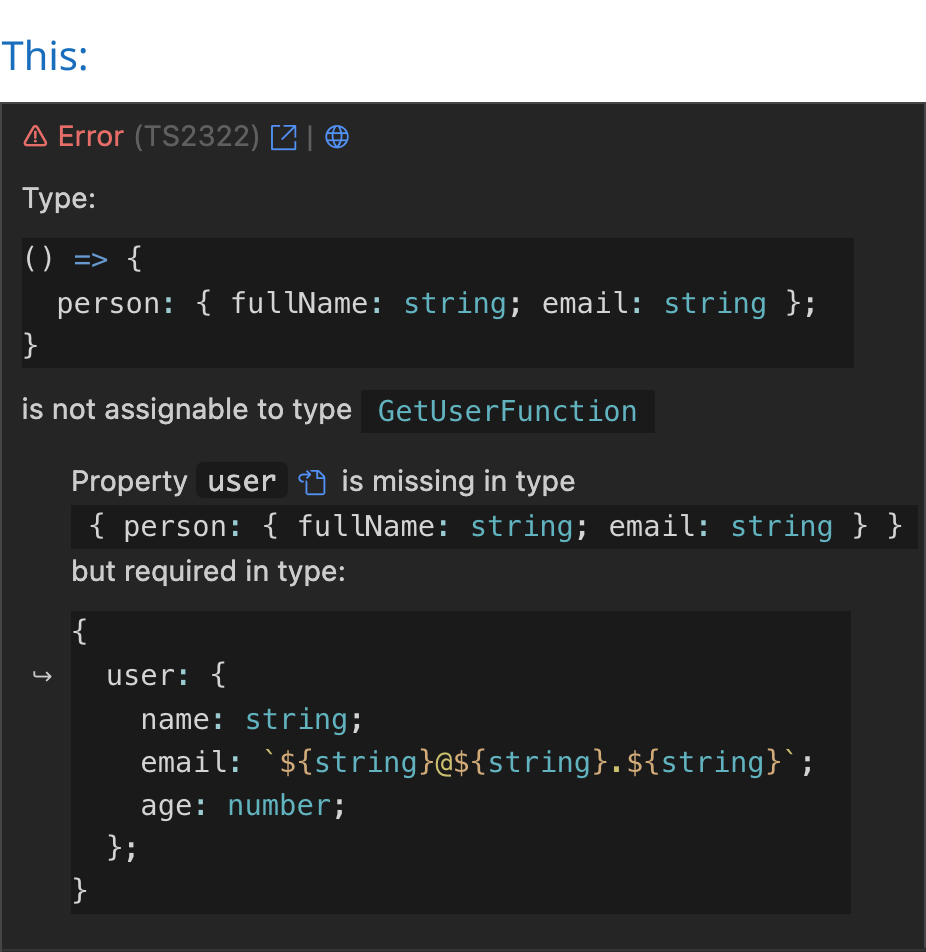
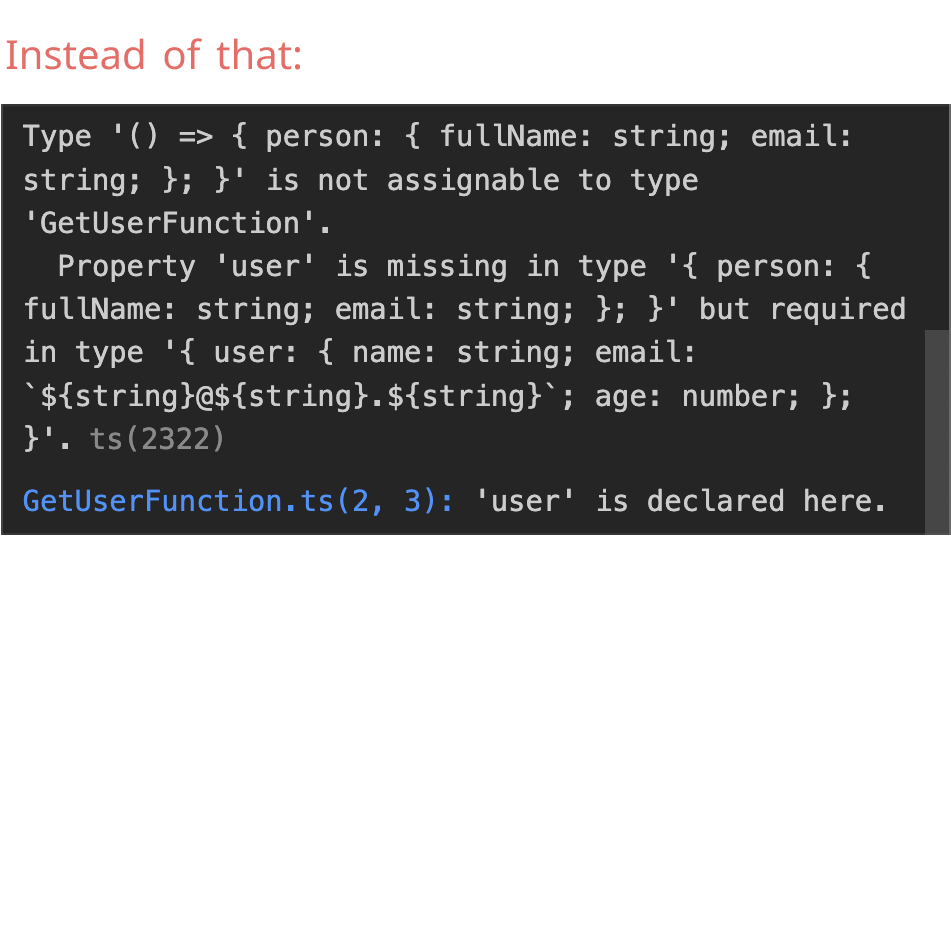
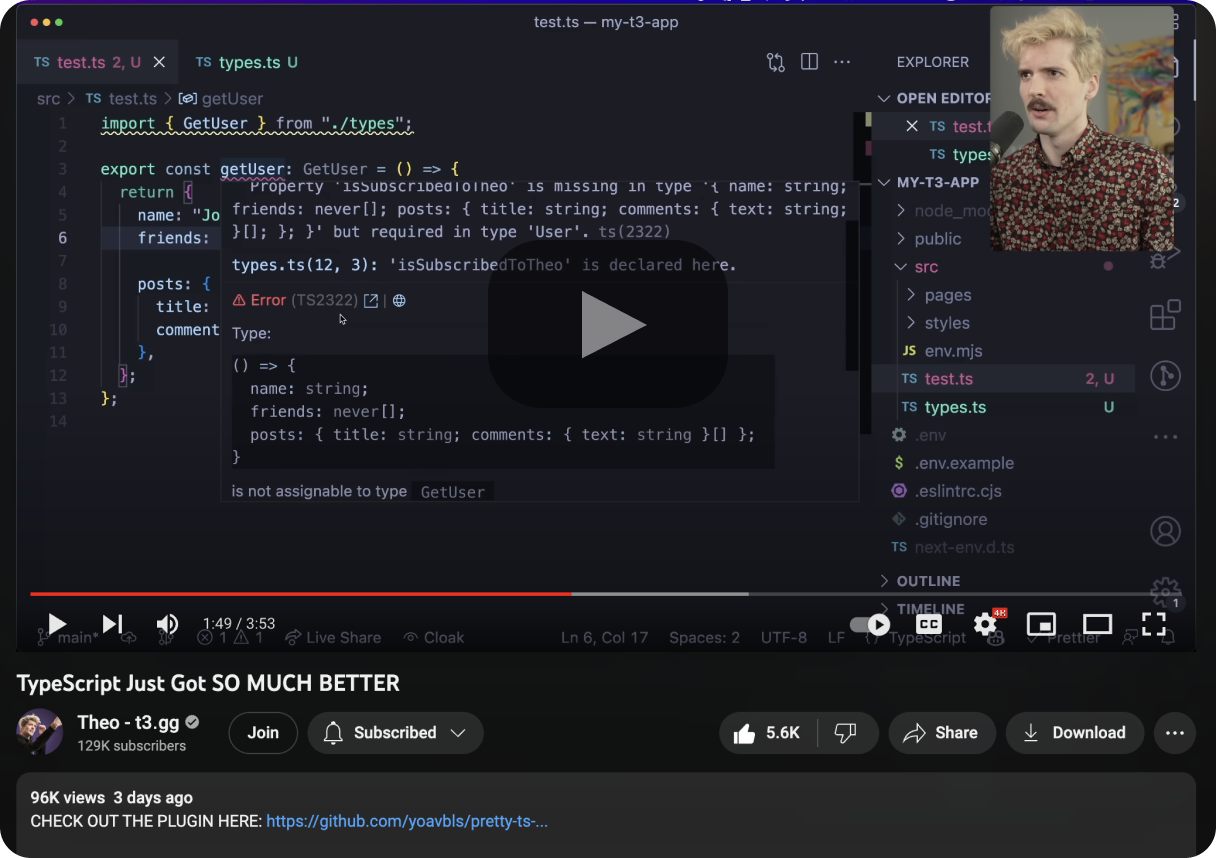
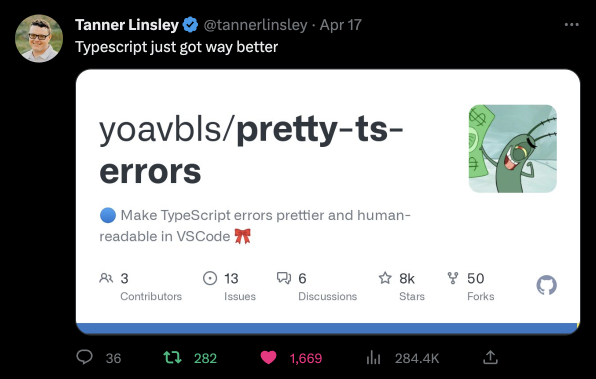
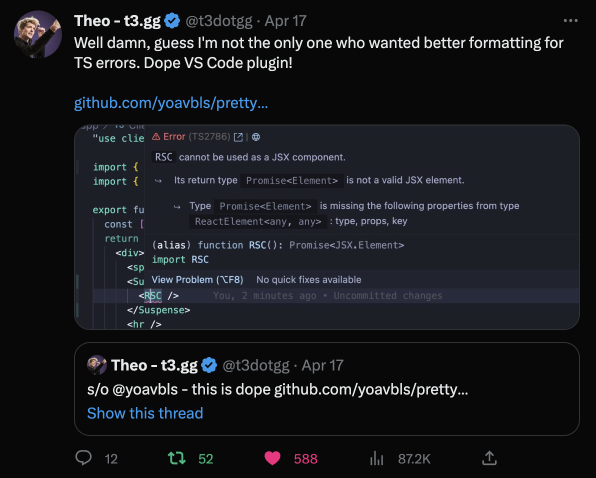
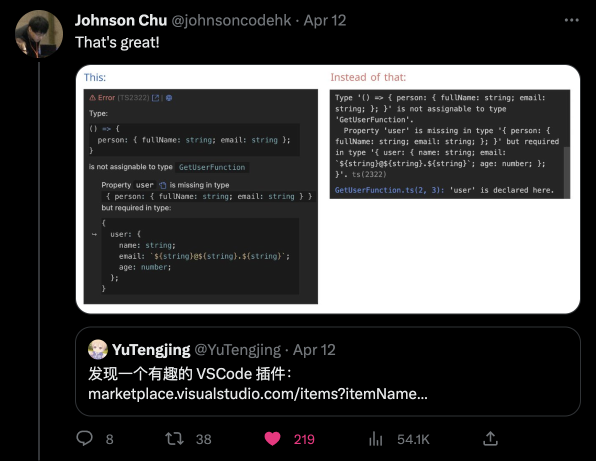
 Расширение для VSCode, которое превращает часто нечитаемые, глубоко вложенные сообщения об ошибках TypeScript в понятный текст с подсветкой синтаксиса прямо в редакторе.
Расширение для VSCode, которое превращает часто нечитаемые, глубоко вложенные сообщения об ошибках TypeScript в понятный текст с подсветкой синтаксиса прямо в редакторе.Это меняет то, как TypeScript проверяет типы, или только внешний вид ошибок?Оно меняет только отображение: переформатирует и подсвечивает синтаксис той же ошибки, которую уже выдаёт TypeScript, а саму проверку типов не трогает.
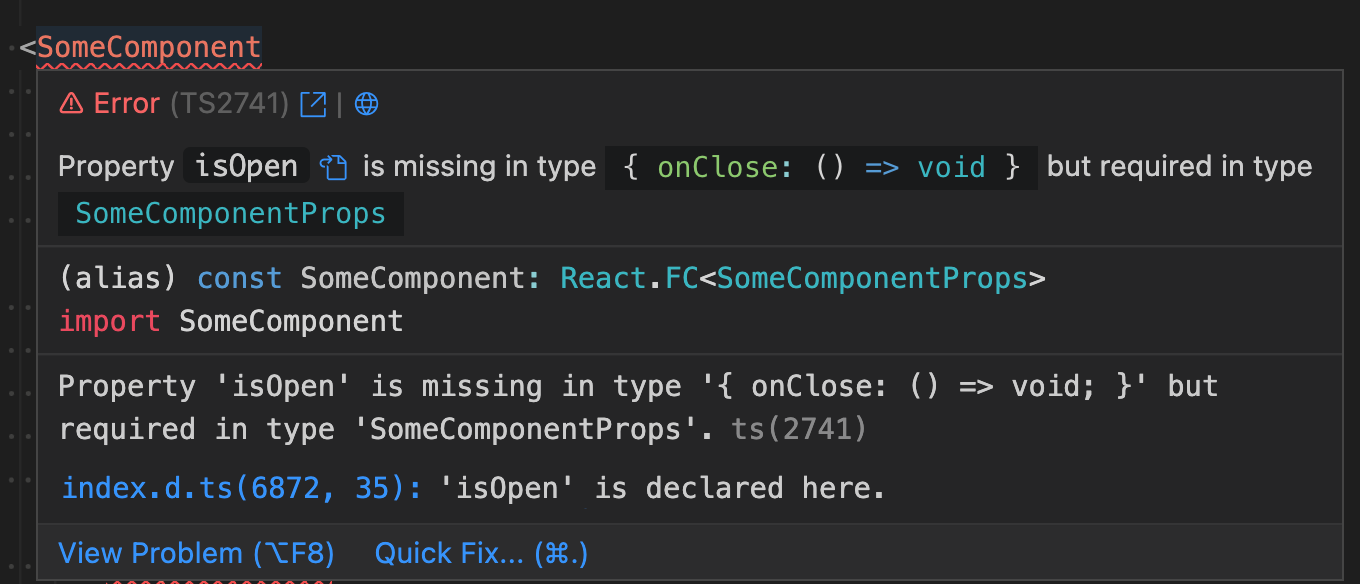
Оно меняет только отображение: переформатирует и подсвечивает синтаксис той же ошибки, которую уже выдаёт TypeScript, а саму проверку типов не трогает.Какие типы файлов и фреймворки оно понимает?Оно поддерживает ошибки .ts для Node и Deno, ошибки JSDoc в .js/.jsx, ошибки React/Solid/Qwik в .tsx/.mdx, файлы Astro/Svelte/Vue при включённом TypeScript, а также шаблоны Ember/Glimmer через Glint.
Оно поддерживает ошибки .ts для Node и Deno, ошибки JSDoc в .js/.jsx, ошибки React/Solid/Qwik в .tsx/.mdx, файлы Astro/Svelte/Vue при включённом TypeScript, а также шаблоны Ember/Glimmer через Glint.Могу ли я просто скопировать отформатированный текст ошибки?Напрямую нельзя: рендеринг markdown в VSCode блокирует обычный встроенный код, поэтому автор сымитировал его блоком кода с иконкой codicon, который скопировать нельзя. Копировать приходится из исходной всплывающей панели при наведении.
Напрямую нельзя: рендеринг markdown в VSCode блокирует обычный встроенный код, поэтому автор сымитировал его блоком кода с иконкой codicon, который скопировать нельзя. Копировать приходится из исходной всплывающей панели при наведении.Можно ли перейти сразу к объявлению типа из ошибки?Да, у каждой ошибки есть кнопка, которая переходит к нужному объявлению типа, а также кнопки со ссылками на typescript.tv и ts-error-translator для объяснения ошибки простыми словами.
Да, у каждой ошибки есть кнопка, которая переходит к нужному объявлению типа, а также кнопки со ссылками на typescript.tv и ts-error-translator для объяснения ошибки простыми словами.Почему это не было простым расширением для создания?Вывод ошибок TypeScript не является корректным синтаксисом TypeScript, поэтому автор написал собственную грамматику TextMate для подсветки и обошёл ограничения стилизации markdown в VSCode, использовав блок кода на основе codicon.
Вывод ошибок TypeScript не является корректным синтаксисом TypeScript, поэтому автор написал собственную грамматику TextMate для подсветки и обошёл ограничения стилизации markdown в VSCode, использовав блок кода на основе codicon.Можно ли скрыть исходную сырую ошибку рядом с отформатированной?В README есть отдельные инструкции, как скрыть исходную ошибку и сделать типы доступными для копирования, но там сказано, что для этого нужно дополнительное обходное решение из-за ограничений VSCode.
В README есть отдельные инструкции, как скрыть исходную ошибку и сделать типы доступными для копирования, но там сказано, что для этого нужно дополнительное обходное решение из-за ограничений VSCode.What are similar projects?graphiql, mitosis, awesome-vscode, deepseek-harness-for-vscode, astro, tsrx, query, shaders
graphiql, mitosis, awesome-vscode, deepseek-harness-for-vscode, astro, tsrx, query, shaders