







14.1K ·GitHub
What is this?
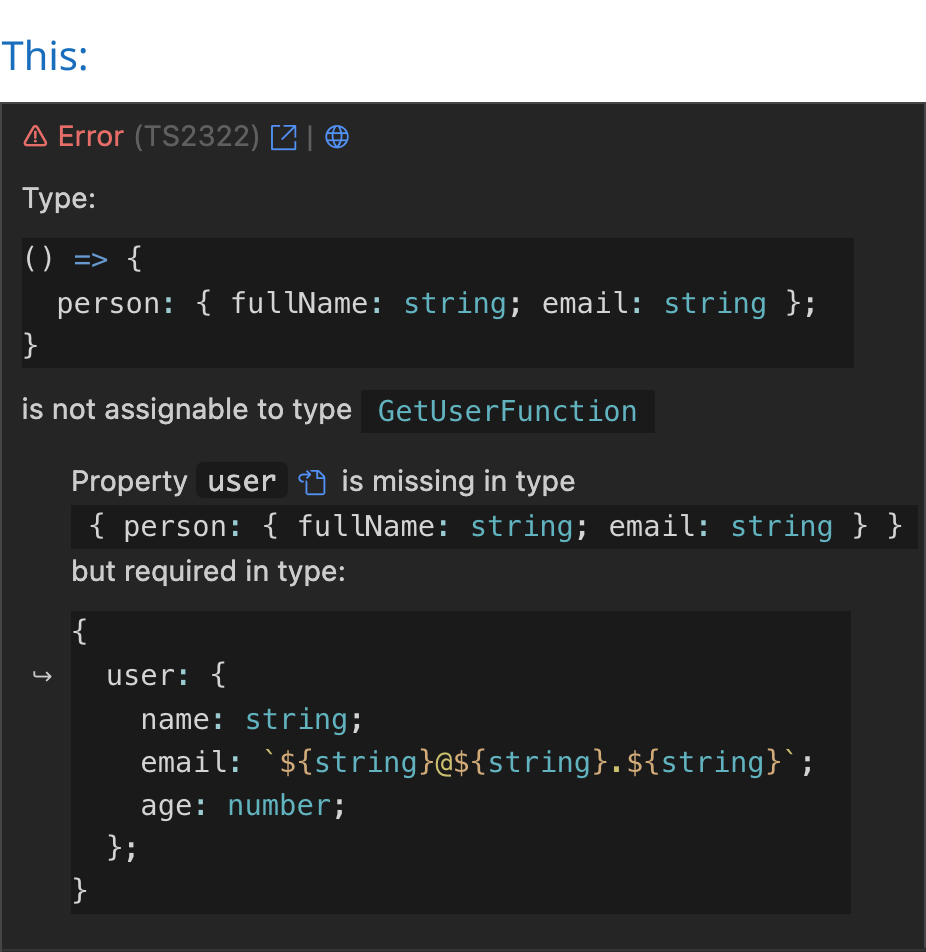
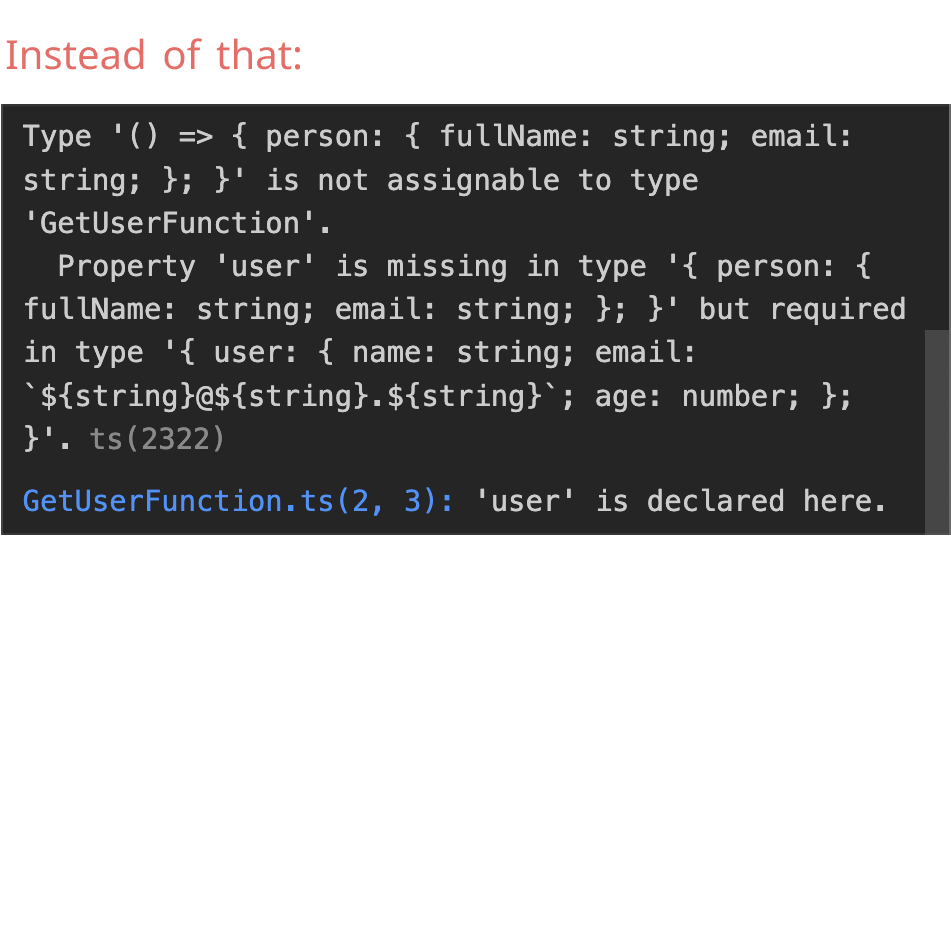
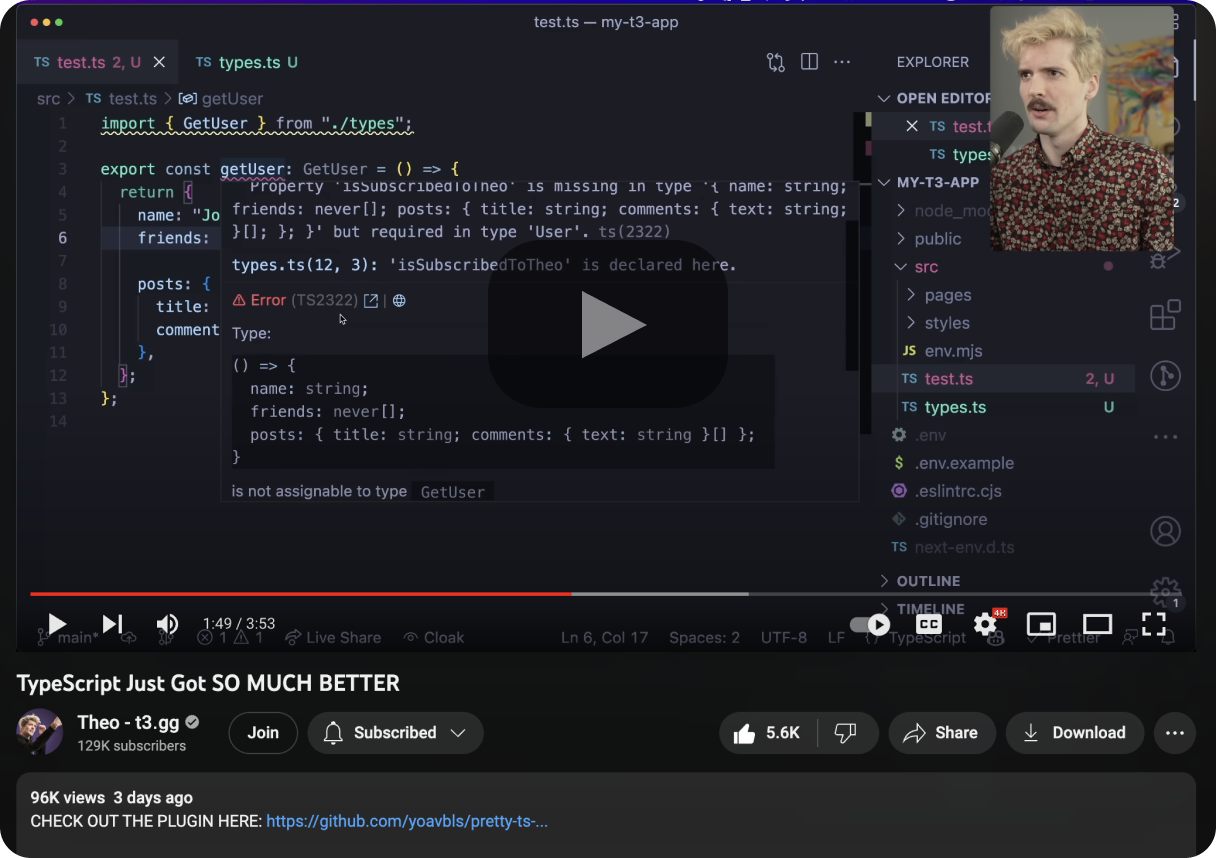
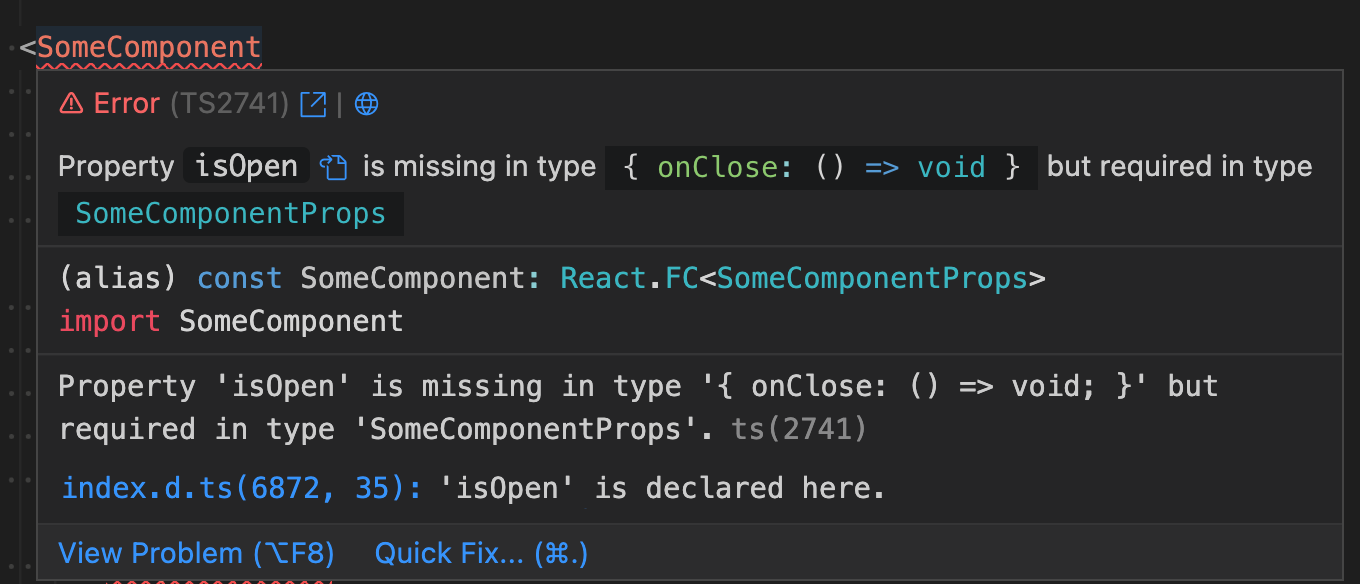
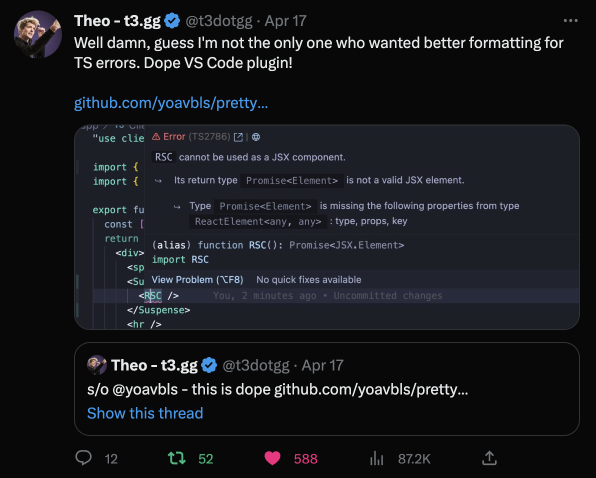
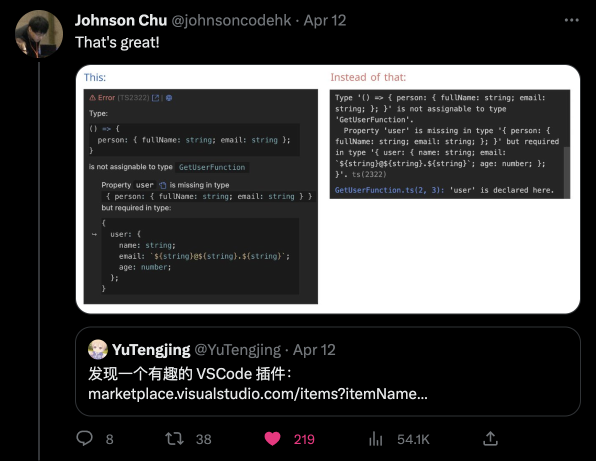
 A VSCode extension that turns TypeScript's often unreadable, deeply nested error messages into syntax-highlighted, human-readable text right in the editor.
A VSCode extension that turns TypeScript's often unreadable, deeply nested error messages into syntax-highlighted, human-readable text right in the editor.Does it change how TypeScript checks types, or just how errors look?It only changes the display: it reformats and syntax-highlights the same error TypeScript already produces, it doesn't alter type checking itself.
It only changes the display: it reformats and syntax-highlights the same error TypeScript already produces, it doesn't alter type checking itself.Which file types and frameworks does it understand?It covers Node and Deno .ts errors, JSDoc errors in .js/.jsx, React/Solid/Qwik errors in .tsx/.mdx, Astro/Svelte/Vue files when TypeScript is enabled, and Ember/Glimmer templates via Glint.
It covers Node and Deno .ts errors, JSDoc errors in .js/.jsx, React/Solid/Qwik errors in .tsx/.mdx, Astro/Svelte/Vue files when TypeScript is enabled, and Ember/Glimmer templates via Glint.Can I just copy the prettified error text?Not directly — VSCode's markdown rendering blocks normal inline code, so the author had to fake it with a codicon-wrapped code block that can't be copied; you still copy from the original hover pane instead.
Not directly — VSCode's markdown rendering blocks normal inline code, so the author had to fake it with a codicon-wrapped code block that can't be copied; you still copy from the original hover pane instead.Can I jump straight to a type's declaration from an error?Yes, each error gets a button that navigates to the relevant type declaration, plus buttons linking to typescript.tv and ts-error-translator for a plain-English explanation of the error.
Yes, each error gets a button that navigates to the relevant type declaration, plus buttons linking to typescript.tv and ts-error-translator for a plain-English explanation of the error.Why wasn't this a trivial extension to build?TypeScript's error output isn't valid TypeScript syntax, so the author built a custom TextMate grammar for highlighting, and had to hack around VSCode's markdown styling limits using a codicon-based code block.
TypeScript's error output isn't valid TypeScript syntax, so the author built a custom TextMate grammar for highlighting, and had to hack around VSCode's markdown styling limits using a codicon-based code block.Can I hide the original raw error alongside the prettified one?The README points to separate instructions for hiding the original error and making types copyable, though it notes this requires an extra workaround due to VSCode limitations.
The README points to separate instructions for hiding the original error and making types copyable, though it notes this requires an extra workaround due to VSCode limitations.What are similar projects?graphiql, mitosis, awesome-vscode, deepseek-harness-for-vscode, astro, tsrx, query, shaders
graphiql, mitosis, awesome-vscode, deepseek-harness-for-vscode, astro, tsrx, query, shaders