810 ·GitHub
What is this?
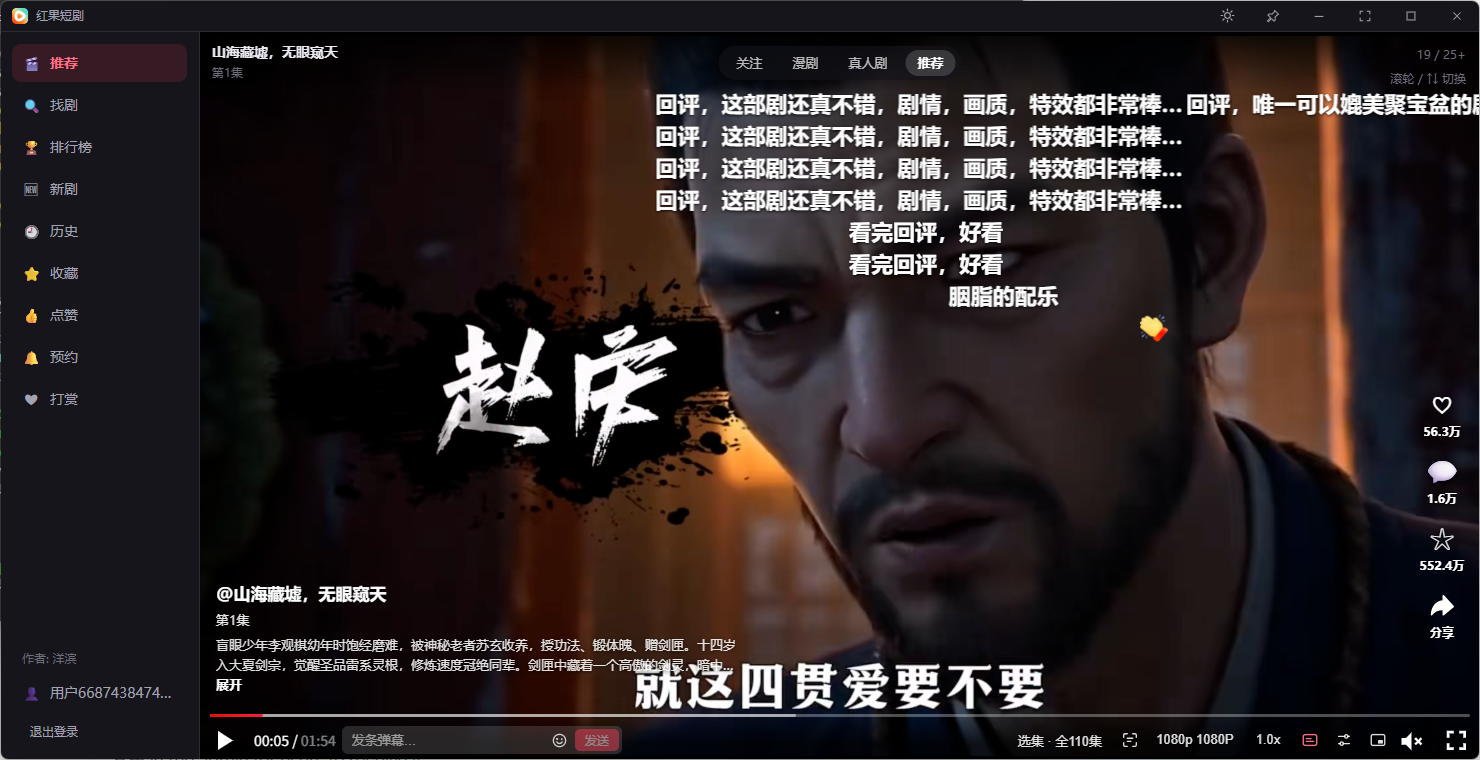
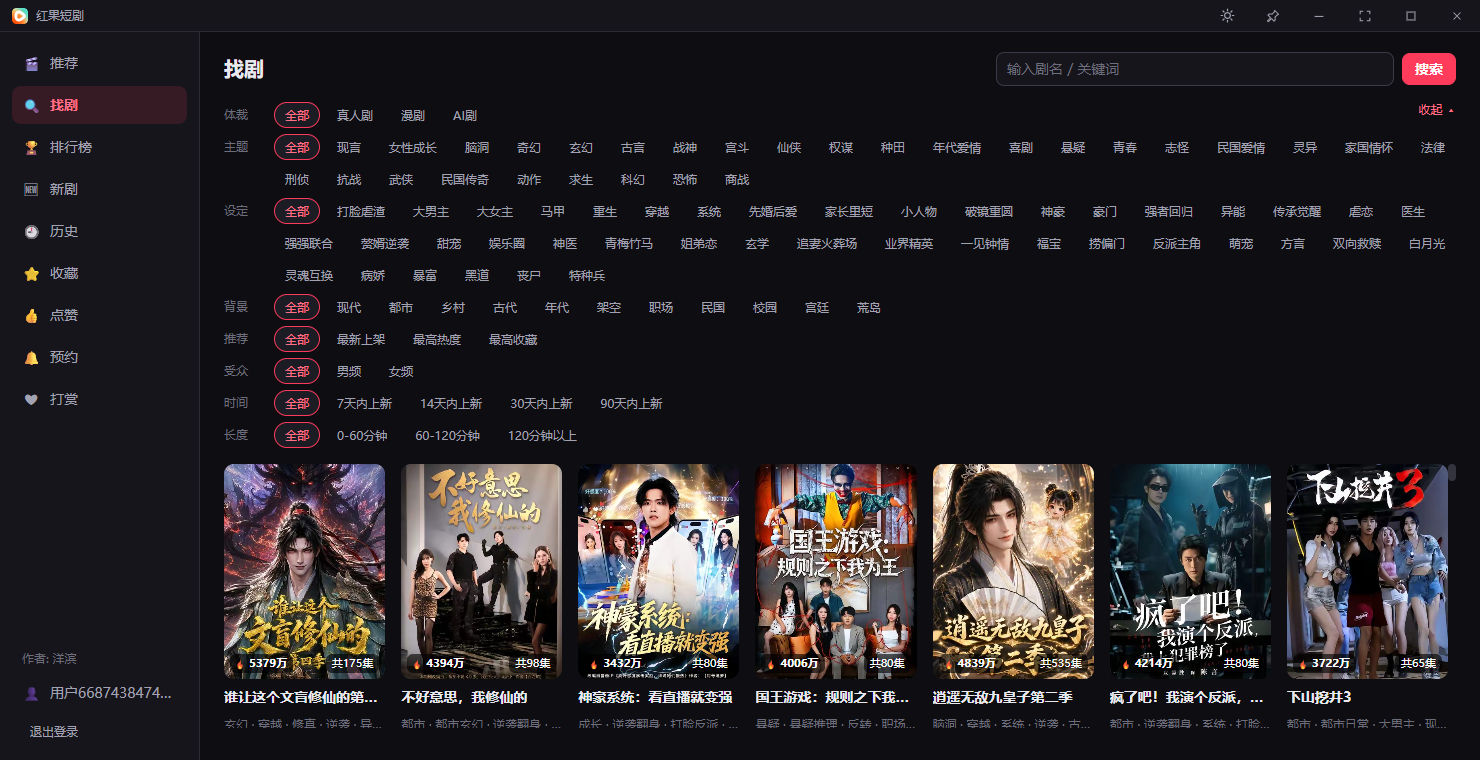
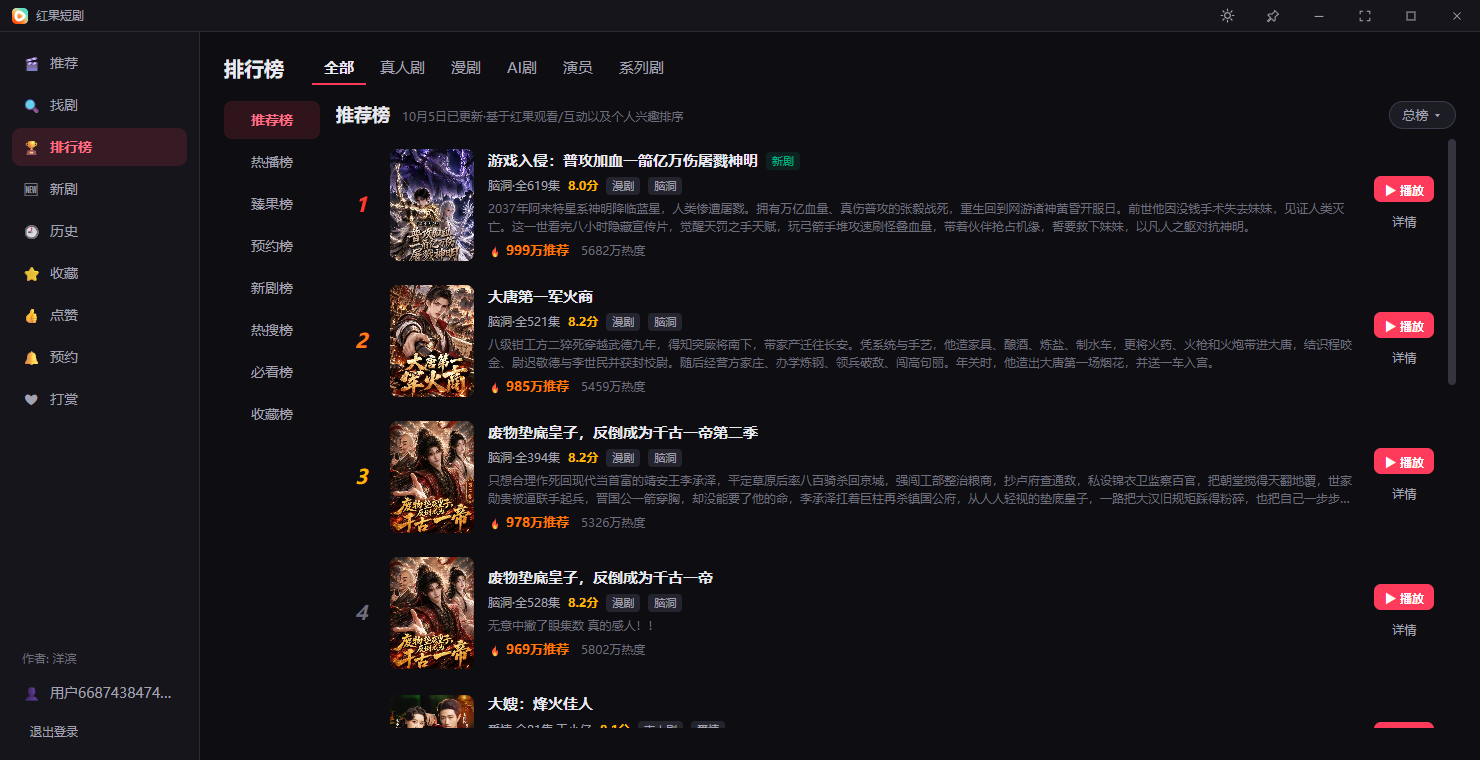
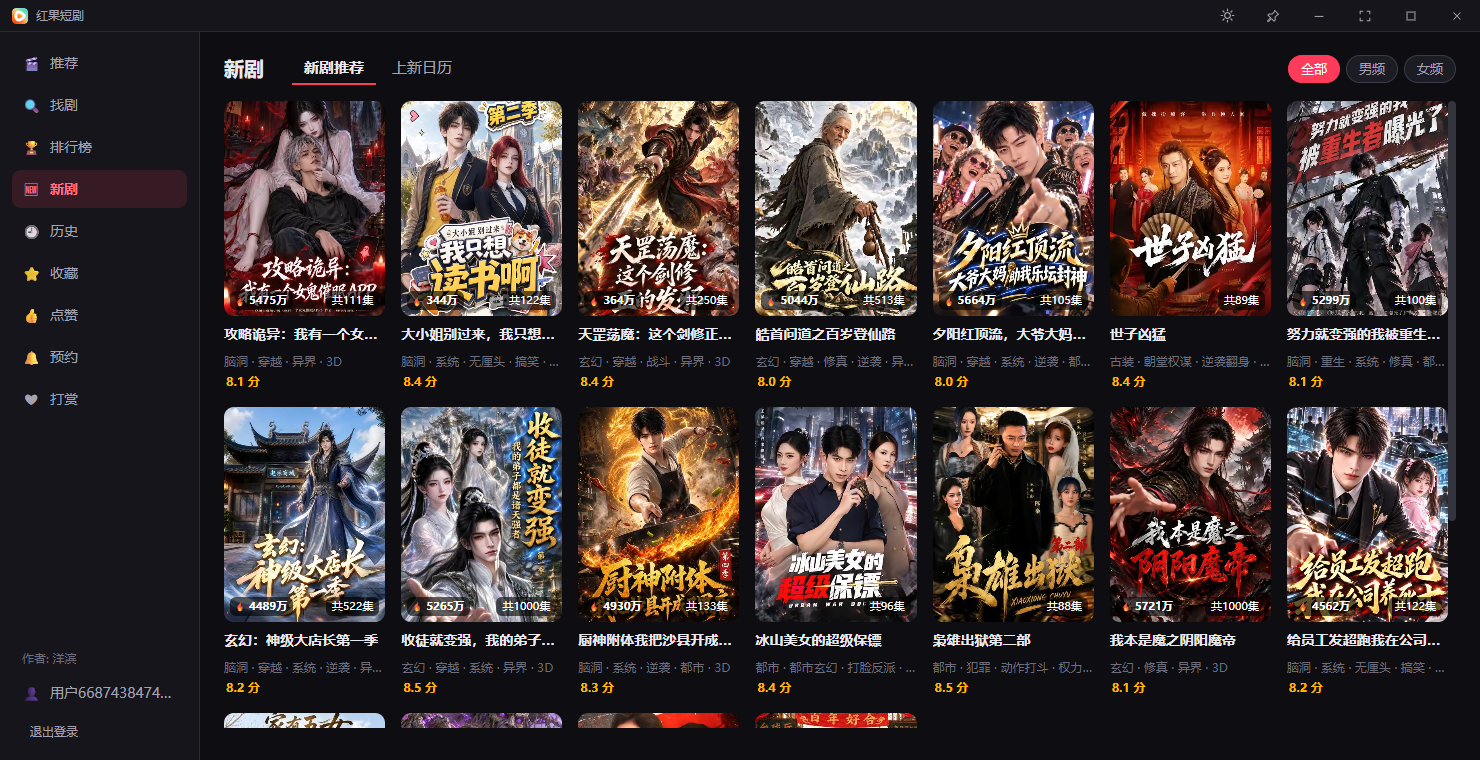
 This is a desktop client for 红果短剧 (Hongguo short dramas) that lets you watch short-drama content on Windows or macOS without running an Android emulator, with mouse-wheel browsing, auto-continue, danmaku and more.
This is a desktop client for 红果短剧 (Hongguo short dramas) that lets you watch short-drama content on Windows or macOS without running an Android emulator, with mouse-wheel browsing, auto-continue, danmaku and more.Is this an official Hongguo app?No, it's an independent third-party desktop client built with Go and Vue3 via the Wails framework; it's unofficial and not affiliated with the official Hongguo app.
No, it's an independent third-party desktop client built with Go and Vue3 via the Wails framework; it's unofficial and not affiliated with the official Hongguo app.Do I need to install anything else first?On first run Windows auto-installs the bundled WebView2 runtime and HEVC video extension if missing (WebView2 setup needs internet); macOS users may need to run a terminal command to bypass Gatekeeper for the unsigned app.
On first run Windows auto-installs the bundled WebView2 runtime and HEVC video extension if missing (WebView2 setup needs internet); macOS users may need to run a terminal command to bypass Gatekeeper for the unsigned app.Any install pitfalls I should know about?The app isn't code-signed, so Windows SmartScreen and macOS Gatekeeper will throw warnings you need to click through; also this repo only publishes compiled binaries, no source code is included.
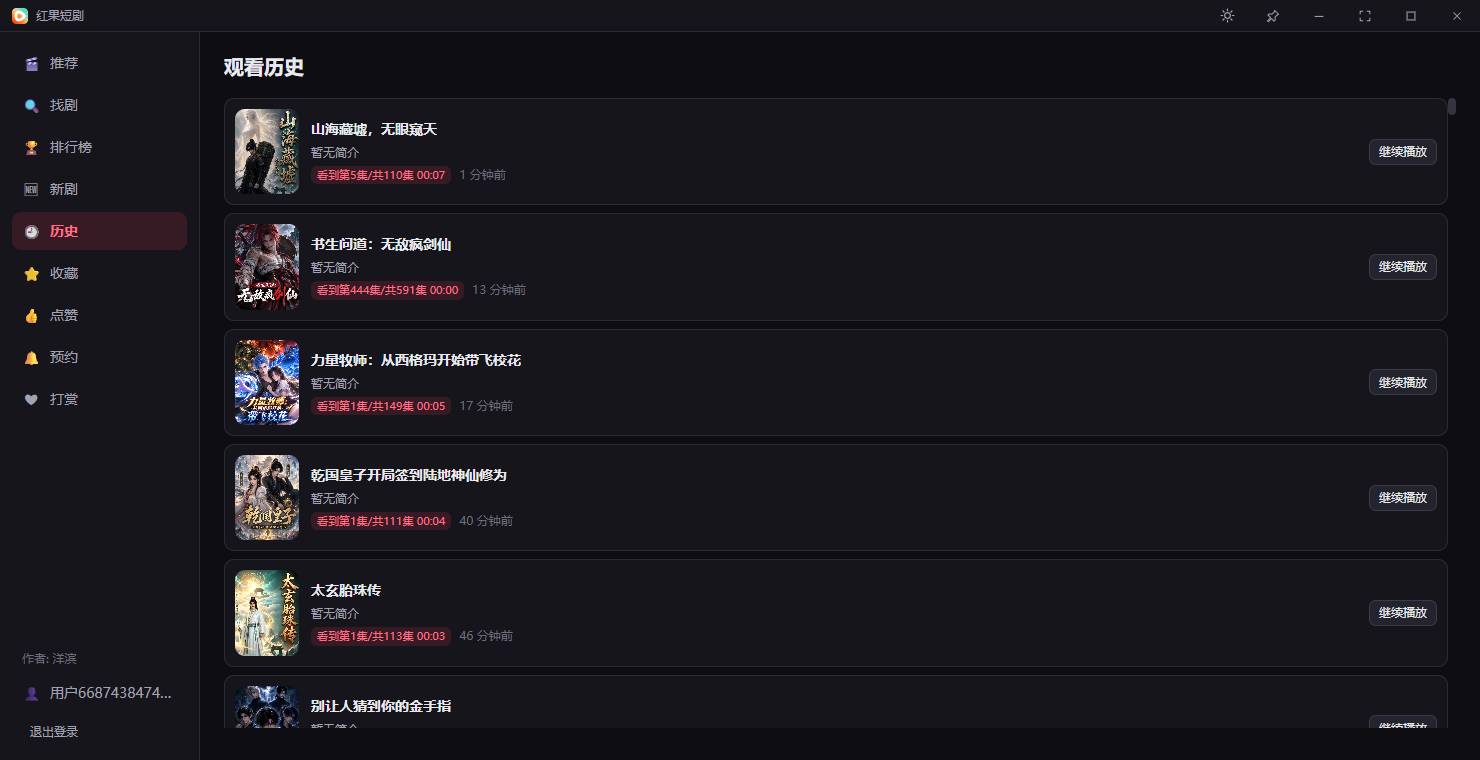
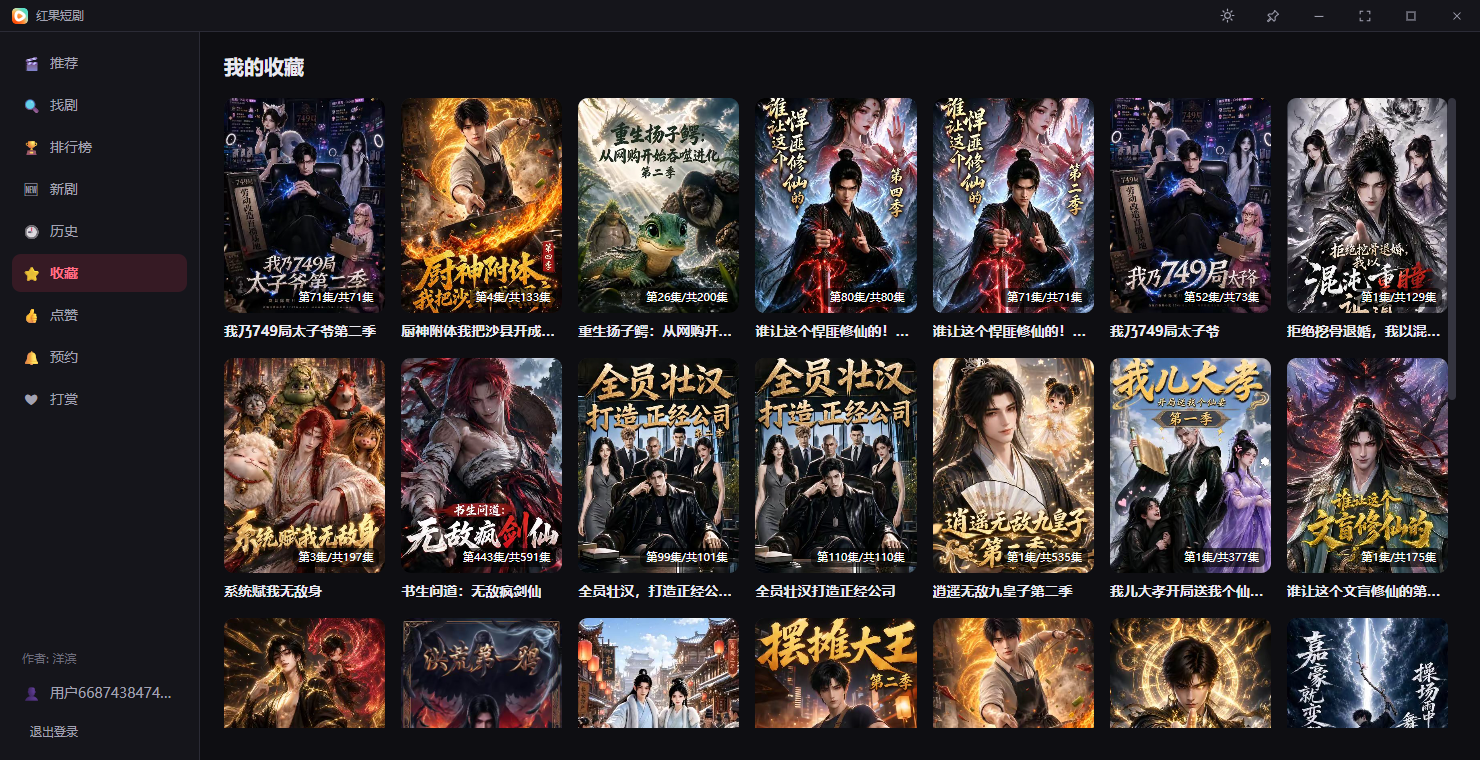
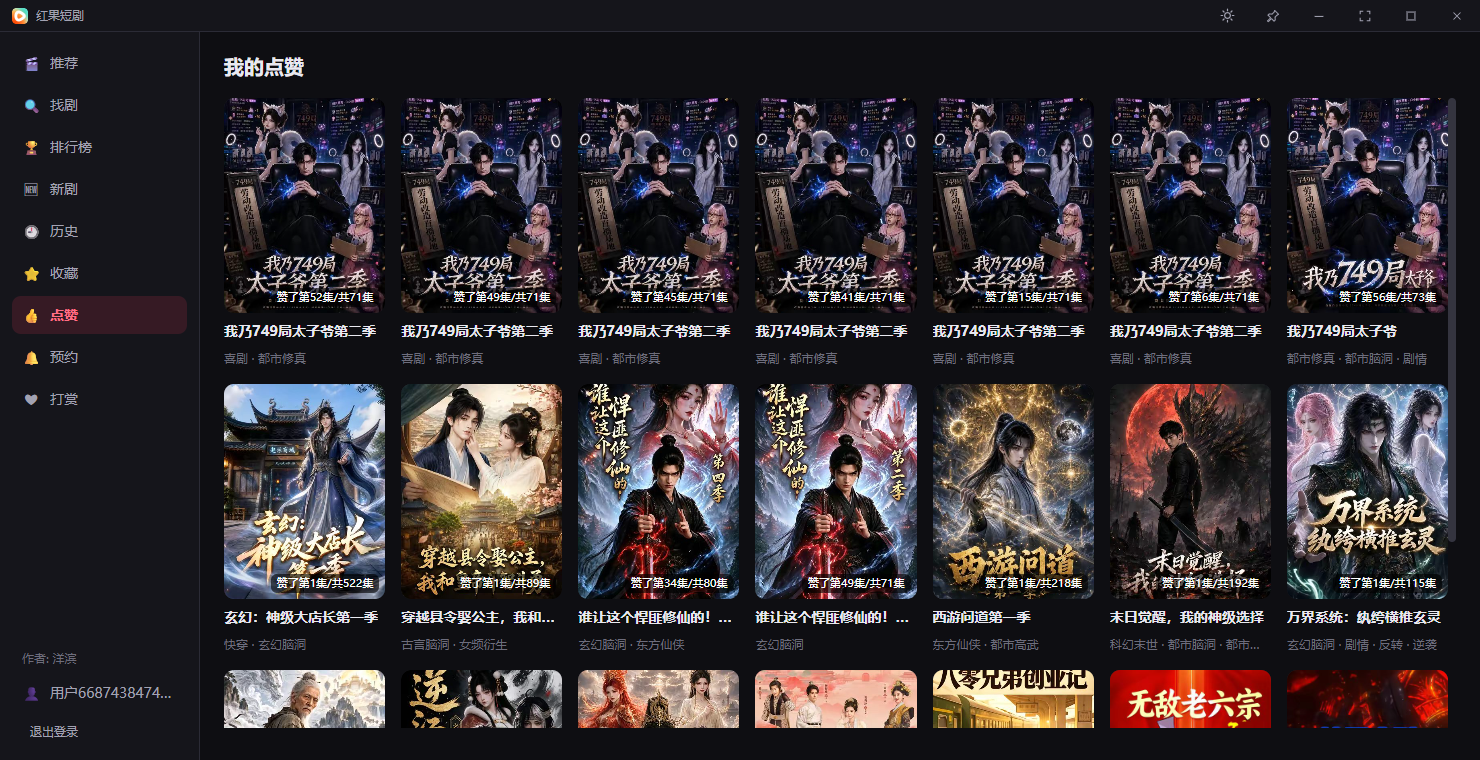
The app isn't code-signed, so Windows SmartScreen and macOS Gatekeeper will throw warnings you need to click through; also this repo only publishes compiled binaries, no source code is included.Does my watch data go anywhere?Without logging in, favorites, likes, and history stay only on your machine, and the player talks to a local service on 127.0.0.1 with no outside connection for that; logging in with a phone number syncs your data with the official mobile Hongguo app.
Without logging in, favorites, likes, and history stay only on your machine, and the player talks to a local service on 127.0.0.1 with no outside connection for that; logging in with a phone number syncs your data with the official mobile Hongguo app.What happens if hardware video decoding doesn't work?It automatically falls back to software decoding so you still get picture instead of only sound; you can also force software decoding manually in the player's settings if the screen glitches or stays black.
It automatically falls back to software decoding so you still get picture instead of only sound; you can also force software decoding manually in the player's settings if the screen glitches or stays black.Can I keep watching while I work?Yes, a small-window mode keeps the player pinned on top of other apps, and an incognito mode auto-pauses and hides the window when you move the mouse away.
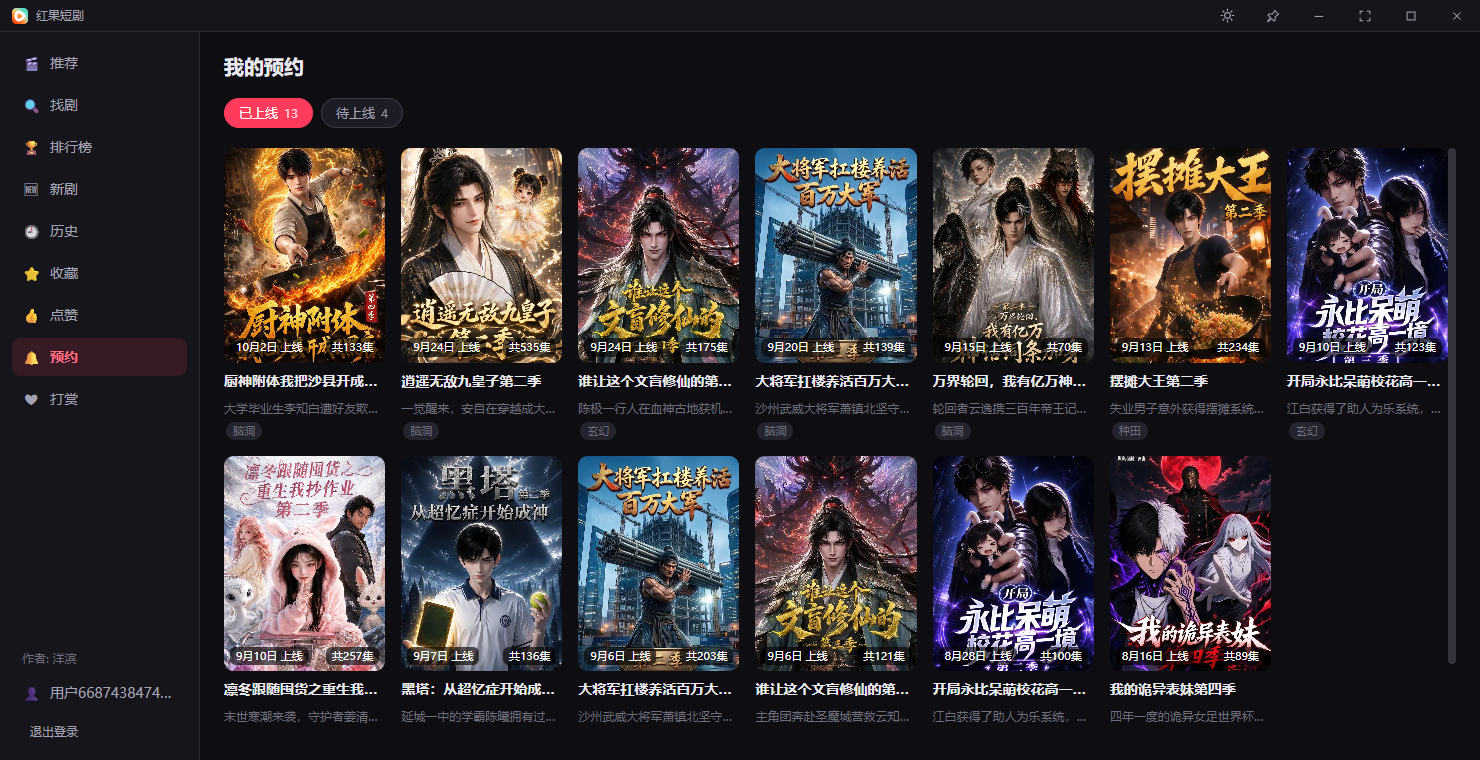
Yes, a small-window mode keeps the player pinned on top of other apps, and an incognito mode auto-pauses and hides the window when you move the mouse away.Does it sync with the Hongguo mobile app?Yes - danmaku, comments, favorites, likes, watch history and reservations all stay in sync with the official Hongguo mobile app once you log in with a phone number.
Yes - danmaku, comments, favorites, likes, watch history and reservations all stay in sync with the official Hongguo mobile app once you log in with a phone number.Why did the author build a separate desktop client instead of using an emulator?Switching to a phone or spinning up a full Android emulator just to watch a few episodes felt cumbersome, so the author built a native player driven by mouse and keyboard instead.
Switching to a phone or spinning up a full Android emulator just to watch a few episodes felt cumbersome, so the author built a native player driven by mouse and keyboard instead.What are similar projects?hongguo-desktop-releases, guoapp, ZY-Player, BBLL, lolPing, deepseek-harness-desktop, plx-native, PiliPlus
hongguo-desktop-releases, guoapp, ZY-Player, BBLL, lolPing, deepseek-harness-desktop, plx-native, PiliPlusWhich topics is it in?wails, hevc, short-drama, short-video, danmaku, auto-update, video-player, video-streaming, vue3, macos-app, windows-app, golang
wails, hevc, short-drama, short-video, danmaku, auto-update, video-player, video-streaming, vue3, macos-app, windows-app, golang