
这是什么?
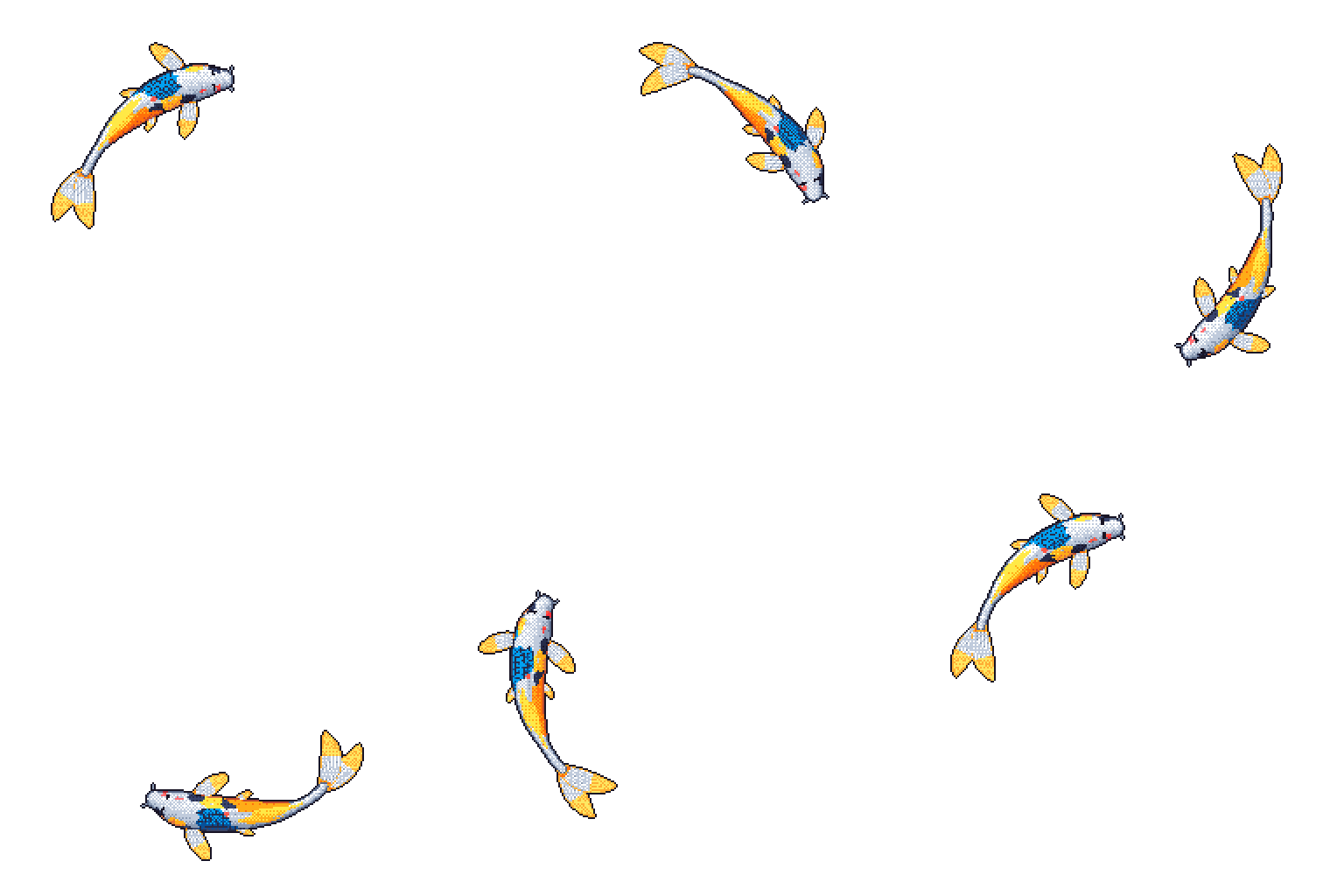
 Git koi 会根据 GitHub 账户的公开活动绘制一条像素风格的锦鲤,将编程语言、贡献、连续贡献天数和最近一天的情况转化为一张循环播放的 GIF,用于个人主页的 README。
这是 GitHub Action、CLI 工具还是库?三者都是,它们基于同一个 Rust 引擎:一个每晚运行、用于更新个人主页 README 中 GIF 的 GitHub Action,一个命令行可执行程序,以及一个发布在 crates.io 上的 Rust 库。
三者都是,它们基于同一个 Rust 引擎:一个每晚运行、用于更新个人主页 README 中 GIF 的 GitHub Action,一个命令行可执行程序,以及一个发布在 crates.io 上的 Rust 库。我怎样才能在个人主页 README 里放上锦鲤?将 Git koi Action 添加到你的 GitHub 个人主页仓库的工作流中;它每晚运行,并使用仓库内置的令牌重新生成 GIF。
将 Git koi Action 添加到你的 GitHub 个人主页仓库的工作流中;它每晚运行,并使用仓库内置的令牌重新生成 GIF。从命令行运行它需要什么?二选一:从 Releases 页面下载预编译的二进制文件,或安装不低于 Cargo.toml 中指定版本的 Rust;两种方式都还需要已通过身份验证的 GitHub CLI。
二选一:从 Releases 页面下载预编译的二进制文件,或安装不低于 Cargo.toml 中指定版本的 Rust;两种方式都还需要已通过身份验证的 GitHub CLI。锦鲤的外观和游动方式由什么决定?你使用的编程语言决定它的颜色,你的贡献让它长大,连续贡献天数会在它身上留下标记,而刚刚过去的那一天决定它怎样游动。
你使用的编程语言决定它的颜色,你的贡献让它长大,连续贡献天数会在它身上留下标记,而刚刚过去的那一天决定它怎样游动。在哪里可以找到详细的设置说明?docs/getting-started.md 介绍了三种使用方式(Action、CLI、库)的完整步骤,Rust 库的 API 文档则发布在 docs.rs 上。
docs/getting-started.md 介绍了三种使用方式(Action、CLI、库)的完整步骤,Rust 库的 API 文档则发布在 docs.rs 上。我能在自己的 Rust 项目中使用锦鲤生成器吗?可以。为 Action 和 CLI 提供动力的同一个 Rust 引擎已作为库发布在 crates.io 上,你可以直接将它嵌入自己的代码中。
可以。为 Action 和 CLI 提供动力的同一个 Rust 引擎已作为库发布在 crates.io 上,你可以直接将它嵌入自己的代码中。