









































What is this?
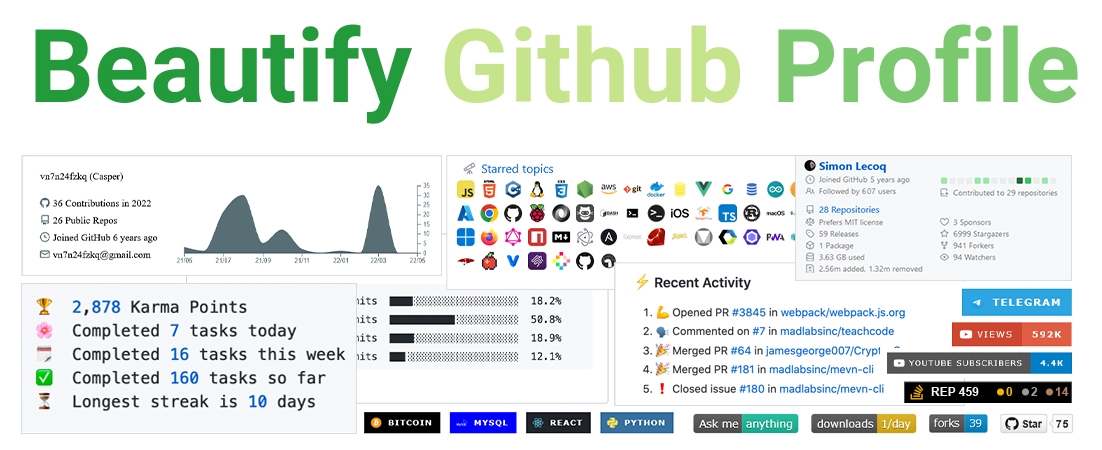
 A curated collection of tools and tutorials for making your GitHub profile README more beautiful, covering badges, widgets, icons, profile generators and emojis.
A curated collection of tools and tutorials for making your GitHub profile README more beautiful, covering badges, widgets, icons, profile generators and emojis.Is this a tool or a list of tools?It is a curated list/index of external tools and services (badge generators, widgets, icon packs, profile generators), not a single tool itself.
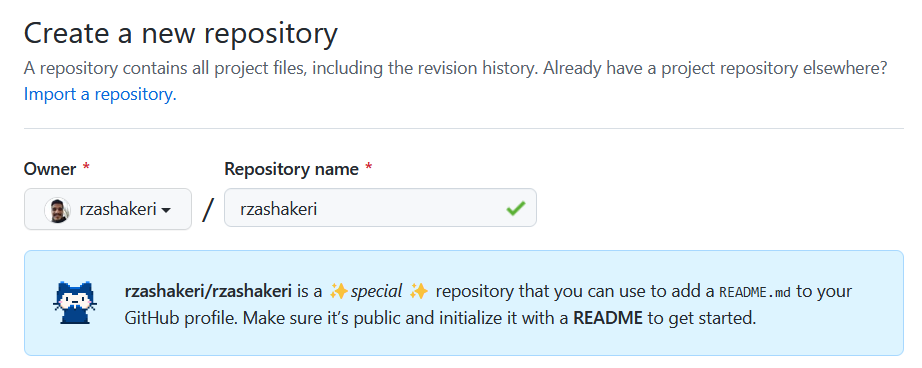
It is a curated list/index of external tools and services (badge generators, widgets, icon packs, profile generators), not a single tool itself.How do I start building my own profile README?Create a repository named exactly the same as your GitHub username, then add a README.md to it and start customizing it with the linked tools.
Create a repository named exactly the same as your GitHub username, then add a README.md to it and start customizing it with the linked tools.Do I need to sign up for any services to use these badges and widgets?No special account is required for most badges (they are embed-only via Markdown/URL), though some widgets like Discord badges or Stack Overflow badges pull data tied to your own existing accounts.
No special account is required for most badges (they are embed-only via Markdown/URL), though some widgets like Discord badges or Stack Overflow badges pull data tied to your own existing accounts.Are all the listed tools still working?No, the list marks some entries as outdated because their servers are down, though they're kept for inspiration or forking.
No, the list marks some entries as outdated because their servers are down, though they're kept for inspiration or forking.Where can I find example profiles for inspiration?The project points to an Awesome Github Profile gateway site where you can browse other people's profiles to get design ideas before customizing your own.
The project points to an Awesome Github Profile gateway site where you can browse other people's profiles to get design ideas before customizing your own.What kind of widgets are included besides badges?It lists dynamically generated stats widgets like 'github readme stats' that render live statistics images directly inside your README.
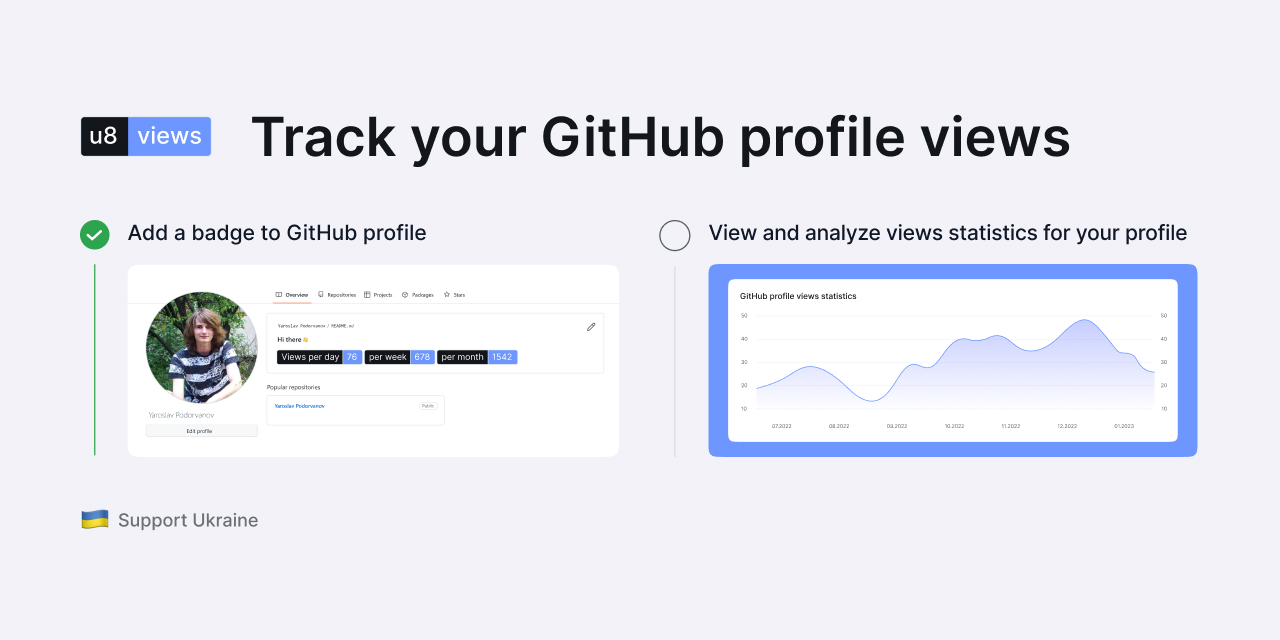
It lists dynamically generated stats widgets like 'github readme stats' that render live statistics images directly inside your README.Can I track how many times my profile has been viewed?Yes, the list includes several free view-counter services such as 'GitHub Profile Views Counter' and 'hits' that generate a badge showing visit counts.
Yes, the list includes several free view-counter services such as 'GitHub Profile Views Counter' and 'hits' that generate a badge showing visit counts.Does the list cover build-status badges for my own projects?Yes, it includes CI/build status badges from services like AppVeyor, SemaphoreCI, and Grunt that can be embedded in a project README.
Yes, it includes CI/build status badges from services like AppVeyor, SemaphoreCI, and Grunt that can be embedded in a project README.What are similar projects?Badges4-README.md-Profile, metrics, markdown-badges, awesome-github-profile-readme, skill-icons, Awesome-Profile-README-templates, awesome-readme, awesome-lowcode
Badges4-README.md-Profile, metrics, markdown-badges, awesome-github-profile-readme, skill-icons, Awesome-Profile-README-templates, awesome-readme, awesome-lowcodeWhich topics is it in?badge, github-profile, github-api, profile-readme, readme, icons, github, awesome, customization, dashboard, awesome-list, list
badge, github-profile, github-api, profile-readme, readme, icons, github, awesome, customization, dashboard, awesome-list, list