203 ·GitHub
Pixel art as code. js file; get PNGs, sprite sheets with JSON, animated GIFs, and a live browser viewer that replays the painting step by step as you save.
The project's README from github.com/crsolver/claude-pxl. As one markdown file: README.md.
Pixel art as code. Write a compact .px.js file; get PNGs, sprite sheets with JSON, animated
GIFs, and a live browser viewer that replays the painting step by step as you save.
Built for AI agents (it ships as a ready-made agent skill) and pleasant for people too. No runtime dependencies, no build step: just Node ≥ 22.18.
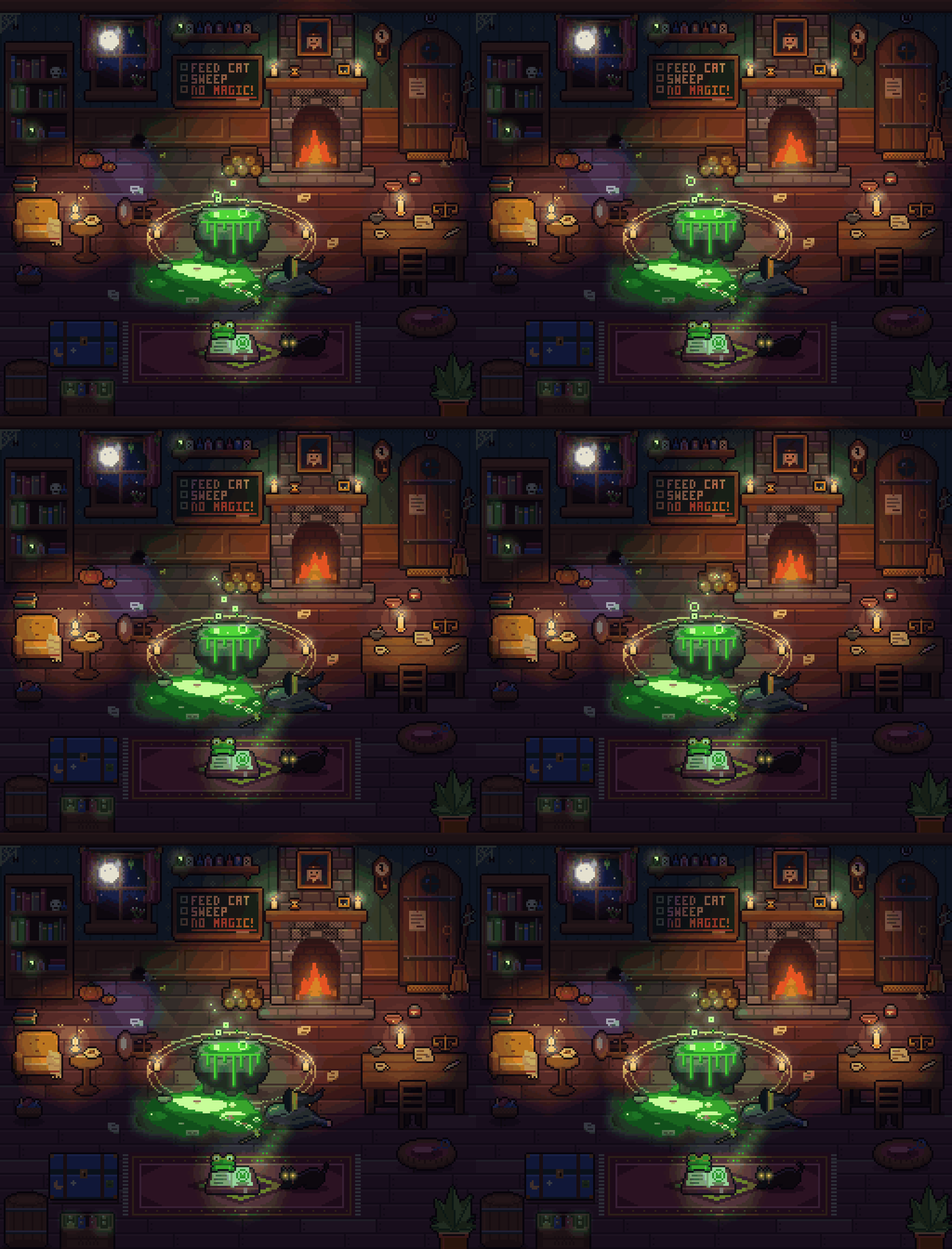
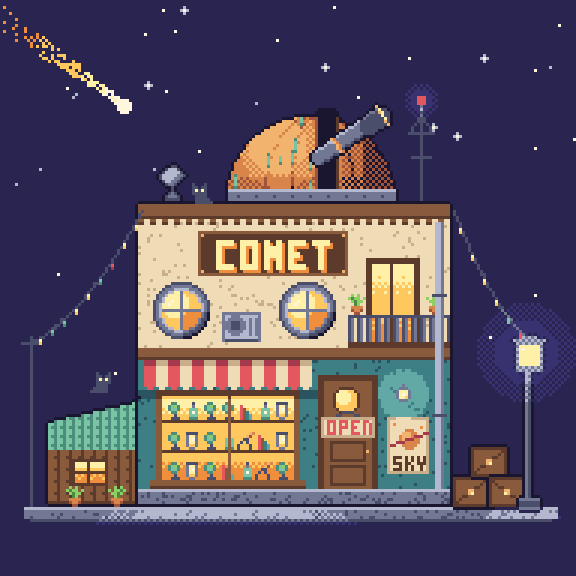
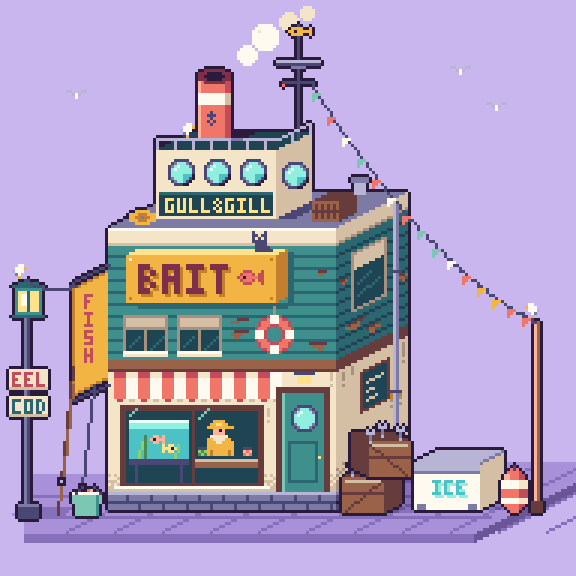
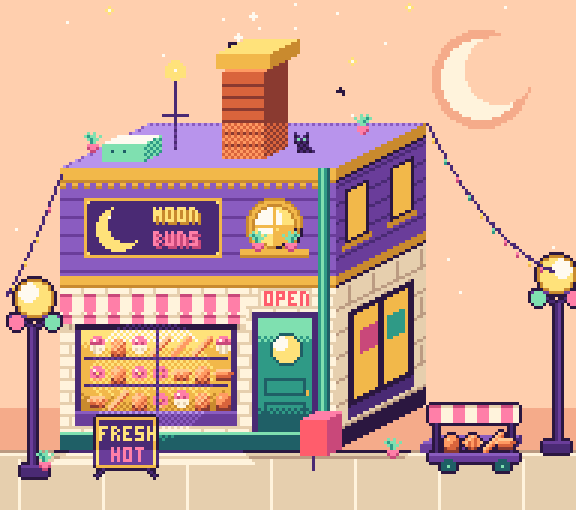
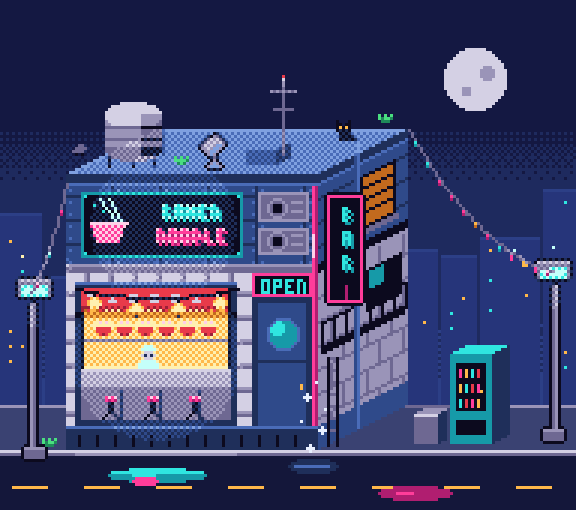
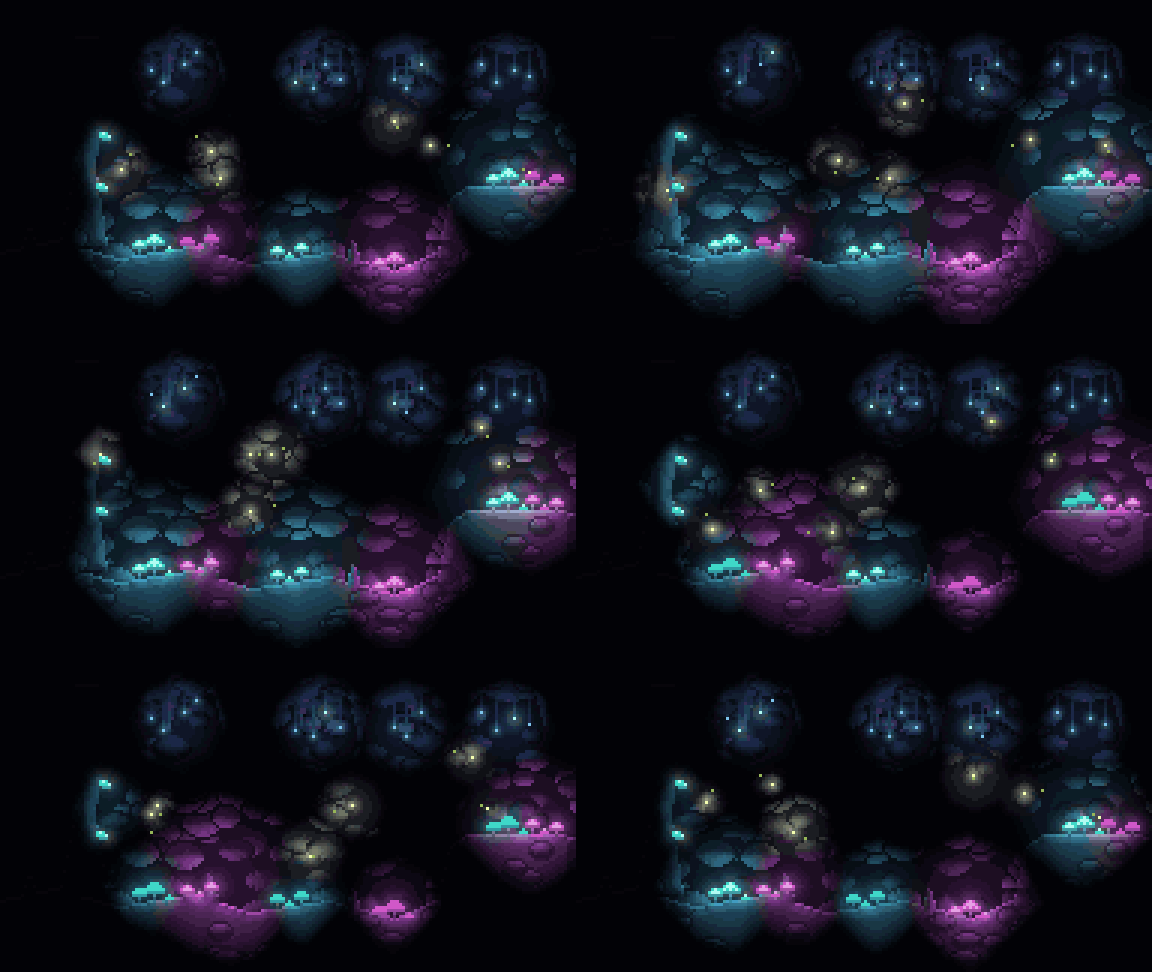

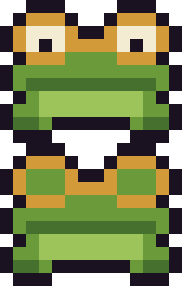

Every image above is generated from a file in examples/.
git clone https://github.com/crsolver/claude-pxl.git
cd claude-pxl
node bin/pxl.js serve examples/shop.px.js     # live viewer at http://127.0.0.1:4321/
Or run it without cloning:
npx github:crsolver/claude-pxl build art.px.js
Write art.px.js:
pal({ k: "#1b1630", g: "#8ccf63", G: "#4c8a44", w: "#fff6e0", r: "#e2585e", R: "#a63a4c" })

// Write the left half; mirror it and outline it automatically.
sprite("slime", { mx: true, outline: "k" }, `
  ....ggg
  ..ggGGg
  .ggGwGg
  gggkwgg
  GGGGGGG`)
sprite("slime_red", { base: "slime", swap: { g: "r", G: "R" } })   // a recolor in one line

sheet("chars", ["slime*"], { pad: 1 })
node bin/pxl.js build art.px.js
out/sprites/slime.png  out/sprites/slime_red.png      the art, at 1x
out/chars.png          out/chars.json                 sprite sheet + TexturePacker-style JSON
out/_preview/*.png                                    upscaled previews with a pixel grid
pxl serve art.px.js opens a viewer that rebuilds on every save and replays the asset you edited
op by op, so you (or whoever is watching an agent work) can see the art being painted. It also
writes the same out/ files as build.
pxl build <art.px.js> [--out DIR] [--only a,b] [--scale N] [--no-preview]
pxl serve <art.px.js> [--port 4321] [--out DIR | --no-out] [--no-preview]
pxl ascii <art.px.js> <name>     print an asset as palette keys with x/y rulers
pxl list  <art.px.js>            list assets, groups and sheets with source locations
pxl means node bin/pxl.js in a clone, or npx github:crsolver/claude-pxl. Art files can be .js or
.ts (types/pxl.d.ts gives editor completion).
shade() / light()._parts, stamp.scatter brushes, tilemaps, random groups with reproducible seeds.lighting.md).file:line:col and the asset/layer/op path, with "did you mean…" hints.Full API: reference.md. Agent workflow and essentials: SKILL.md.
This repository is an agent skill: SKILL.md teaches the workflow (write → build → look at the
preview → patch), reference.md holds the full API, and lighting.md is loaded only when needed.
Claude Code: clone it into your skills folder, then ask Claude to draw something.
# all projects
git clone https://github.com/crsolver/claude-pxl.git ~/.claude/skills/pxl-pixel-art
# or just one project
git clone https://github.com/crsolver/claude-pxl.git .claude/skills/pxl-pixel-art
Other agents (Codex, Cursor, …): point them at SKILL.md and tell them the CLI is
node <path to pxl>/bin/pxl.js.
Tip: ask the agent to start pxl serve so you can watch it paint in your browser.
npm install        # dev only: typescript, @types/node
npm run check      # type check + tests
node scripts/gallery.ts   # regenerate docs/gallery
src/core/     engine, no Node APIs: image, palette + ramps, canvas ops, build, trace, project
src/node/     vm sandbox loader, PNG/GIF encoders, outputs, CLI, live server
src/viewer/   browser viewer (served type-stripped; no bundler)
types/        pxl.d.ts globals for editor support in .px.ts files
scripts/      build.js (dist/ for npm installs), gallery.ts
examples/     example art files
test/         node:test suites
In a clone the CLI runs the TypeScript sources directly. When installed as a package it runs
dist/, which npm install / npm pack generate via scripts/build.js (Node won't strip types
inside node_modules).
Pixel art as code. js file; get PNGs, sprite sheets with JSON, animated GIFs, and a live browser viewer that replays the painting step by step as you save.