




easyeffects README

The project's README from github.com/wwmm/easyeffects. As one markdown file: README.md.

Easy Effects icon
Easy Effects

Simple audio effects

GitHub Sponsors donation button Liberapay donation button Patreon donation button PayPal donation button


Translation status CI status

[!warning]

I have nothing to do with the website https://easyeffects.org/. It is probably a scam. Be careful! See https://github.com/wwmm/easyeffects/discussions/5238

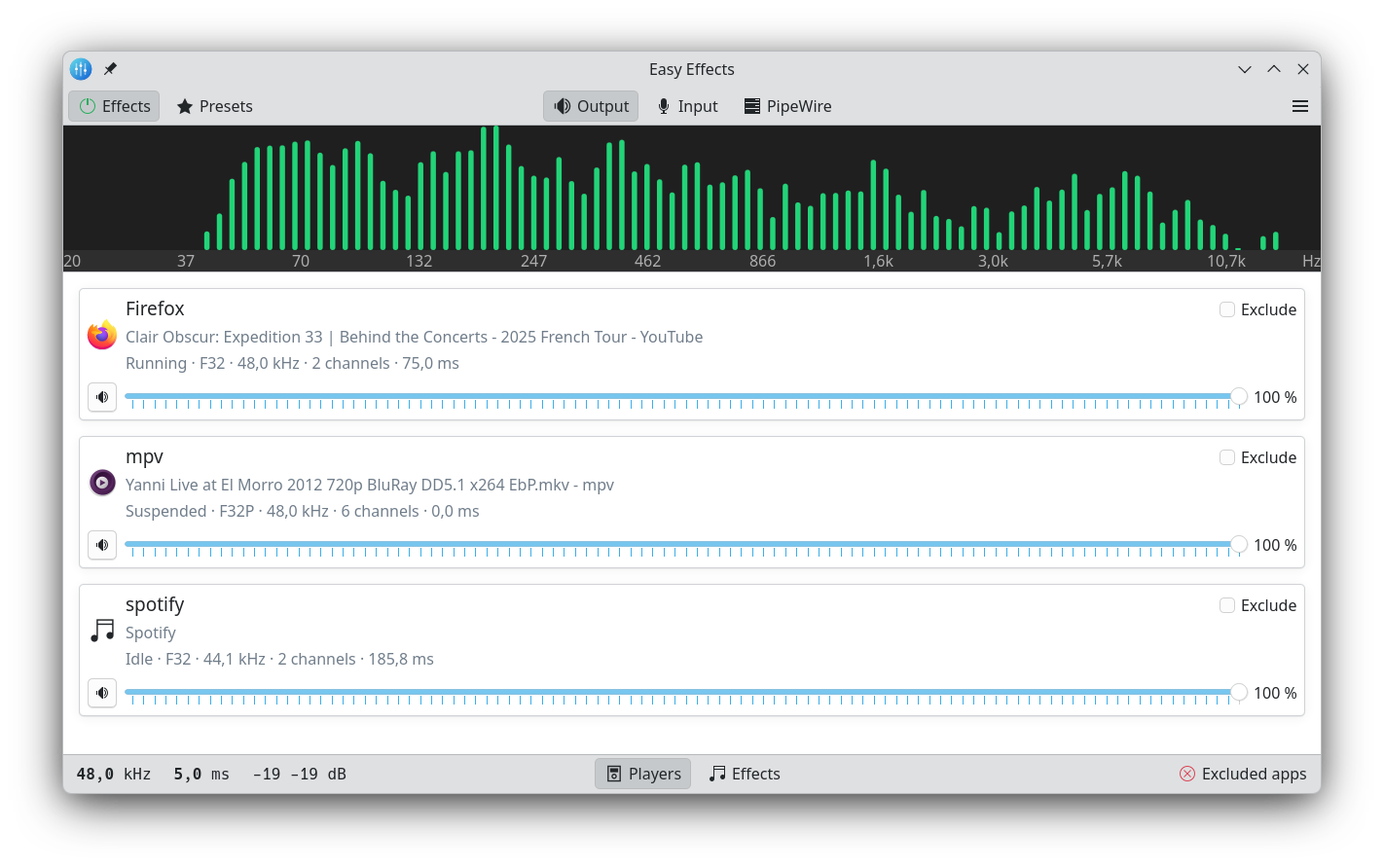
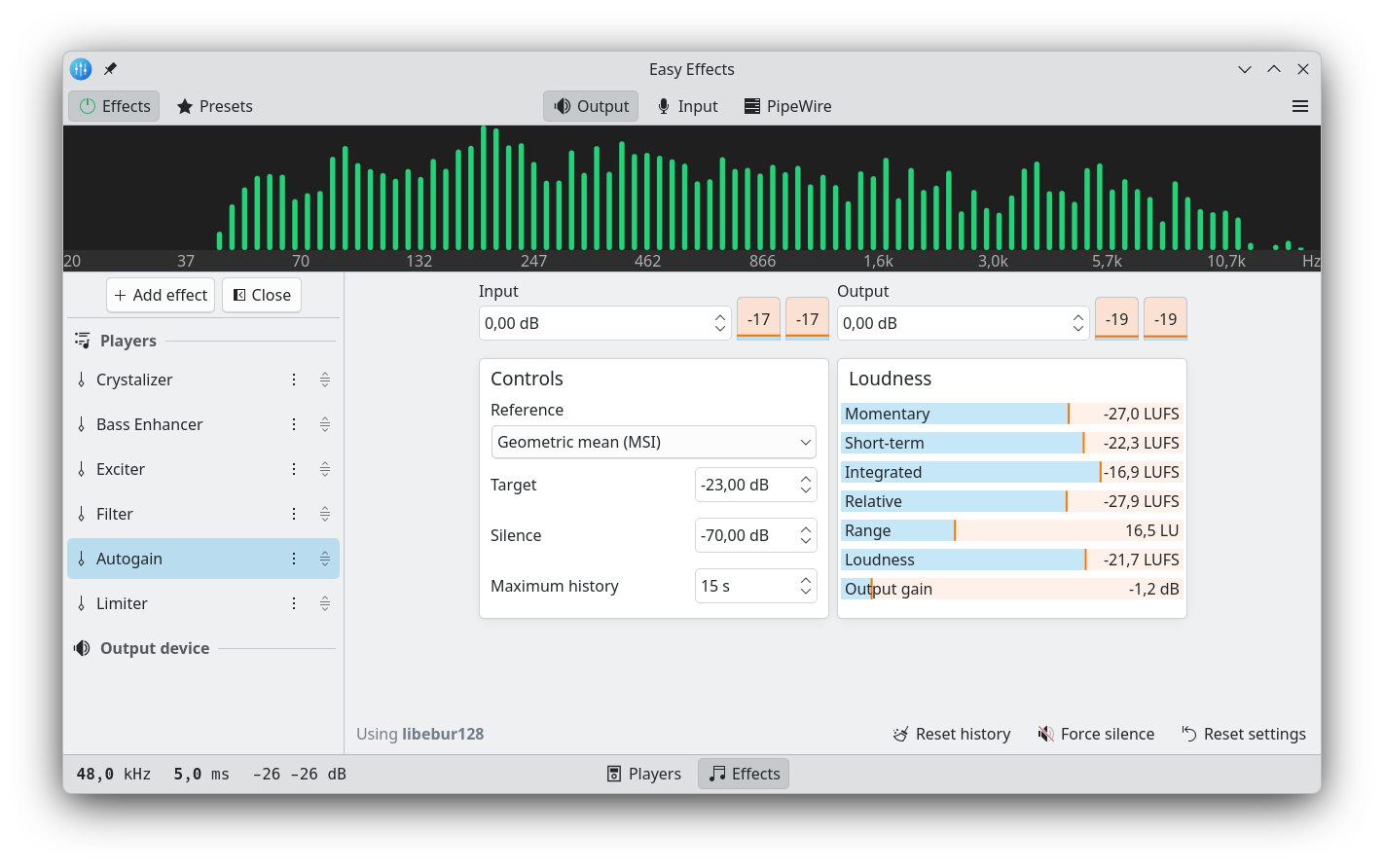
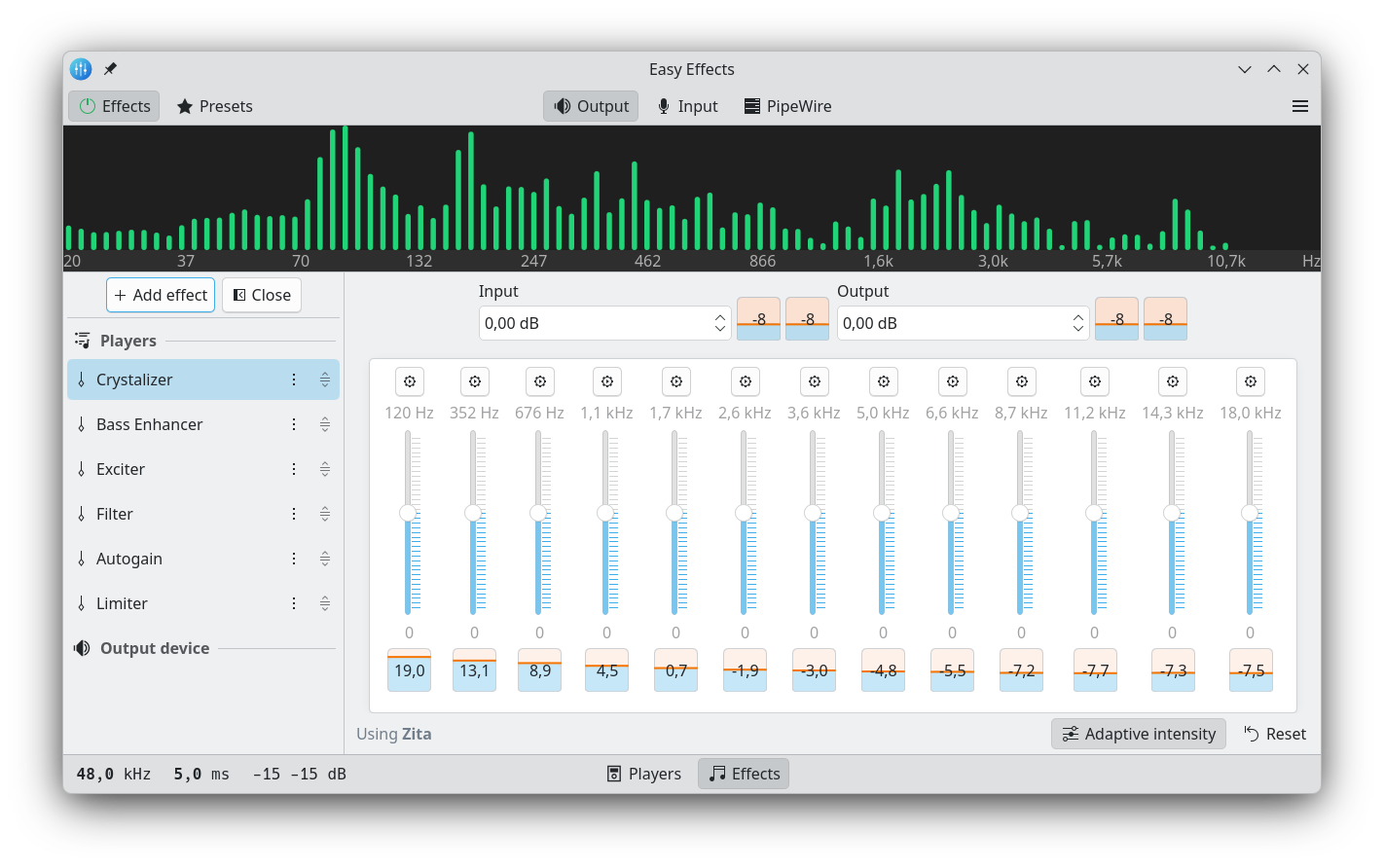
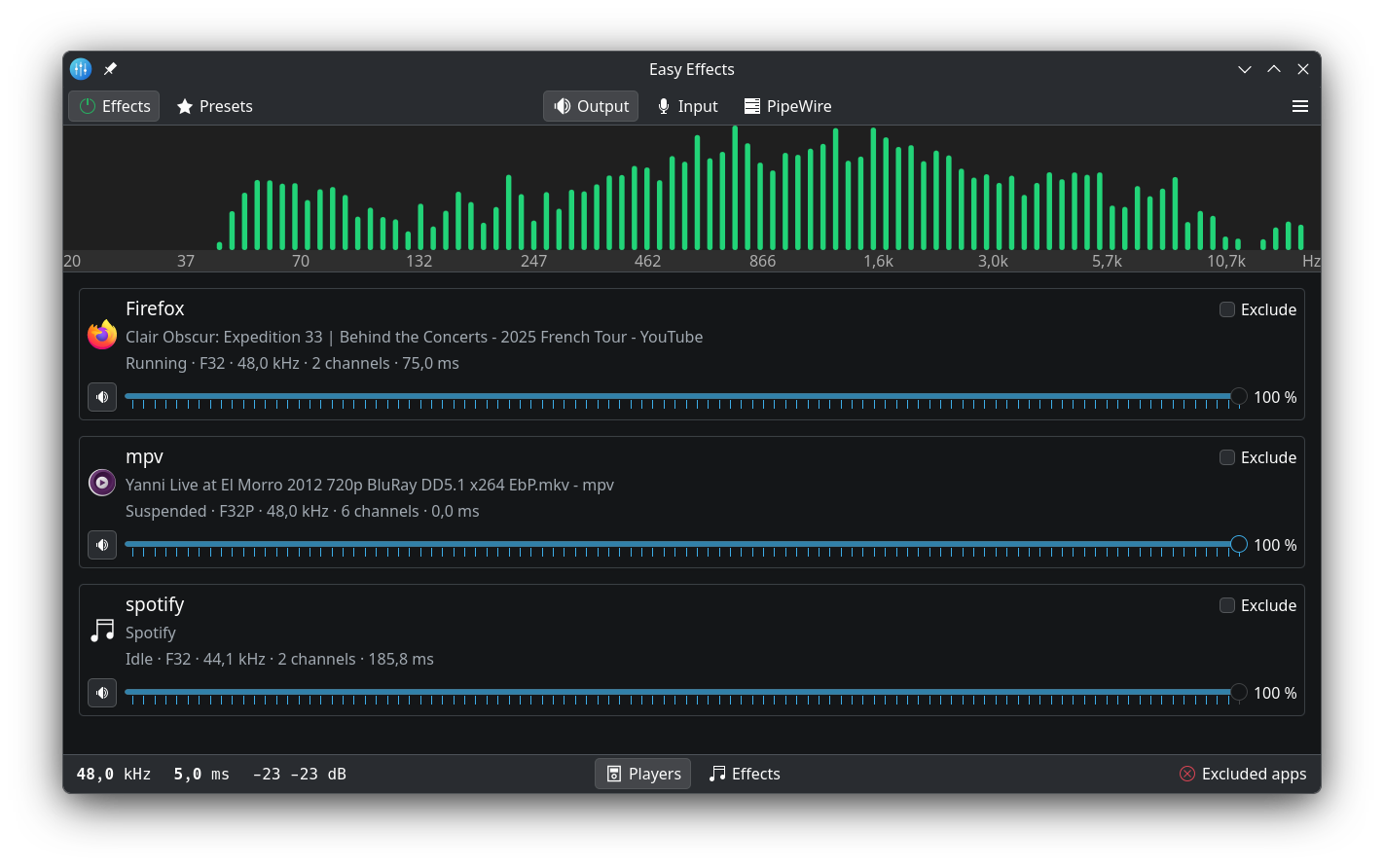
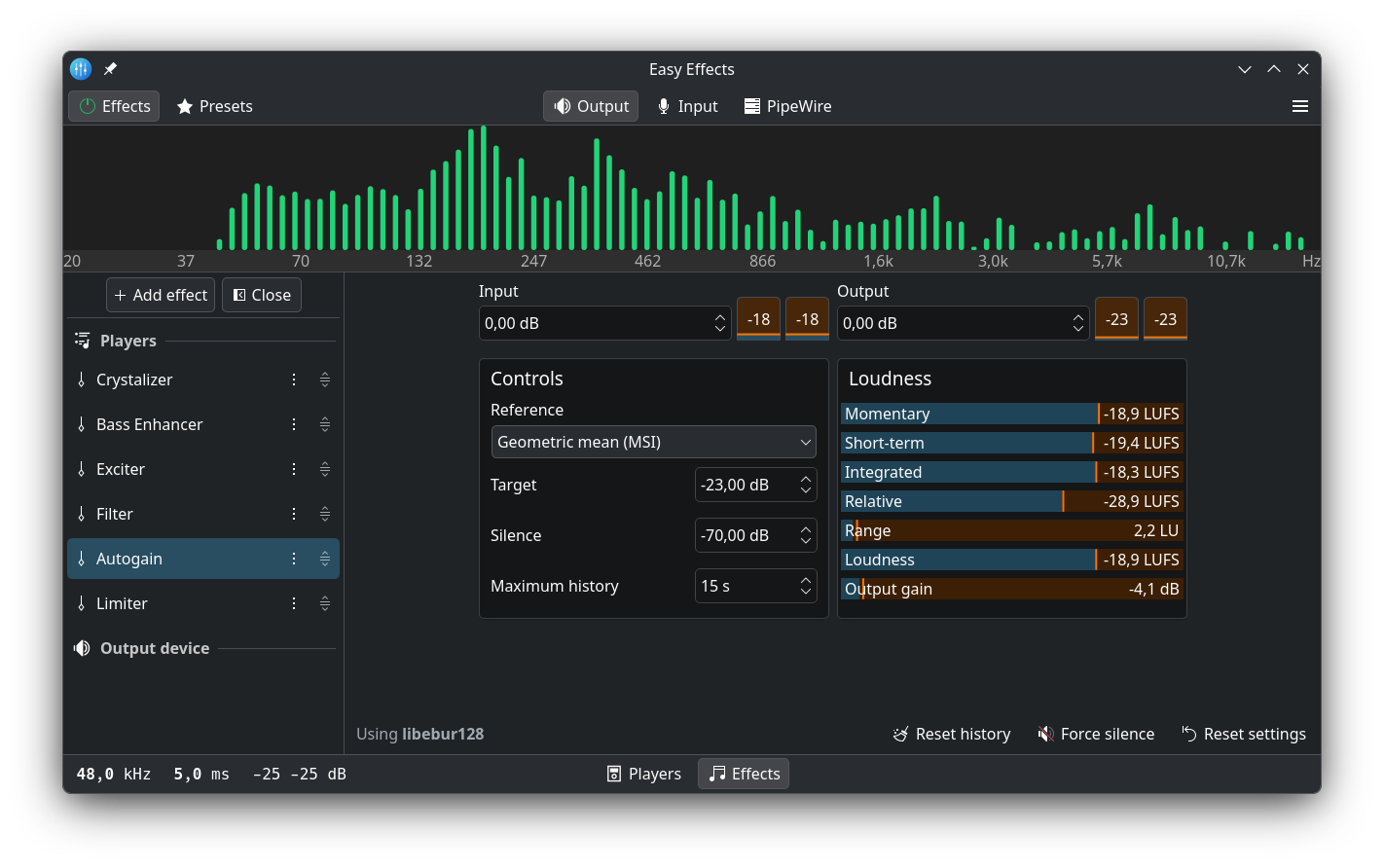
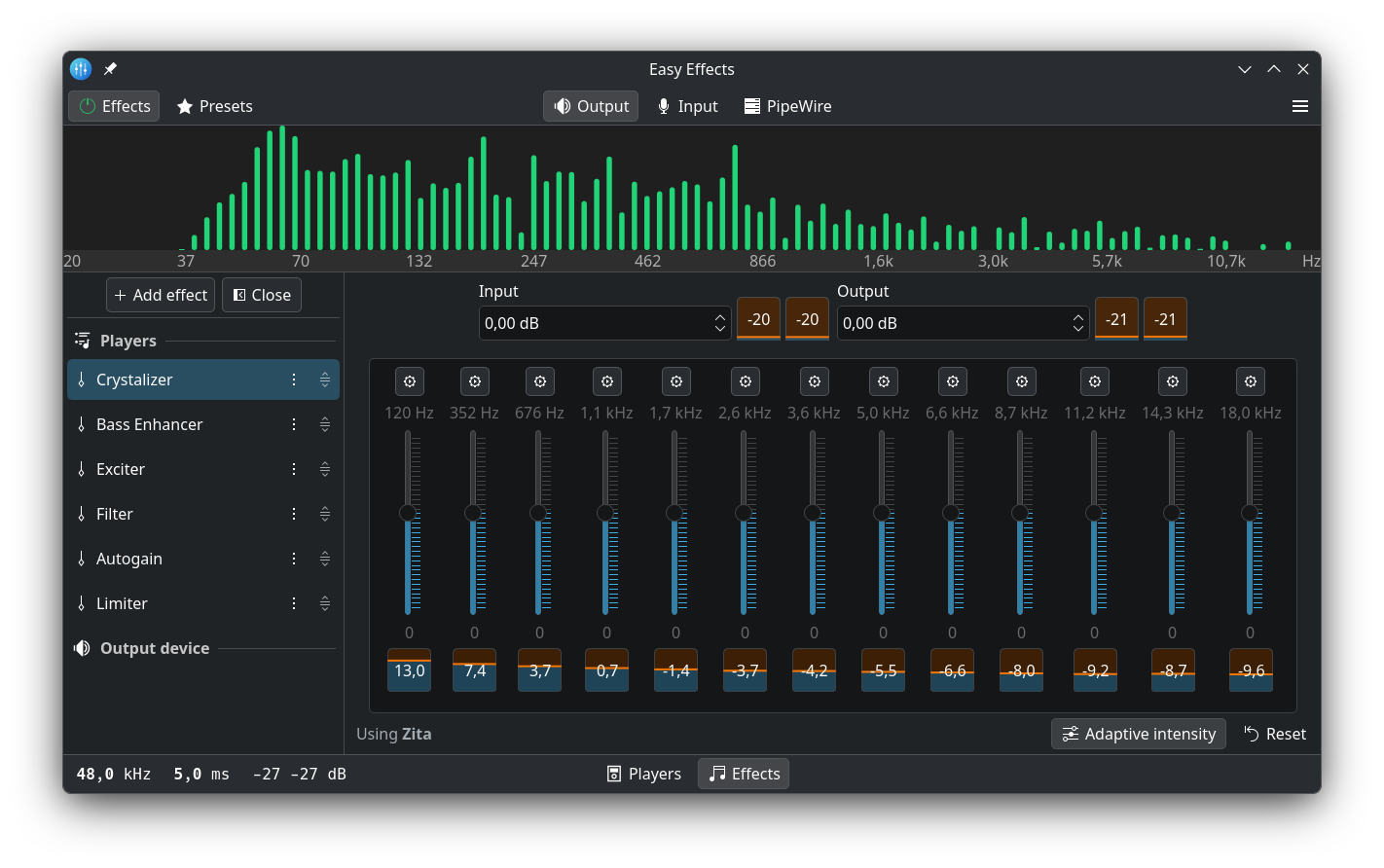
History and window preview

This application was formerly known as PulseEffects, but it was renamed to Easy Effects after it started to use GTK4 and GStreamer usage was replaced by native PipeWire filters. And eventually the whole application was ported from GTK4 to a combination of Qt, QML and KDE/Kirigami frameworks.

GitHub Light GitHub Light GitHub Light

GitHub Dark GitHub Dark GitHub Dark

Effects available

The user has full control over the effects order. Just use the up/down arrows next to the effect labels on the left side.

See the full list of available effects

  • Autogain
  • Autotune
  • Bass enhancer
  • Bass loudness
  • Compressor
  • Convolver
  • Crossfeed
  • Crosstalk canceller
  • Crusher
  • Crystalizer
  • De-esser
  • Delay
  • Deep noise remover
  • Echo canceller
  • Equalizer
  • Exciter
  • Expander
  • Filter (low-pass, high-pass, band-pass and band-reject modes)
  • Gate
  • Level meter
  • Limiter
  • Loudness
  • Maximizer
  • Multiband compressor
  • Multiband gate
  • Noise reduction
  • Pitch shift
  • Reverberation
  • Speech processor
  • Stereo tools
  • Voice Suppressor

Some packages do not provide all plugin packages by default. In case some effects are not available, ensure you have the following installed on your system:

Dependencies

Plugins needed for effects:

Other dependencies include:

Donate

You can help me to keep developing Easy Effects through donations. Any amount will be greatly appreciated :-)

Installation

Distribution-specific packages

Most up-to-date Linux distributions have an easyeffects package that can be installed with the distribution package manager. See the wiki for a full list.

Flatpak

Alternatively, click here to install via Flatpak:

Get Easy Effects on Flathub

Flatpak packages support most Linux distributions and are sandboxed. The Easy Effects Flatpak package also includes all available plugins.

If your distribution does not yet include packages required to build Easy Effects, Flatpak is a convenient option.

Warning

Do NOT set Easy Effects virtual devices as your default audio input/output. Easy Effects is designed assuming that your hardware stays as default device.

Help

A comprehensive set of help pages are included in the application itself, accessed via the hamburger menu in the top right. If the help pages are inaccessible ensure the yelp package is installed.

The latest version of the help pages can also be read here.

Changelog

For information about changes between versions, take a look at our changelog

Frequently asked questions

Take a look at our FAQ to see if you are facing a known issue.

Community presets

See the wiki: Community presets

This page also has instructions for converting PulseEffects presets to Easy Effects presets.

Guildelines for package maintainers: Guidelines

Command-line options

See the wiki: Command Line Options

GNOME Shell extension

See the wiki: Preset Selector GNOME Extension

Reporting bugs

See the wiki: Reporting Bugs

Translating Easy Effects

See the wiki's Translating Easy Effects article for detailed instructions.

Installing from source

To install from source, see the wiki's Installing from Source article for detailed instructions.

CI artifacts

Flatpak bundles and Arch packages for testing and development purposes are built for PRs and pushes to master. See the installation instructions.

License

Easy Effects is licensed under GNU General Public License version 3 or later. See the LICENSE file.

easyeffects (wwmm/easyeffects)

Searching Database…

这是什么?Easy Effects 是一款 Linux 音频应用,通过 PipeWire 为你的应用程序声音添加录音室风格的音效——均衡器、压缩器、限幅器、自动增益等 30 多种。它以前叫 PulseEffects。
它是装在音乐播放器里的插件,还是一个独立的应用?它是一个独立的桌面应用,不是插件:它拥有自己的窗口(基于 Qt、QML 和 KDE 的 Kirigami 框架构建),并通过 PipeWire 处理音频。
为什么我安装之后有些效果不见了?有些发行版软件包不会自动装齐所有插件依赖:用于降噪的 RNNoise、用于深度降噪的 DeepFilterNet、用于变调的 SoundTouch、用于卷积器的 Zita-convolver,还有 Calf 和 Linux Studio 插件等等。Flatpak 版本则一应俱全。
它运行起来之后,有什么我不该做的事吗?有——千万不要把 Easy Effects 的虚拟设备设为默认的音频输入或输出设备。这个应用的设计前提是你的真实硬件保持为默认设备。
它只支持 Linux,还是也能在 Windows 和 macOS 上运行?仅限 Linux。它基于 Linux 音频服务器 PipeWire 构建,README 里只提到了发行版软件包和 Flatpak——没有 Windows 或 macOS 版本。
它自带的效果里有哪些比较特别的?除了常见的效果之外,还有自动修音(autotune)、去齿音(de-esser)、深度降噪(deep noise remover)、回声消除(echo canceller)、激灵器(crystalizer)、串扰(crossfeed)、激励器(exciter)、最大化器(maximizer)、多段压缩器和门限(multiband compressor and gate)、变调(pitch shift)、混响(reverberation)以及语音处理器(speech processor)。
我能调整效果的先后顺序吗?可以——效果链完全可以重新排序,用窗口左侧每个效果名称旁边的上下箭头即可。
在哪里能找到现成的预设?项目 wiki 上有一个社区预设页面,里面还包括把旧的 PulseEffects 预设转换成 Easy Effects 格式的说明。
不开应用窗口也能切换预设吗?可以——wiki 上记录了命令行选项,另外还有一个叫 Preset Selector 的 GNOME Shell 扩展,可以让你直接在桌面上切换预设。
Creator
wwmm
Size
179.4 MB
Stars
10.4K
Updated
CommitOct 16
Age
9y
Commits · 90 Days