






10.4K ·GitHub
Что это такое?
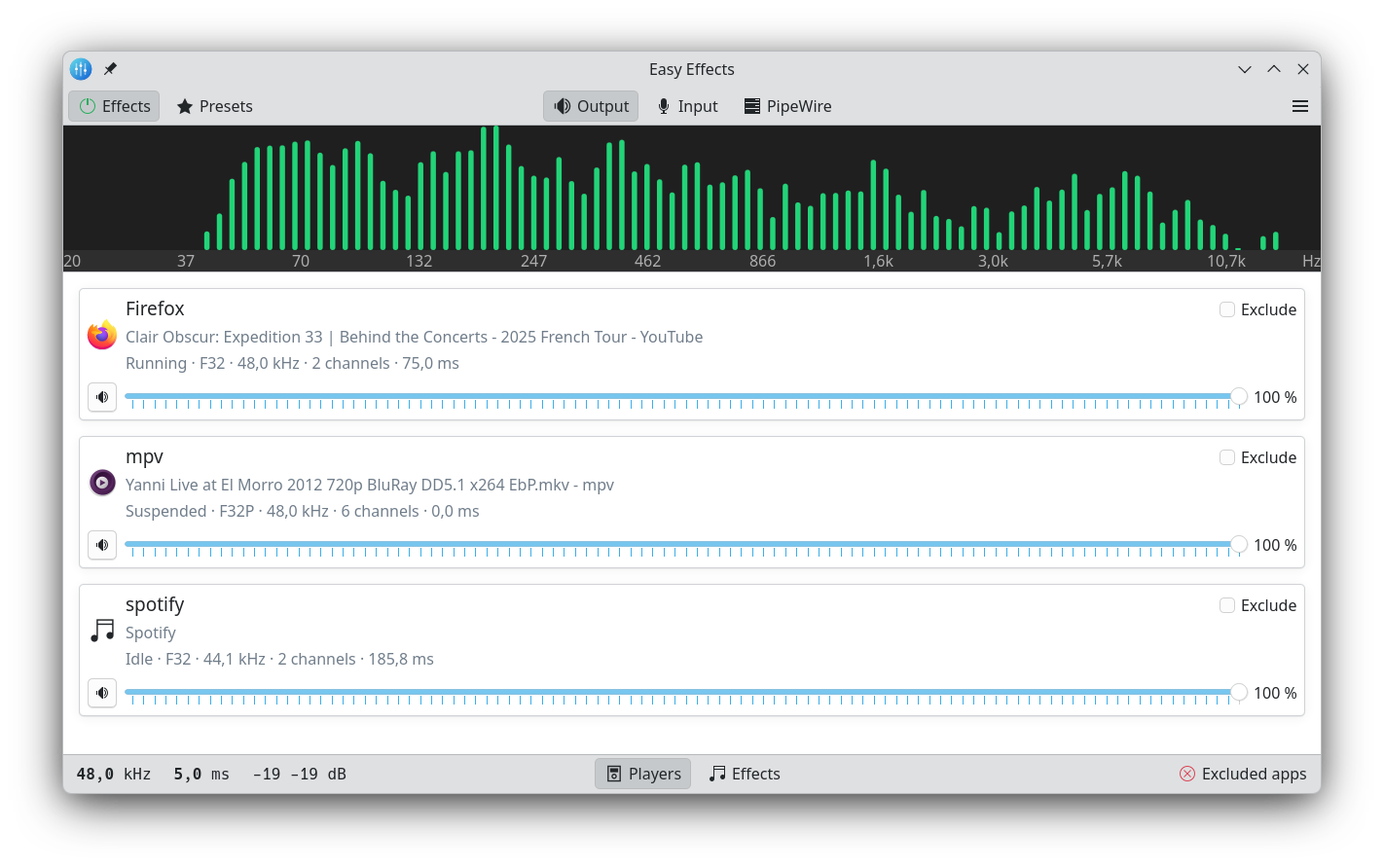
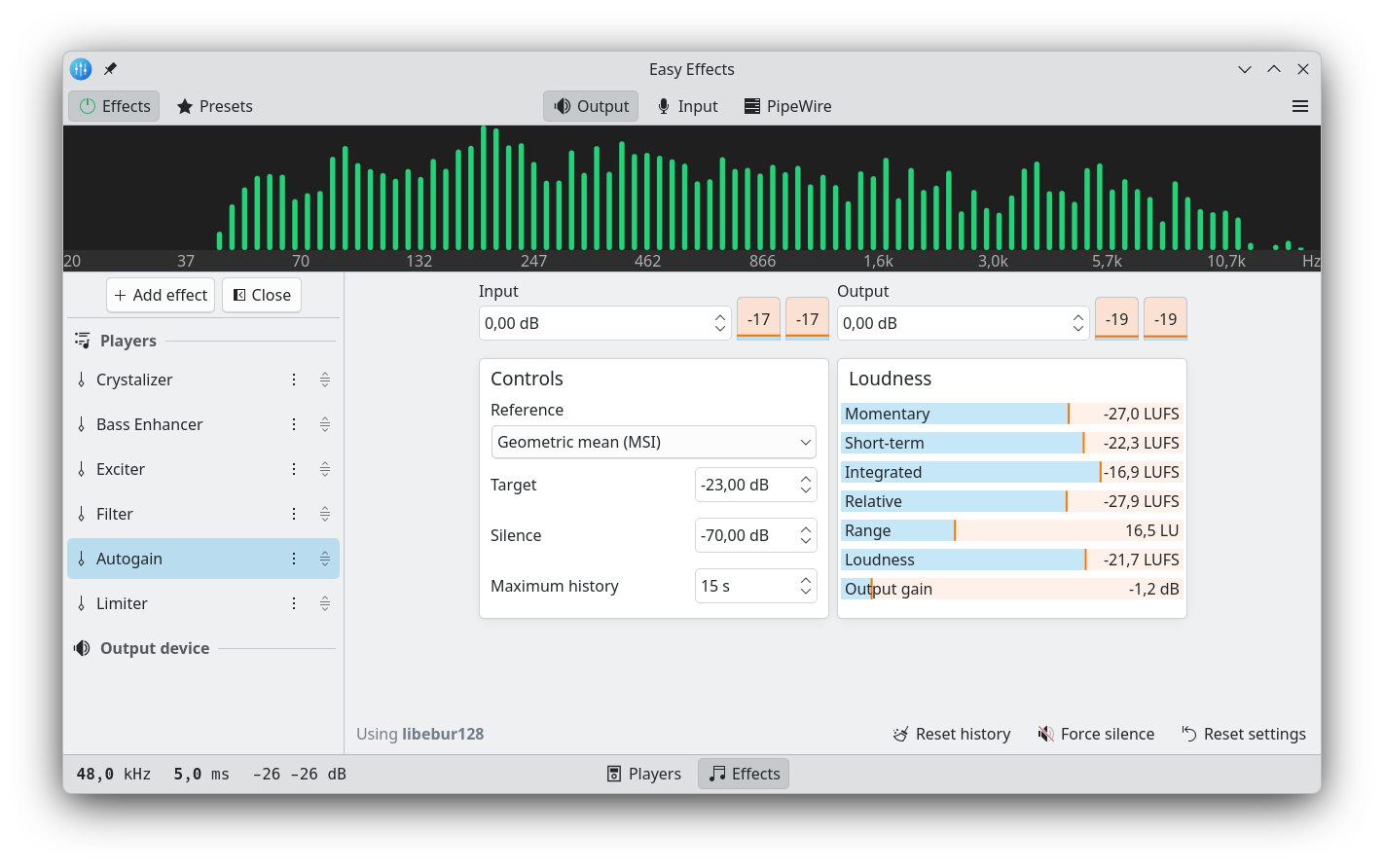
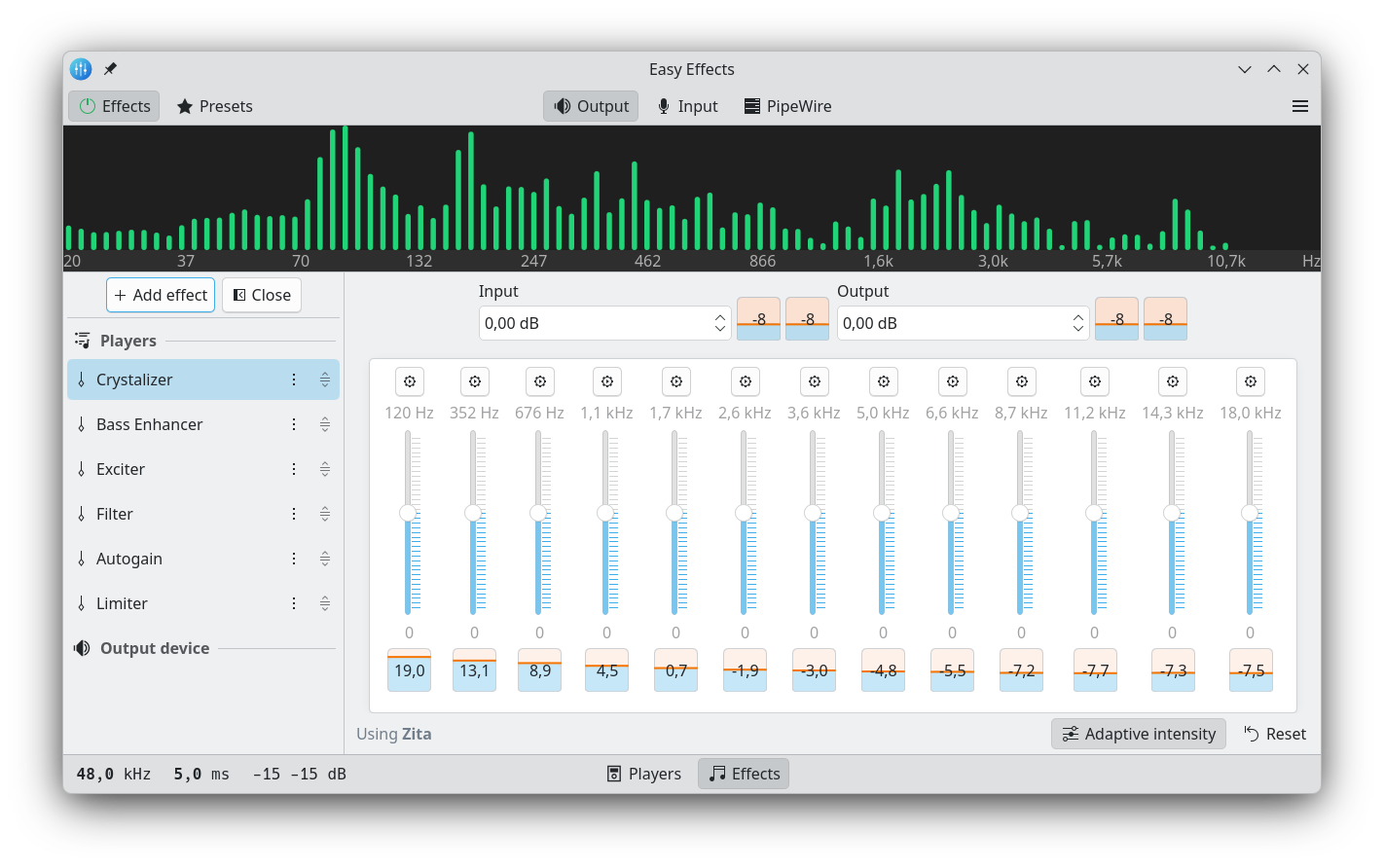
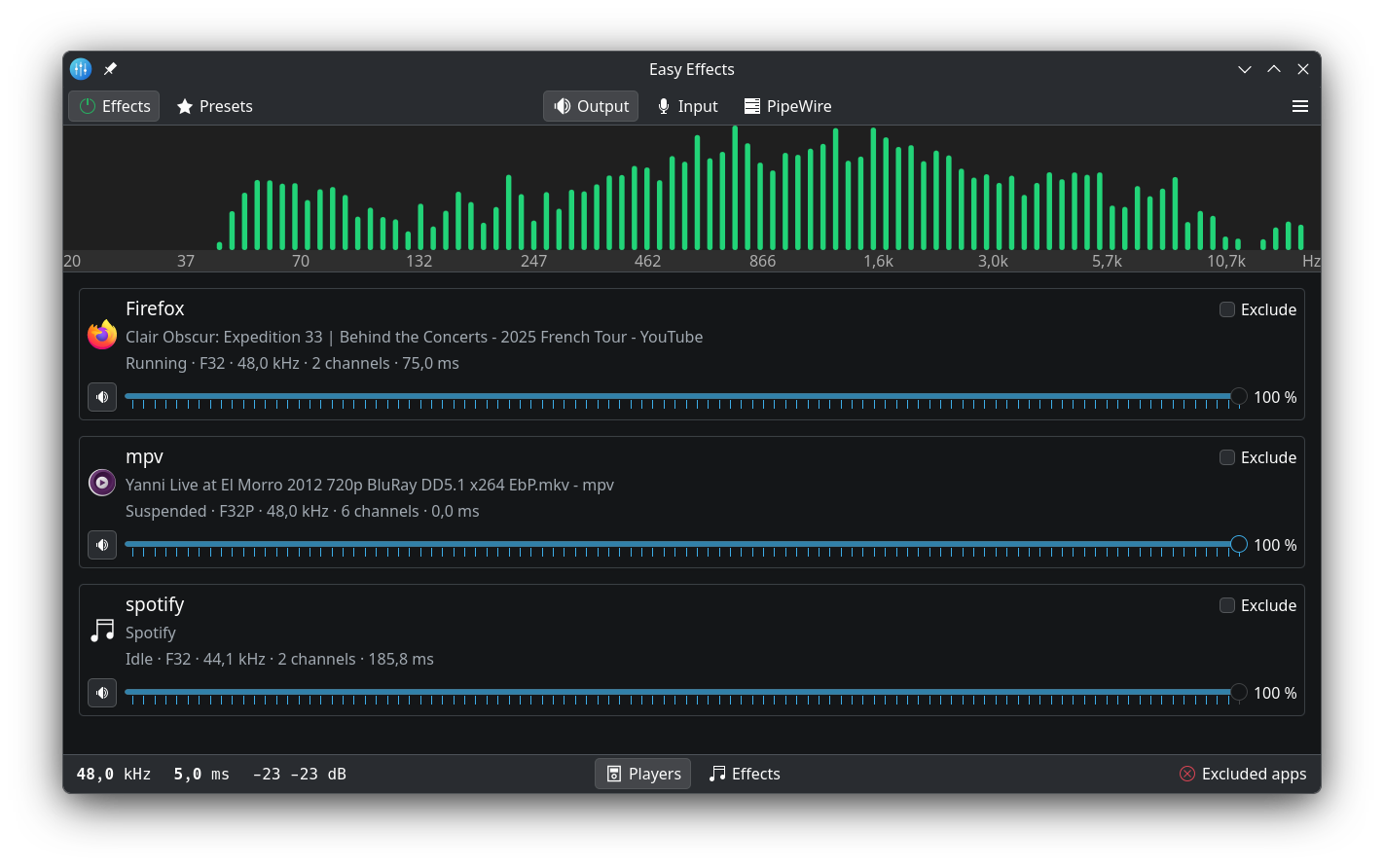
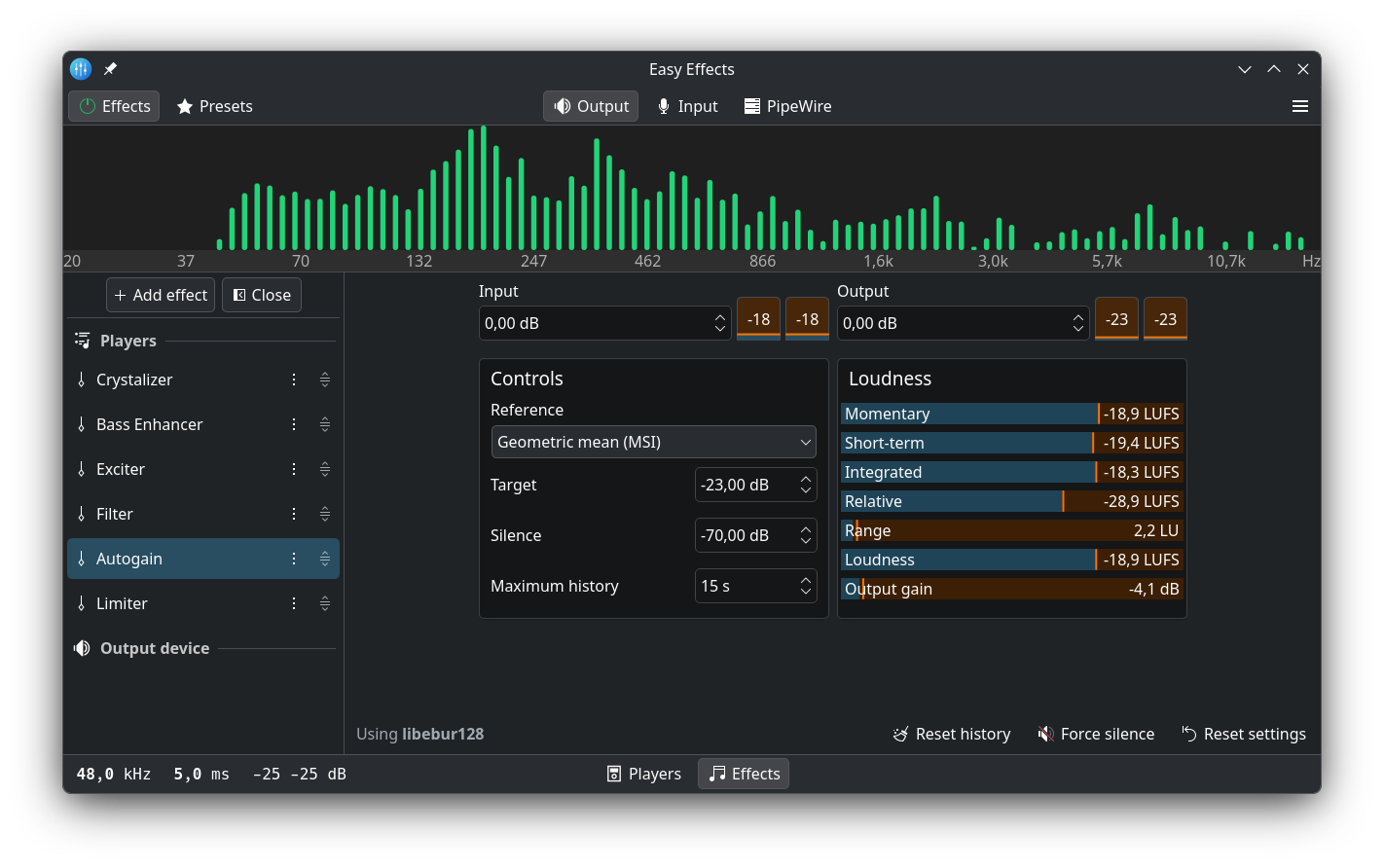
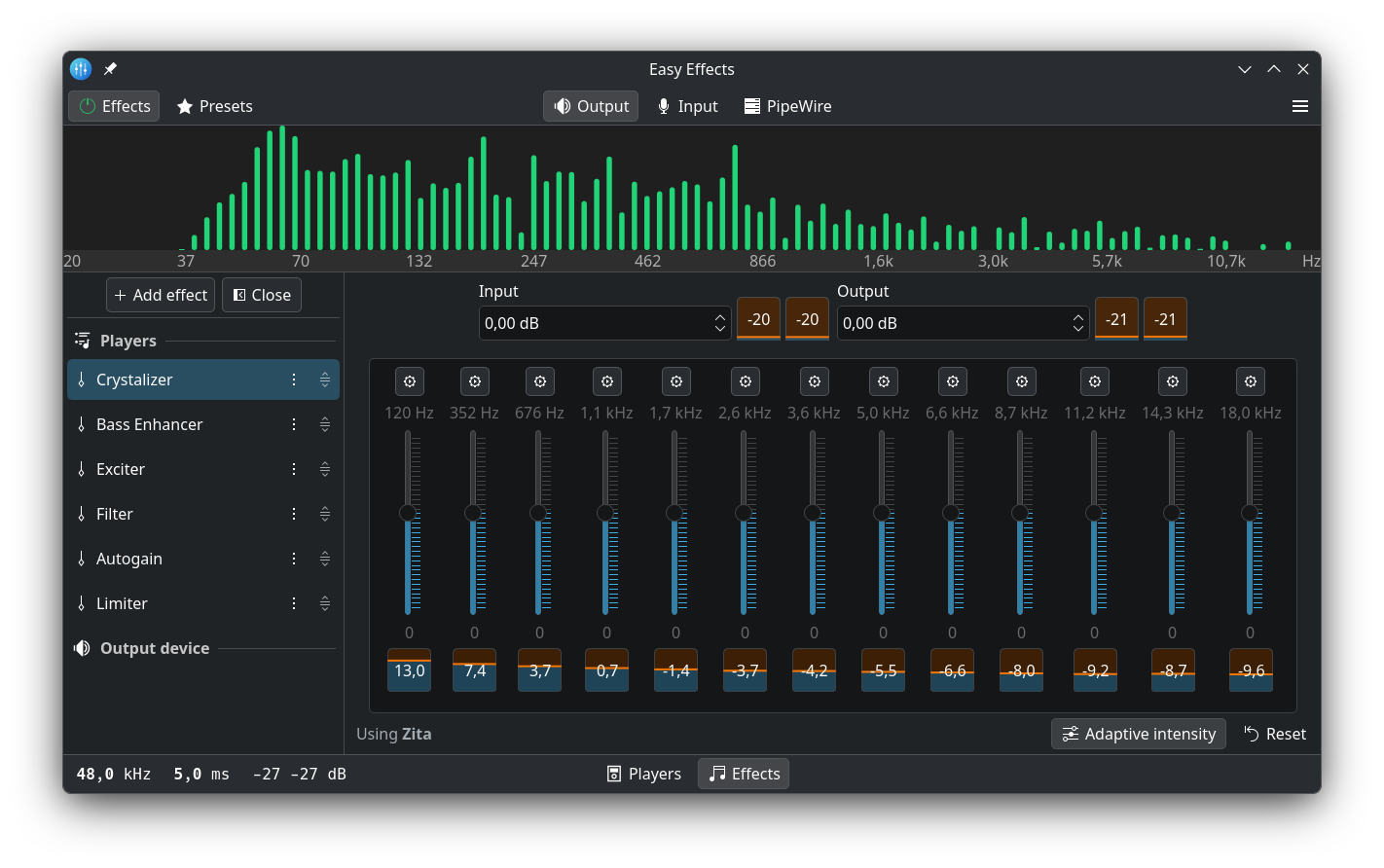
 Easy Effects — это аудиоприложение для Linux, которое через PipeWire применяет к звуку ваших приложений эффекты студийного уровня: эквалайзер, компрессор, лимитер, автогейн и ещё более 30 других. Раньше программа называлась PulseEffects.
Easy Effects — это аудиоприложение для Linux, которое через PipeWire применяет к звуку ваших приложений эффекты студийного уровня: эквалайзер, компрессор, лимитер, автогейн и ещё более 30 других. Раньше программа называлась PulseEffects.Это плагин для моего музыкального плеера или отдельное приложение?Это самостоятельное настольное приложение, а не плагин: у него собственное окно, построенное на Qt, QML и фреймворке KDE Kirigami, а обработка звука идёт через PipeWire.
Это самостоятельное настольное приложение, а не плагин: у него собственное окно, построенное на Qt, QML и фреймворке KDE Kirigami, а обработка звука идёт через PipeWire.Почему после установки у меня могут отсутствовать некоторые эффекты?Некоторые пакеты в дистрибутивах не тянут за собой все зависимости плагинов: RNNoise для шумоподавления, DeepFilterNet для глубокого удаления шума, SoundTouch для изменения высоты тона, Zita-convolver для конвольвера, а также Calf, Linux Studio plugins и другие. Сборка из Flatpak включает всё сразу.
Некоторые пакеты в дистрибутивах не тянут за собой все зависимости плагинов: RNNoise для шумоподавления, DeepFilterNet для глубокого удаления шума, SoundTouch для изменения высоты тона, Zita-convolver для конвольвера, а также Calf, Linux Studio plugins и другие. Сборка из Flatpak включает всё сразу.Чего не стоит делать, когда программа уже запущена?Не назначайте виртуальные устройства Easy Effects устройствами ввода или вывода звука по умолчанию. Программа рассчитана на то, что вашим устройством по умолчанию остаётся настоящее оборудование.
Не назначайте виртуальные устройства Easy Effects устройствами ввода или вывода звука по умолчанию. Программа рассчитана на то, что вашим устройством по умолчанию остаётся настоящее оборудование.Только для Linux или работает ещё и на Windows и macOS?Только Linux. Она построена на PipeWire — звуковом сервере Linux, а в README упоминаются лишь пакеты дистрибутивов и Flatpak — сборок для Windows и macOS нет.
Только Linux. Она построена на PipeWire — звуковом сервере Linux, а в README упоминаются лишь пакеты дистрибутивов и Flatpak — сборок для Windows и macOS нет.Какие необычные эффекты входят в программу?Помимо стандартных есть автотюн, де-эссер, глубокое удаление шума, подавление эха, crystalizer, crossfeed, exciter, максимайзер, многополосный компрессор и гейт, изменение высоты тона, реверберация и процессор речи.
Помимо стандартных есть автотюн, де-эссер, глубокое удаление шума, подавление эха, crystalizer, crossfeed, exciter, максимайзер, многополосный компрессор и гейт, изменение высоты тона, реверберация и процессор речи.Могу ли я сам задавать порядок применения эффектов?Да — цепочку эффектов можно свободно перестраивать стрелками вверх/вниз рядом с названием каждого эффекта в левой части окна.
Да — цепочку эффектов можно свободно перестраивать стрелками вверх/вниз рядом с названием каждого эффекта в левой части окна.Где взять готовые пресеты?В вики проекта есть страница с пресетами от сообщества, включая инструкции по конвертации старых пресетов PulseEffects в формат Easy Effects.
В вики проекта есть страница с пресетами от сообщества, включая инструкции по конвертации старых пресетов PulseEffects в формат Easy Effects.Можно ли переключать пресеты, не открывая окно программы?Да — в вики описаны параметры командной строки, а расширение GNOME Shell под названием Preset Selector позволяет менять пресеты прямо с рабочего стола.
Да — в вики описаны параметры командной строки, а расширение GNOME Shell под названием Preset Selector позволяет менять пресеты прямо с рабочего стола.What are similar projects?omastorm, ytDownloader, NoiseTorch, FineTune, Spun, flameshot, omarchy-pods, moonlight-qt
omastorm, ytDownloader, NoiseTorch, FineTune, Spun, flameshot, omarchy-pods, moonlight-qt