
12.7K ·GitHub
What is this?
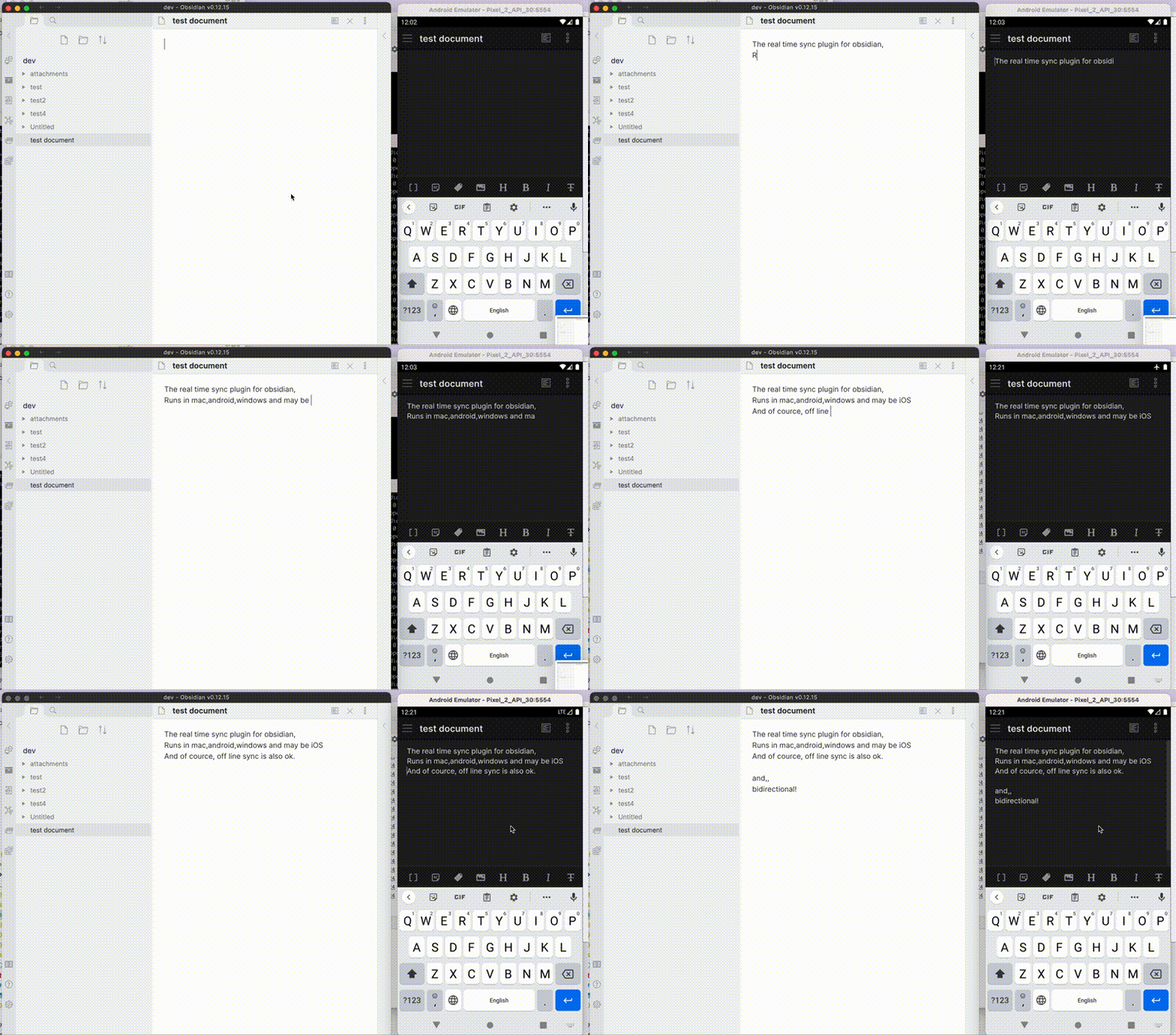
 Self-hosted LiveSync is a community-developed Obsidian plugin that synchronises your notes across devices using your own CouchDB or S3-compatible object storage server, or directly between devices via WebRTC peer-to-peer.
Self-hosted LiveSync is a community-developed Obsidian plugin that synchronises your notes across devices using your own CouchDB or S3-compatible object storage server, or directly between devices via WebRTC peer-to-peer.Is this a replacement for the official Obsidian Sync service?No, it's an independent Obsidian plugin that syncs through a server you control (CouchDB or object storage) or peer-to-peer; it does not talk to and is not compatible with Obsidian's paid Sync service.
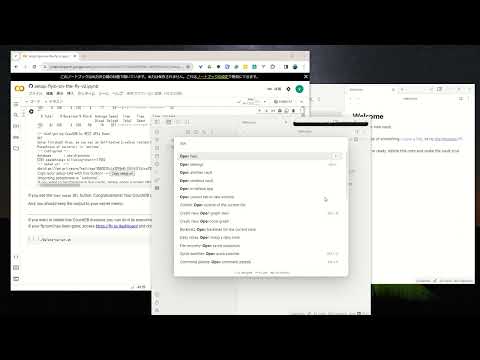
No, it's an independent Obsidian plugin that syncs through a server you control (CouchDB or object storage) or peer-to-peer; it does not talk to and is not compatible with Obsidian's paid Sync service.How do I get it running?The recommended beginner path is the 3-minute setup: spin up CouchDB on fly.io, then configure the plugin using its Quick Setup, which generates a Setup URI to add further devices.
The recommended beginner path is the 3-minute setup: spin up CouchDB on fly.io, then configure the plugin using its Quick Setup, which generates a Setup URI to add further devices.Do I need to host my own server?Yes — you need either a CouchDB server (self-hosted, fly.io, IBM Cloudant) or an S3-compatible object storage service (Cloudflare R2, MinIO), or for P2P mode a signalling relay for peer discovery.
Yes — you need either a CouchDB server (self-hosted, fly.io, IBM Cloudant) or an S3-compatible object storage service (Cloudflare R2, MinIO), or for P2P mode a signalling relay for peer discovery.Can I run this alongside iCloud or Obsidian Sync?No, you should not enable it together with another sync solution like iCloud or Obsidian Sync, and you should back up your vault before installing or upgrading.
No, you should not enable it together with another sync solution like iCloud or Obsidian Sync, and you should back up your vault before installing or upgrading.Who is this mainly built for?It's aimed at researchers, engineers and developers who want their notes fully self-hosted for security, as well as anyone who wants complete privacy over their vault.
It's aimed at researchers, engineers and developers who want their notes fully self-hosted for security, as well as anyone who wants complete privacy over their vault.Does it work on mobile as well as desktop?Yes, it works on all Obsidian-compatible platforms, which includes Windows, macOS, Linux, iOS and Android.
Yes, it works on all Obsidian-compatible platforms, which includes Windows, macOS, Linux, iOS and Android.Where does my note data actually live?Your notes stay on infrastructure you choose and control (your own CouchDB/object storage, or peer devices via WebRTC), rather than on Obsidian's or any third party's servers — unless you opt into a third-party managed host.
Your notes stay on infrastructure you choose and control (your own CouchDB/object storage, or peer devices via WebRTC), rather than on Obsidian's or any third party's servers — unless you opt into a third-party managed host.What is Customisation Sync?A beta feature (plus Hidden File Sync) that synchronises your Obsidian settings, snippets, themes and plug-ins across devices, in addition to your notes.
A beta feature (plus Hidden File Sync) that synchronises your Obsidian settings, snippets, themes and plug-ins across devices, in addition to your notes.How does peer-to-peer sync work without a central server?Devices exchange notes directly over WebRTC with no central data-storage server, but a signalling relay is still required for peer discovery, and at least one device holding the data must stay online while another syncs.
Devices exchange notes directly over WebRTC with no central data-storage server, but a signalling relay is still required for peer discovery, and at least one device holding the data must stay online while another syncs.What happens if I close Obsidian while it's syncing?You risk file and database corruption, especially after deletes or renames, so you should wait until all progress indicators in the status bar disappear; the plugin will try to resume if interrupted.
You risk file and database corruption, especially after deletes or renames, so you should wait until all progress indicators in the status bar disappear; the plugin will try to resume if interrupted.Is there a managed hosting option if I don't want to run my own server?A third party called Zenith Hosting offers managed CouchDB hosting compatible with the plugin, though it's unofficial, unendorsed, and your data would then live on their servers.
A third party called Zenith Hosting offers managed CouchDB hosting compatible with the plugin, though it's unofficial, unendorsed, and your data would then live on their servers.What are similar projects?yaos, spacedrive, EnvoyMesh, obsidian-git, rclone, ente, ds-harness-remote, kopia
yaos, spacedrive, EnvoyMesh, obsidian-git, rclone, ente, ds-harness-remote, kopiaWhich topics is it in?obsidian-plugin, sync, webrtc, s3, p2p, storage, backup, note-taking, encryption, plugin, database, ios
obsidian-plugin, sync, webrtc, s3, p2p, storage, backup, note-taking, encryption, plugin, database, ios