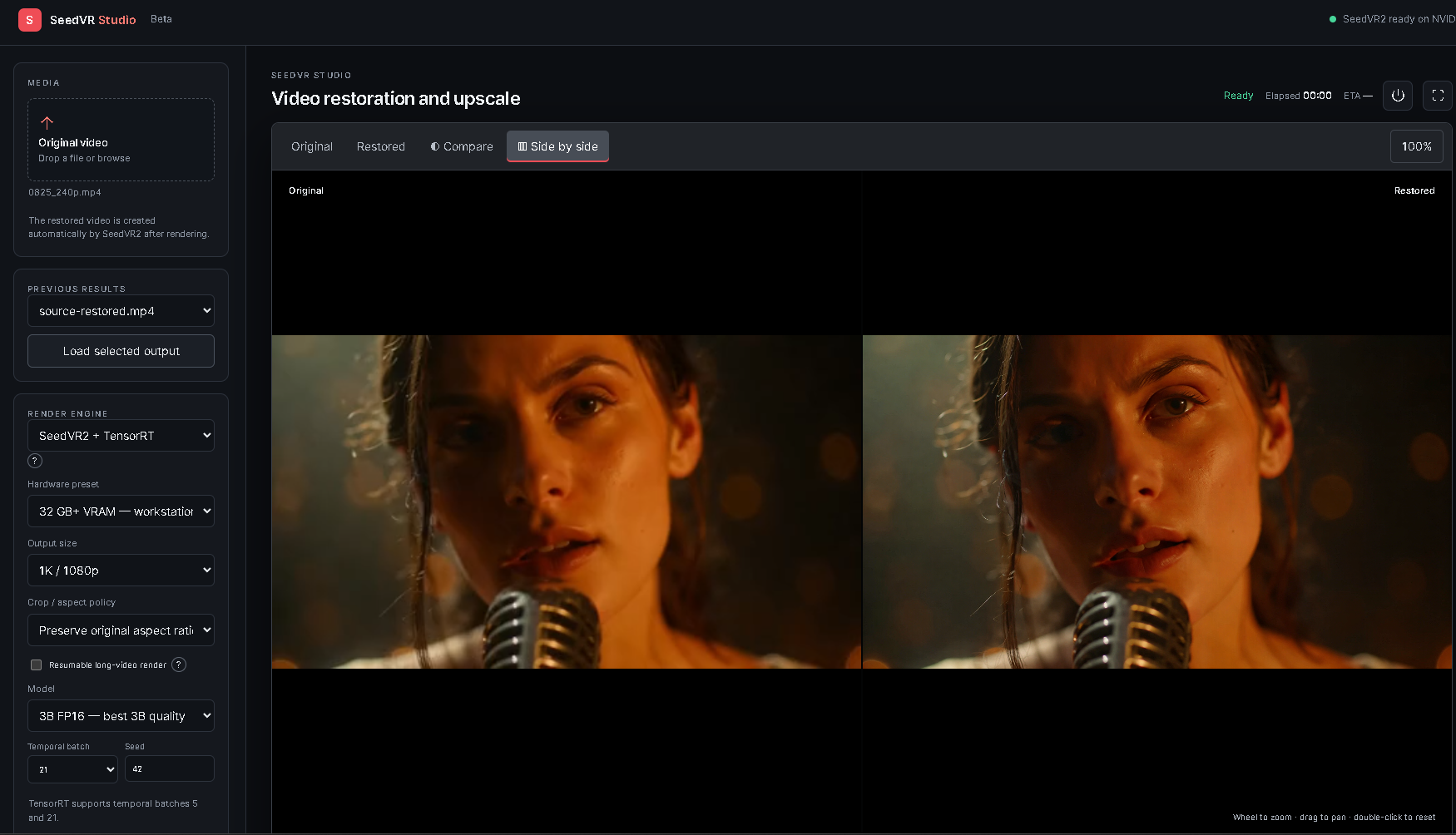



Что это?
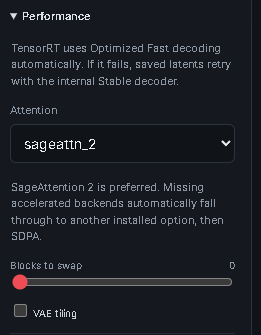
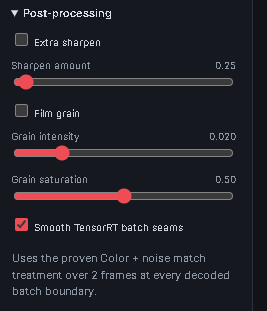
 Локальная студия восстановления и апскейла видео с ускорением на GPU, построенная вокруг модели SeedVR2 с ускорением TensorRT и управляемая через браузерный интерфейс на JavaScript/FastAPI для предпросмотра, сравнения и рендеринга видео.
Локальная студия восстановления и апскейла видео с ускорением на GPU, построенная вокруг модели SeedVR2 с ускорением TensorRT и управляемая через браузерный интерфейс на JavaScript/FastAPI для предпросмотра, сравнения и рендеринга видео.Это настольное приложение или веб-сервис, к которому я подключаюсь?Это локальное приложение, которое вы запускаете на своём ПК с Windows: бэкенд на FastAPI (apiserver.py) раздаёт JavaScript-фронтенд в вашем браузере, а вся обработка происходит на вашей машине, а не на удалённом сервере.
Это локальное приложение, которое вы запускаете на своём ПК с Windows: бэкенд на FastAPI (apiserver.py) раздаёт JavaScript-фронтенд в вашем браузере, а вся обработка происходит на вашей машине, а не на удалённом сервере.Как это запустить?Скачайте или склонируйте репозиторий, дважды щёлкните 'Install SeedVR Studio.bat' и дождитесь окончания установки (она ставит Python, FFmpeg, CUDA PyTorch, SeedVR2, SageAttention 2 и движки TensorRT), затем дважды щёлкните 'Launch SeedVR Studio Pro.bat' и перетащите видео в панель Media.
Скачайте или склонируйте репозиторий, дважды щёлкните 'Install SeedVR Studio.bat' и дождитесь окончания установки (она ставит Python, FFmpeg, CUDA PyTorch, SeedVR2, SageAttention 2 и движки TensorRT), затем дважды щёлкните 'Launch SeedVR Studio Pro.bat' и перетащите видео в панель Media.Какое железо нужно, прежде чем пробовать?GPU NVIDIA RTX с актуальным драйвером, Windows 11, не менее 35 ГБ свободного места и интернет-соединение для первой установки; Python 3.12+ установочный скрипт ставит автоматически.
GPU NVIDIA RTX с актуальным драйвером, Windows 11, не менее 35 ГБ свободного места и интернет-соединение для первой установки; Python 3.12+ установочный скрипт ставит автоматически.Есть ли подводные камни с движками TensorRT?Движки TensorRT компилируются под конкретно установленную GPU и рантайм, так что файлы .rtxplan нельзя копировать между разными моделями GPU или версиями TensorRT; финишная обработка кожи тоже не генеративна и не может воссоздать черты лица, потерянные при восстановлении.
Движки TensorRT компилируются под конкретно установленную GPU и рантайм, так что файлы .rtxplan нельзя копировать между разными моделями GPU или версиями TensorRT; финишная обработка кожи тоже не генеративна и не может воссоздать черты лица, потерянные при восстановлении.Это работает и на GPU AMD или только на NVIDIA?Для пути с ускорением TensorRT поддерживаются только GPU NVIDIA RTX; рекомендованная конфигурация требует Windows 11 и карту NVIDIA RTX, о поддержке GPU AMD ничего не говорится.
Для пути с ускорением TensorRT поддерживаются только GPU NVIDIA RTX; рекомендованная конфигурация требует Windows 11 и карту NVIDIA RTX, о поддержке GPU AMD ничего не говорится.Можно ли обновиться, не потеряв модели и готовые рендеры?Да — и встроенный обновлятор, и одноразовый ручной обновляют только код приложения и зависимости, не трогая модели, движки TensorRT, .venv, результаты, манифесты и настройки.
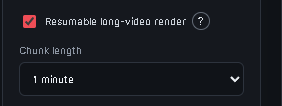
Да — и встроенный обновлятор, и одноразовый ручной обновляют только код приложения и зависимости, не трогая модели, движки TensorRT, .venv, результаты, манифесты и настройки.Что будет, если долгий рендер прервётся?Возобновляемый рендеринг сохраняет готовые фрагменты, а «Повторить с последнего фрагмента» продолжает с первой незавершённой части вместо перезапуска всей задачи.
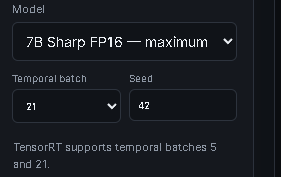
Возобновляемый рендеринг сохраняет готовые фрагменты, а «Повторить с последнего фрагмента» продолжает с первой незавершённой части вместо перезапуска всей задачи.Насколько быстрый апскейл на практике?Для ориентира: 8-секундный клип апскейлился до 2K примерно 8 минут на самой большой модели 7B Sharp FP16 на RTX 5090; реальное время зависит от разрешения, частоты кадров и доступной VRAM.
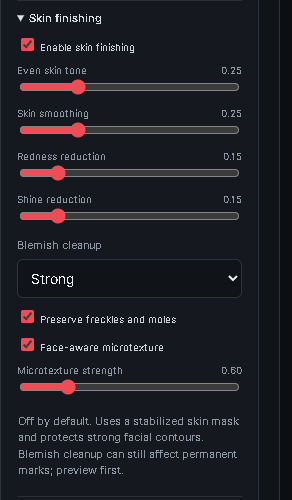
Для ориентира: 8-секундный клип апскейлился до 2K примерно 8 минут на самой большой модели 7B Sharp FP16 на RTX 5090; реальное время зависит от разрешения, частоты кадров и доступной VRAM.Что на самом деле меняет финишная обработка кожи?Это негенеративный постпроцесс, использующий стабилизированную маску кожи для уточнения существующих пикселей, поэтому он сглаживает кожу, но не может придумать черты лица, потерянные при восстановлении.
Это негенеративный постпроцесс, использующий стабилизированную маску кожи для уточнения существующих пикселей, поэтому он сглаживает кожу, но не может придумать черты лица, потерянные при восстановлении.What are similar projects?dlss5-visual-enhancer, ALH-Pro, video2dlssnr, DLSS5-Autopilot, NeuralScreen, Waifu2x-Extension-GUI, MoE4All, palette-from-image-ai
dlss5-visual-enhancer, ALH-Pro, video2dlssnr, DLSS5-Autopilot, NeuralScreen, Waifu2x-Extension-GUI, MoE4All, palette-from-image-aiWhich topics is it in?video-upscaling, resumable, rtx, upscaling, windows-11, fastapi, video-processing, gpu-acceleration, windows-app, offline, nvidia, cuda
video-upscaling, resumable, rtx, upscaling, windows-11, fastapi, video-processing, gpu-acceleration, windows-app, offline, nvidia, cuda