 useAgent




What is this?
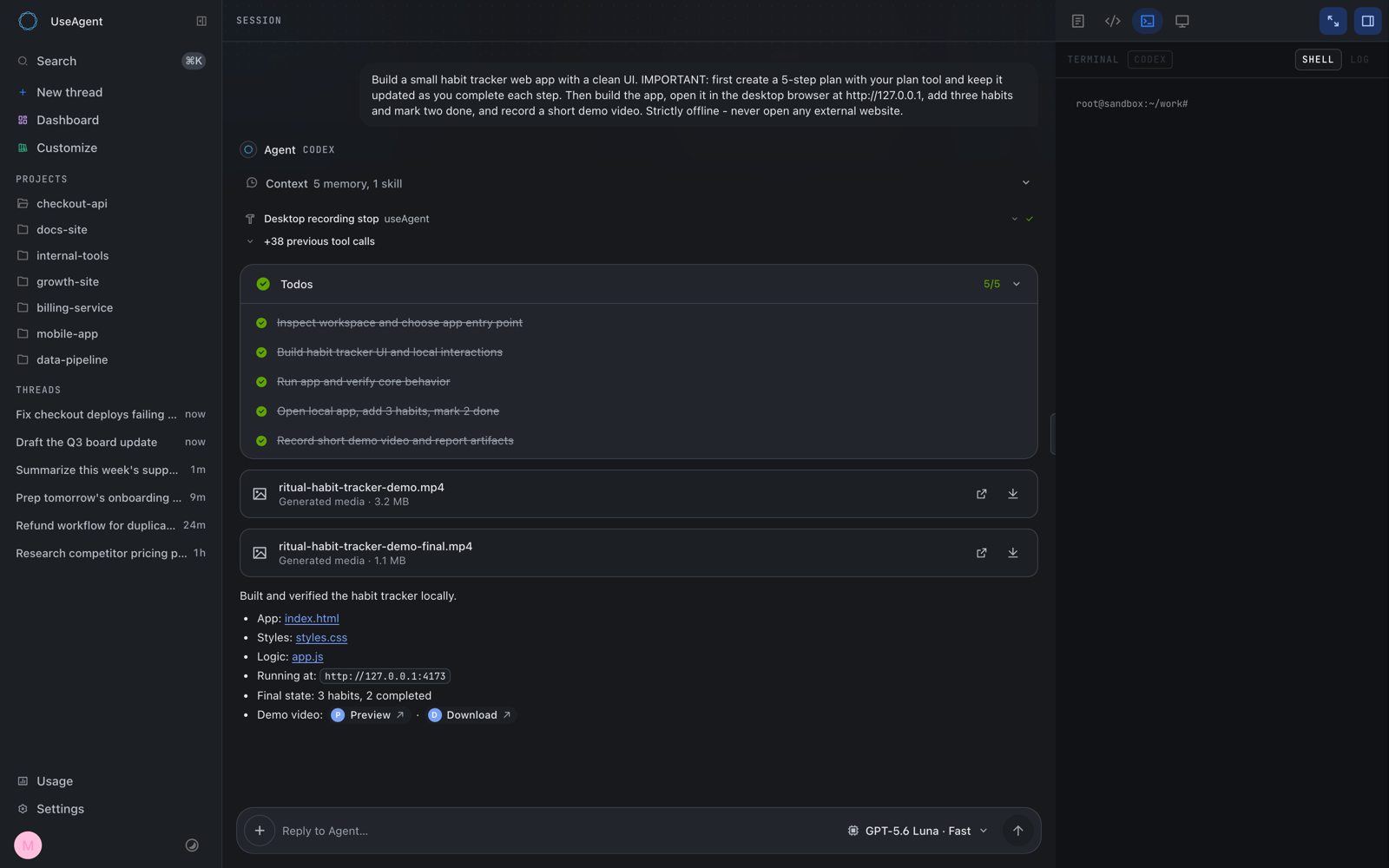
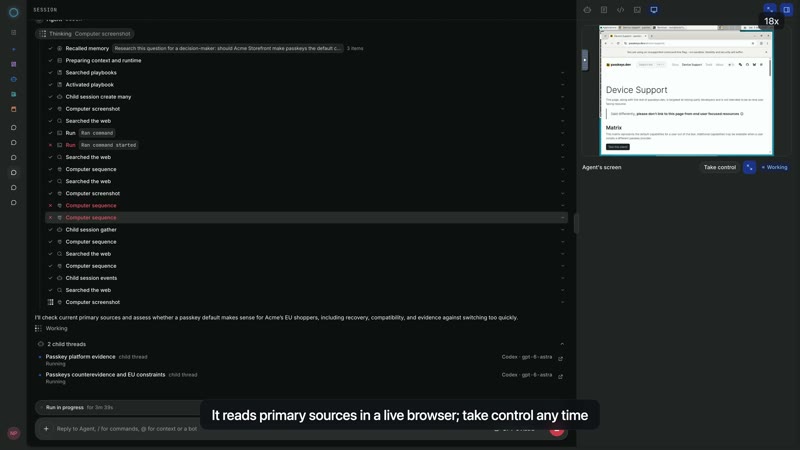
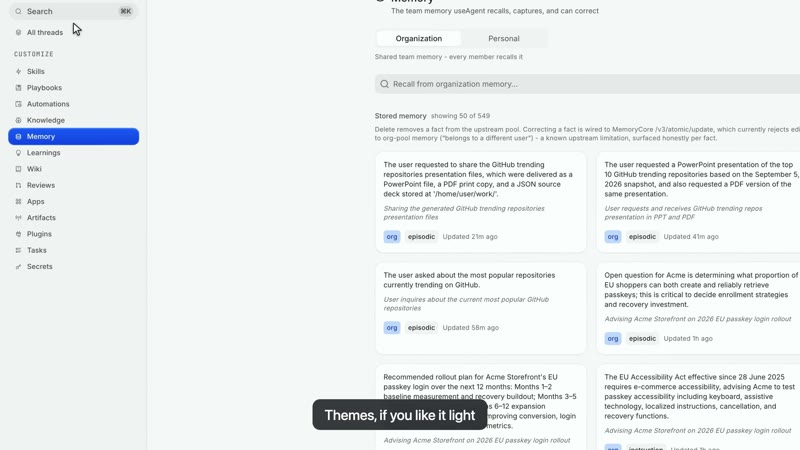
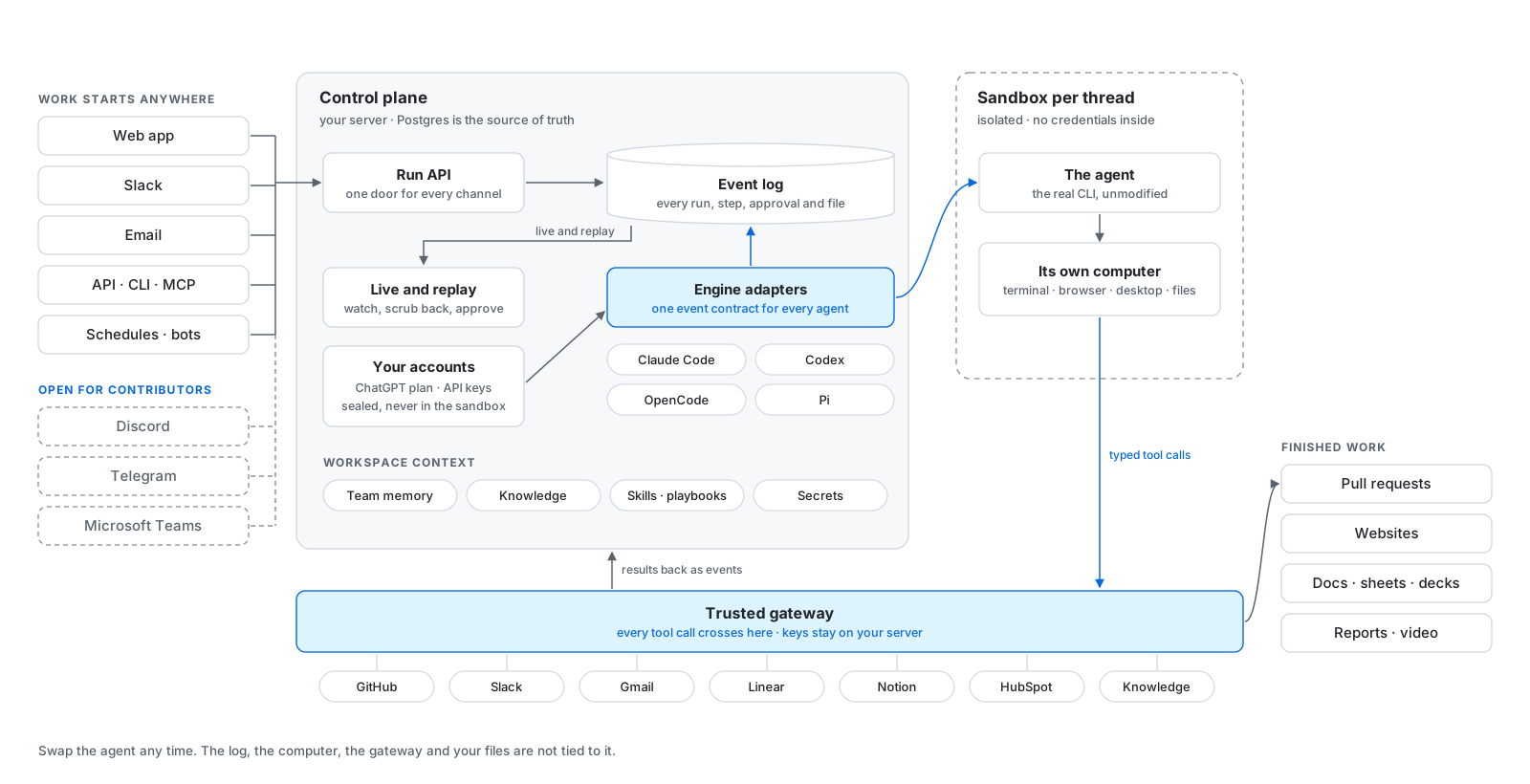
 useAgent is an open-source alternative to Devin: it gives coding agents like Claude Code, Codex, OpenCode, and Pi a shared cloud workspace with a terminal, a browser, and your team's tools, so they can do real work like research, code changes, or documents.
useAgent is an open-source alternative to Devin: it gives coding agents like Claude Code, Codex, OpenCode, and Pi a shared cloud workspace with a terminal, a browser, and your team's tools, so they can do real work like research, code changes, or documents.Is this an app I install, or a platform I self-host?It's a self-hosted platform made of a frontend web app, a backend control plane, and pluggable sandbox runtimes (Daytona or CubeSandbox) that actually run the agent's isolated workstation; you deploy the whole stack on your own Linux host or cloud account.
It's a self-hosted platform made of a frontend web app, a backend control plane, and pluggable sandbox runtimes (Daytona or CubeSandbox) that actually run the agent's isolated workstation; you deploy the whole stack on your own Linux host or cloud account.How do I get it running?Clone the repository, then run it with bun and a Postgres 16+ database that has the pgvector extension enabled; one container can spin up that Postgres instance if you don't already have one, and bun run typecheck checks every package before a real deploy.
Clone the repository, then run it with bun and a Postgres 16+ database that has the pgvector extension enabled; one container can spin up that Postgres instance if you don't already have one, and bun run typecheck checks every package before a real deploy.Which coding agents does it support, and do I need accounts for them?It supports Claude Code, Codex, OpenCode, and Pi through one shared event contract; you connect each with a provider account or API key, and the available models, login methods, and tools depend on that engine's adapter and your self-hosted config.
It supports Claude Code, Codex, OpenCode, and Pi through one shared event contract; you connect each with a provider account or API key, and the available models, login methods, and tools depend on that engine's adapter and your self-hosted config.How stable is it right now?It's labeled alpha software: expect rough edges and breaking changes to APIs and schemas between releases, though it already runs real daily workloads if you pin a release tag.
It's labeled alpha software: expect rough edges and breaking changes to APIs and schemas between releases, though it already runs real daily workloads if you pin a release tag.Where do my credentials and API keys go?They never enter the agent's sandbox; every integration call crosses a trusted gateway as a typed tool, and the keys live only on your own control plane.
They never enter the agent's sandbox; every integration call crosses a trusted gateway as a typed tool, and the keys live only on your own control plane.What can an agent actually produce in the workspace?Documents, spreadsheets, presentations, PDFs, images, and videos, called workpieces, with revisioned edits and native exports.
Documents, spreadsheets, presentations, PDFs, images, and videos, called workpieces, with revisioned edits and native exports.Can I run tasks from Slack instead of the web app?Yes, you mention an agent in Slack, send attachments, and get the finished artifacts back in the thread, alongside the web app, REST API, and schedules as entry points.
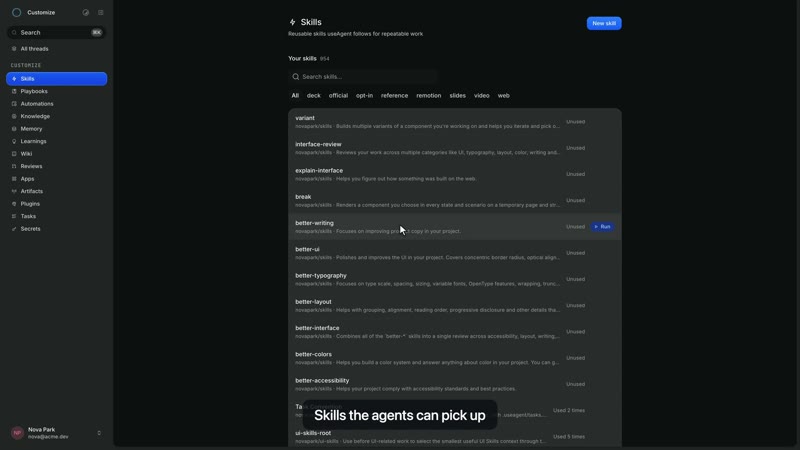
Yes, you mention an agent in Slack, send attachments, and get the finished artifacts back in the thread, alongside the web app, REST API, and schedules as entry points.What are skills and playbooks?Skills are procedures you import from GitHub and pin to a task; they're versioned, so every run records exactly which version it used, letting a team reuse what already works.
Skills are procedures you import from GitHub and pin to a task; they're versioned, so every run records exactly which version it used, letting a team reuse what already works.Which third-party tools can it connect to?Gmail, Linear, Notion, and HubSpot via OAuth connectors, with a broker handling auth and sealing tokens server-side so agents never see raw credentials.
Gmail, Linear, Notion, and HubSpot via OAuth connectors, with a broker handling auth and sealing tokens server-side so agents never see raw credentials.Which topics is it in?computer-use, slack, bun, vector-database, autonomous-agents, opencode, oauth, sandbox, github, browser-automation, agpl, postgresql
computer-use, slack, bun, vector-database, autonomous-agents, opencode, oauth, sandbox, github, browser-automation, agpl, postgresql