

What is this?
 Moyai is a self-hosted coding agent for background work: give it a task from your browser or Slack, and it edits code, runs tests, and opens a pull request for you to review.
Moyai is a self-hosted coding agent for background work: give it a task from your browser or Slack, and it edits code, runs tests, and opens a pull request for you to review.Is this a hosted service or something I run myself?It is a self-hosted web app you deploy yourself, on Modal (default) or your own Substrate cluster, rather than a managed SaaS product.
It is a self-hosted web app you deploy yourself, on Modal (default) or your own Substrate cluster, rather than a managed SaaS product.How do I get it running?Install Git, Python 3.12+ and uv, clone and run the installer, copy your Modal tokens and LiteLLM gateway settings into .env, then deploy to Modal and sign in using the generated workspace password.
Install Git, Python 3.12+ and uv, clone and run the installer, copy your Modal tokens and LiteLLM gateway settings into .env, then deploy to Modal and sign in using the generated workspace password.What accounts do I need before deploying?You need a Modal account and a LiteLLM gateway with a model enabled (the default guide uses GPT-6 Astra), plus Git, Python 3.12+, and uv locally.
You need a Modal account and a LiteLLM gateway with a model enabled (the default guide uses GPT-6 Astra), plus Git, Python 3.12+, and uv locally.Any gotchas when deploying?Deploying starts billed compute right away, and redeploying over an existing installation interrupts any tasks it is currently running; Windows users need WSL since commands assume a macOS/Linux shell.
Deploying starts billed compute right away, and redeploying over an existing installation interrupts any tasks it is currently running; Windows users need WSL since commands assume a macOS/Linux shell.Where do my provider API keys go?Provider keys stay on the Moyai server itself; the isolated sandbox where the agent actually edits code and runs commands never sees them.
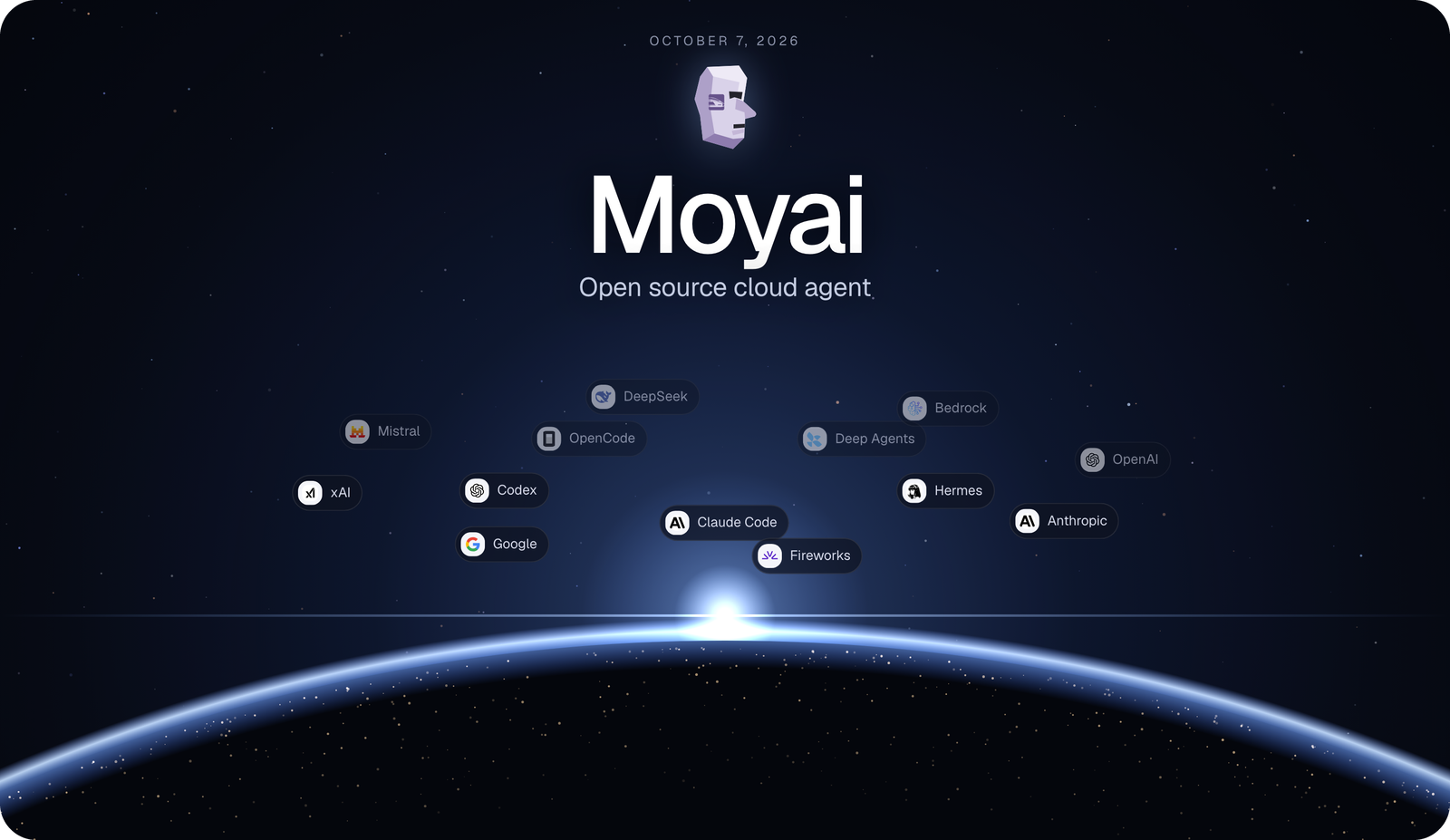
Provider keys stay on the Moyai server itself; the isolated sandbox where the agent actually edits code and runs commands never sees them.What coding agent harnesses can I pick for a session?Each session can run on Hermes, the Claude Agent SDK, Codex, OpenCode, Deep Agents, or Tool Loop, all in the same isolated workspace with the same tools and permissions. New sessions default to the Claude Agent SDK with prompt caching enabled.
Each session can run on Hermes, the Claude Agent SDK, Codex, OpenCode, Deep Agents, or Tool Loop, all in the same isolated workspace with the same tools and permissions. New sessions default to the Claude Agent SDK with prompt caching enabled.How much cheaper is Moyai than Devin?BerriAI moved its internal coding agent from Devin to Moyai and cut the same month of work from about $101,872 to roughly $21,700 — about 79% cheaper.
BerriAI moved its internal coding agent from Devin to Moyai and cut the same month of work from about $101,872 to roughly $21,700 — about 79% cheaper.Can I interrupt or resume a running task?You can send corrections to the agent while it works, or resume a session later with its saved files and full conversation history.
You can send corrections to the agent while it works, or resume a session later with its saved files and full conversation history.Can I search through past agent sessions?Yes — search covers session titles, original requests, and words inside saved messages, with matching excerpts shown in the sidebar for both recent and older sessions.
Yes — search covers session titles, original requests, and words inside saved messages, with matching excerpts shown in the sidebar for both recent and older sessions.Which topics is it in?pull-request, agentic-coding, slack, harness, opencode, coding-agents, sandbox, github, agent-orchestration, multi-agent, agents, coding-agent
pull-request, agentic-coding, slack, harness, opencode, coding-agents, sandbox, github, agent-orchestration, multi-agent, agents, coding-agent