




11.3K ·GitHub
What is this?
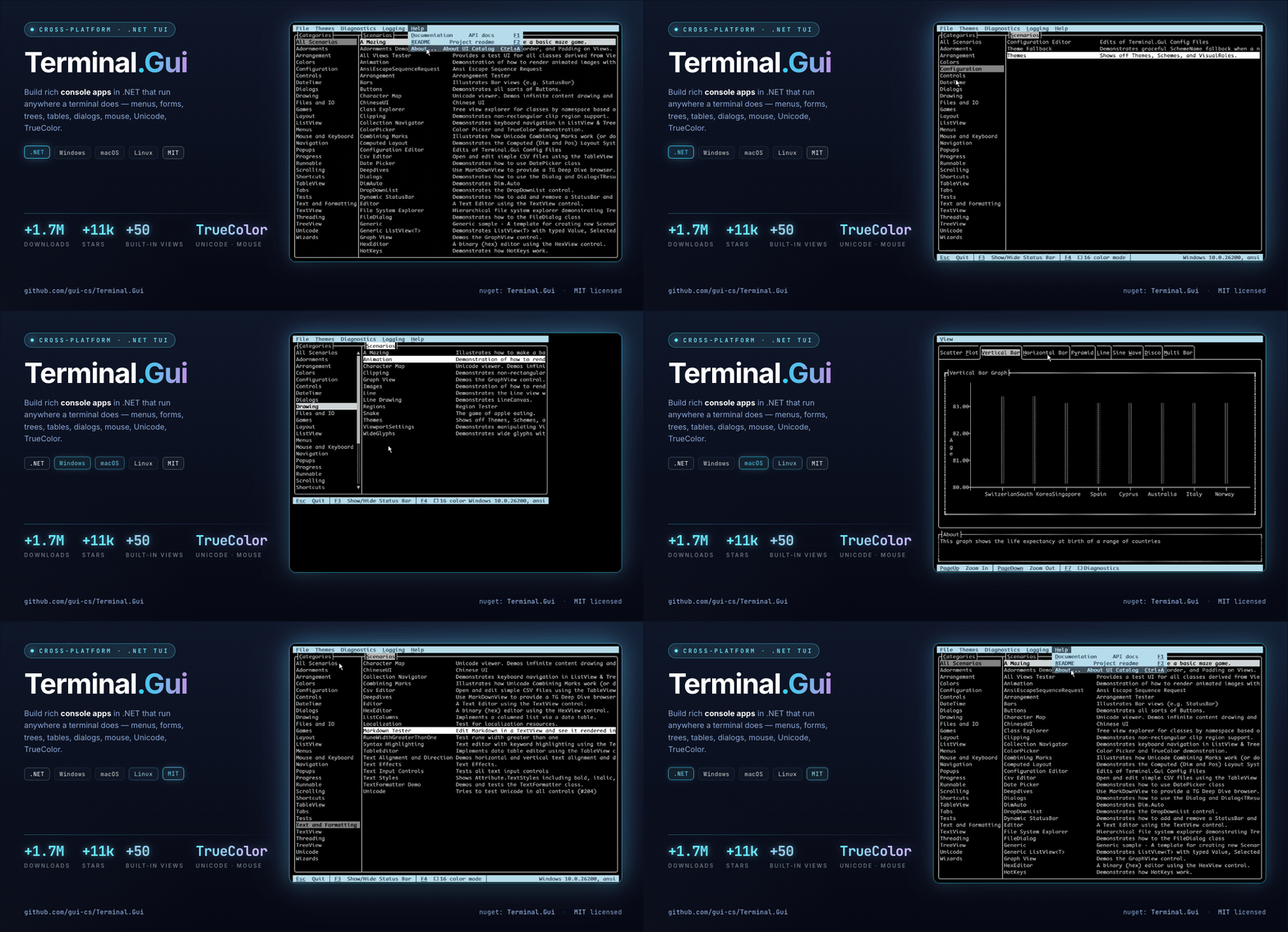
 Terminal.Gui is a cross-platform toolkit for building sophisticated terminal UI (TUI) applications on .NET, running consistently on Windows, macOS, and Linux/Unix.
Terminal.Gui is a cross-platform toolkit for building sophisticated terminal UI (TUI) applications on .NET, running consistently on Windows, macOS, and Linux/Unix.Is this a framework or a library I just call into?It is a UI framework/library for .NET: you create a new app from its project template, then compose the UI from its built-in Views (widgets) and let the layout engine handle sizing and positioning.
It is a UI framework/library for .NET: you create a new app from its project template, then compose the UI from its built-in Views (widgets) and let the layout engine handle sizing and positioning.How do I get a Terminal.Gui app running?Install the Terminal.Gui.Templates package, scaffold a new TUI app from the template, and run it; you can also run the UI Catalog demo to explore all available controls.
Install the Terminal.Gui.Templates package, scaffold a new TUI app from the template, and run it; you can also run the UI Catalog demo to explore all available controls.Do I need anything besides the .NET SDK to build with it?It's a .NET (C#) library distributed via a dotnet project template/NuGet, so you just need the .NET SDK installed; no external runtime or native dependencies are listed.
It's a .NET (C#) library distributed via a dotnet project template/NuGet, so you just need the .NET SDK installed; no external runtime or native dependencies are listed.Is v2 a drop-in replacement for v1 apps?No — the README points to a dedicated migration guide for moving from v1 to v2, implying v2 introduced architectural changes (like the instance-based Application model) that aren't fully backward compatible.
No — the README points to a dedicated migration guide for moving from v1 to v2, implying v2 introduced architectural changes (like the instance-based Application model) that aren't fully backward compatible.Who would use this and for what kind of apps?Developers building CLI/console tools in .NET who want rich interactive UIs — e.g. in-line scrolling tools like Claude Code/Copilot/Codex CLI style apps, or full-screen terminal applications with text editors, file browsers, and wizards.
Developers building CLI/console tools in .NET who want rich interactive UIs — e.g. in-line scrolling tools like Claude Code/Copilot/Codex CLI style apps, or full-screen terminal applications with text editors, file browsers, and wizards.What kind of widgets come built in?Text editors, buttons, checkboxes, trees, tables, markdown rendering, menus, selectors, charts, graphs, progress indicators, color pickers with TrueColor support, and file/directory browsers with Nerd Font support.
Text editors, buttons, checkboxes, trees, tables, markdown rendering, menus, selectors, charts, graphs, progress indicators, color pickers with TrueColor support, and file/directory browsers with Nerd Font support.Does it support mouse input or just keyboard?Both — it's optimized for keyboard-only workflows but also has full mouse support.
Both — it's optimized for keyboard-only workflows but also has full mouse support.Can I customize the look and feel?Yes, themes, colors, key bindings, and settings are all fully configurable and can be persisted.
Yes, themes, colors, key bindings, and settings are all fully configurable and can be persisted.Where can I see real apps built with it?The README links to a Showcase page listing applications built with Terminal.Gui.
The README links to a Showcase page listing applications built with Terminal.Gui.What are similar projects?spectre.console, kakoune, spotatui, ratatui, bubbletea, runtime, MonoGame, Avalonia
spectre.console, kakoune, spotatui, ratatui, bubbletea, runtime, MonoGame, AvaloniaWhich topics is it in?terminal-based, terminal-ui, console, dotnet, c#, csharp, tui, framework, gui, terminal, library, cross-platform
terminal-based, terminal-ui, console, dotnet, c#, csharp, tui, framework, gui, terminal, library, cross-platform