What is this?
 A production kit for making promo and motion videos for software products with HyperFrames and Claude Code, built around one rule: no two films should look the same. It gives you a 7-stage playbook, a 24-transition atlas, 100 storyboard themes and a variety-audit script that flags repeated effects before you build.
A production kit for making promo and motion videos for software products with HyperFrames and Claude Code, built around one rule: no two films should look the same. It gives you a 7-stage playbook, a 24-transition atlas, 100 storyboard themes and a variety-audit script that flags repeated effects before you build.Is this an app, or more of a toolkit I drop into a repo?It is a template repository: a Claude Code skill plus Python tools (variety audit, theme picker, history report, delivery scripts), a playbook, a theme gallery and a transition atlas, meant to be cloned or used as a GitHub template for your own film project.
It is a template repository: a Claude Code skill plus Python tools (variety audit, theme picker, history report, delivery scripts), a playbook, a theme gallery and a transition atlas, meant to be cloned or used as a GitHub template for your own film project.How do I start a new video project with this?Click 'Use this template' on GitHub to spin up your own film repo with the variety-audit GitHub Action already wired in, or clone the kit directly. Then open Claude Code in the repo root and start the /saas-motion-video skill, which walks you through all seven stages and stops at each review gate.
Click 'Use this template' on GitHub to spin up your own film repo with the variety-audit GitHub Action already wired in, or clone the kit directly. Then open Claude Code in the repo root and start the /saas-motion-video skill, which walks you through all seven stages and stops at each review gate.What do I need installed before I start?Node.js 22+, ffmpeg and Claude Code. HyperFrames (by HeyGen) is installed as a Claude Code skill via npx and downloads its own headless Chrome, so you don't need to set that up separately.
Node.js 22+, ffmpeg and Claude Code. HyperFrames (by HeyGen) is installed as a Claude Code skill via npx and downloads its own headless Chrome, so you don't need to set that up separately.What's the catch with rendering and components?Every frame must be a pure function of time (no Date.now(), no unseeded random, one paused GSAP timeline) or scrubbing breaks, and ambient loops need a whole number of cycles or the seam shows. Components also follow a strict rule: either animate the product's real, clean UI, or design clearly simplified imaginary UI — you can never fake capabilities, numbers or customers.
Every frame must be a pure function of time (no Date.now(), no unseeded random, one paused GSAP timeline) or scrubbing breaks, and ambient loops need a whole number of cycles or the seam shows. Components also follow a strict rule: either animate the product's real, clean UI, or design clearly simplified imaginary UI — you can never fake capabilities, numbers or customers.What is HyperFrames?HyperFrames is a seek-safe, Three.js-and-GSAP-based rendering tool by HeyGen that this kit uses to build frame-accurate motion video, driven from a timeline rather than real-time playback.
HyperFrames is a seek-safe, Three.js-and-GSAP-based rendering tool by HeyGen that this kit uses to build frame-accurate motion video, driven from a timeline rather than real-time playback.What does the variety audit actually check?tools/varietyaudit.py reads your storyboard's shot ledger and flags repeated transitions, entrances, eases, directions, uniform shot lengths, missing surprises, accent overuse and tone mismatches, optionally comparing against a history of your past films.
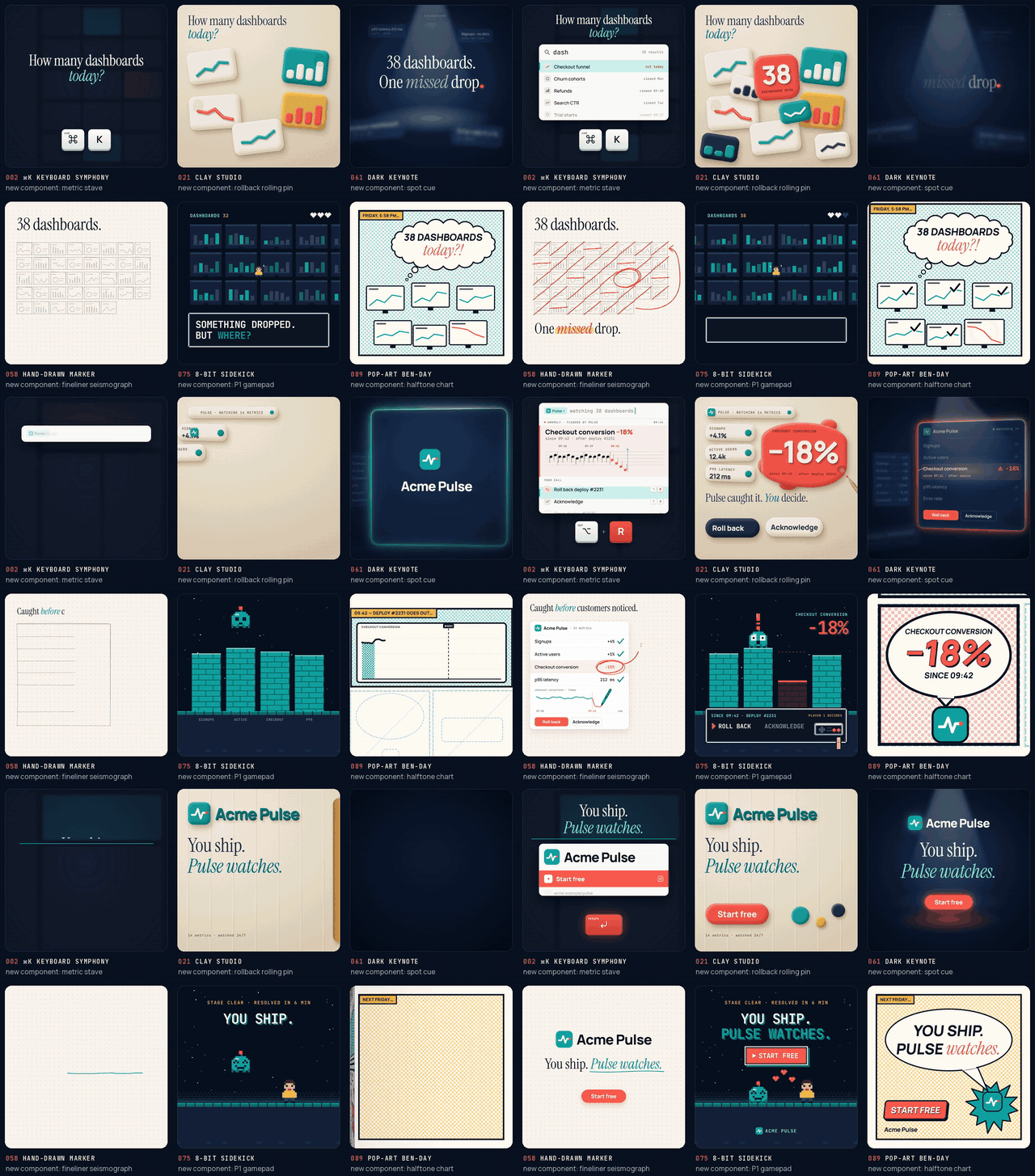
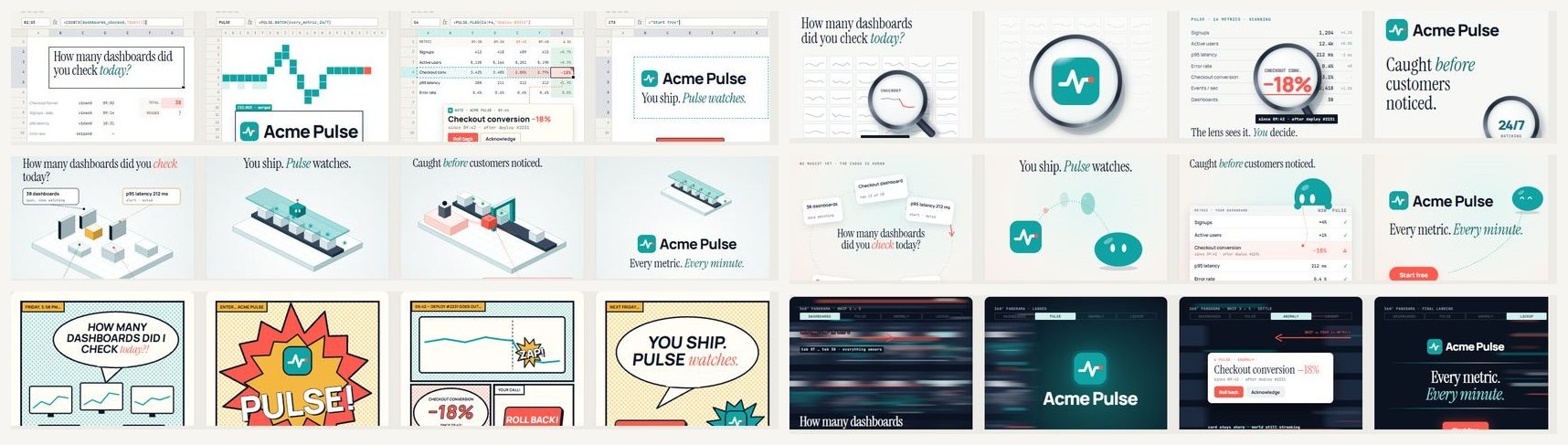
tools/varietyaudit.py reads your storyboard's shot ledger and flags repeated transitions, entrances, eases, directions, uniform shot lengths, missing surprises, accent overuse and tone mismatches, optionally comparing against a history of your past films.What are the 100 storyboard themes for?They are a gallery of visual languages (product UI, typography, 3D, light, metaphor, data, mascots, art movements, camera grammar) across 10 families, each sheet showing a hook-reveal-proof-CTA structure, six components and motion techniques, meant to be picked and combined in your brief.
They are a gallery of visual languages (product UI, typography, 3D, light, metaphor, data, mascots, art movements, camera grammar) across 10 families, each sheet showing a hook-reveal-proof-CTA structure, six components and motion techniques, meant to be picked and combined in your brief.Why does the kit insist on inventing a new component for every film?The author found that reused effects and components make every promo film feel the same; forcing a fresh component and transition choice each time, checked by the variety audit, is meant to train that creative muscle and keep films feeling human-made.
The author found that reused effects and components make every promo film feel the same; forcing a fresh component and transition choice each time, checked by the variety audit, is meant to train that creative muscle and keep films feeling human-made.What are similar projects?motion-video-kit, herk-edit-kit, guizang-product-video-skill, lemo-opuscar, huashu-art-motion, onetake, eian-riso-broll, procedural-film
motion-video-kit, herk-edit-kit, guizang-product-video-skill, lemo-opuscar, huashu-art-motion, onetake, eian-riso-broll, procedural-filmWhich topics is it in?hyperframes, storyboarding, storyboard, motion-design, video-production, motion-graphics, creative-coding, marketing, threejs, webgl, claude-code-skill, template
hyperframes, storyboarding, storyboard, motion-design, video-production, motion-graphics, creative-coding, marketing, threejs, webgl, claude-code-skill, template