







6.3K ·GitHub
What is this?
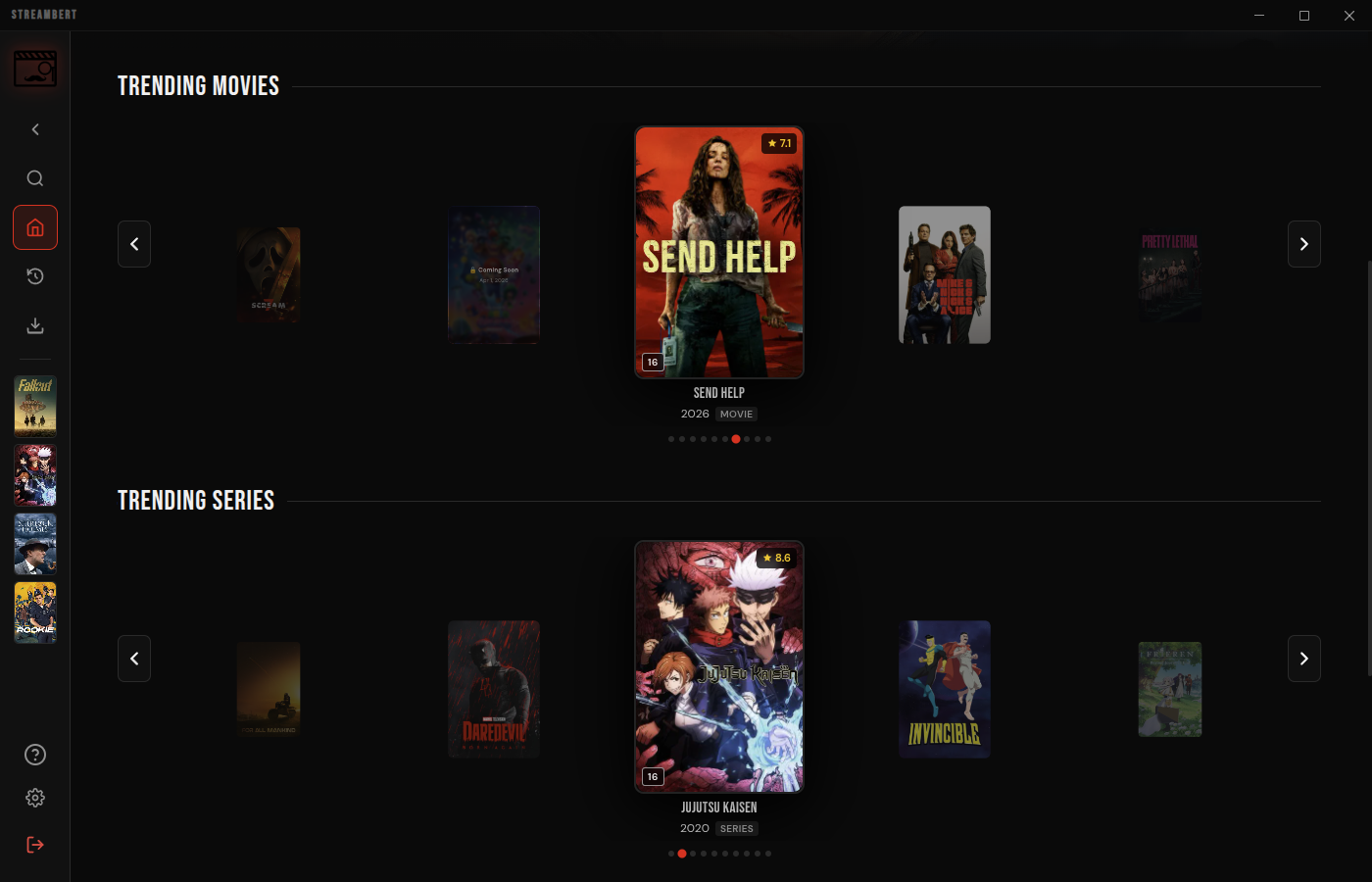
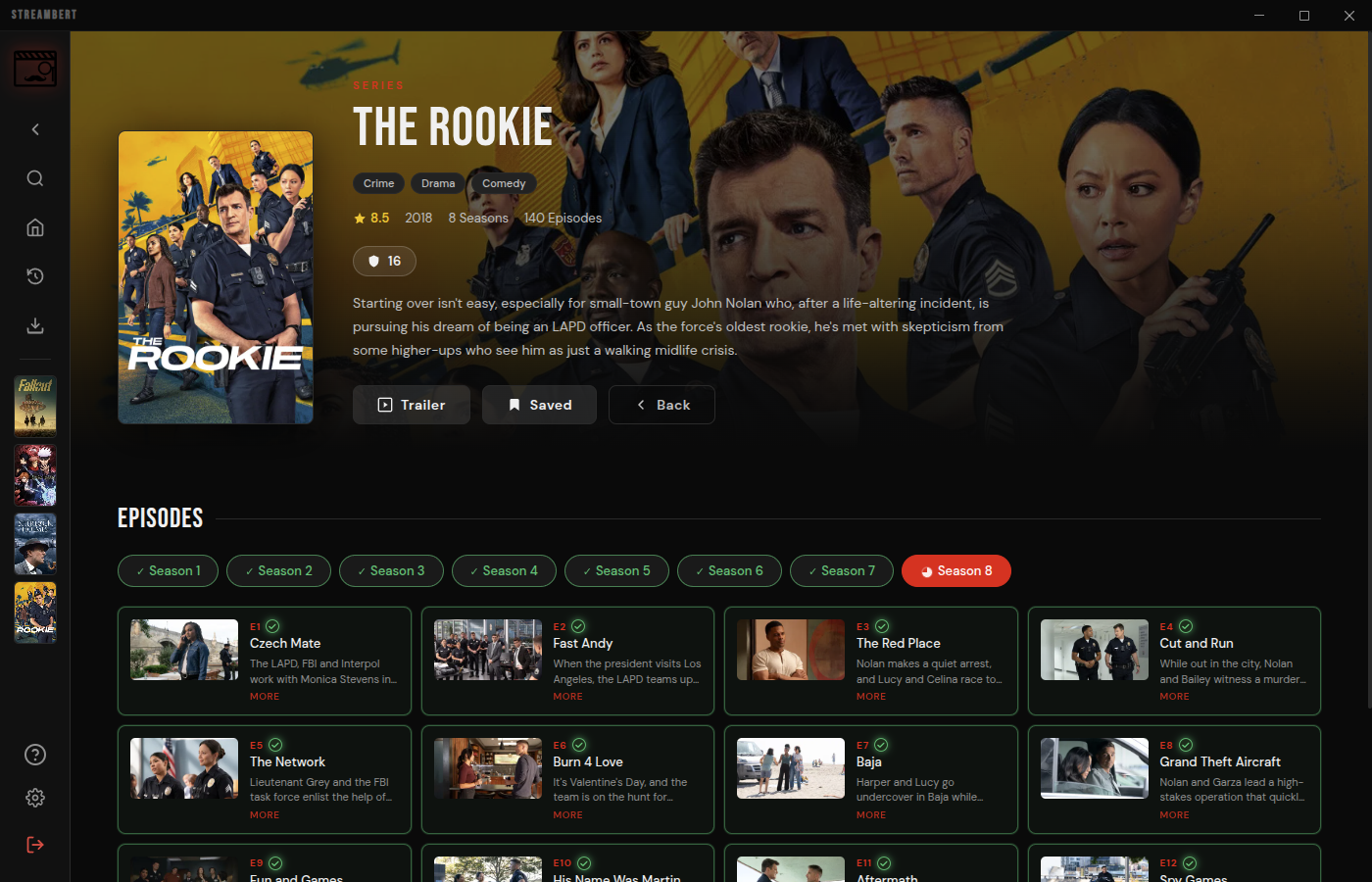
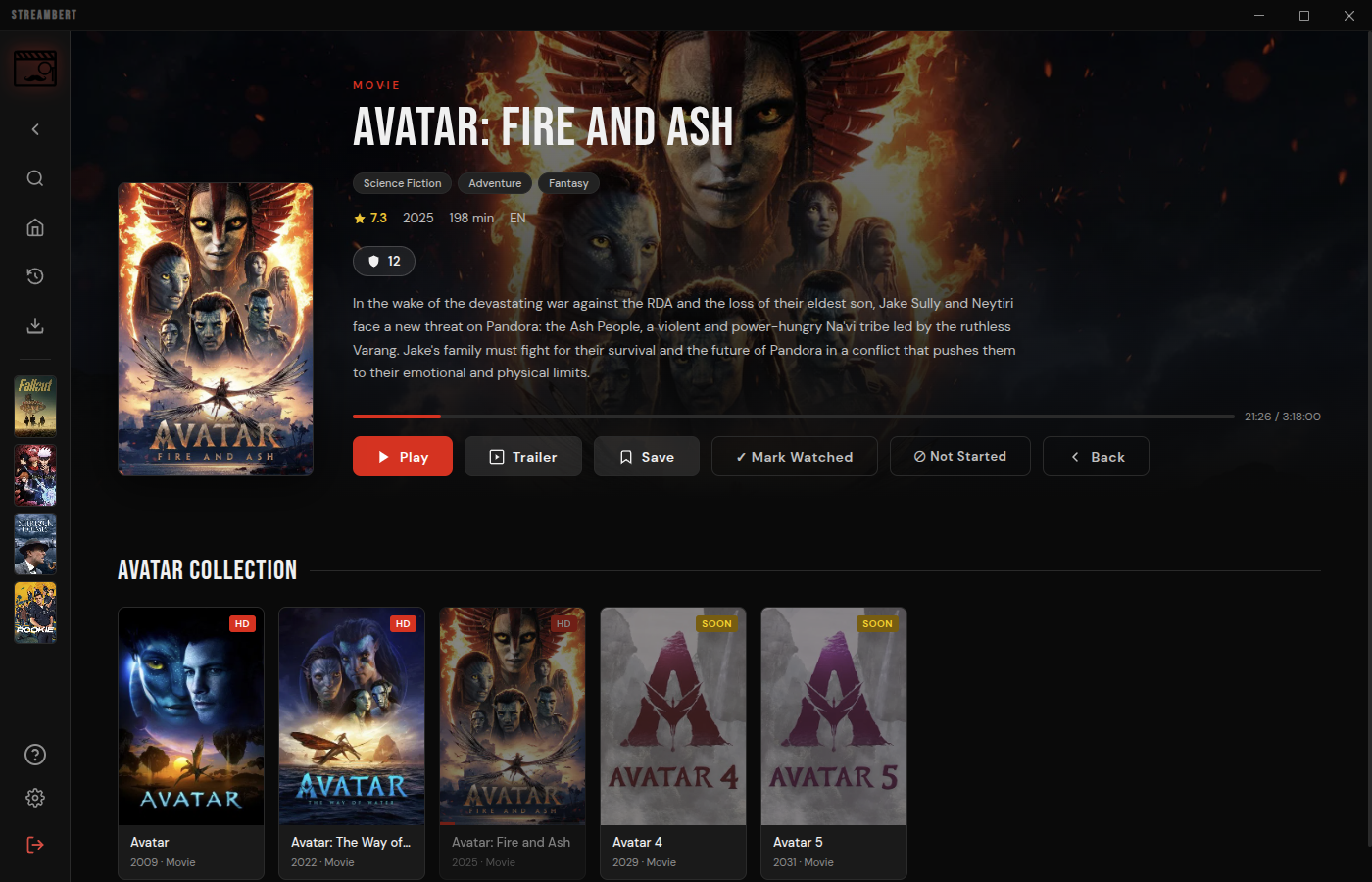
 Streambert is a cross-platform Electron desktop app that lets you stream and download movies, TV series, and anime for free, with no ads or tracking.
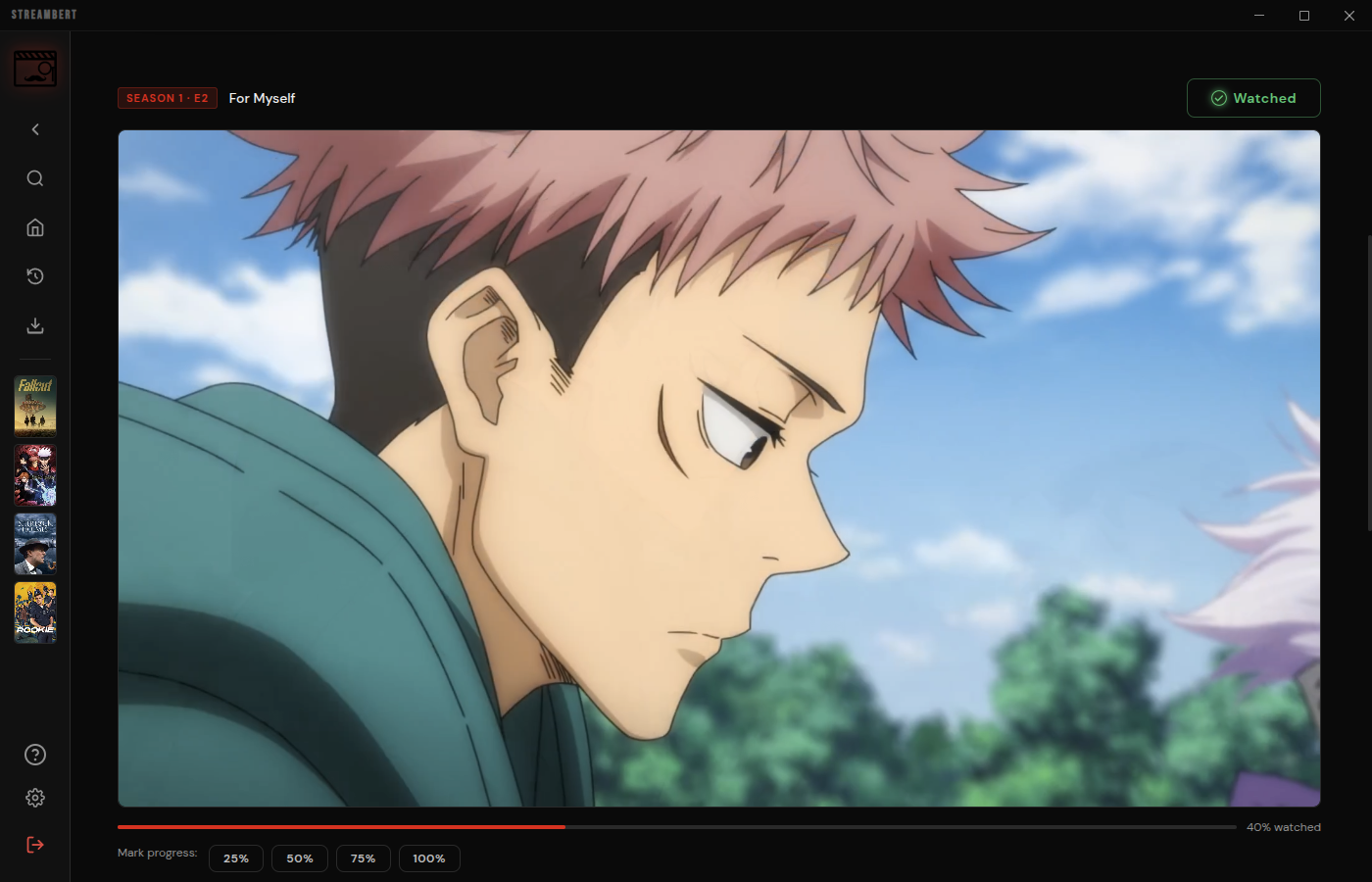
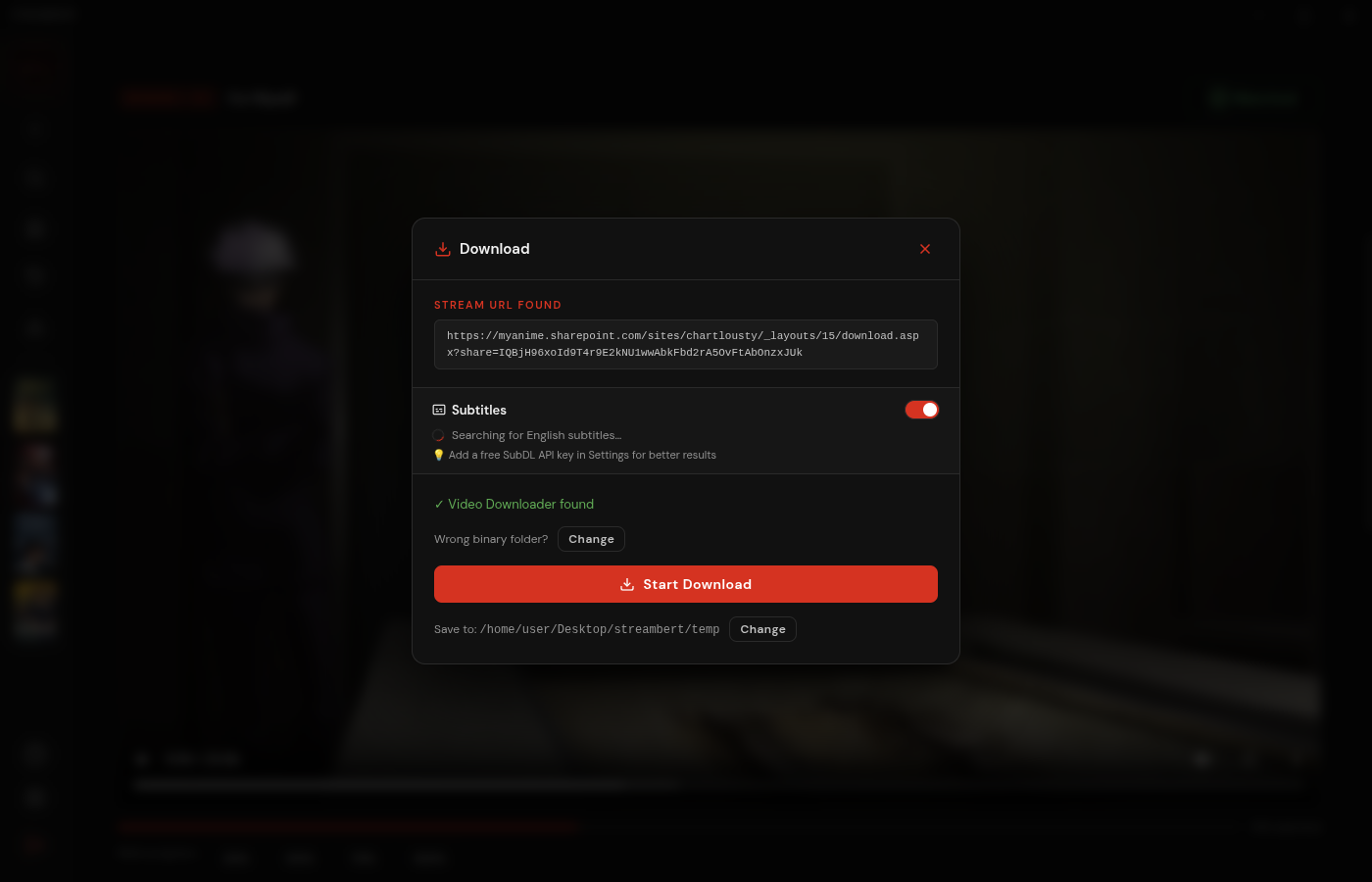
Streambert is a cross-platform Electron desktop app that lets you stream and download movies, TV series, and anime for free, with no ads or tracking.Is this just a streaming app, or can I download videos too?It does both: the app fetches the .m3u8 streaming links for a title so you can watch in-app, and reuses those same links to download the full movie or episode to your computer with multithreading.
It does both: the app fetches the .m3u8 streaming links for a title so you can watch in-app, and reuses those same links to download the full movie or episode to your computer with multithreading.How do I install it on my computer?Download the prebuilt version for your OS from the GitHub Releases page: a .deb/.AppImage/.pacman for Linux, a Setup .exe for Windows, or a universal .dmg for macOS, then install and run it.
Download the prebuilt version for your OS from the GitHub Releases page: a .deb/.AppImage/.pacman for Linux, a Setup .exe for Windows, or a universal .dmg for macOS, then install and run it.What do I need before I can start watching?On first launch you enter a free TMDB API Read Access Token (it's saved locally after that), and if you want to download videos you also need ffmpeg installed on your PC.
On first launch you enter a free TMDB API Read Access Token (it's saved locally after that), and if you want to download videos you also need ffmpeg installed on your PC.Is this legal to use?The developer frames it strictly as educational/personal use: Streambert doesn't host any content itself, just links to third-party sources, so you're responsible for following your local copyright laws.
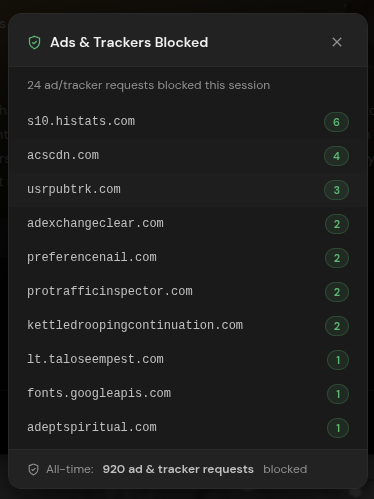
The developer frames it strictly as educational/personal use: Streambert doesn't host any content itself, just links to third-party sources, so you're responsible for following your local copyright laws.Does Streambert track or collect my data?Streambert itself collects no data and has no centralized backend, and it includes built-in tracker/ad blocking, but the third-party streaming sources and GitHub update checks may still collect some data.
Streambert itself collects no data and has no centralized backend, and it includes built-in tracker/ad blocking, but the third-party streaming sources and GitHub update checks may still collect some data.What happens if I fork this project?Streambert is licensed under GPL-3.0, and any fork must also stay open-source.
Streambert is licensed under GPL-3.0, and any fork must also stay open-source.How is watching anime different from movies or TV shows?The app detects when a title is an anime and pulls its metadata from AniList instead of TMDB, then scrapes the actual .mp4 video files directly from AllManga.to, a trick borrowed from ani-cli.
The app detects when a title is an anime and pulls its metadata from AniList instead of TMDB, then scrapes the actual .mp4 video files directly from AllManga.to, a trick borrowed from ani-cli.Where do the actual video streams come from?Movie and TV streams come mainly from VidSrc (with videasy and vidking as alternatives), while images, search results, and homepage data are pulled from TMDB.
Movie and TV streams come mainly from VidSrc (with videasy and vidking as alternatives), while images, search results, and homepage data are pulled from TMDB.What are similar projects?N_m3u8DL-CLI, ytDownloader, downkyi, res-downloader, streamfirefly, plx-native, VidBee, Ghost-Downloader-3
N_m3u8DL-CLI, ytDownloader, downkyi, res-downloader, streamfirefly, plx-native, VidBee, Ghost-Downloader-3Which topics is it in?movies, streaming-video, ad-blocker, m3u8, piracy, tv, anime, video-downloader, subtitles, video-streaming, downloader, ffmpeg
movies, streaming-video, ad-blocker, m3u8, piracy, tv, anime, video-downloader, subtitles, video-streaming, downloader, ffmpeg