

10.9K ·GitHub
What is this?
 JSON Hero is an open-source web app that gives you a clean, fast UI for browsing, searching and understanding JSON files, with column, tree and editor views plus smart previews.
JSON Hero is an open-source web app that gives you a clean, fast UI for browsing, searching and understanding JSON files, with column, tree and editor views plus smart previews.Is this a hosted site, a self-hosted app, or a library I import?It is a Remix-based web app: you can use the hosted jsonhero.io, or clone and run it yourself. It is not a library you import into code.
It is a Remix-based web app: you can use the hosted jsonhero.io, or clone and run it yourself. It is not a library you import into code.How do I open my JSON in JSON Hero?Drag and drop a file or paste JSON/a JSON URL at jsonhero.io, pass a base64 payload or URL via the jsonhero.io/new endpoint, use the VS Code or Raycast extension, or POST to the unofficial jsonhero.io/api/create.json API.
Drag and drop a file or paste JSON/a JSON URL at jsonhero.io, pass a base64 payload or URL via the jsonhero.io/new endpoint, use the VS Code or Raycast extension, or POST to the unofficial jsonhero.io/api/create.json API.What do I need to run it locally?You need Node.js (engine requires >=14), npm, and a .env file with a SESSIONSECRET value before running npm run build and npm start.
You need Node.js (engine requires >=14), npm, and a .env file with a SESSIONSECRET value before running npm run build and npm start.Is there an official public API I can rely on?No, only an unofficial create endpoint is documented, so building integrations against it isn't guaranteed to be stable.
No, only an unofficial create endpoint is documented, so building integrations against it isn't guaranteed to be stable.Does this run anywhere besides the browser?The core product is a web app, but there are companion VS Code and Raycast extensions for opening JSON directly from those tools.
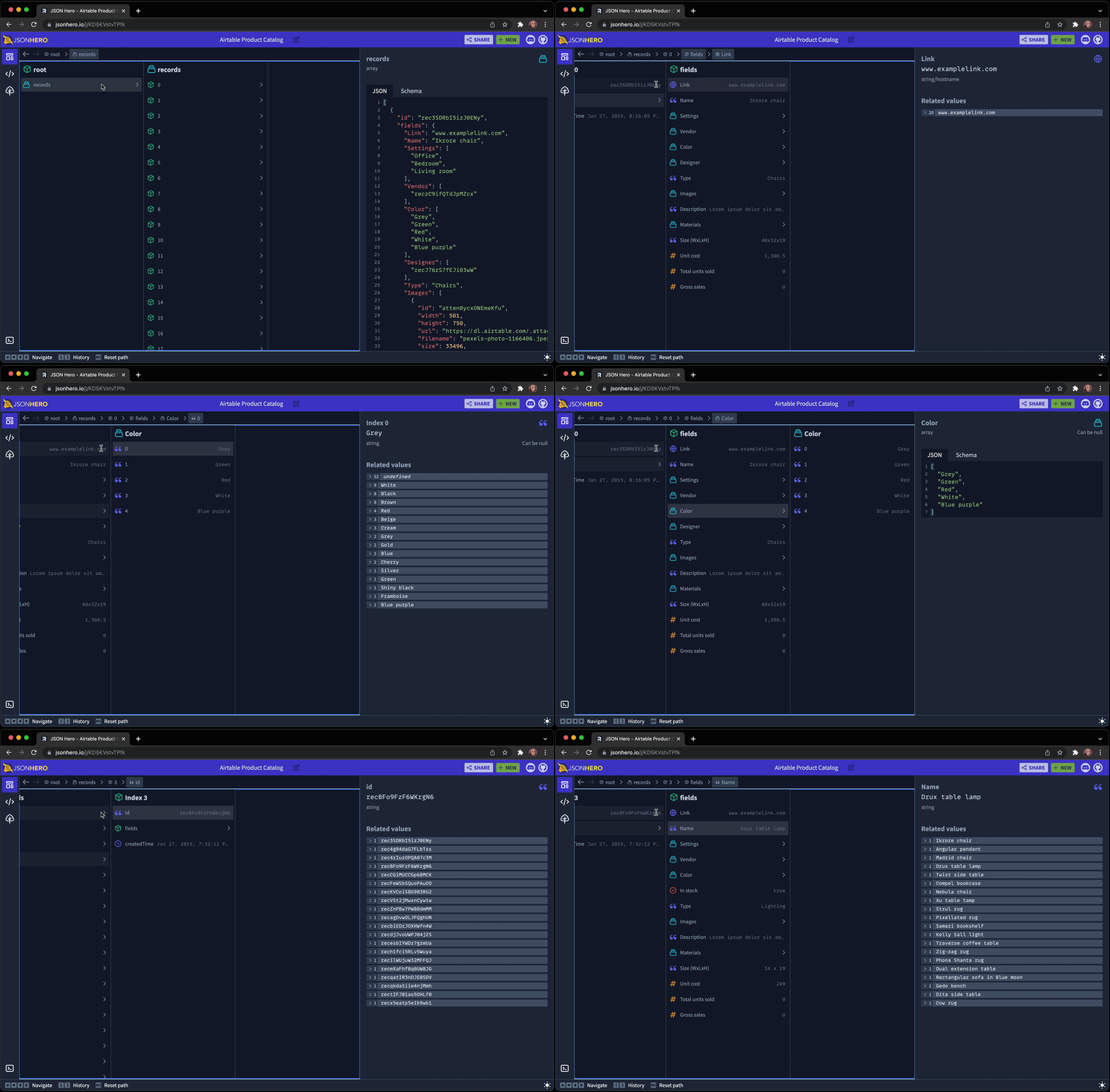
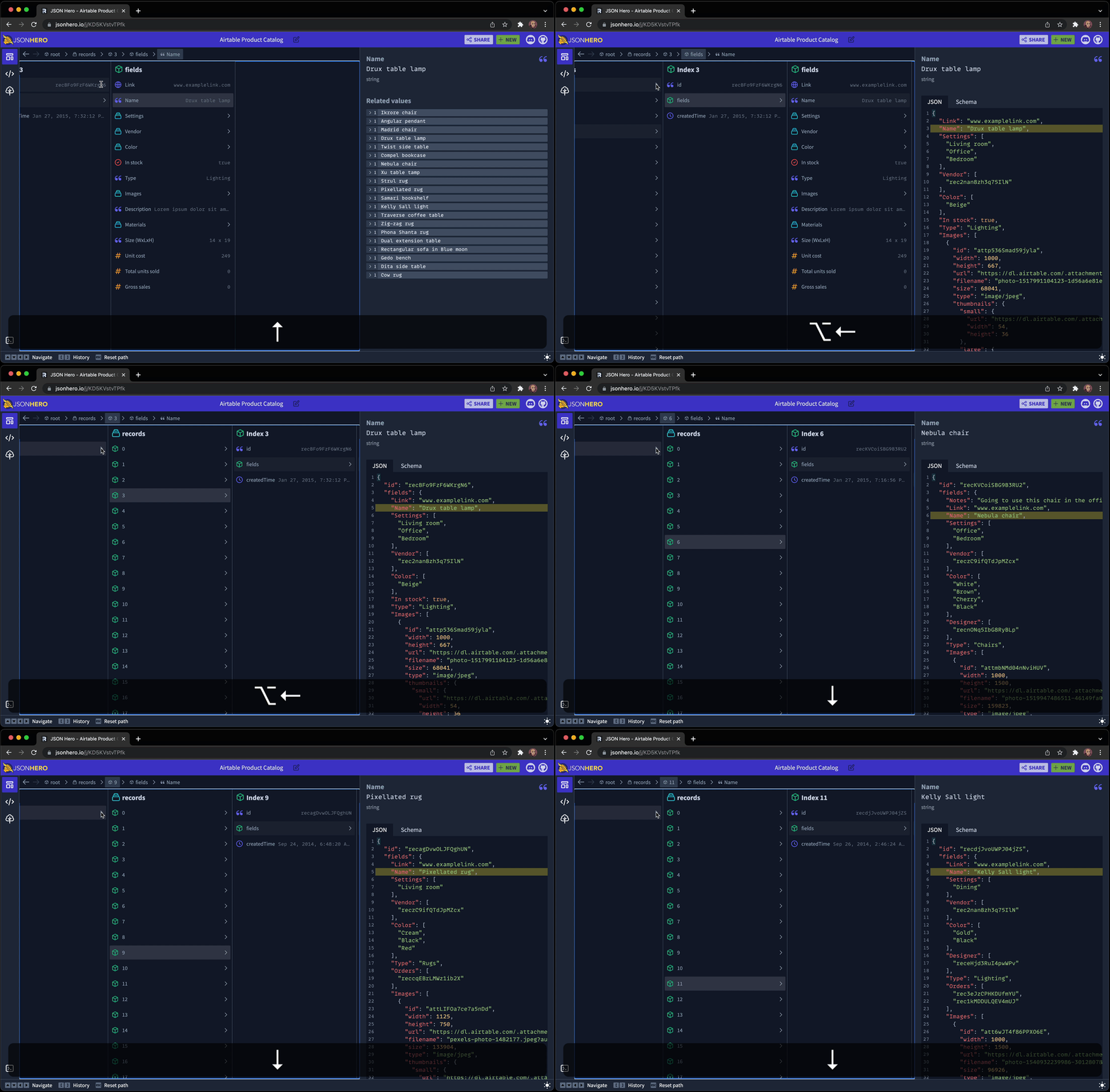
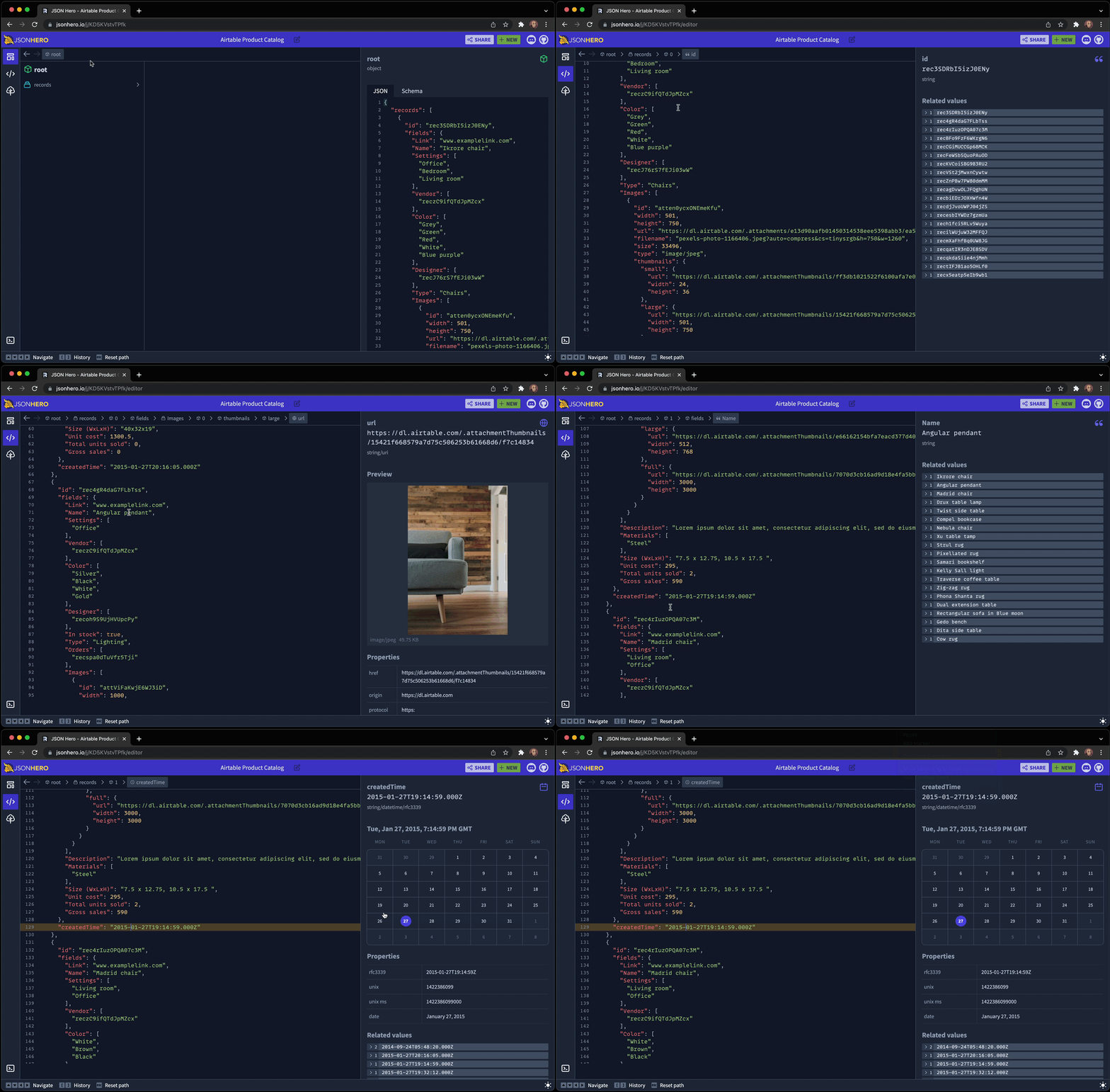
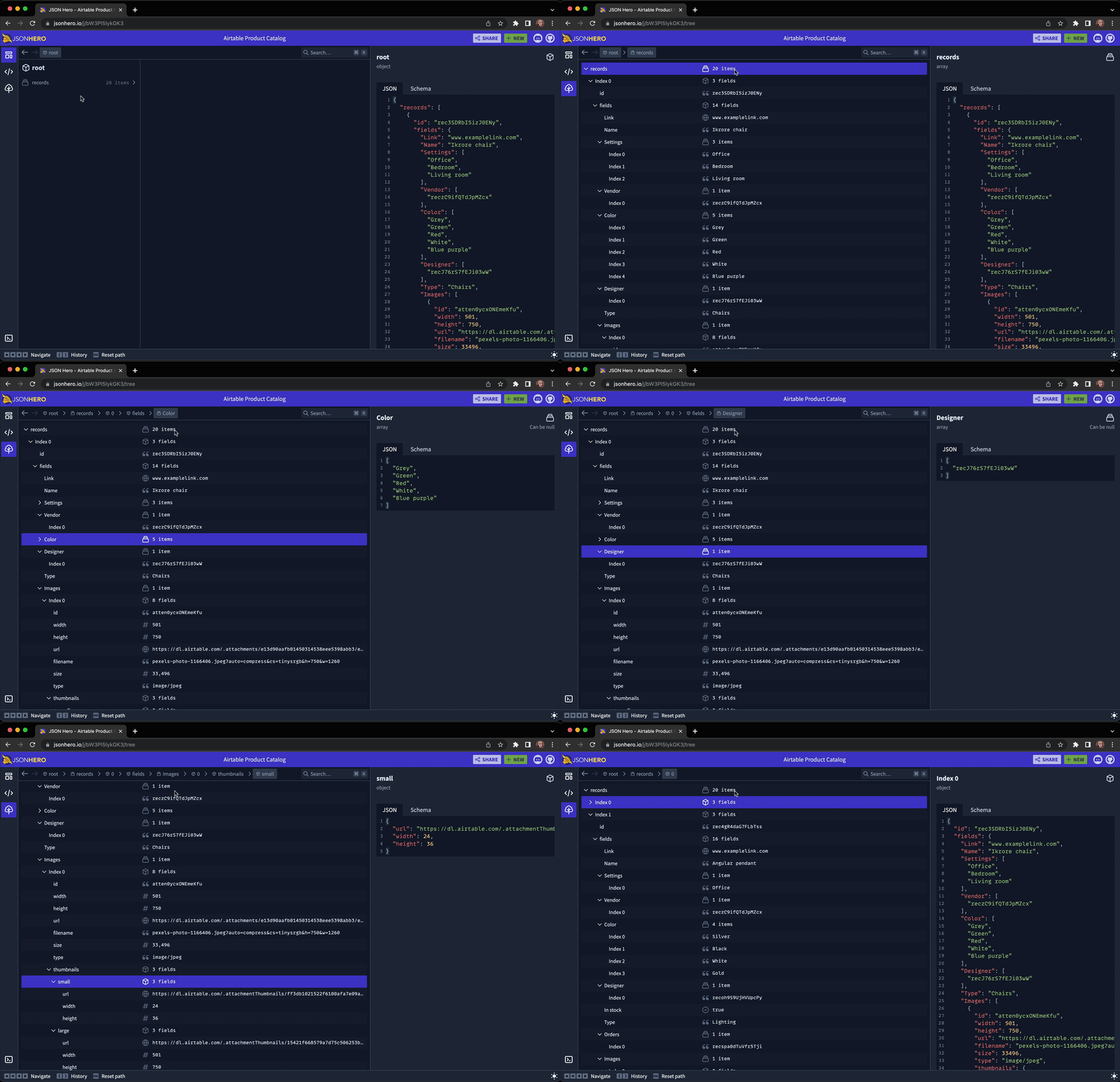
The core product is a web app, but there are companion VS Code and Raycast extensions for opening JSON directly from those tools.What are the different ways to view a JSON file?You get a macOS Finder-inspired Column View, a traditional Tree View, and a full Editor View, all while keeping content previews and related-value sidebars visible.
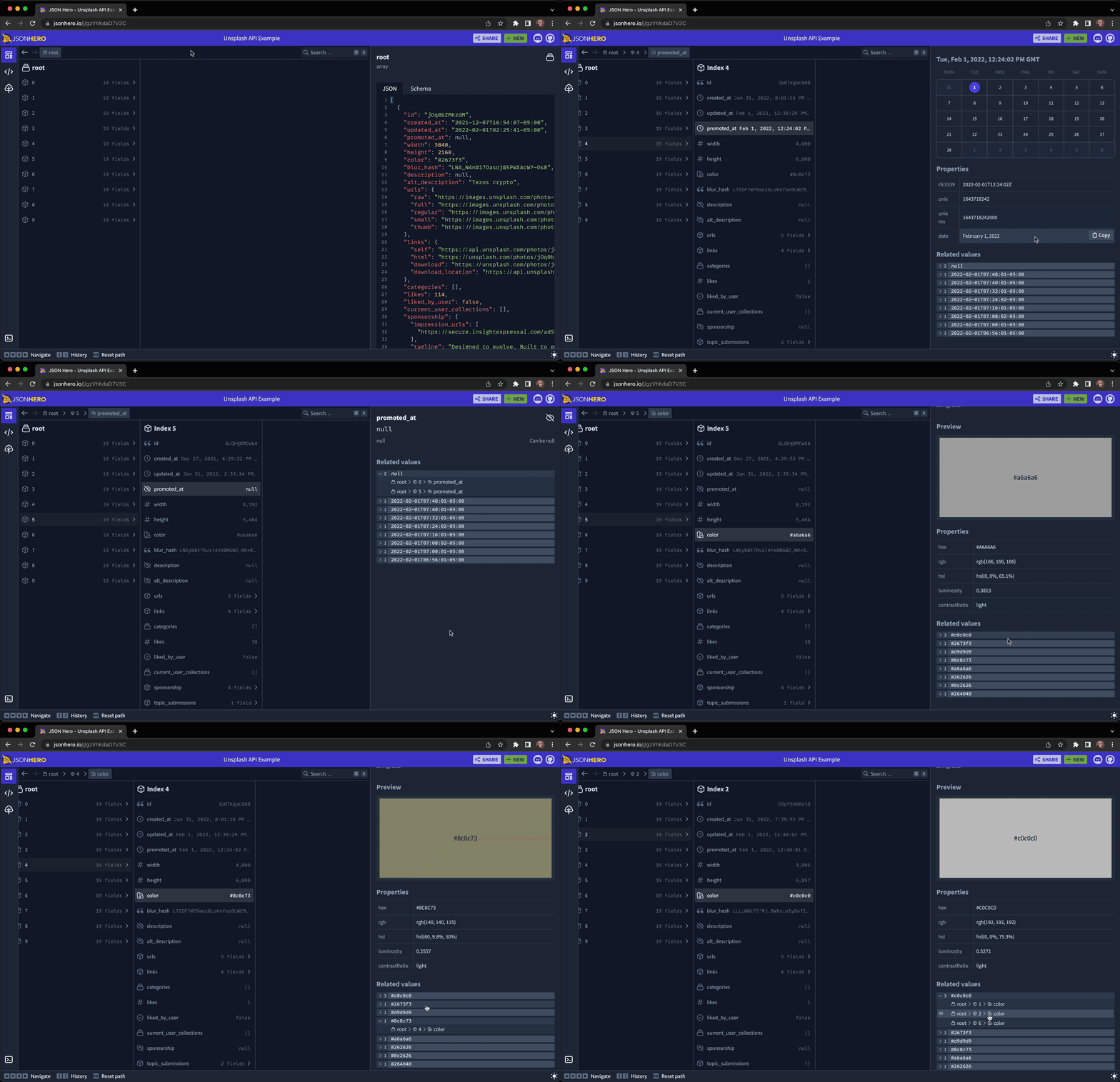
You get a macOS Finder-inspired Column View, a traditional Tree View, and a full Editor View, all while keeping content previews and related-value sidebars visible.What makes the content previews useful?JSON Hero infers the type of string values and renders smart previews for dates, image URLs, website URLs, tweet URLs, JSON URLs, and colors instead of showing raw text.
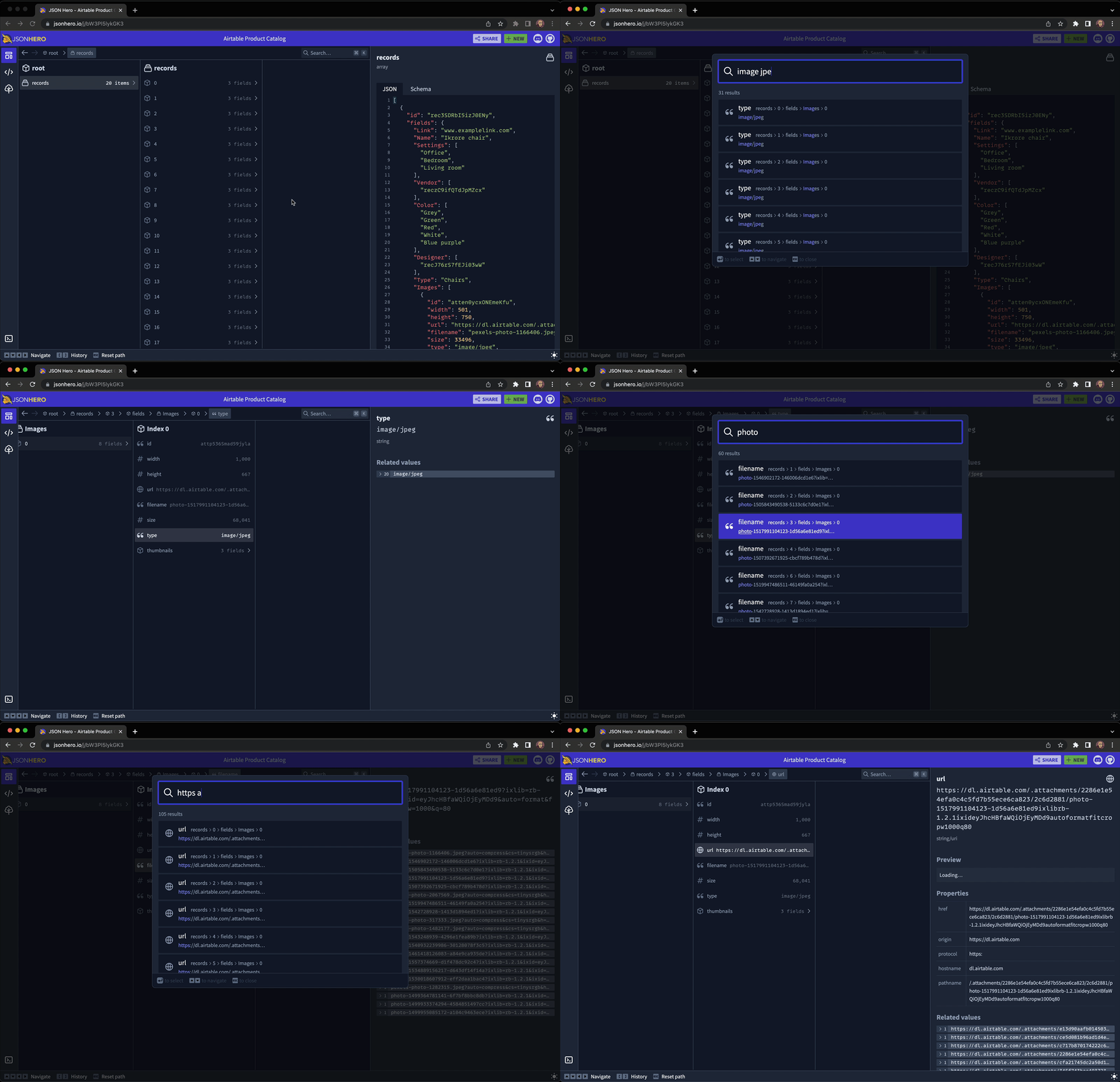
JSON Hero infers the type of string values and renders smart previews for dates, image URLs, website URLs, tweet URLs, JSON URLs, and colors instead of showing raw text.Can I search inside a JSON file?Yes, a fuzzy search panel searches key names, key paths, raw values, and even formatted values, so searching 'Dec' finds December datetime strings.
Yes, a fuzzy search panel searches key names, key paths, raw values, and even formatted values, so searching 'Dec' finds December datetime strings.Does it generate a schema for my JSON?Yes, it automatically creates an inferred JSON Schema from your document that you can use for validation.
Yes, it automatically creates an inferred JSON Schema from your document that you can use for validation.What are similar projects?omni-tools, jsoncrack.com, react-jsonschema-form, theatre, quicktype, graphiql, 3d-asset-server, router
omni-tools, jsoncrack.com, react-jsonschema-form, theatre, quicktype, graphiql, 3d-asset-server, routerWhich topics is it in?viewer, raycast, json-schema, tools, vscode-extension, devtools, search, editor, json, hacktoberfest, react, frontend
viewer, raycast, json-schema, tools, vscode-extension, devtools, search, editor, json, hacktoberfest, react, frontend