





































































































































































































































13.3K ·GitHub
Что это такое?
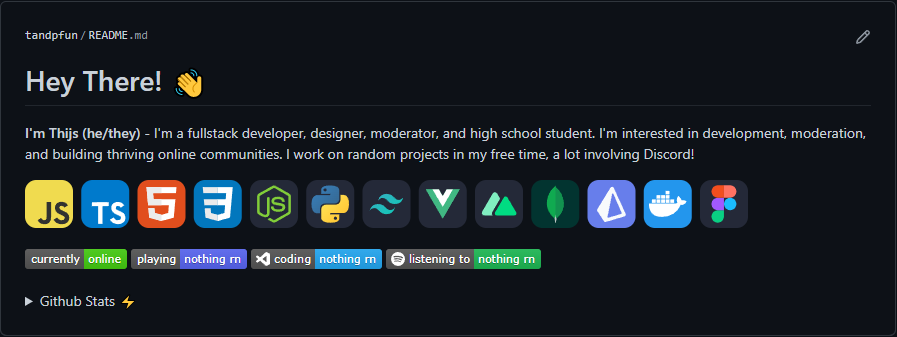
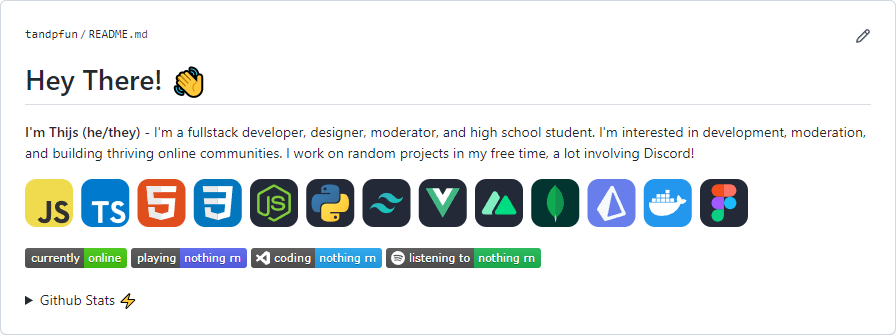
 skill-icons — это бесплатный размещённый сервис, который генерирует ряд SVG-иконок для языков программирования, фреймворков и инструментов, которыми вы пользуетесь, чтобы их можно было встроить в ваш README на GitHub или в резюме.
skill-icons — это бесплатный размещённый сервис, который генерирует ряд SVG-иконок для языков программирования, фреймворков и инструментов, которыми вы пользуетесь, чтобы их можно было встроить в ваш README на GitHub или в резюме.Это инструмент, который нужно установить, или просто изображение для встраивания?Это просто изображение: в README вы добавляете markdown-тег изображения, который ссылается на размещённую SVG-конечную точку. Ничего устанавливать или запускать локально не нужно.
Это просто изображение: в README вы добавляете markdown-тег изображения, который ссылается на размещённую SVG-конечную точку. Ничего устанавливать или запускать локально не нужно.Как добавить иконки в мой README?Скопируйте предоставленный блок кода markdown в свой README и измените параметр запроса `?i=js,html,css` на список ID иконок навыков, которые хотите показать, перечисленных через запятую.
Скопируйте предоставленный блок кода markdown в свой README и измените параметр запроса `?i=js,html,css` на список ID иконок навыков, которые хотите показать, перечисленных через запятую.Как управлять тем, какие иконки показываются и в каком порядке?Перечислите ID иконок через запятую в параметре `i` (например, `?i=js,html,css`). Они отображаются слева направо в том порядке, в котором вы их указали.
Перечислите ID иконок через запятую в параметре `i` (например, `?i=js,html,css`). Они отображаются слева направо в том порядке, в котором вы их указали.Сколько иконок доступно?В README есть таблица из нескольких сотен поддерживаемых ID иконок, от 'ableton' до 'zig', охватывающая языки, фреймворки, облачные платформы, редакторы и многое другое.
В README есть таблица из нескольких сотен поддерживаемых ID иконок, от 'ableton' до 'zig', охватывающая языки, фреймворки, облачные платформы, редакторы и многое другое.Можно ли выровнять иконки по центру в README?Да. Поскольку результат — обычное SVG-изображение, его можно выровнять по центру так же, как любое другое изображение в markdown.
Да. Поскольку результат — обычное SVG-изображение, его можно выровнять по центру так же, как любое другое изображение в markdown.Какие технологии работают за кулисами?Иконки отдаются динамически через Cloudflare Worker, так что вам не нужно разворачивать или поддерживать никакой сервер.
Иконки отдаются динамически через Cloudflare Worker, так что вам не нужно разворачивать или поддерживать никакой сервер.What are similar projects?github-readme-stats, metrics, Badges4-README.md-Profile, beautify-github-profile, tabler-icons, shields, markdown-badges, github-profile-readme-generator
github-readme-stats, metrics, Badges4-README.md-Profile, beautify-github-profile, tabler-icons, shields, markdown-badges, github-profile-readme-generatorWhich topics is it in?badge, github-profile, icon, profile-readme, icon-pack, readme, resume, icons, cloudflare-workers, svg, cloud, markdown
badge, github-profile, icon, profile-readme, icon-pack, readme, resume, icons, cloudflare-workers, svg, cloud, markdown