




Slint is an open-source declarative GUI toolkit for building native user interfaces for embedded systems, desktops, and mobile platforms.
Write your UI once in .slint, a simple markup language. Connect it to business logic written in Rust, C++, JavaScript, or Python.
Why Slint?
The name Slint is derived from our design goals:
- Scalable: Slint should support responsive UI design, allow cross-platform
usage across operating systems and processor architectures and support
multiple programming languages.
- Lightweight: Slint should require minimal resources, in terms of memory
and processing power, and yet deliver a smooth, smartphone-like user
experience on any device.
- Intuitive: Designers and developers should feel productive while enjoying
the GUI design and development process. The design creation tools should be
intuitive to use for the designers. Similarly for the developers, the APIs
should be consistent and easy to use, no matter which programming language
they choose.
- Native: GUI built with Slint should match the end users' expectations of a
native application irrespective of the platform - desktop, mobile, web or
embedded system. The UI design should be compiled to machine code and provide
flexibility that only a native application can offer: Access full operating
system APIs, utilize all CPU and GPU cores, connect to any peripheral.
Beyond the design goals, here’s what makes Slint stand out:
- Independent UI Design: Use a declarative language to separate your UI from business logic. Designers can work in parallel with developers.
- Tooling: Iterate quickly with our Live Preview & editor integrations. Integrate from Figma with the Figma to Slint plugin.
- Stable APIs: Slint follows a stable 1.x API. We evolve carefully without breaking your code.
See what others have built: #MadeWithSlint
Examples
Embedded
Desktop
Web using WebAssembly
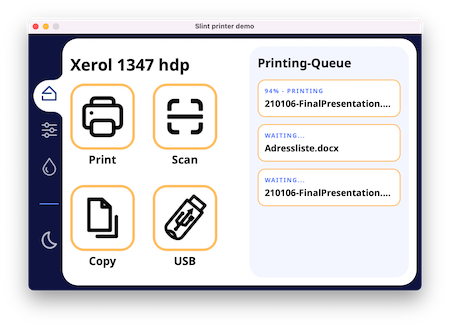
| Printer Demo |
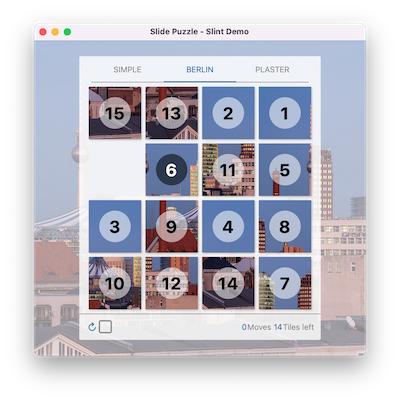
Slide Puzzle |
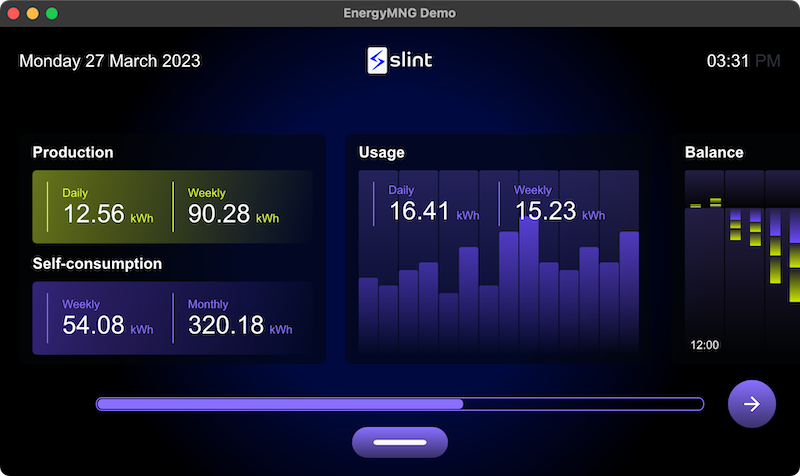
Energy Monitor |
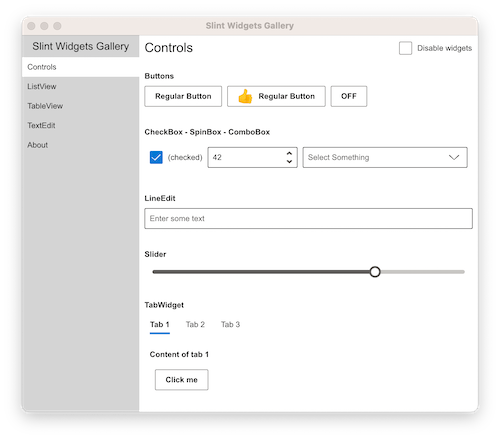
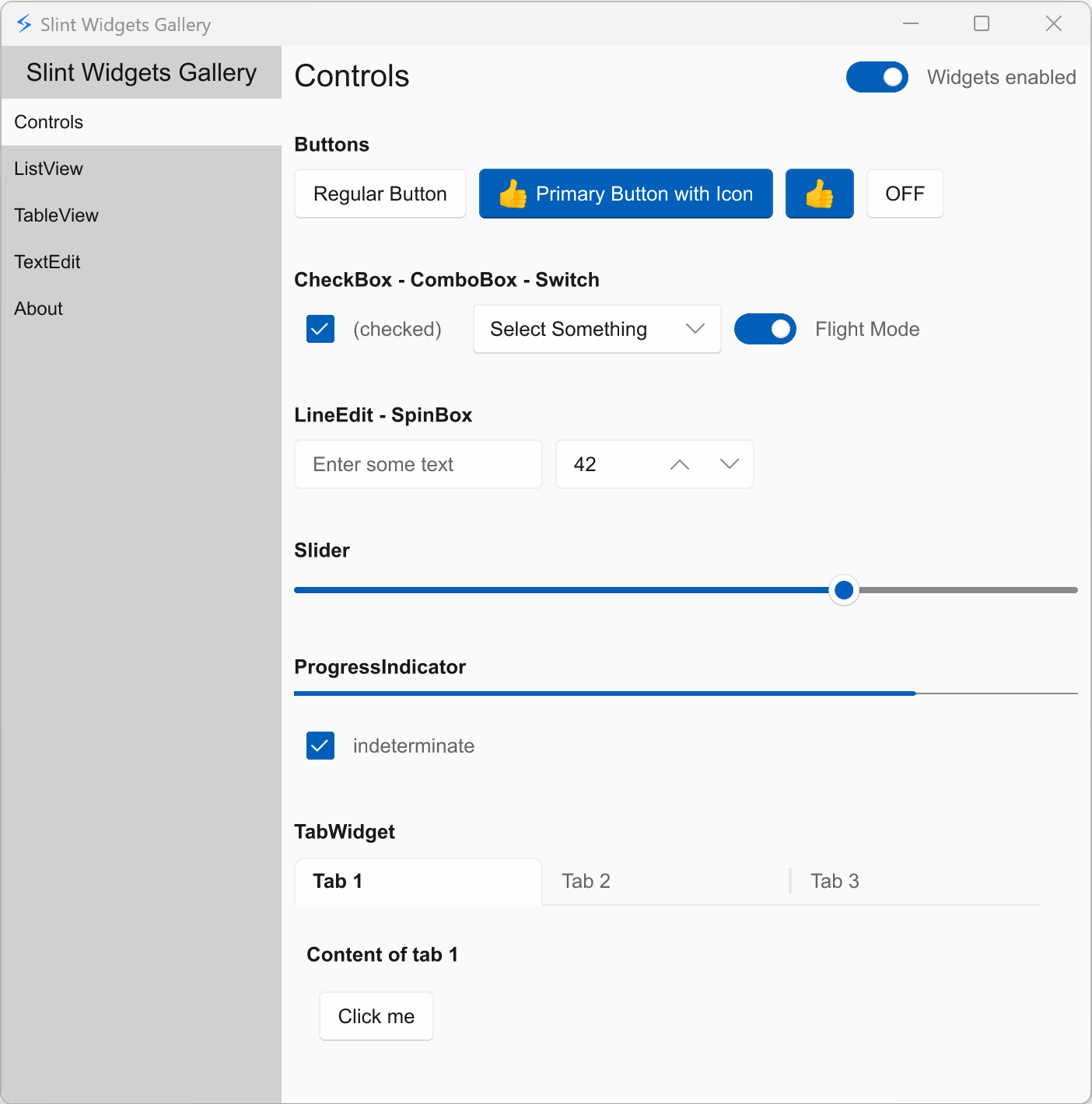
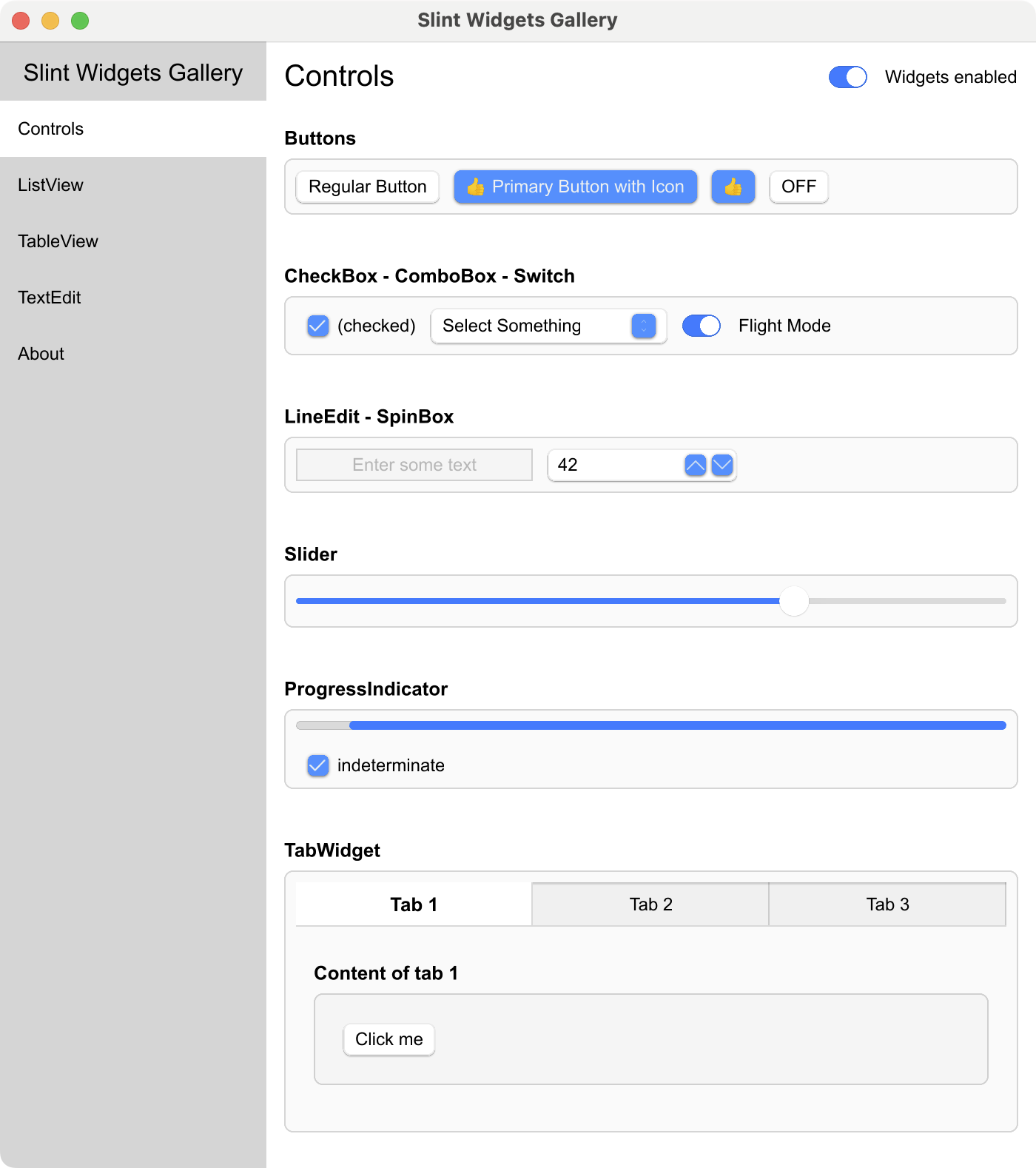
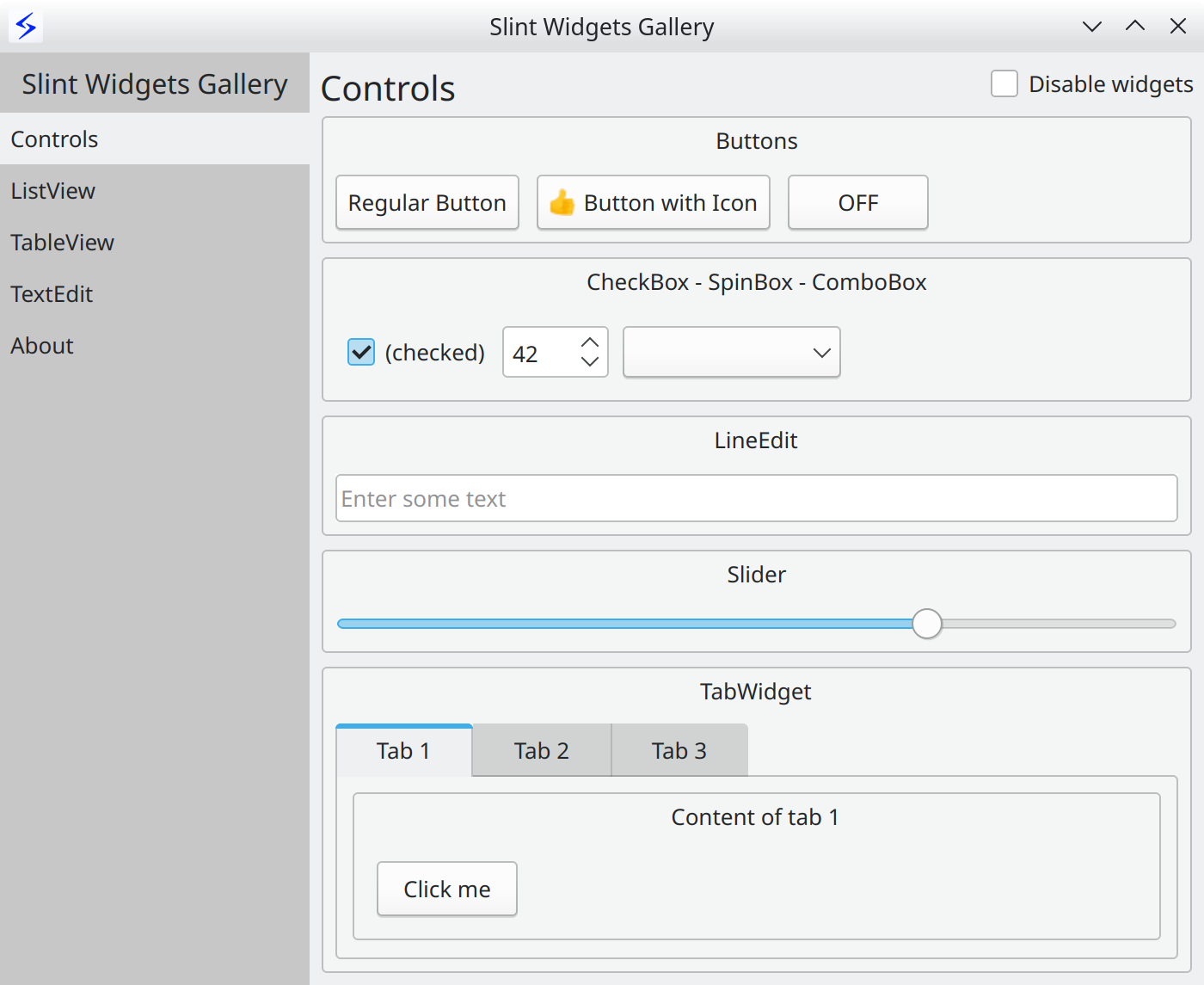
Widget Gallery |
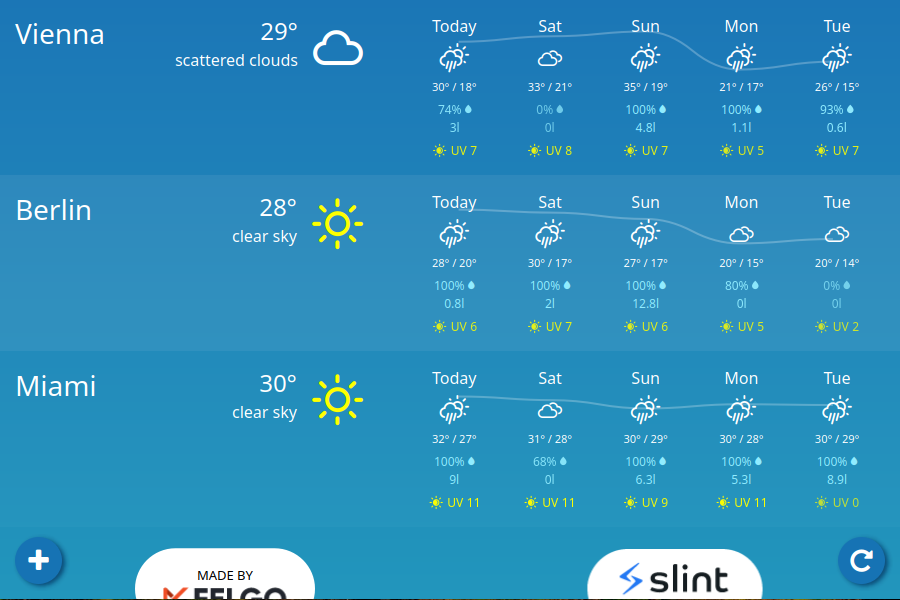
Weather demo |
 |
 |
 |
 |
 |
More examples and demos in the examples folder
Get Started
Hello World
The UI is defined in a Domain Specific Language that is declarative, easy to use,
intuitive, and provides a powerful way to describe graphical elements, their
placement, their hierarchy, property bindings, and the flow of data through the
different states.
Here's the obligatory "Hello World":
export component HelloWorld inherits Window {
    width: 400px;
    height: 400px;

    Text {
       y: parent.width / 2;
       x: parent.x + 200px;
       text: "Hello, world";
       color: blue;
    }
}
Documentation
For more details, check out the Slint Documentation.
The examples folder contains examples and demos, showing how to
use the Slint markup language and how to interact with a Slint user interface
from supported programming languages.
The docs folder contains a lot more information, including
build instructions, and
internal developer docs.
Refer to the README of each language directory in the api folder:
Architecture
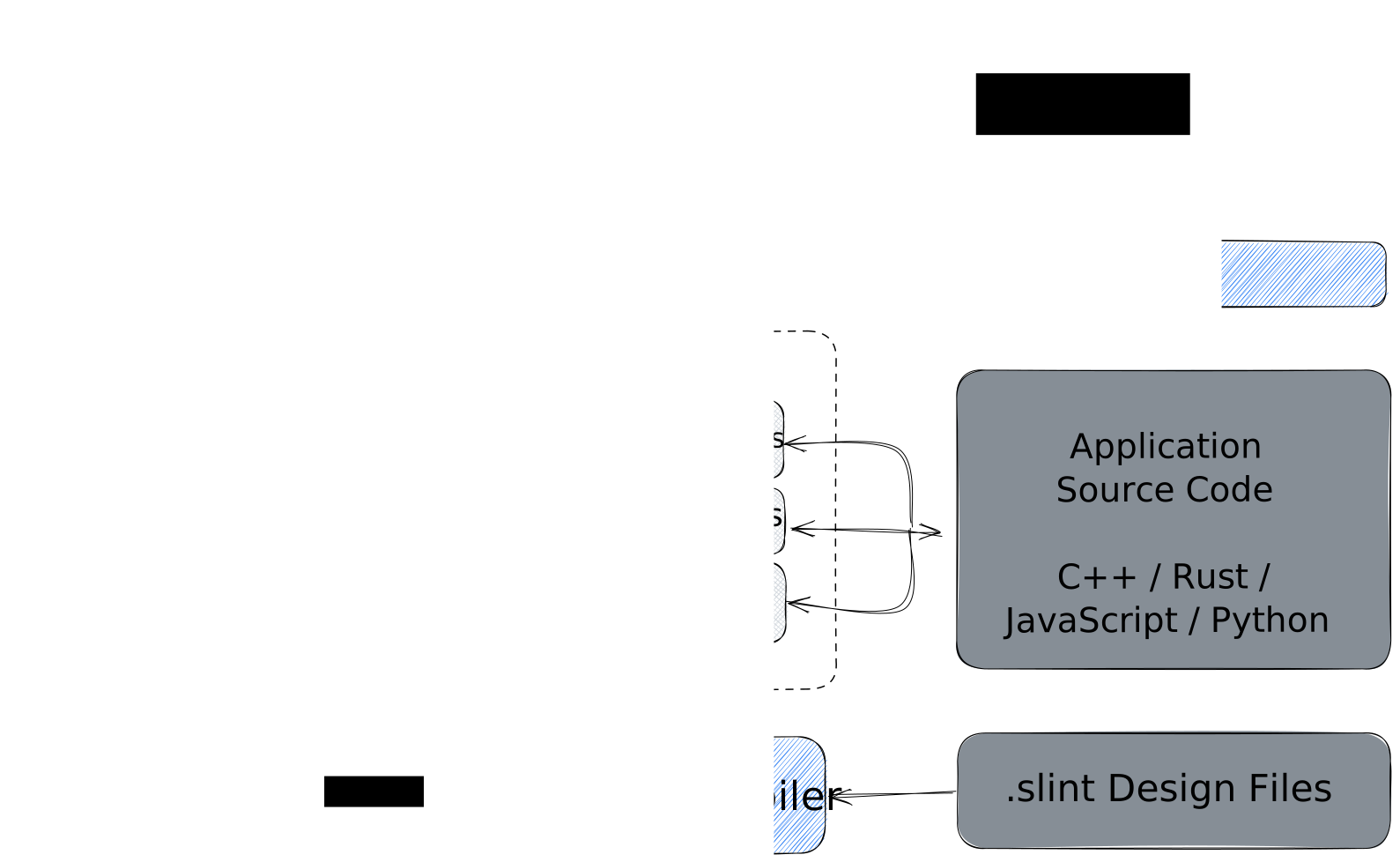
An application is composed of the business logic written in Rust, C++, Python, or
JavaScript and the .slint user interface design markup, which is compiled to
native code.
Compiler
The .slint files are compiled ahead of time. The expressions in the .slint
are pure functions that the compiler can optimize. For example, the compiler
could choose to "inline" properties and remove those that are constant or
unchanged.
The compiler uses the typical compiler phases of lexing, parsing, optimization,
and finally code generation. It provides different back-ends for code generation
in the target language. The C++ code generator produces a C++ header file, the
Rust generator produces Rust code, and so on. An interpreter for dynamic
languages is also included.
Runtime
The runtime library consists of an engine that supports properties declared in
the .slint language. Components with their elements, items, and properties are
laid out in a single memory region, to reduce memory allocations.
Rendering backends and styles are configurable at compile time:
- The
femtovg renderer uses OpenGL ES 2.0 for rendering.
- The
skia renderer uses Skia for rendering.
- The
software renderer uses the CPU with no additional dependencies.
NOTE: When Qt is installed on the system, the qt style becomes available,
using Qt's QStyle to achieve native looking widgets.
We have a few tools to help with the development of .slint files:
- A LSP Server that adds features like auto-complete and live
preview of the .slint files to many editors.
- It is bundled in a Visual Studio Code Extension
available from the market place.
- A slint-viewer tool which displays the .slint files. The
--auto-reload argument makes it easy to preview your UI while you are
working on it (when using the LSP preview is not possible).
- SlintPad, an online editor to try out .slint syntax
without installing anything (sources).
- A Figma to Slint plugin.
Please check our Editors README for tips on how to
configure your favorite editor to work well with Slint.
License
See LICENSE.md for the licensing terms of the whole repository, including documentation and examples.
You can use Slint under any of the following licenses, at your choice:
- Build proprietary desktop, mobile, or web applications for free with the Royalty-free License,
- Build open source embedded, desktop, mobile, or web applications for free with the GNU GPLv3,
- Build proprietary embedded, desktop, mobile, or web applications with the Commercial license.
See the Slint licensing options on the website and the Licensing FAQ.
Contributions
We welcome your contributions: in the form of code, bug reports or feedback.
For contribution guidelines see CONTRIBUTING.md.
Frequently Asked Questions
Please see our separate FAQ.
About us (SixtyFPS GmbH)
We are passionate about software - API design, cross-platform software
development and user interface components. Our aim is to make developing user
interfaces fun for everyone: from Python, JavaScript, C++, or Rust developers all the
way to UI/UX designers. We believe that software grows organically and keeping
it open source is the best way to sustain that growth. Our team members are
located remotely in Germany, Finland, and US.
Stay up to date
Feel free to join Github discussions
for general chat or questions. Use Github issues
to report public suggestions or bugs.
We chat in our Mattermost instance where you are
welcome to listen in or ask your questions.
You can of course also contact us privately via email to [email protected].




 Slint 是一个开源的声明式 GUI 工具包,用于构建可在嵌入式系统、桌面、移动端和网页上运行的原生用户界面,业务逻辑可以用 Rust、C++、JavaScript 或 Python 编写。