












What is this?
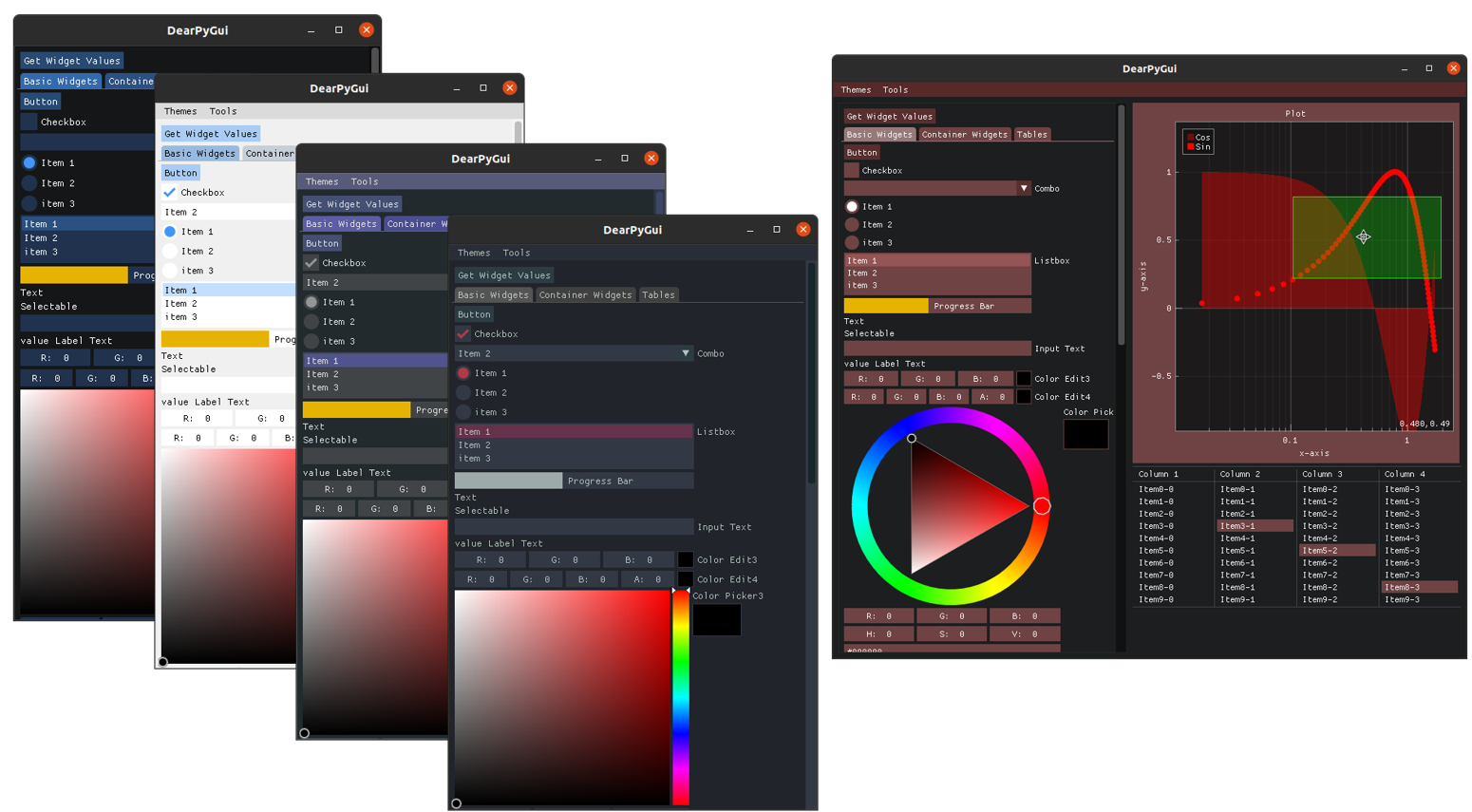
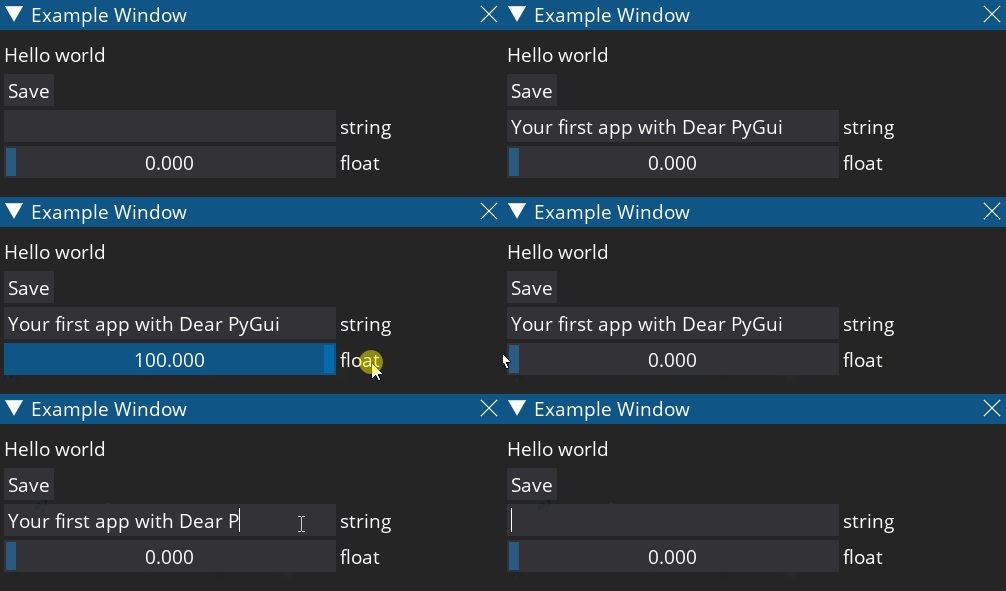
 Dear PyGui is a fast and powerful GUI toolkit for Python: you write Python code and get native desktop windows with widgets, plots and a node editor. A built-in demo app showcases all of it.
Dear PyGui is a fast and powerful GUI toolkit for Python: you write Python code and get native desktop windows with widgets, plots and a node editor. A built-in demo app showcases all of it.Is it a library I import into my Python scripts, or a separate app?It is a Python library — you install it into your Python environment and import it from your own script to build the GUI. The only separate app is the built-in demo, which exists to show off the toolkit.
It is a Python library — you install it into your Python environment and import it from your own script to build the GUI. The only separate app is the built-in demo, which exists to show off the toolkit.How do I get it running?Make sure you have 64-bit Python 3.8 or newer, then install the dearpygui package (pip install dearpygui), import it in your script, and run the built-in demo to see everything in action.
Make sure you have 64-bit Python 3.8 or newer, then install the dearpygui package (pip install dearpygui), import it in your script, and run the built-in demo to see everything in action.Do I need anything besides Python to use it?Just 64-bit Python 3.8+ — dependencies are minimal. Performance comes from the C/C++ core and GPU-based rendering rather than extra packages.
Just 64-bit Python 3.8+ — dependencies are minimal. Performance comes from the C/C++ core and GPU-based rendering rather than extra packages.Which platforms does it run on?Windows 10 (DirectX 11), macOS (Metal), Linux (OpenGL 3) and Raspberry Pi 4 (OpenGL ES) are officially supported.
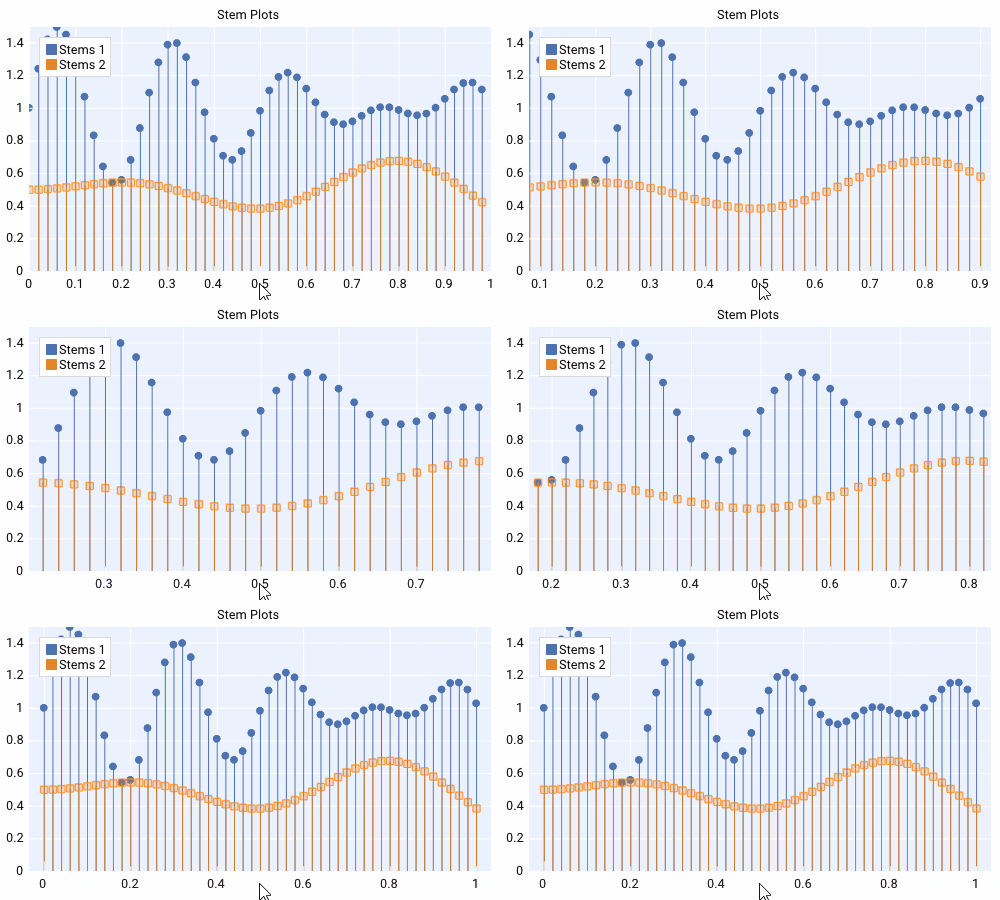
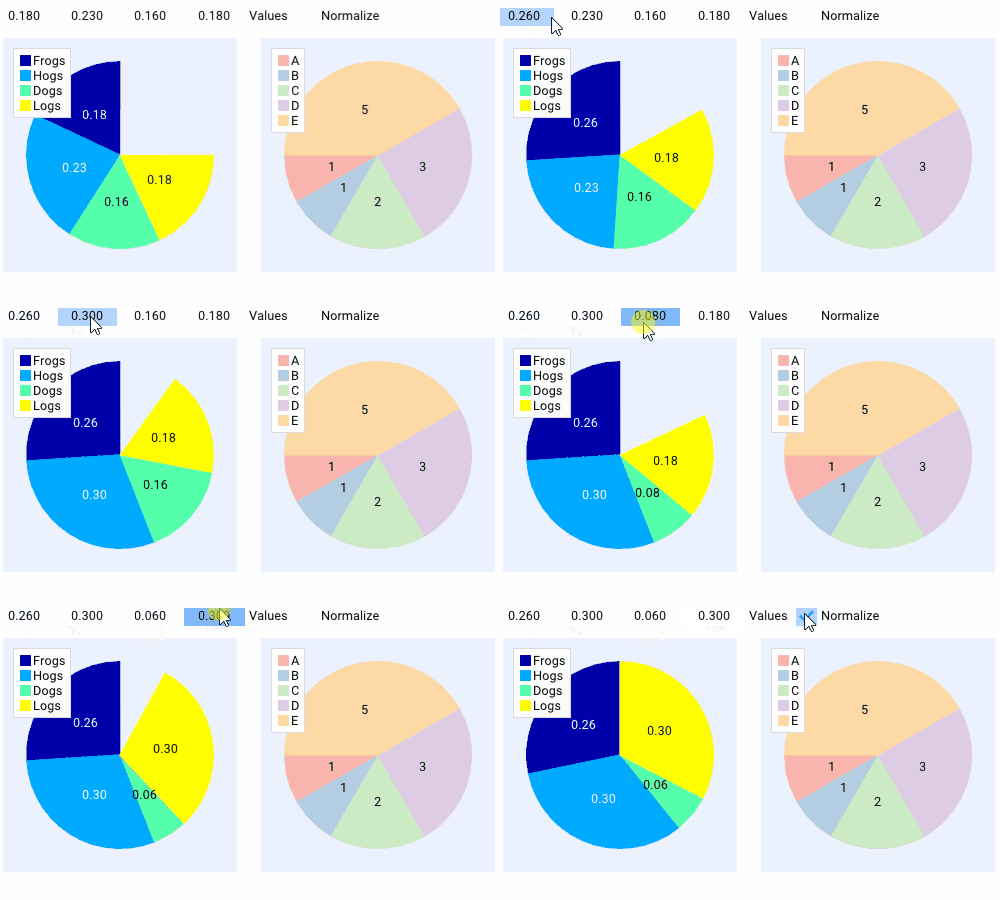
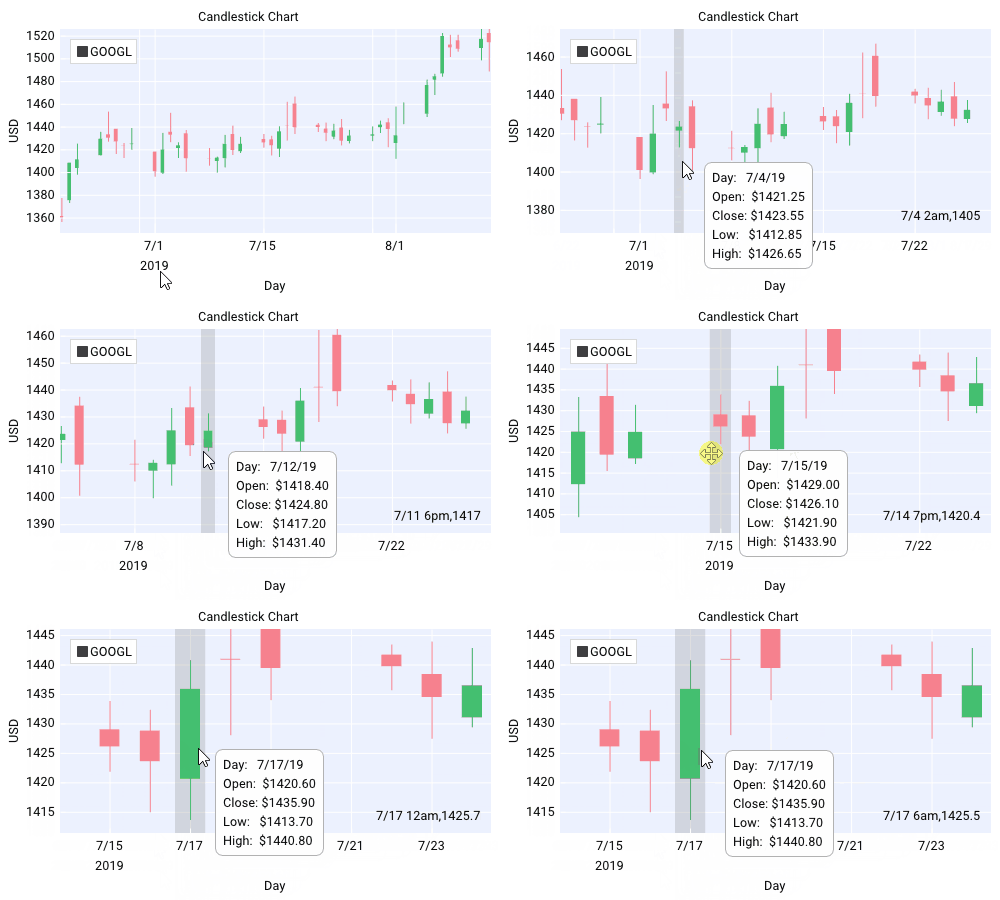
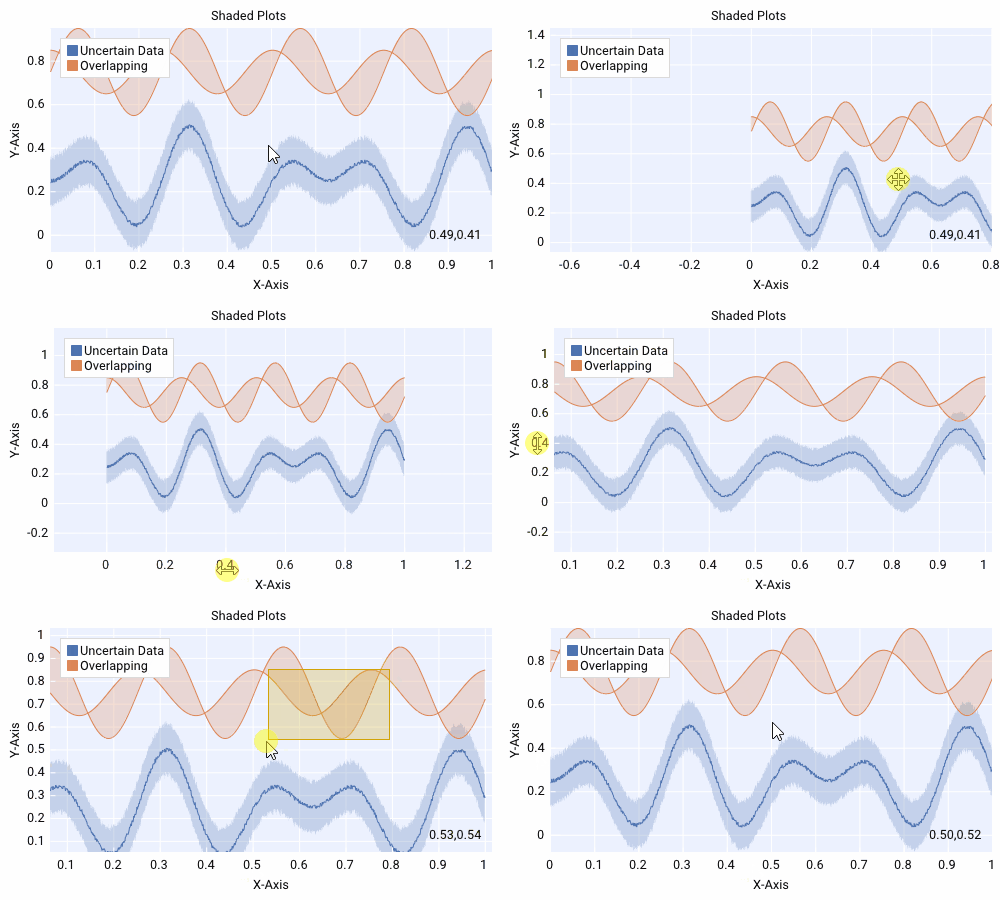
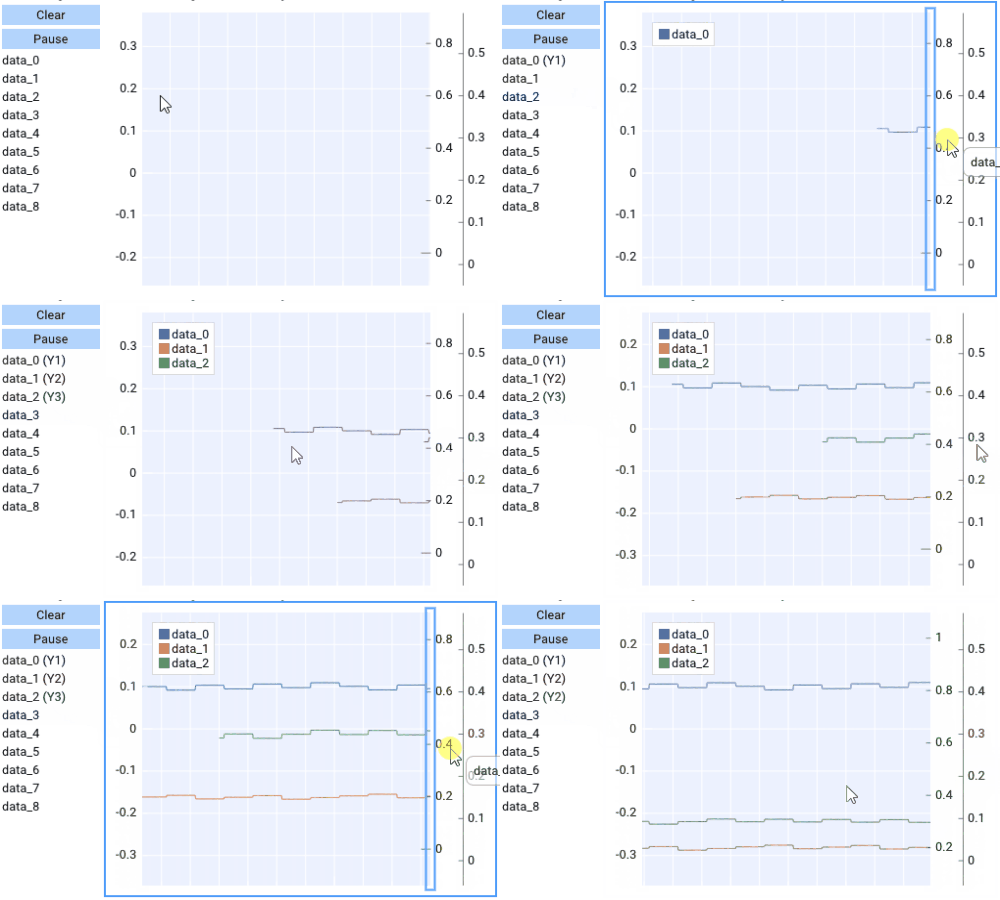
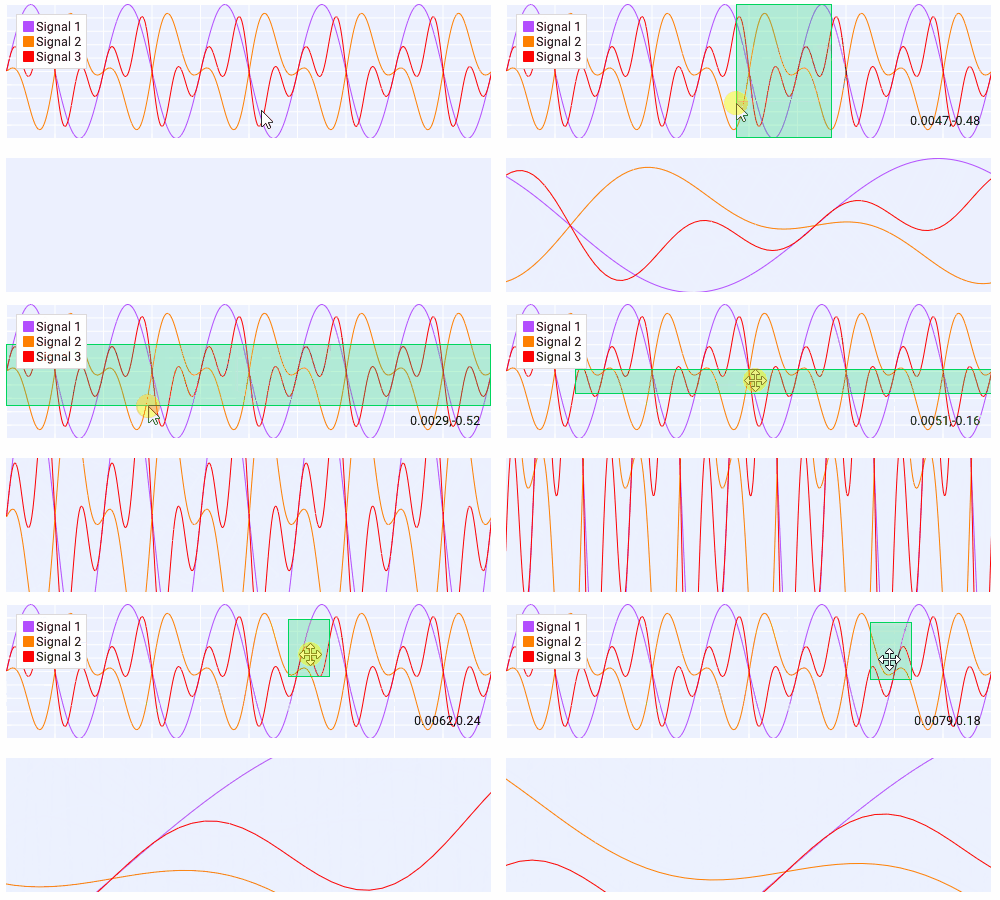
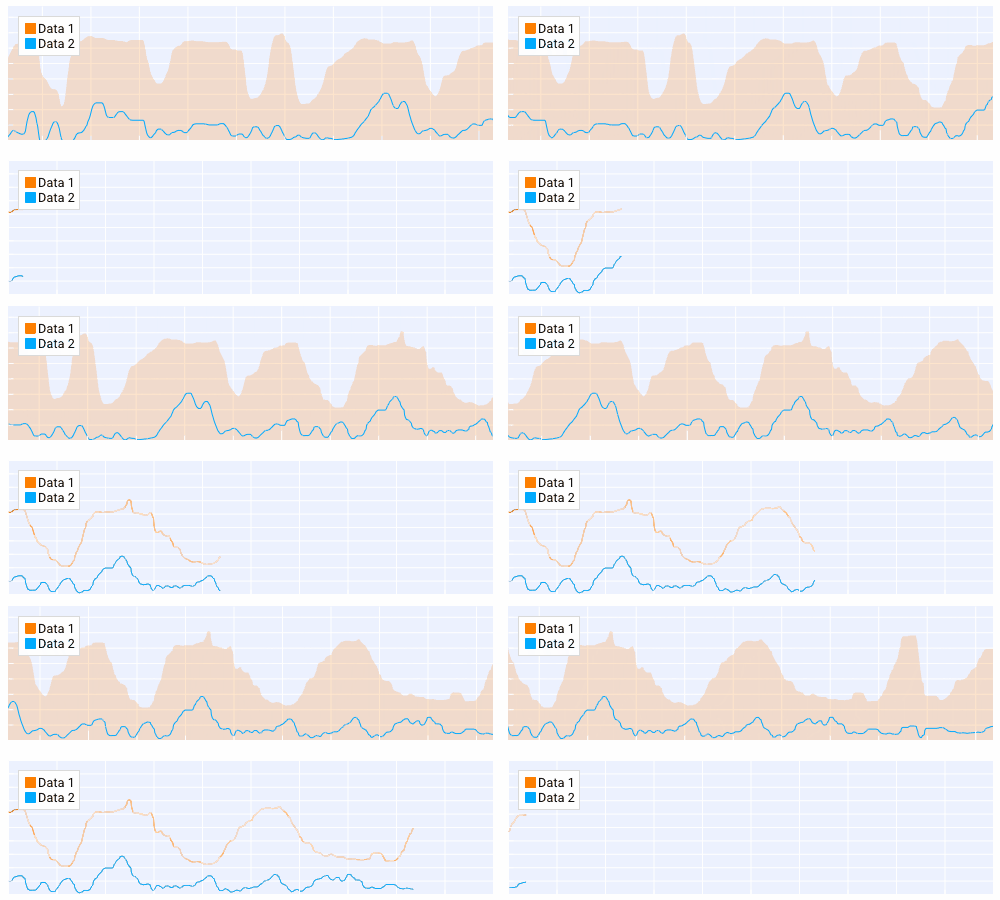
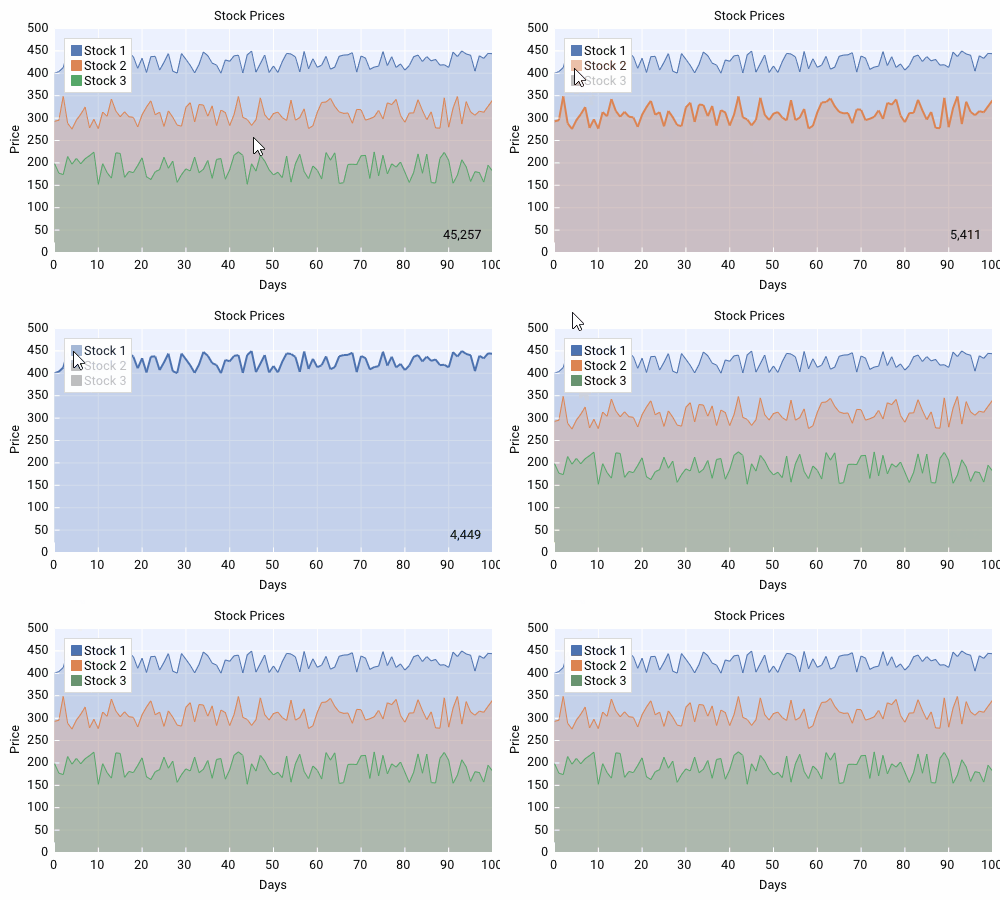
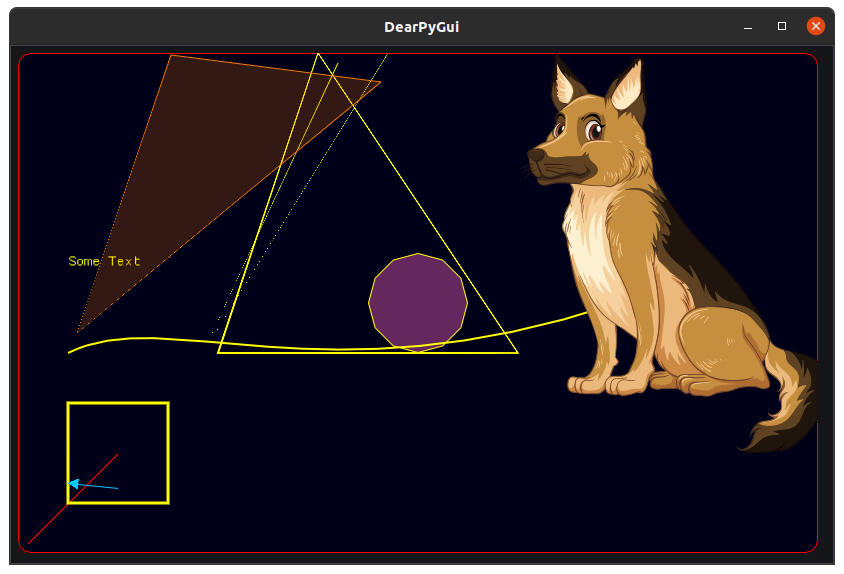
Windows 10 (DirectX 11), macOS (Metal), Linux (OpenGL 3) and Raspberry Pi 4 (OpenGL ES) are officially supported.What can it do out of the box?Complete theme and style control, GPU-rendered graphs that display over a million datapoints at 60 fps with zoom and pan, a node editor, a canvas drawing API for custom drawings, plots and even 2D games, asynchronous function support, and developer tools: theme and resource inspection, runtime metrics and a debugger.
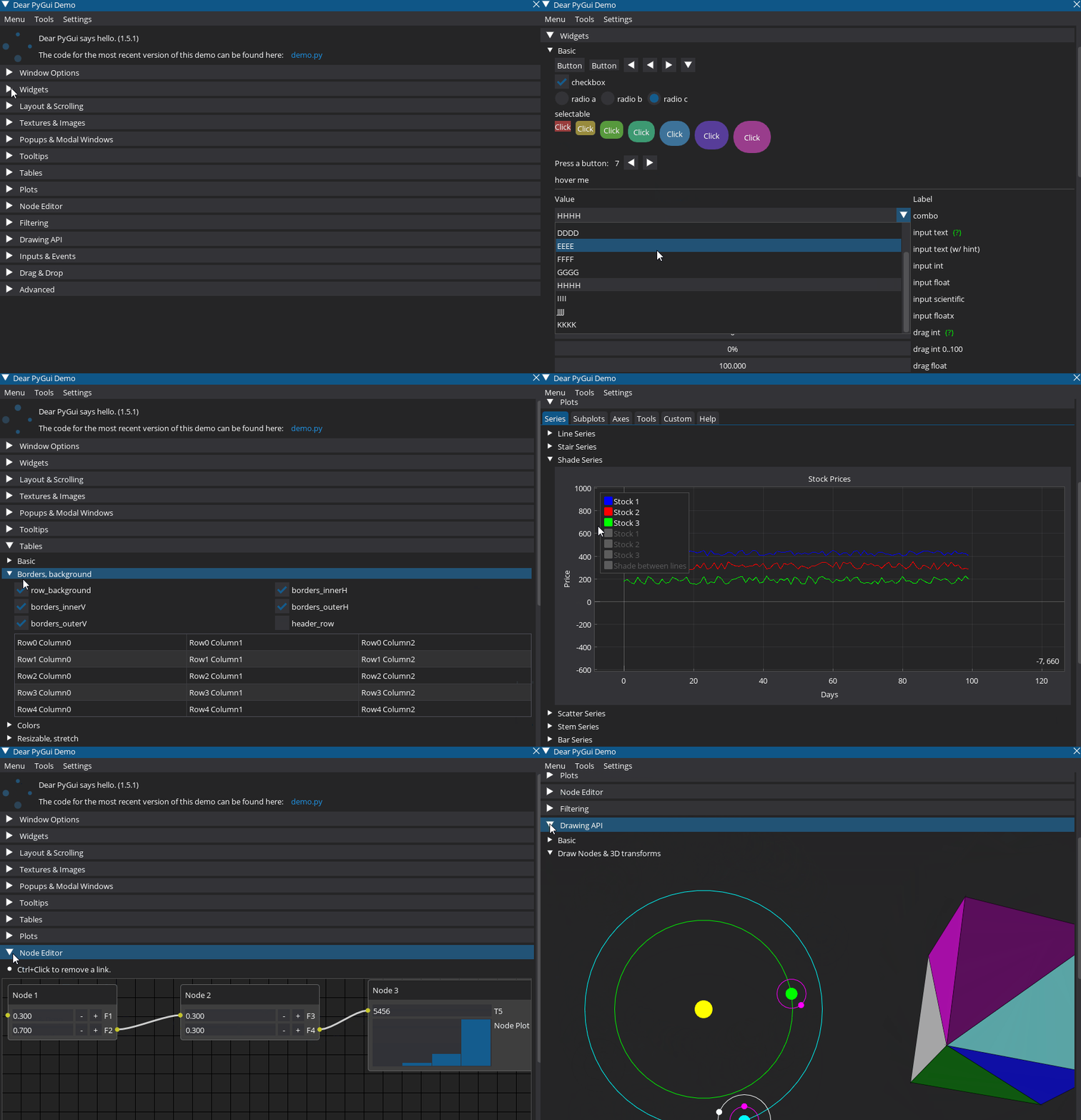
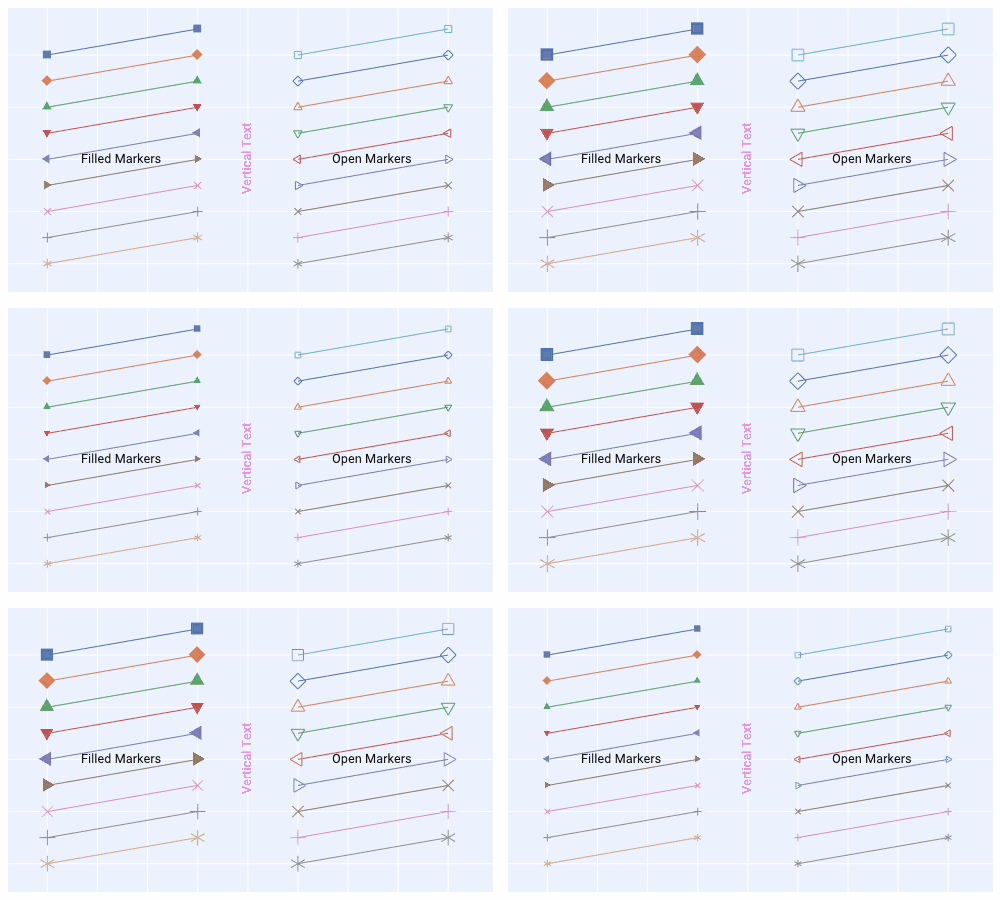
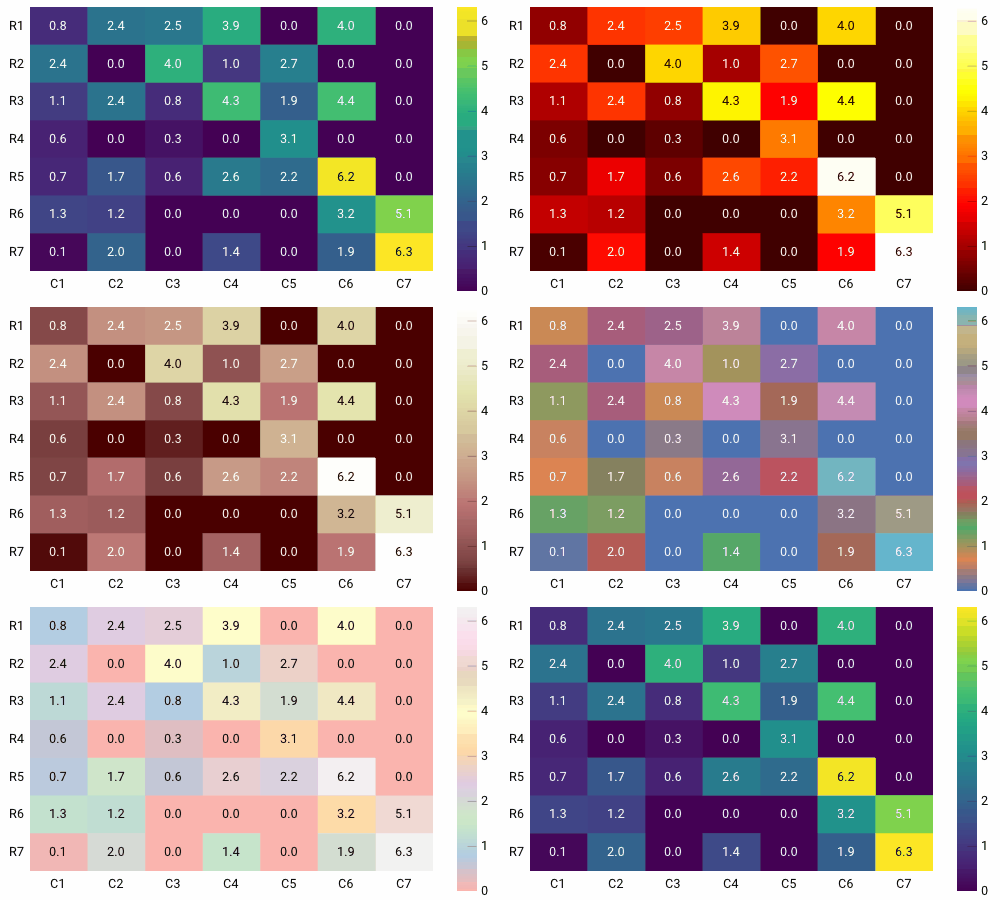
Complete theme and style control, GPU-rendered graphs that display over a million datapoints at 60 fps with zoom and pan, a node editor, a canvas drawing API for custom drawings, plots and even 2D games, asynchronous function support, and developer tools: theme and resource inspection, runtime metrics and a debugger.Is there an easy way to learn it?Yes — the built-in demo shows all of Dear PyGui's functionality, and since the demo's Python source can be inspected, you can borrow its code for your own apps. The README also links docs, tutorials, a FAQ, best-practice snippets and showcase apps with source code.
Yes — the built-in demo shows all of Dear PyGui's functionality, and since the demo's Python source can be inspected, you can borrow its code for your own apps. The README also links docs, tutorials, a FAQ, best-practice snippets and showcase apps with source code.Why did the authors build it?Dear ImGui gave game developers a simple way to create tools, and the authors wanted the same for Python: quick, powerful GUIs for scripts. It is developed by Jonathan Hoffstadt and Preston Cothren as a full-time endeavor funded by users and sponsors.
Dear ImGui gave game developers a simple way to create tools, and the authors wanted the same for Python: quick, powerful GUIs for scripts. It is developed by Jonathan Hoffstadt and Preston Cothren as a full-time endeavor funded by users and sponsors.