
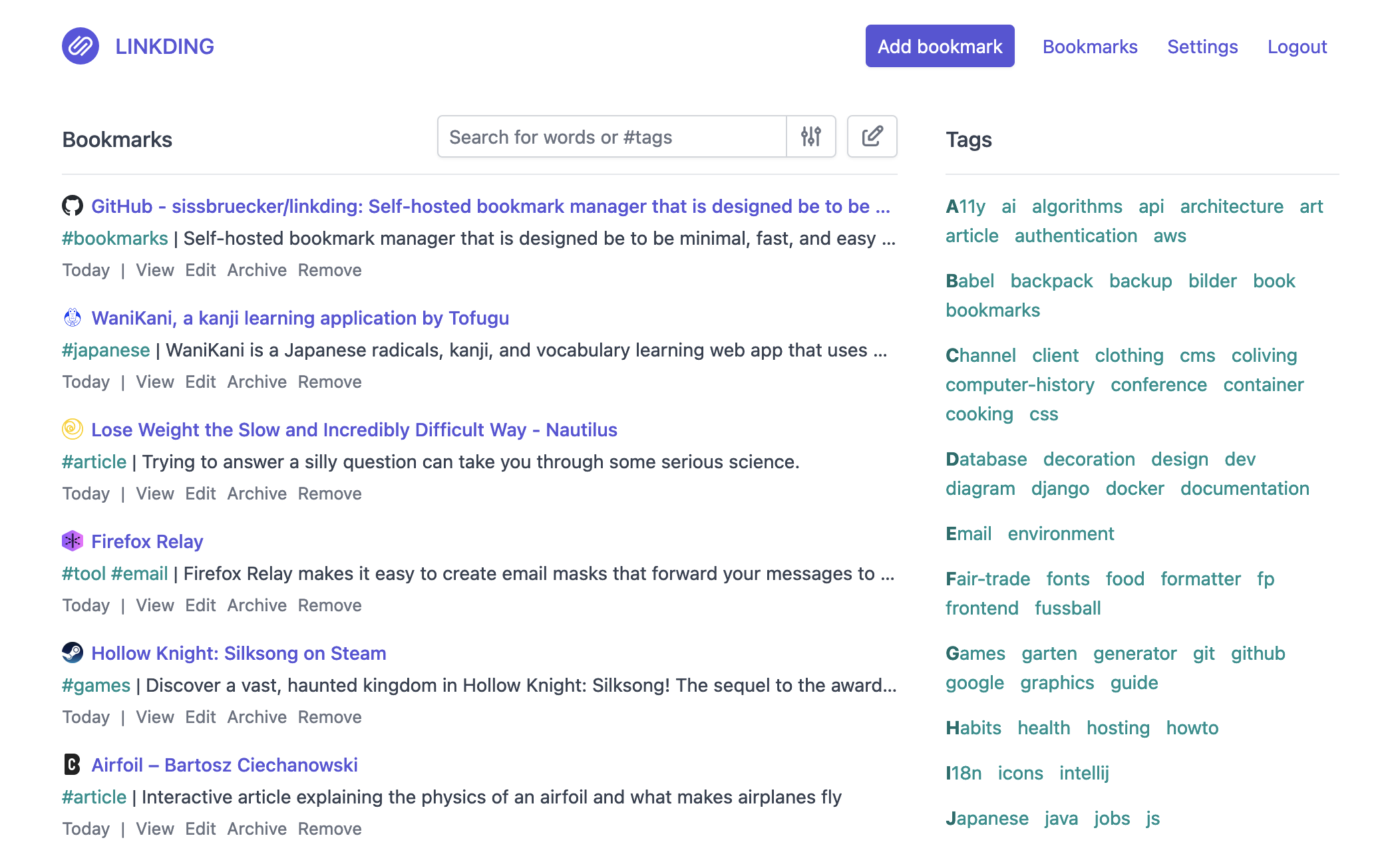

这是什么?
 linkding 是一款自托管的书签管理器,设计简洁、速度快,而且用 Docker 就能快速搭建。这样你就能完全掌控自己的书签,不必依赖第三方服务。
linkding 是一款自托管的书签管理器,设计简洁、速度快,而且用 Docker 就能快速搭建。这样你就能完全掌控自己的书签,不必依赖第三方服务。这是我要自己运行的网页应用,还是装在设备上的软件?它是一个基于 Django 构建的自托管网页应用,运行在你自己的服务器上。Firefox/Chrome 扩展程序和书签小工具只是轻量的客户端,负责把书签发送到这个应用里。
它是一个基于 Django 构建的自托管网页应用,运行在你自己的服务器上。Firefox/Chrome 扩展程序和书签小工具只是轻量的客户端,负责把书签发送到这个应用里。我该怎样让它运行起来?你可以在自己的服务器上用 Docker 部署 linkding(或使用托管服务),然后根据需要安装对应的浏览器扩展程序,直接从 Firefox 或 Chrome 保存书签。
你可以在自己的服务器上用 Docker 部署 linkding(或使用托管服务),然后根据需要安装对应的浏览器扩展程序,直接从 Firefox 或 Chrome 保存书签。除了 Docker,运行它还需要别的东西吗?日常使用的话,服务器上有 Docker(或 Docker Compose)就够了。如果要自己从源码构建,则需要 Python 3.13、uv 和 Node.js。
日常使用的话,服务器上有 Docker(或 Docker Compose)就够了。如果要自己从源码构建,则需要 Python 3.13、uv 和 Node.js。我的书签数据究竟存放在哪里?由于 linkding 是自托管的,你所有的书签、标签和存档页面都保存在运行它的服务器上,而不是第三方云端。
由于 linkding 是自托管的,你所有的书签、标签和存档页面都保存在运行它的服务器上,而不是第三方云端。链接失效时,它能保存网页的可用副本吗?可以。linkding 能自动归档已收藏的网页,既可以保存为本地 HTML 文件,也可以提交到 Internet Archive。
可以。linkding 能自动归档已收藏的网页,既可以保存为本地 HTML 文件,也可以提交到 Internet Archive。我保存网址时,标题和图标会怎样?linkding 会自动为你获取并保存每个收藏网站的标题、描述和网站图标。
linkding 会自动为你获取并保存每个收藏网站的标题、描述和网站图标。别人能看到或使用我的书签吗?你可以把单个书签分享给其他用户或访客。应用还支持通过 OIDC 或身份验证代理实现单点登录(SSO),用于访问控制。
你可以把单个书签分享给其他用户或访客。应用还支持通过 OIDC 或身份验证代理实现单点登录(SSO),用于访问控制。我能从其他书签管理器导入书签吗?可以。linkding 支持以 Netscape HTML 格式导入和导出书签,这是大多数浏览器和书签工具通用的标准格式。
可以。linkding 支持以 Netscape HTML 格式导入和导出书签,这是大多数浏览器和书签工具通用的标准格式。What are similar projects?karakeep, omnivore, edgeever, docs, memos, ArchiveBox, planka, linkwarden
karakeep, omnivore, edgeever, docs, memos, ArchiveBox, planka, linkwardenWhich topics is it in?bookmarks, progressive-web-app, django, admin, oidc, firefox-extension, pwa, note-taking, chrome-extension, browser-extension, docker-compose, rest-api
bookmarks, progressive-web-app, django, admin, oidc, firefox-extension, pwa, note-taking, chrome-extension, browser-extension, docker-compose, rest-api