






What is this?
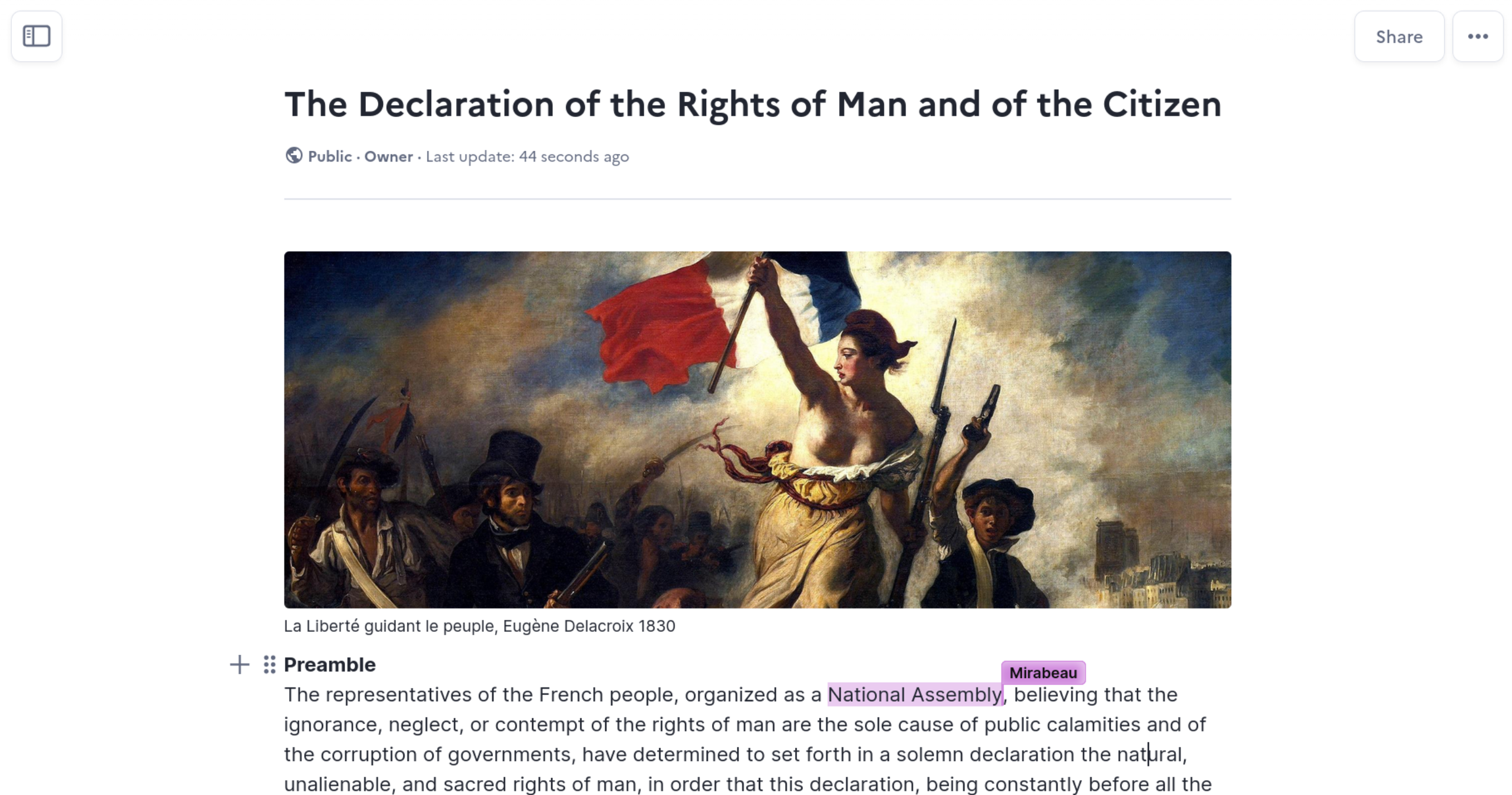
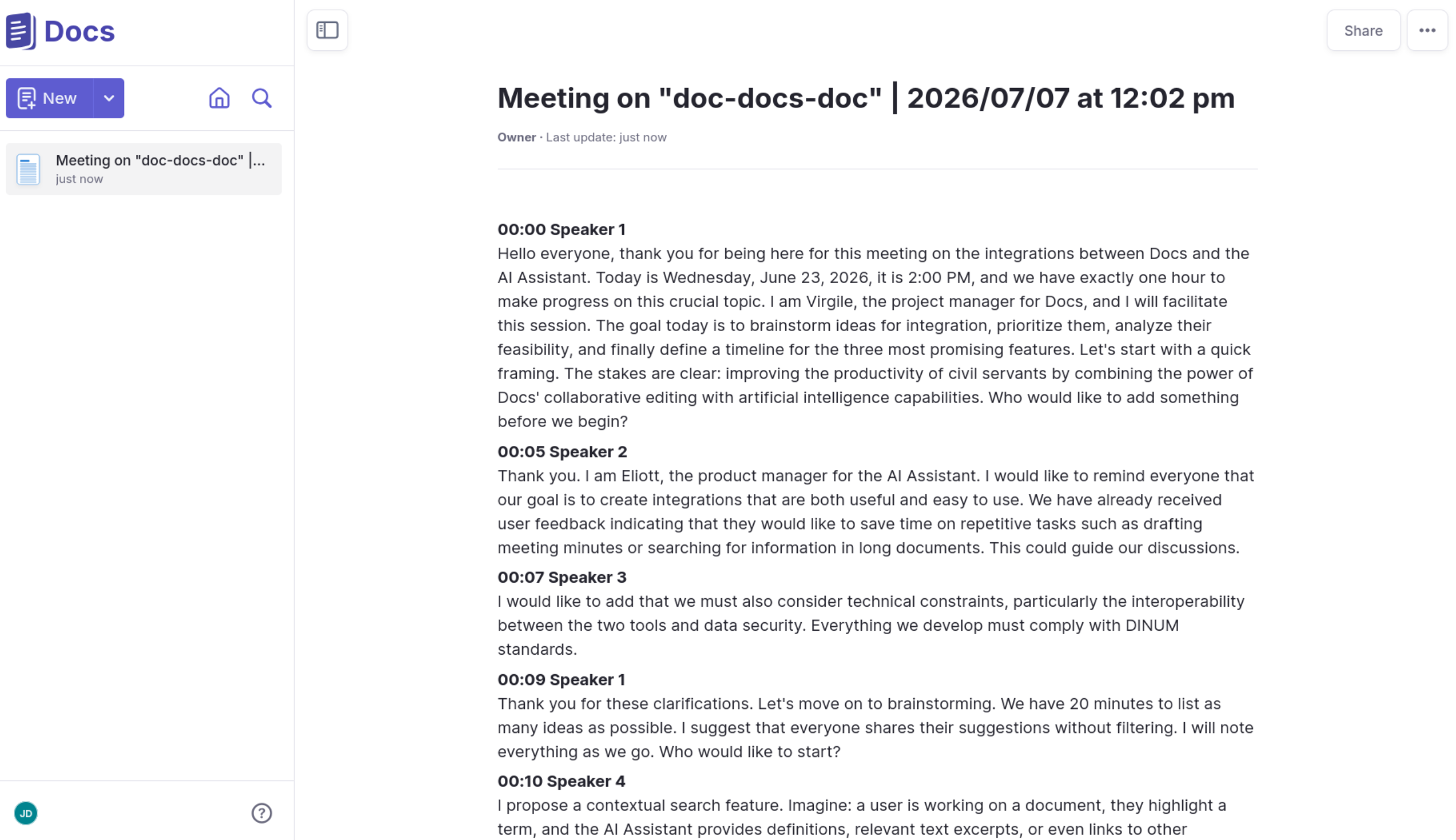
 Docs is an open-source collaborative text editor - a self-hostable alternative to Notion or Google Docs, built on Django and React. Teams write, organize and share documents together in real time.
Docs is an open-source collaborative text editor - a self-hostable alternative to Notion or Google Docs, built on Django and React. Teams write, organize and share documents together in real time.Is this a hosted service like Notion, or do I run it on my own server?Both options exist: public instances and a live demo let you try it with no install, but the project is built for self-hosting so you keep full ownership of your data.
Both options exist: public instances and a live demo let you try it with no install, but the project is built for self-hosting so you keep full ownership of your data.How do I self-host it?Docker Compose or Kubernetes via the installation guide, plus community methods like Nix and YunoHost. For development, Docker with Docker Compose and GNU Make bootstrap the whole stack.
Docker Compose or Kubernetes via the installation guide, plus community methods like Nix and YunoHost. For development, Docker with Docker Compose and GNU Make bootstrap the whole stack.What does the machine it runs on need?Docker, Docker Compose and GNU Make. The dev setup uses Minio as an S3-compatible storage backend, and any S3-compatible service works in its place.
Docker, Docker Compose and GNU Make. The dev setup uses Minio as an S3-compatible storage backend, and any S3-compatible service works in its place.Is the license fully open, or is there a catch?The core is MIT, but Export as PDF and some advanced features rely on BlockNote XL packages licensed under GPL, which is not MIT-compatible. You can build an image without those packages to stay fully MIT.
The core is MIT, but Export as PDF and some advanced features rely on BlockNote XL packages licensed under GPL, which is not MIT-compatible. You can build an image without those packages to stay fully MIT.Who is Docs built for?Public organizations, companies and open communities, per the README. It ships as part of La Suite, a French public-sector software suite, and the repo carries government and g2g topics - but nothing limits it to government use.
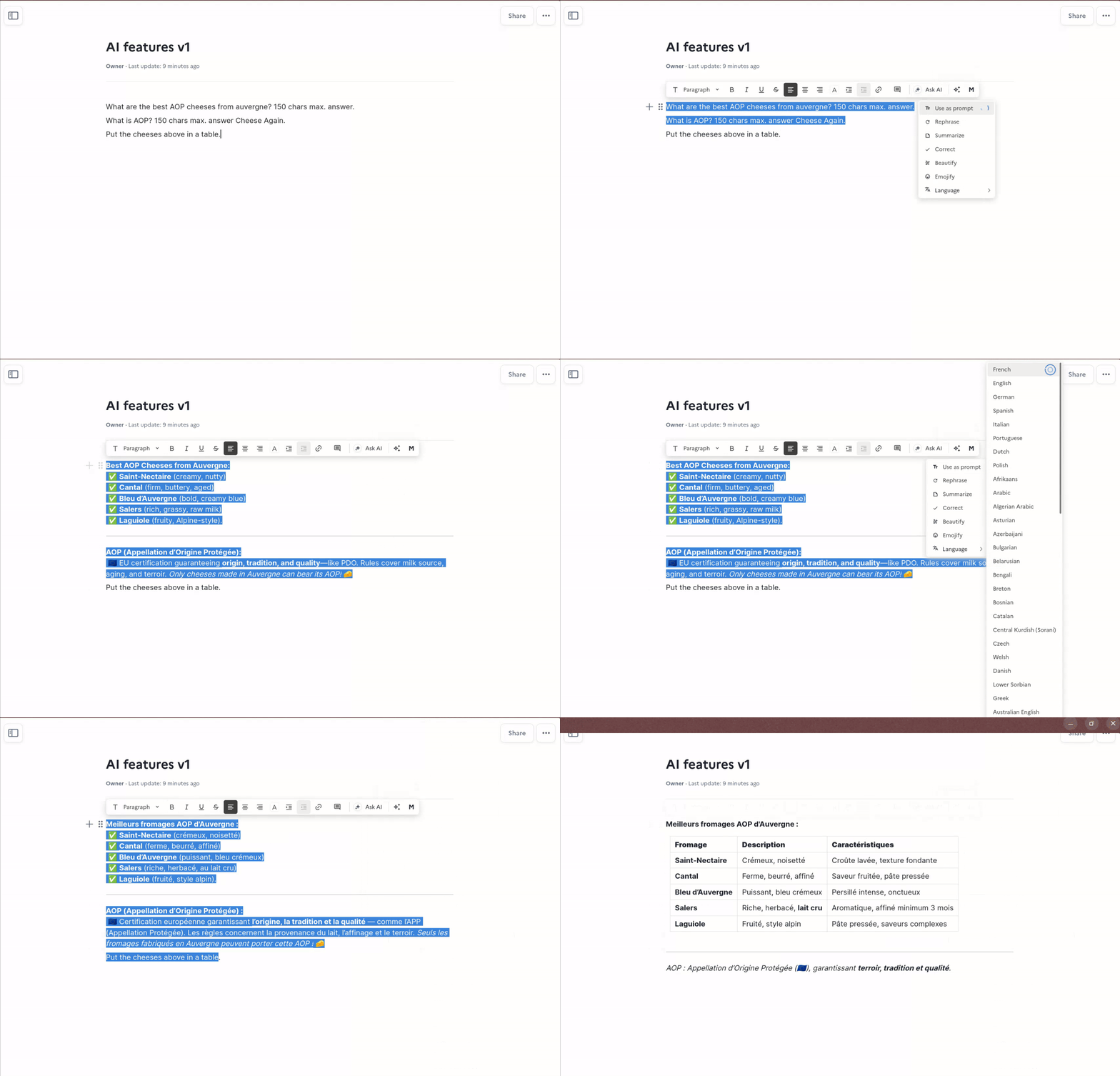
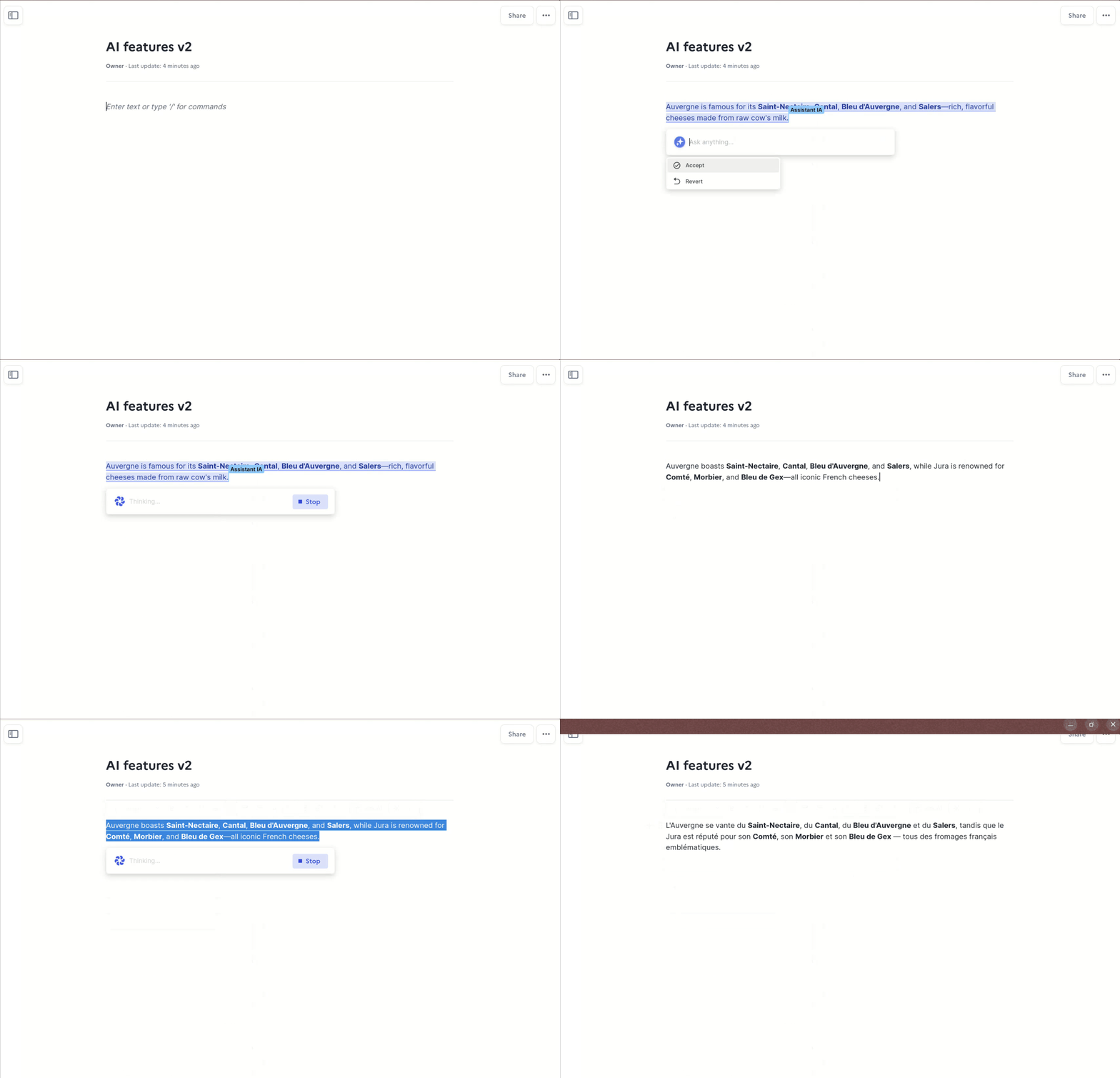
Public organizations, companies and open communities, per the README. It ships as part of La Suite, a French public-sector software suite, and the repo carries government and g2g topics - but nothing limits it to government use.What is BlockNote?The open-source React block editor Docs is built on - the repo even lists blocknotejs among its topics. Docs uses its block system in the editor, and BlockNote's AI integration powers the V2 beta toolbar and cursor.
The open-source React block editor Docs is built on - the repo even lists blocknotejs among its topics. Docs uses its block system in the editor, and BlockNote's AI integration powers the V2 beta toolbar and cursor.How mature is the project?Young but widely adopted: the repository appeared in January 2024 and has about 16,900 GitHub stars. Docker image publishing is automated in CI, and the project is actively developed - not archived.
Young but widely adopted: the repository appeared in January 2024 and has about 16,900 GitHub stars. Docker image publishing is automated in CI, and the project is actively developed - not archived.What are similar projects?docmost, oxynote, AFFiNE, outline, OpenLore, showdoc, TREK, open-knowledge
docmost, oxynote, AFFiNE, outline, OpenLore, showdoc, TREK, open-knowledgeWhich topics is it in?notion-alternative, knowledge, wysiwyg-editor, access-control, rich-text-editor, django, wiki, opensource, mit-license, text-editor, reactjs, knowledge-management
notion-alternative, knowledge, wysiwyg-editor, access-control, rich-text-editor, django, wiki, opensource, mit-license, text-editor, reactjs, knowledge-management